

Discord
About Discord
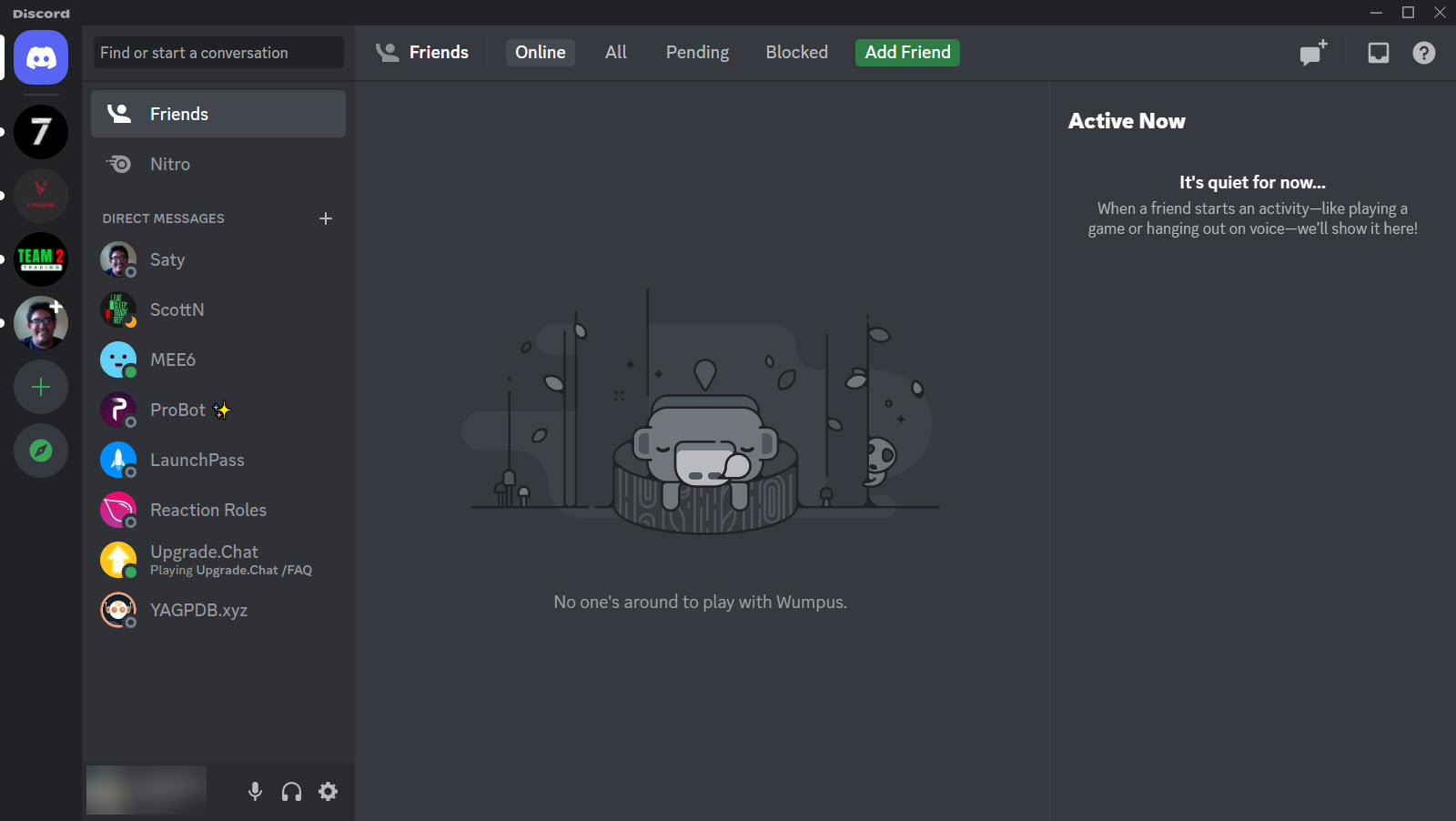
Discord is a communication app built around communities, voice chat, and text channels all living in one place. You join or create a server, which is a private space for a group, and inside it you talk through organized text channels and drop into voice channels to actually speak with people in real time. It began life as a tool for gamers coordinating mid-match, but it has long since outgrown that, and today the same app hosts study groups, art collectives, coding circles, fan communities, and small teams just as comfortably.
The structure is what makes it click. A server is your community, and channels are the rooms inside it. You might have one text channel for announcements, another for general chat, a few for specific topics, and several voice channels people can hop into and out of freely.
Conversations stay sorted by channel instead of collapsing into one endless feed, which is the single biggest reason a busy community on here feels organized rather than chaotic.
That organization scales. A handful of friends can run a tiny server with two channels, and a community of thousands can run dozens, with roles and permissions controlling who sees and does what. The same app comfortably handles both.
Voice chat is still the heart of it
For all the features layered on over the years, voice is where Discord shines. You click into a voice channel and you are talking, with low latency and quality good enough that hours-long conversations feel natural. There is no meeting to schedule and no time limit ticking down. People drift in and out of voice channels the way they would wander between rooms at a party.
This is the part that made it famous. Older group-voice tools like Mumble and Ventrilo did the job well, but they required more setup and offered far less around the actual talking.
This app folded high-quality voice into a polished, modern package with text and video alongside it, and that combination is what pulled so many people across.
Video, screen sharing, and going live
Talking is only the start. You can switch a voice call to video, share your screen so others can watch what you are doing, or go live to broadcast a game or an app to everyone in the channel. For troubleshooting a friend’s computer, walking a group through a process, or just watching someone play, screen sharing turns the app from a chat tool into something closer to a shared room.
The quality is excellent, and the fact that it sits one click away inside the same voice channel you were already in removes all the friction. There is no separate call to set up. You are already together, and you simply turn the camera or the screen on.
Text channels, reactions, and the little touches
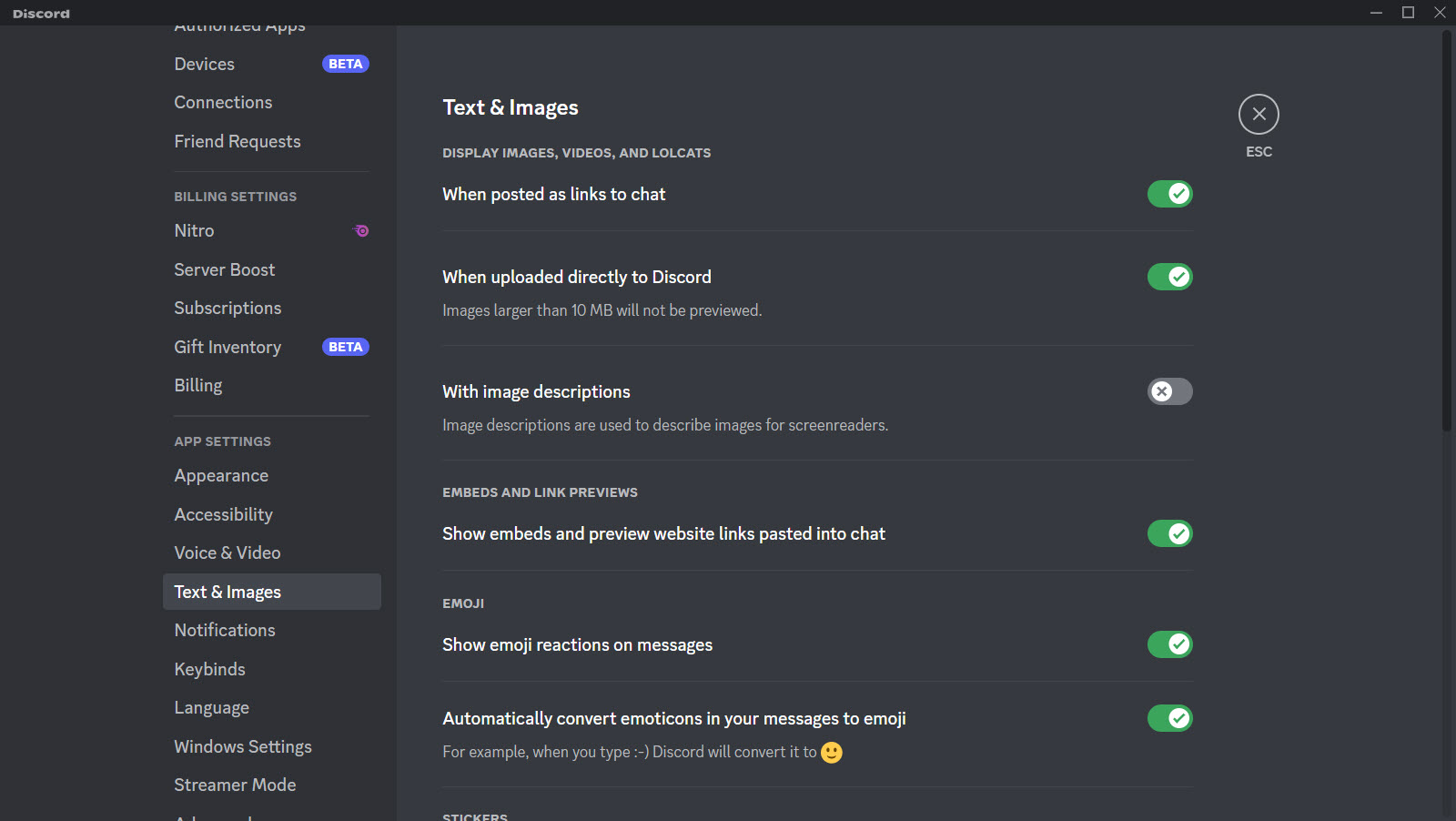
The text side is more capable than it first appears. Beyond plain messages you get reactions, replies, file and image sharing, GIFs, and a full history you can scroll back through. Each channel keeps its own thread of conversation, and you can pin important messages so they do not get lost.
There is also a soundboard, a small feature people adore. While in a voice channel you can trigger short audio clips, an airhorn, a clip of an inside joke, a sound effect, that everyone in the channel hears. It sounds trivial, and it is, but it is exactly the playful touch that makes hanging out on here feel social rather than purely functional.
Roles, bots, and making a server your own
This is where it gets powerful for community builders. Roles let you sort members into groups with different colors and permissions, so moderators get moderation tools, members get access to member-only channels, and newcomers start with a limited view until they settle in. It is a flexible permission system that scales from a casual friend group to a sprawling public community.
Then there are bots. Through an open API, you can add automated helpers that moderate chat, assign roles automatically, play music in a voice channel, run polls and games, or post updates from other services.
A well-configured server leans on bots to handle the repetitive work that would otherwise fall on human moderators. If you want to push customization even further, community projects like BetterDiscord add themes and plugins on top of the standard app, and a tool like Clownfish Voice Changer can alter your voice before it ever reaches the channel.
Server templates make all of this approachable. Rather than building a community from a blank slate, you can start from a ready-made structure for a gaming group, a study server, or a creator community, then adjust it to taste.
How it compares to the alternatives
Its closest rival in a work setting is Slack, but the two pull in different directions. Slack is built for professional, structured business conversation, with threading geared toward organized work. This app is more casual and built around real-time voice, which makes it the better fit for social communities and groups that actually want to talk rather than just type.
The gaming-focused voice tools it displaced still exist and still appeal to people who want minimal resource use, but few of them match the all-in-one breadth here.
The honest downsides
It is not flawless. The biggest complaint, and a fair one, is that the interface can overwhelm a newcomer. There are a lot of features, a lot of buttons, and a lot of settings, and someone opening it for the first time can feel lost before they have even joined a server. On a phone especially, the density of Discord can make simple actions fiddly, and accidental taps that start a call are a known annoyance.
There is also a learning curve to running a server well. Setting up roles, permissions, and bots is powerful but takes effort to get right, and a poorly organized server can be as confusing as a well-run one is pleasant.
The tool rewards the time you put into it, which is wonderful for dedicated community builders and a little daunting for everyone else.
Conclusion
Discord is for anyone who wants a real-time home for a group. Gamers coordinating a session, friends hanging out, a study cohort, a creator and their audience, a small team that prefers talking to emailing. It combines organized text, excellent voice, video, screen sharing, and deep customization into one app, and it does the central job, bringing a community together in real time, better than almost anything else.
The trade for that depth is complexity. The interface asks a little patience, and getting the most out of a server takes some learning. But once it clicks, few tools match it for keeping a community connected and active in one place. For social groups and communities especially, it has become the natural gathering spot, and it is easy to see why.
Pros & Cons
- Organizes communities into servers and channels so conversations stay sorted
- Low-latency, high-quality voice chat with no time limits on group calls
- Video calls and one-click screen sharing inside the same channel
- Capable text chat with reactions, replies, pins, file sharing, and full history
- Flexible roles and permissions that scale from friend groups to huge communities
- An open bot ecosystem that automates moderation, music, and more
- Server templates make building a community approachable from the start
- The feature-packed interface can overwhelm newcomers
- Density makes some actions fiddly on mobile, including accidental calls
- Running a well-organized server takes real time to learn
- Finding people outside your shared servers is awkward
Frequently asked questions
It is a communication app for talking with friends and communities through voice, video, and text, organized into servers and channels. People use it for gaming, study groups, hobby communities, coding, art, and small-team collaboration.
A server is a private space for a group or community, and channels are the rooms inside it. Text channels hold written conversation by topic, while voice channels let people talk in real time.
No. It started with gaming, but it now hosts study groups, creators, fan communities, coding circles, and small teams just as well, thanks to its flexible structure.
Yes. You can switch a voice call to video, share your screen, or go live to broadcast a game or app to everyone in the channel, all from within the same voice channel.
Bots are automated helpers added through an open API. They can moderate chat, assign roles, play music, run polls and games, and post updates, handling repetitive tasks for server admins.
The basics of joining a server and chatting are simple, but the full feature set and running your own server take more time to master, which can feel overwhelming at first.


