

SimpleTV
About SimpleTV
An IPTV player is only half a solution. The software gives you a window, a channel list and a recorder, and you supply the playlist that fills it. SimpleTV is squarely one of those, built around a text file of stream addresses that you drag into the window and a set of tools for making that list usable afterwards.
What sets it apart from the newer crop of playlist players is scheduling. It will wake a sleeping machine at a set time, record a stream for a defined window, and shut the computer down again afterwards. That is a video recorder built out of a media player, and very little else in this category bothers.
Worth being clear about the division of labour, though. Nothing about the program provides content, and whether a given playlist is something you are entitled to watch is a question about the playlist rather than about the player.
Playlists are how channels get in
Channels arrive as M3U or M3U8 files, loaded by dragging one into the window or opening it from the menu. Local video files play in the same window, and radio streams work the same way, so the application ends up being a general player with a channel list attached.
The playlist manager is the part that earns its keep. Lists as they arrive are usually a mess, hundreds of entries in no useful order with names nobody would choose, and the manager lets you create your own lists, edit individual stream entries, and sort the result into something you can actually use. Doing that once and saving it beats scrolling past four hundred channels every evening.
Perfect Player covers similar ground with a more modern approach to list handling and channel logos, and comparing the two on the same playlist is a reasonable way to pick between them.
The programme guide and the fourteen menus
Guide data in SimpleTV gets its own top-level menu and displays alongside the channel list, which is the minimum anyone expects from a player like this.
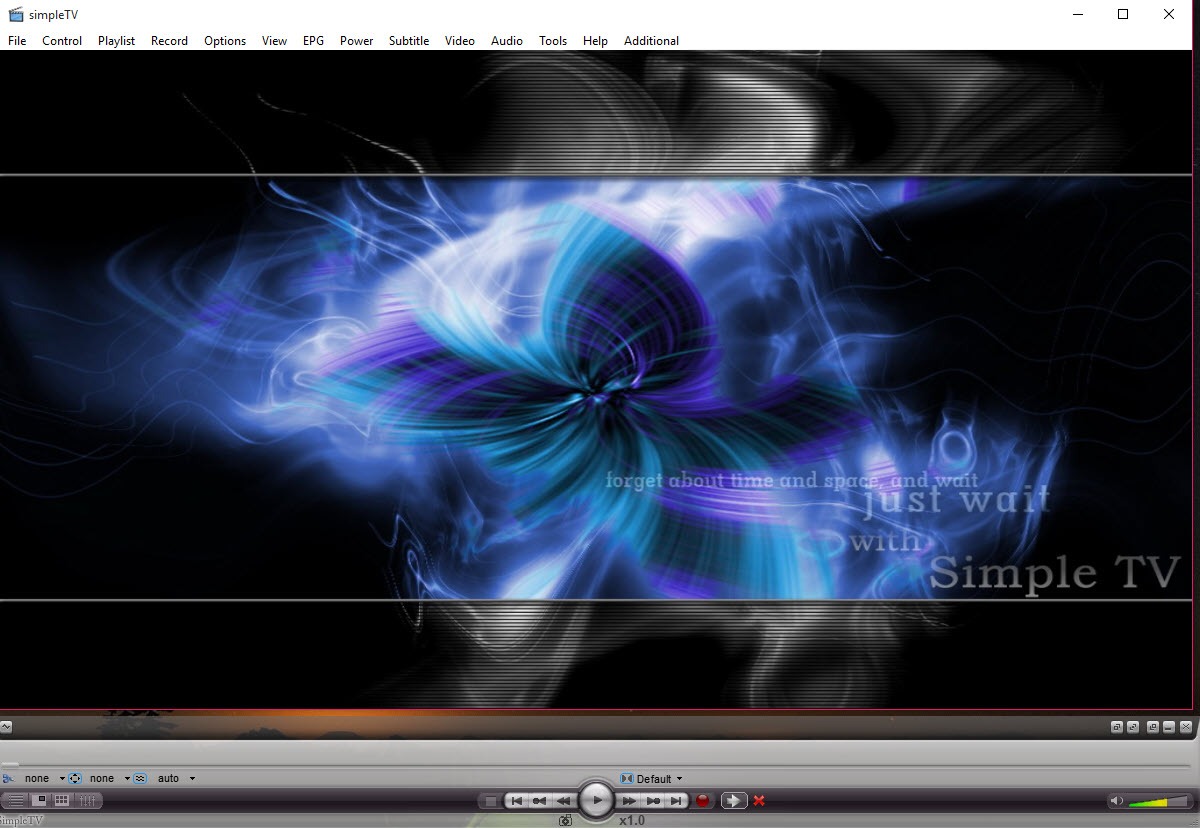
The menu bar is more revealing than the guide. File, Control, Playlist, Record, Options, View, EPG, Power, Subtitle, Video, Audio, Tools, Help and Additional, fourteen menus across the top of a media player.
That tells you exactly what kind of software SimpleTV is. Everything is exposed and almost nothing is discoverable, so the first session involves opening menus to find out what is in them rather than being guided anywhere.
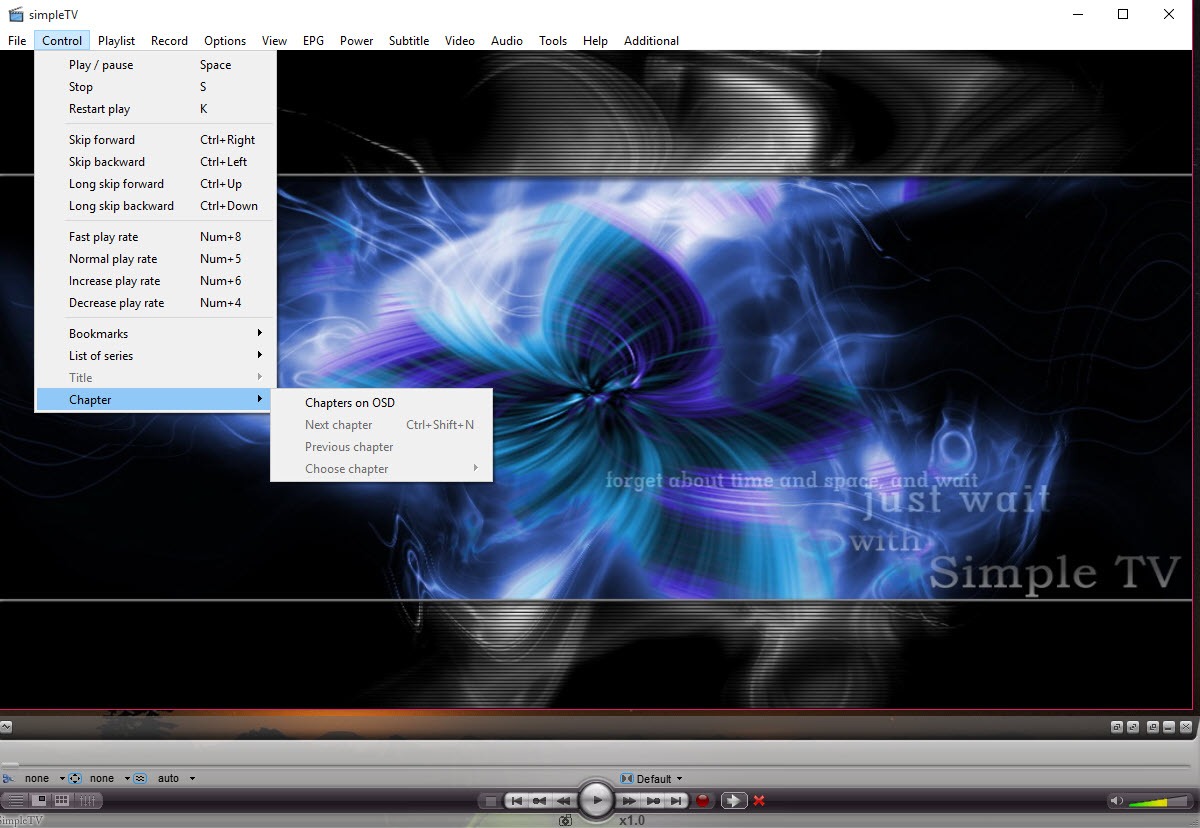
Once learned it is fast, and keyboard shortcuts cover the actions you repeat. Getting there takes patience that a player with a five-item menu would not demand.
Recording, including the part that wakes the machine
On-the-fly recording captures whatever is playing to a file with one action, which is the ordinary case and works as expected.
The scheduling side is the reason to keep this installed. Set a time, a duration and an output format, and SimpleTV will bring the machine out of sleep, record the window you asked for, and put it back to sleep or shut it down when finished. A dedicated Power menu handles those actions directly. For anyone whose viewing does not align with their working hours, that turns a stream into something closer to a recorded broadcast.
Recordings come out as stream captures rather than tidy files, so expect to re-encode anything you plan to keep. A converter for turning captures into something smaller is the natural second step, particularly if the recording is going onto a phone or a tablet.
The playback engine, subtitles and peer-to-peer streams
Playback rides on a well-established open-source media engine rather than a home-grown decoder, which is why stream format compatibility is generally good and why problem streams behave the same way here as they do elsewhere. Subtitle support comes along with that.
There is also handling for channels delivered by peer-to-peer stream technology rather than straight HTTP, which some sources use to spread bandwidth across viewers. It works, and it makes the same point as before about where responsibility sits.
Because the engine is shared, VLC Media Player will play a great many of the same streams directly with none of the menu structure.
What it will not do is manage a channel list or schedule a recording, which is the entire argument for using something purpose-built.
Where it sits now
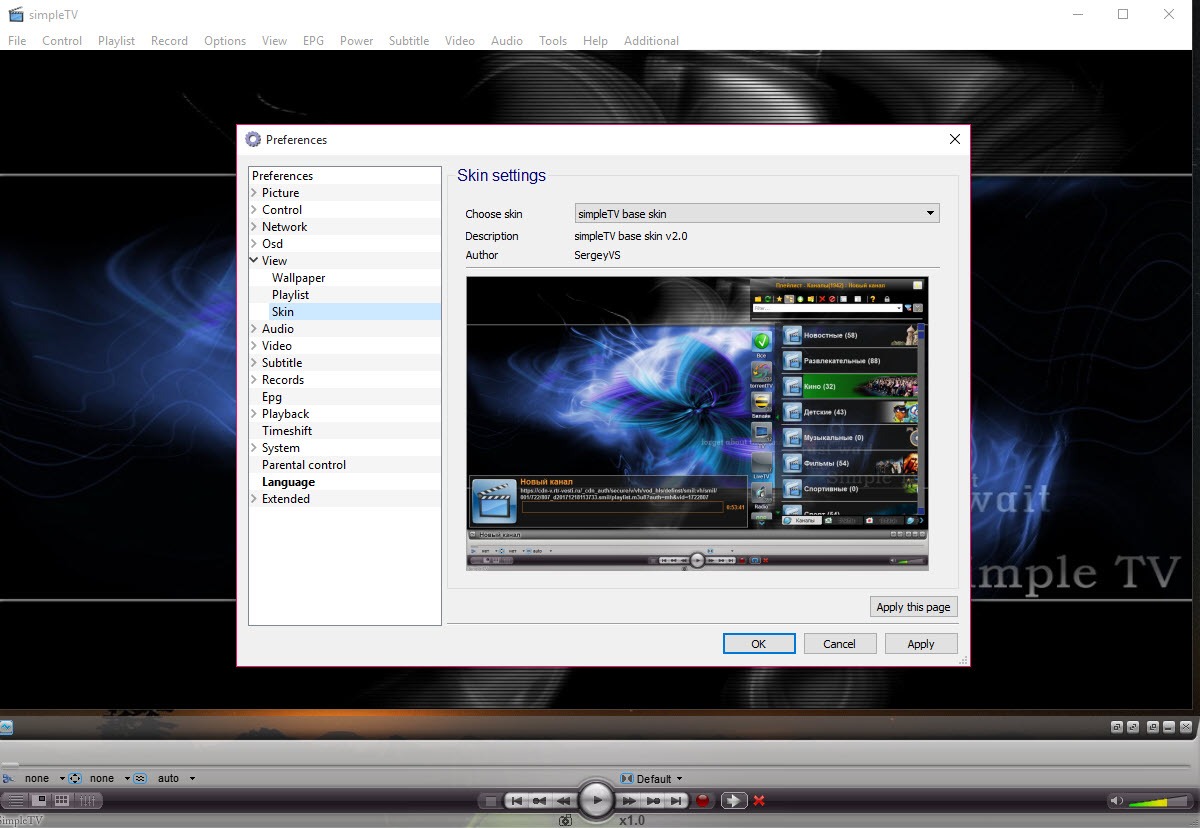
Development has gone quiet, and it shows in the places you would expect. The interface belongs to an older generation of utility software, there is no touch-friendly layout, and nothing about the presentation has been rethought in a long while. The playback core has been refreshed, which is what actually matters for compatibility, but the shell around it has not.
If a channel list and a guide are all you need, a general player that also reads playlists handles that without a dedicated application at all.
And if you want the whole living-room experience with recordings, artwork and a remote control, Kodi (XBMC) and its live TV add-ons are built for that. SimpleTV never pretended to be.
Conclusion
SimpleTV suits the person who already has a playlist and wants to treat it like television rather than like a browser tab. The scheduling and power control turn it into a recorder that works around your day, the playlist manager makes a chaotic channel list bearable, and the playback engine underneath means streams generally just work.
Look elsewhere if you want something that feels current. The menu structure assumes patience, the presentation has not moved in years, and a general media player covers the basic case without any of that. But nothing else in this corner will wake a sleeping computer at half past nine, record an hour of a stream, and switch the machine off behind itself, and for some people that single capability settles the question.
Pros & Cons
- Playlist manager lets you rebuild a messy channel list into something usable and save it
- Scheduled recording wakes the machine, captures a defined window, then shuts it down
- Power actions for sleep and shutdown are available directly from the interface
- Playback runs on an established open-source engine, so stream compatibility is solid
- Local files, radio streams and channel lists all play through the same window
- Keyboard shortcuts cover the repeated actions once you know where things are
- Fourteen top-level menus make everything reachable and nothing discoverable
- The interface has not been modernised and looks its age immediately
- Recordings are raw stream captures that need re-encoding before they are portable
- No content is supplied, so the program is useless without a playlist you provide yourself
- Development activity has slowed, so the shell is unlikely to improve
Frequently asked questions
By loading an M3U or M3U8 playlist, either dragged into the window or opened from the file menu. The playlist manager then lets you sort and edit the entries so the list is usable rather than just present.
Yes, and this is its strongest feature. Scheduled recording brings a sleeping machine back up at the appointed time, captures for the duration you specified, and shuts it down again afterwards. Does SimpleTV come with channels included? No. It is a player and nothing more. You supply the playlist, and whether the streams on it are legitimately available is entirely a matter of where that list came from.
Usually the stream itself rather than the player, since playback runs through a widely used media engine. A stream that fails here will generally fail in other players too, which is the quickest way to confirm where the problem lies.
Yes, guide data has its own menu and displays against the channel list. How complete it looks depends on what the playlist and its guide source actually provide.


