

SopCast
About SopCast
SopCast runs on cutting-edge peer-to-peer technology, delivering high-quality video content for free. With this software, you will view live p2p channels on the computer, receive p2p broadcasting, and enjoy the free embedded content.
While the delay is not noticeable, the buffering is fast enough to please the users, but at the same time, performance is bandwidth-dependent. However, no high-end hardware requirements are needed as the buffering is done by the memory, not by the hard disk.
In today’s world, it’s probably hard to imagine a life without a TV or a computer. However, more and more people don’t use television anymore, main thanks to the various tools people use to replace it.
One of the most common ways of doing that is using your computer to stream TV channels.
SopCast uses peer-to-peer technology to offer you the capabilities it has to offer. You’ll be able to view and stream TV channels to your computer’s screen, which will help you replace the television.
Also, it provides you with other functions, such as listening to radio stations, broadcasting your content, and much more.
Watch TV, Listen to Radio
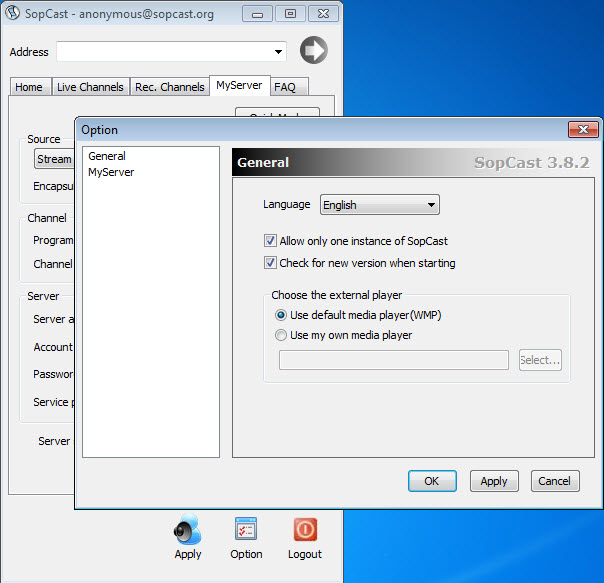
When you first want to use SopCast on your computer, you’ll have to install it. And then, you can start configuring the app to your own needs, as the app has a relatively simple interface that you can work with. Note that you might have to turn down third-party offers along the way.
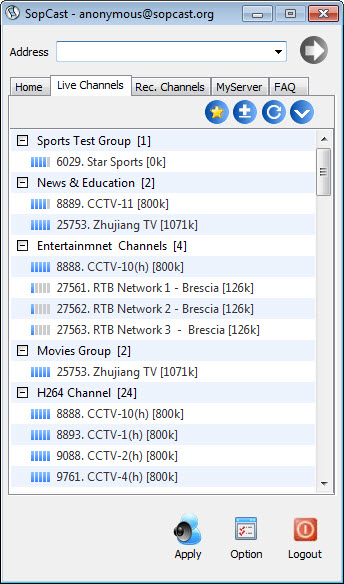
You can watch various TV channels using peer-to-peer technology inside the app. It allows you to watch TV channels from all over the world, including your country.
Another great feature here is that you’ll be able to listen to radio stations which you’ll find using the search engine inside or by specifying it with parameters.
Stream and Broadcast Your Content
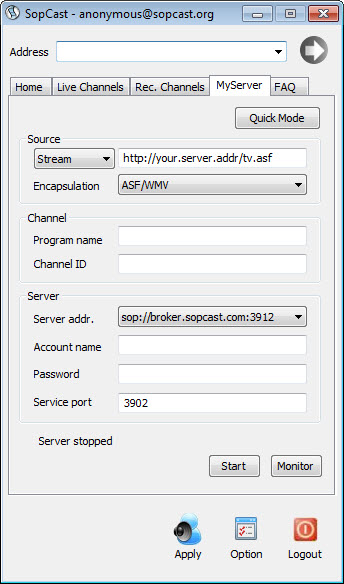
If you wish, you can also start streaming and broadcasting the content you produce, thanks to the app’s intuitive interface. It will be made possible again by the peer-to-peer technology that is employed by the app.
When you’re streaming, you’ll have various capabilities at your disposal, as well.
Conclusion
To conclude, SopCast is a complete tool for broadcasting content to and from your computer, whether you’re a creator or are just looking for ways to enjoy other content.


