

KMPlayer
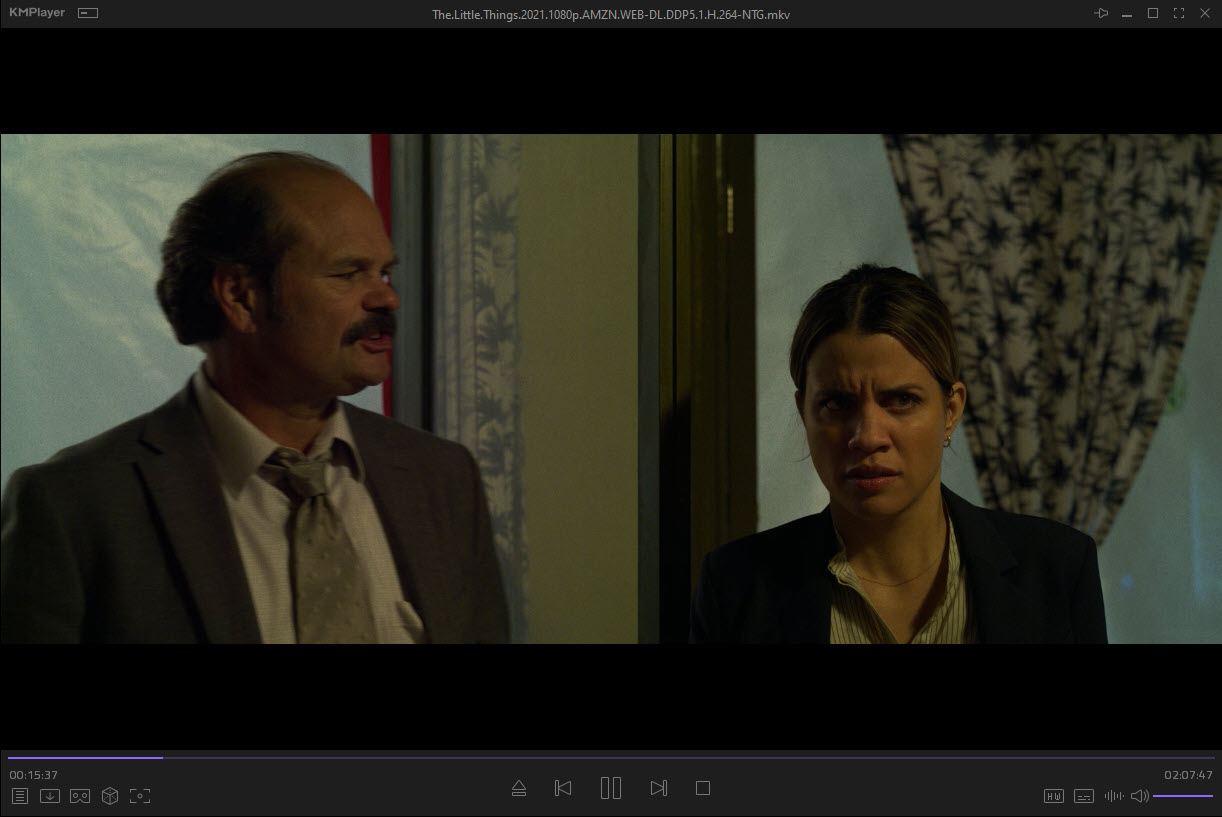
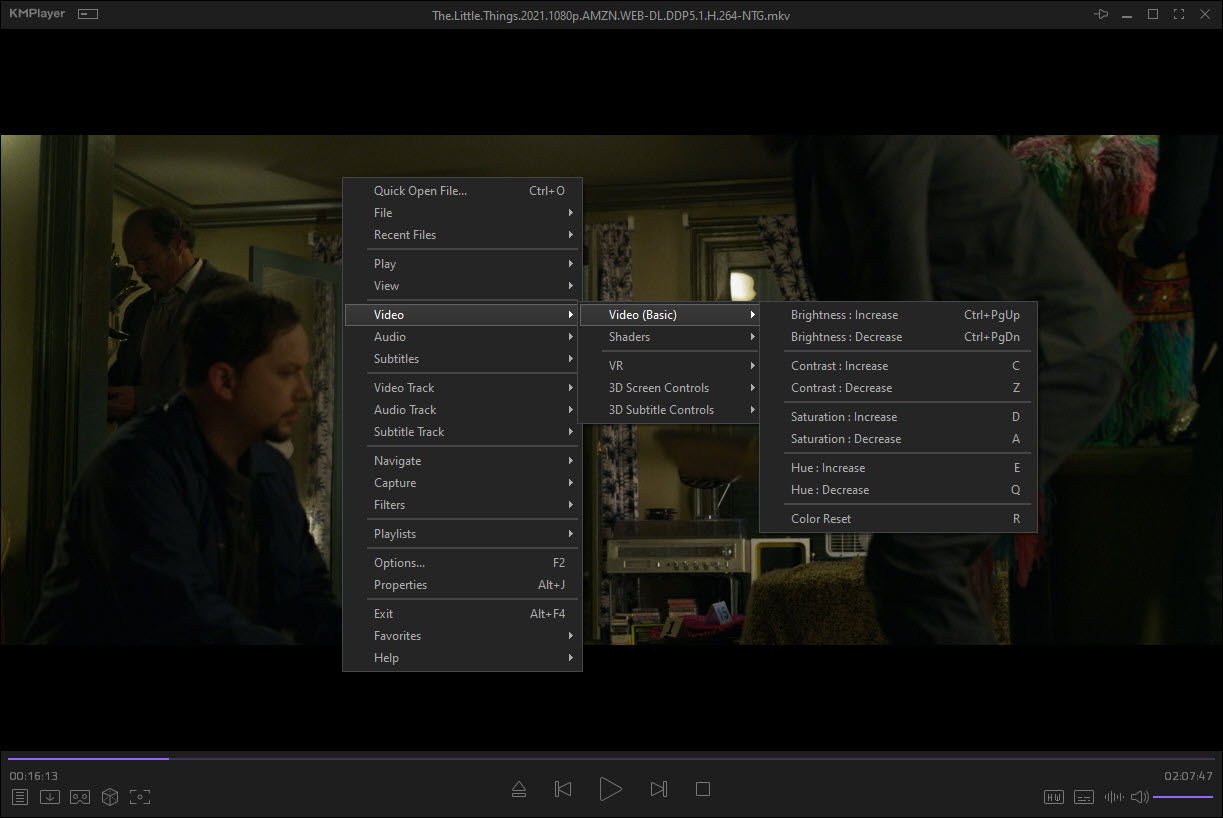
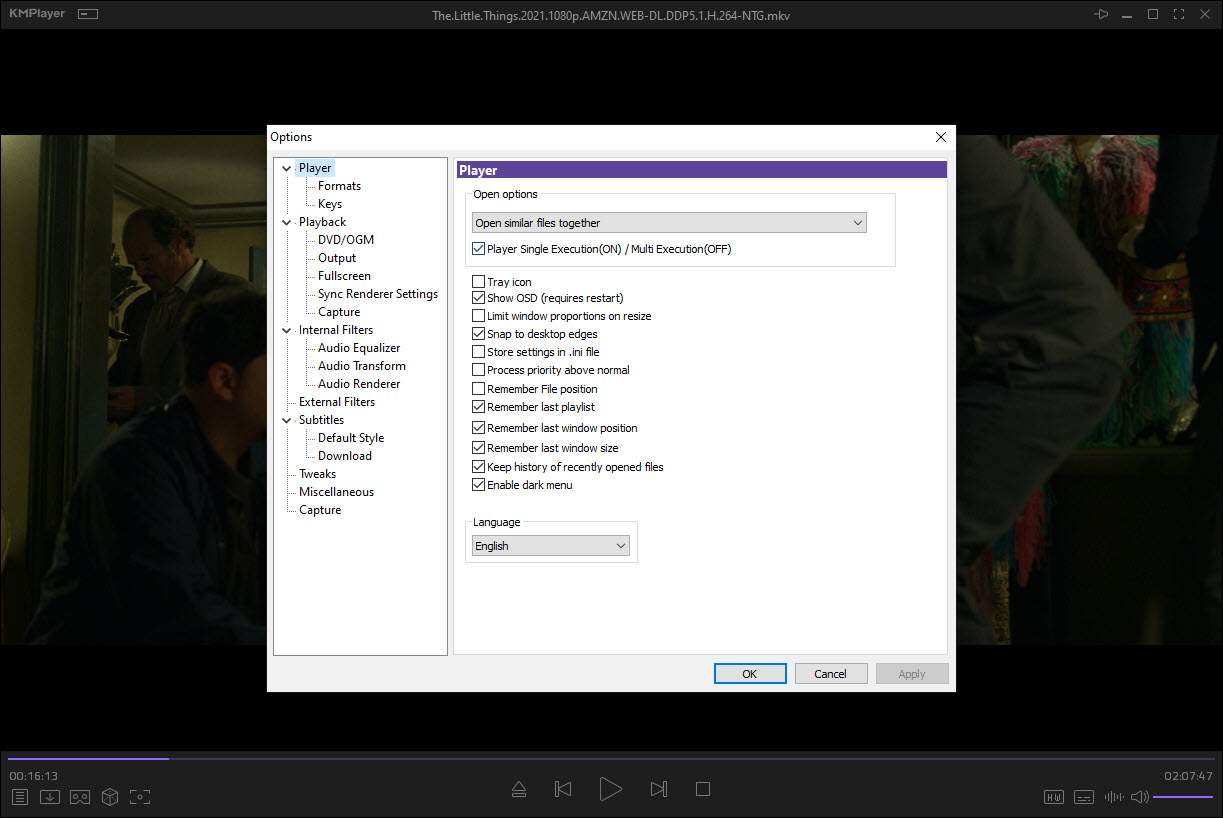
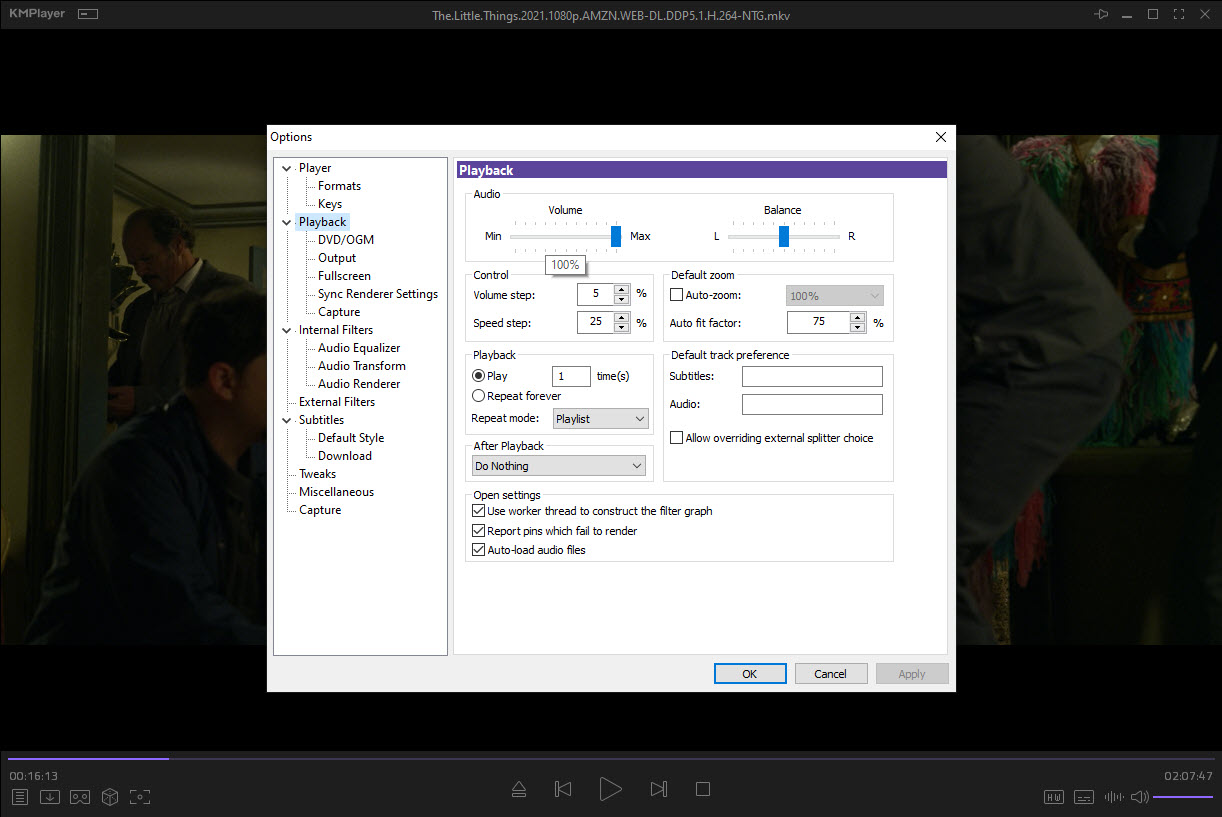
About KMPlayer
Media players are one of those software categories where everybody has already decided what they use, and the conversation usually ends with someone saying “just install VLC.” KMPlayer is the player that keeps showing up anyway, because it does a few specific things that VLC doesn’t, and because a chunk of the world still remembers it from the era before VLC ate the market.
The product exists in two parallel versions today, the original KMPlayer (the 32-bit codebase that started shipping in 2002, now maintained by Pandora.TV after the original developer sold the rights) and KMPlayer 64X, a rewritten 64-bit version released later.
Both are free, both share the same name and similar visual identity, and the developer hasn’t done a great job explaining which one you should download. That confusion is the first thing to clear up before deciding whether the player belongs on your machine.
The two versions and which one to install
The classic KMPlayer is the version most people remember. It’s based on the original 2002 codebase, runs as a 32-bit application, and ships with a wide collection of built-in codecs. It plays almost any format you throw at it (MKV, MP4, AVI, MOV, WMV, FLV, plus older containers like RM and OGM) without requiring an external codec pack like K-Lite Codec Pack installed on the system.
KMPlayer 64X is the newer 64-bit build. It uses a more modern codec backend, supports 4K and 8K playback with hardware acceleration on current GPUs, and handles HDR metadata in a way the legacy version doesn’t. The trade-off is that 64X feels like a different product wearing the same name, the UI is leaner, some preferences from the classic version are missing, and certain niche format handling (older RealMedia or DivX variations) works better on the original build.
If you’re playing modern content on modern hardware, install 64X. If you’re processing a backup archive of decade-old downloads in formats nobody supports anymore, install the classic. There’s no automatic migration between the two, settings and playlists don’t transfer.
Format support without the codec pack hassle
The selling point that kept KMPlayer alive for two decades is straightforward. Out of the box, it plays almost everything. The internal codec collection covers MPEG-1/2/4, H.264, H.265/HEVC, VP9, AV1 on the 64X build, plus all the common audio codecs (AAC, FLAC, OGG, Opus, AC3, DTS). Subtitle support handles SRT, ASS/SSA with full styling, SUB, SMI, and embedded subtitle tracks in MKV.
For people who don’t want to think about codec management, that’s a real value. The alternative is installing the Combined Community Codec Pack or one of the K-Lite variants and using a more minimal player like MPC-HC on top. KMPlayer removes that step by bundling everything in one installer.
The downside of the bundled approach is that codec updates depend on the player’s release cycle. When a new format gains adoption (AV1 took a few years to land properly), you wait for the developer to push an update. With external codec packs, you control the timeline yourself.
Playback features that go beyond pressing play
This is where KMPlayer earns its reputation among power users. The Capture menu lets you grab individual frames as image files, extract audio from any playing video as MP3 or WAV, and record a portion of a video to a new file. The frame capture supports burst mode (grab N frames at fixed intervals), which is useful for making contact sheets or extracting reference stills from longer footage.
Playback speed adjustment goes from 0.10x to 4.00x with pitch correction, the audio normalizer can level out clips with wildly different volume baselines, and the 3D conversion feature (legacy, dating to the early 2010s 3D TV era) converts standard 2D footage to side-by-side or top-bottom stereoscopic output. The 3D function is mostly historical curiosity at this point, but it still works if you have the display for it.
Chapter navigation handles both real chapters embedded in containers and synthetic chapters created from time codes in a sidecar file. The bookmark system saves position per file by default, so resuming a half-watched movie picks up where you left off without any setup.
The ads and the data collection question
The reality of the classic KMPlayer is that it shows ads. Banner ads appear in the file browser panel by default, occasional overlay ads pop up during certain operations, and the installer offers optional bundled software that you have to actively decline. This is the same business model that pushed a lot of users from this player to alternatives like VLC Media Player and SMPlayer, which are open source and have no commercial pressure to monetize the install.
KMPlayer 64X is cleaner on the ad front, the developer has made an effort to keep the newer build less intrusive. But the data collection question remains. The Pandora.TV-owned versions send usage telemetry by default, and the opt-out is buried in the preferences.
Privacy-conscious users tend to pick a more transparent alternative on principle.
How it compares to VLC and PotPlayer
The honest comparison most people search for is KMPlayer vs VLC vs PotPlayer, and the answer depends on what you actually care about.
VLC Media Player is open source, ad-free, cross-platform, and has the deepest format coverage of any player on the market. It’s the safe default. What it doesn’t have is the polish in the per-file feature workflow, capturing frames or extracting audio works but feels more like a tool than a feature.
PotPlayer is KMPlayer‘s closest sibling, both were created by the same original developer (Kang Yong-Huee), and PotPlayer is essentially what he built after leaving Pandora.TV. PotPlayer has a more aggressive feature set, more codec options, more configurability, and a steeper learning curve. People who like PotPlayer tend to dismiss KMPlayer as the older, slower version.
GOM Player is the third in the Korean media player trio, and it occupies similar territory with similar ad complaints.
Where KMPlayer holds ground is the visual interface, the legacy codec coverage, and the per-file feature workflow that feels more intuitive than PotPlayer’s denser approach. It’s not the technically strongest option, but for the user who just wants to open a file and have it play without fuss, it remains competitive.
Portable version and audio playback as an aside
A portable build exists, downloadable from the official site, that runs without installation and doesn’t write to the registry. It’s the answer for people who want the player on a flash drive or who don’t want it touching their system configuration.
The audio playback side is acceptable but not the player’s strength. The equalizer is basic (10 bands, no Q control), the playlist management is bare, and there’s no library or library scanning functionality. For audio-only use, a dedicated music player like AIMP or MediaMonkey does a noticeably better job.
KMPlayer is a video player that happens to also play audio, not a hybrid like Foobar2000 with a video plugin.
Conclusion
KMPlayer is the player you install when you want broad format support without managing a separate codec pack, and when you actually use the frame capture and audio extraction features that other players bury in submenus. The two-version structure is awkward, and the ads in the classic build push a lot of users toward open source alternatives, but the core playback engine and the workflow around it have aged better than expected for software with a 23-year history.
The decision usually comes down to two questions. Do you mind ads enough to switch to something cleaner, and do you need the specific feature mix this player offers that VLC and the other alternatives handle less elegantly.
If yes to the first and no to the second, install VLC and move on. If you’ve been using this player for a decade and the workflow is muscle memory, the 64X build is the version worth upgrading to.
Features & benefits
Pros & Cons
- Plays almost any format without requiring an external codec pack
- Frame capture, audio extraction, and segment recording built into the playback flow
- Two builds available, the legacy 32-bit version for older formats and 64X for modern HDR content
- Playback speed adjustment with pitch correction handles 0.10x to 4.00x cleanly
- Portable build available for use without installation
- Classic version shows ads and bundles optional third-party software in the installer
- Default telemetry settings require manually opting out
- Two parallel versions sharing the same name creates confusion
- Audio playback features lag behind dedicated music players
- Hardware acceleration on older 32-bit build is less robust than on 64X
Frequently asked questions
The software is a media player for video and audio files, supporting most modern and legacy formats out of the box, plus features like frame capture, audio extraction, and playback speed control.
The classic build is the original 32-bit codebase with broader legacy format support. The 64X build is a newer 64-bit rewrite with better HDR and 4K handling, but a different interface and slightly different feature set.
Yes on the 64X build, which has hardware acceleration and HDR metadata support. The classic 32-bit version can play 4K but without the same hardware optimization.
Yes. The Capture menu includes an audio extraction option that saves the audio track from the currently playing file as MP3 or WAV.
The classic version doesn't offer an ad-free toggle. Switching to the 64X build reduces ads significantly, or moving to an open source alternative removes them entirely.


