

Avast One
About Avast One
What used to be sold as a standalone antivirus is now one component of a larger application. Avast One gathers protection, a tunnelling service, device cleanup, breach monitoring and privacy tools into a single window with one dashboard, replacing a set of products that were previously bought and installed separately.
The arrangement has recently been rebuilt around a modular idea. Rather than choosing between a limited version and a bundle containing things you never asked for, you start with a functional base and add individual protections inside the same application when you decide you want them.
That change matters more than it sounds, because the previous model made the unpaid tier a demonstration designed to make you uncomfortable rather than a tool.
What the unpaid tier actually contains
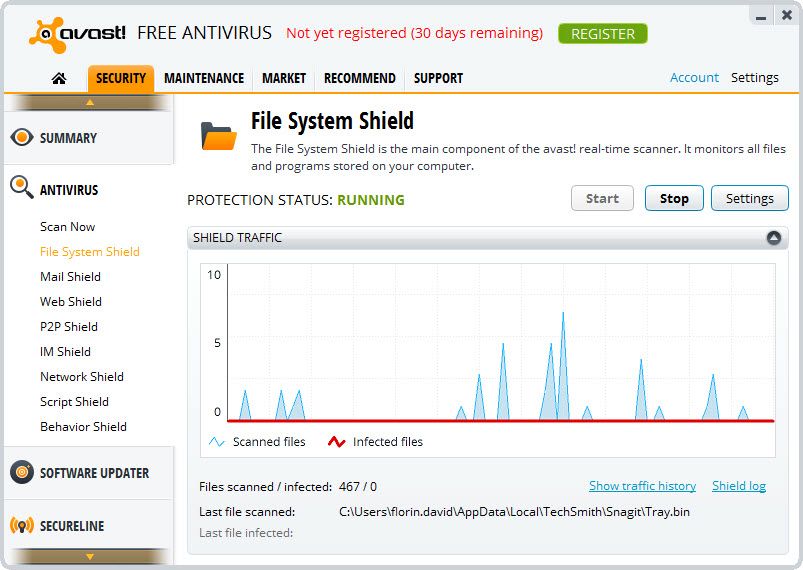
The Avast One base is properly usable, which is the notable thing here. Antivirus with real-time protection that blocks malware before it executes, ransomware behaviour blocking, and interception of dangerous sites before the page loads.
Scam and phishing detection sits alongside it, aimed at fraudulent shopping sites and banking impersonation rather than only at malware, which reflects where consumer losses actually occur now.
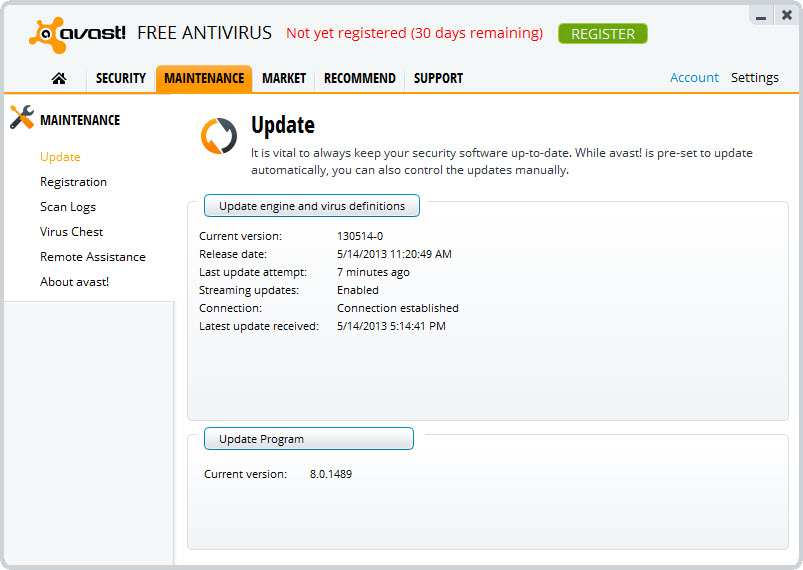
Breach monitoring watches whether your addresses appear in published data leaks, and device cleanup removes accumulated files. A tunnelling service is included with a weekly traffic allowance and a single location.
That last item is a sample rather than a service. The allowance suits occasional use on a public network and nothing more, and a single location means it cannot be used for appearing elsewhere. For a tunnel as your actual arrangement rather than an occasional convenience, Mullvad is built around that job specifically.
The protection engine
Detection is where Avast One either justifies itself or does not, and the engine here has consistently earned recognition from independent testing laboratories.
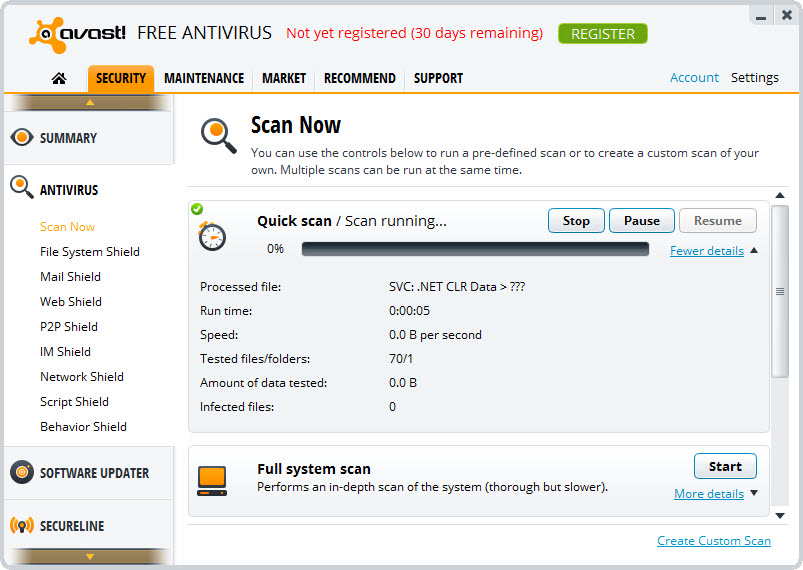
Layered protection covers file scanning, behaviour monitoring for programs acting suspiciously, web filtering that stops a page before it renders, and specific ransomware defence that watches for the file encryption pattern rather than relying on recognising a particular program.
Independent reviews place detection as good rather than leading, with some competing suites scoring higher on the hardest tests. For most people that distinction is academic, and anybody handling sensitive material should know it exists.
An on-demand second opinion from a different engine remains sensible practice, and Malwarebytes is the usual choice for scanning a machine that already has resident protection installed.
The additions you can bolt on
The Avast One modular model means paid components are selected individually rather than as a package.
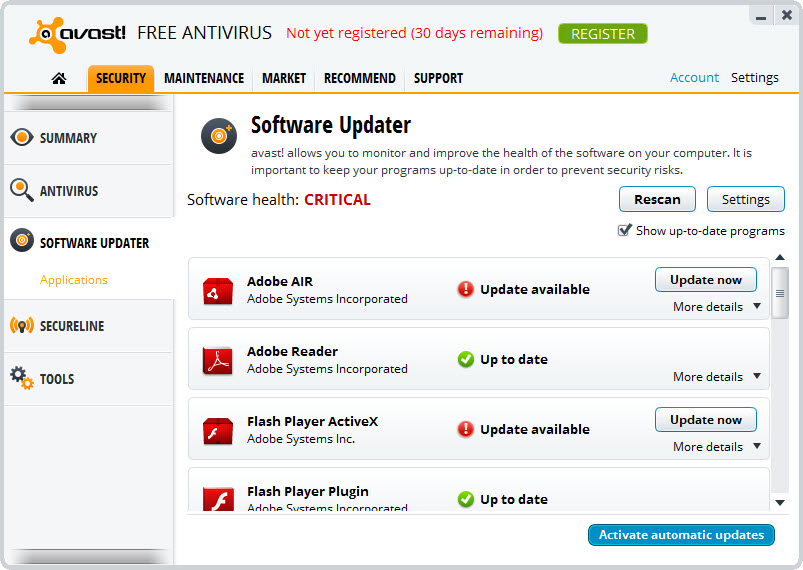
The tunnelling service without its allowance or location restriction is the most commonly added. Webcam protection controls which applications may access the camera. A driver and software updater checks for outdated components, with updates passing through the maker’s own analysis before being offered.
An isolated environment for banking runs a session separated from the rest of the machine, which addresses the specific case where malware already present might observe a transaction. Identity monitoring extends the breach watching into a service that tracks wider exposure.
Whether any of those justify themselves depends entirely on what you already have. A machine with a competent firewall, a browser with good phishing protection and a separate tunnelling arrangement gains considerably less than one running nothing.
The newer defences
Two Avast One additions reflect where the threats have moved rather than where they were.
Scam detection uses pattern analysis rather than a list of known bad addresses, which is necessary because fraudulent sites now appear and disappear faster than any list is updated. It intervenes while you are browsing rather than after credentials are submitted.
The other covers automated agents acting on your behalf. Tools that browse, install things or execute instructions can be manipulated by content they encounter, and this vets what those agents are about to run and checks files they produce. Whether you need it depends on whether you use such tools, and if you do it addresses a genuine gap nothing else in a consumer suite covers.
Living with a suite
Something worth stating plainly about Avast One and every product like it. A security suite sits deep in the system by necessity, watching files, intercepting network traffic and inspecting pages before they render, and that access is what makes it work.
The consequence is that it sees a great deal, and any product of this kind collects information about threats encountered and system behaviour as part of functioning. That is inherent to the design rather than a criticism of one product, and it is the reason people who want minimal software on a machine use the built-in protection and nothing else.
The other practical consequence is entanglement. Removing a suite of this kind properly is harder than removing an ordinary program, which is why Avast Clear exists as a dedicated removal tool for when the normal uninstall leaves pieces behind.
Where the cleanup tools sit
The Avast One cleanup removes temporary files and accumulated debris, and it works. It is also the part of the bundle that overlaps most obviously with software you may already run.
CCleaner does the same job as a dedicated tool, and running both achieves nothing except two programs cleaning the same folders. Choose one.
The tuning claims deserve the same scepticism they deserve anywhere. Removing junk files reclaims space, which is real, and the performance improvement people expect from cleaning is largely imaginary on a current machine.
Conclusion
Avast One has become considerably more honest than its predecessors. The unpaid tier is a working set of protections rather than a hobbled version designed to nag, the additions are chosen individually rather than forced as a bundle, and the detection engine underneath has genuine independent recognition behind it.
Decide what you actually need before adding anything. The included tunnelling service is a sample, the cleanup duplicates tools many people already run, and the value of the paid additions depends entirely on what your machine lacks. Somebody with nothing else installed gains a great deal here. Somebody already running a separate tunnel, a competent browser and a cleanup tool is mostly paying for overlap.
Pros & Cons
- The unpaid tier is a working tool rather than a demonstration designed to frustrate
- Real-time protection, ransomware defence and site blocking all included without paying
- Scam detection targets fraudulent sites rather than only malware
- Breach monitoring watches for your addresses appearing in leaks
- Protections are added individually rather than as an all-or-nothing bundle
- One dashboard covering several devices in a household
- Detection engine consistently recognised by independent testing laboratories
- Defences for automated agent workflows, which consumer suites generally ignore
- The included tunnelling allowance is small and restricted to one location
- Detection scores good rather than best in the hardest independent tests
- Several unpaid tools run manually rather than automatically
- Cleanup duplicates dedicated software you may already have installed
- Removing it cleanly can require a separate dedicated tool
- A suite of this kind necessarily sees and records a great deal about your machine
Frequently asked questions
The protection engine is the same, presented as one component of a larger application rather than as a standalone product. The tunnelling service, cleanup and privacy tools that were separate purchases are now parts of the same window.
Real-time antivirus, ransomware protection, malicious site blocking, scam detection, breach monitoring, device cleanup and a tunnelling service with a weekly traffic allowance restricted to one location.
No. The weekly allowance suits occasional use on a public network, and the single location means it cannot place you elsewhere. Anybody wanting one as a permanent arrangement needs either the unrestricted addition or a dedicated service.
Less than suites once did, though it is doing continuous work by design. Any product watching every file and intercepting network traffic uses resources, and the question is whether the protection justifies that rather than whether it happens.
An occasional scan from a different engine is sensible practice, since no single detection approach catches everything. Beyond that, avoid running a second cleanup tool, because two programs cleaning the same folders gains nothing.


