

Ultra Adware Killer
About Ultra Adware Killer
Adware installs itself per user account, which is the detail that makes cleaning a shared machine so tedious. You disinfect your own profile, hand the laptop back, and the toolbar reappears the moment somebody else logs in. Ultra Adware Killer exists mainly to solve that, scanning every account on the system in a single pass rather than one at a time.
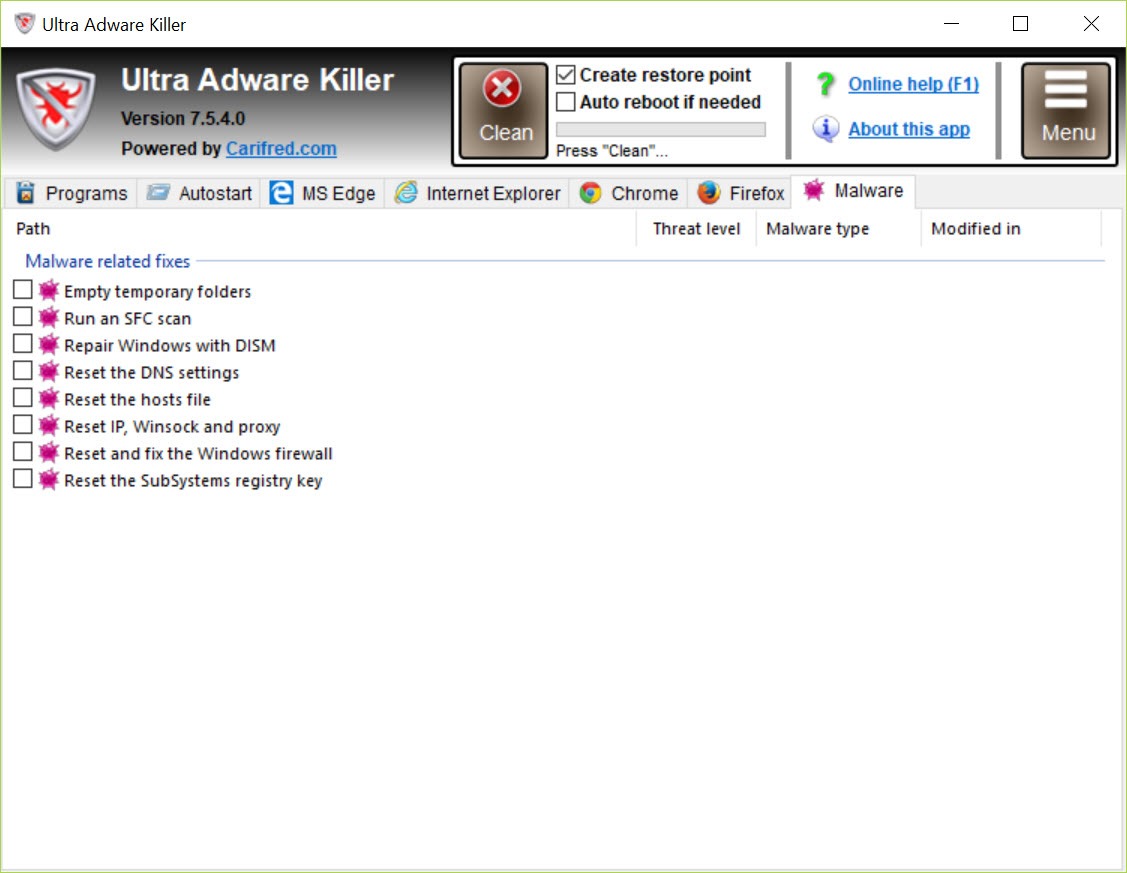
Everything else it does is the expected list. Browser toolbars, extensions and plugins, hijacked home pages, substituted search providers, unwanted programs and the assorted junk that arrives bundled with something you did want. It sits directly opposite AdwCleaner, which does the same job for the account you are logged into.
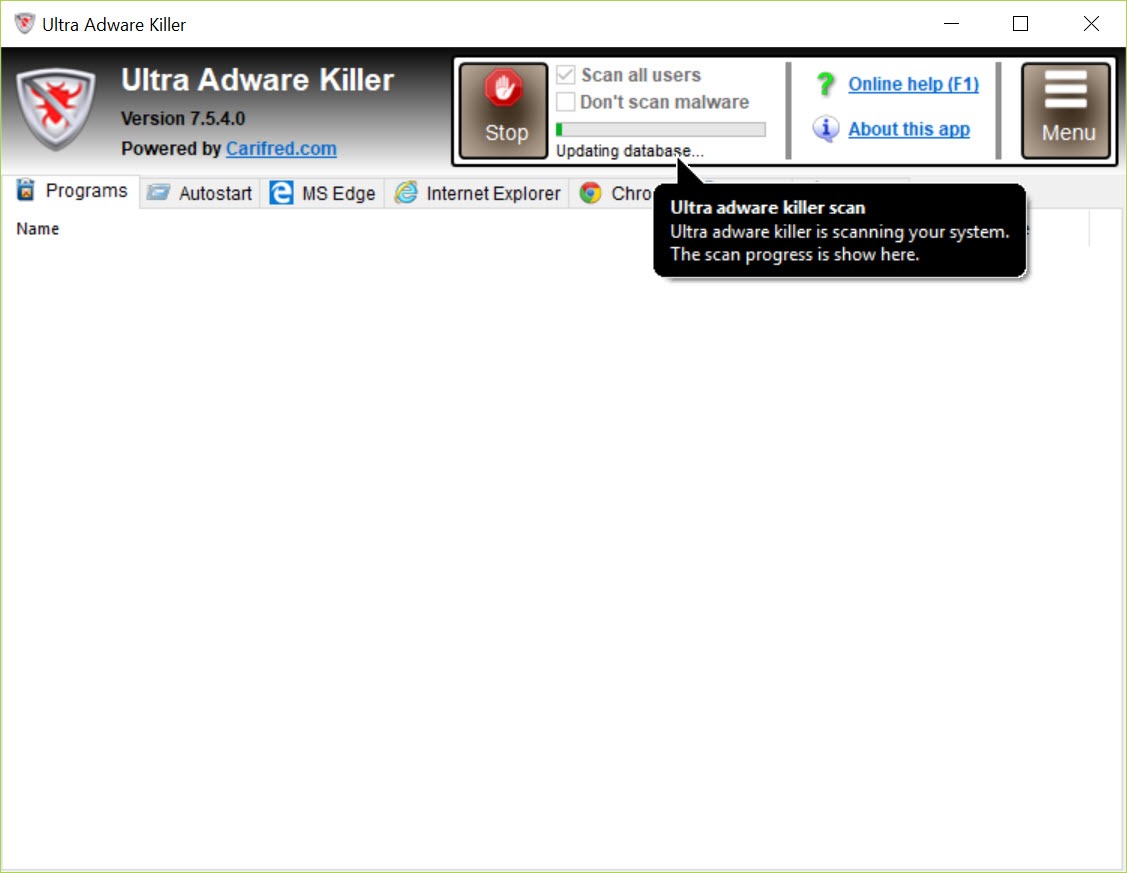
One scan, every account
Not having to log in as each user, run a scan, log out and repeat is a genuine time saving on a family machine or a shared work computer. A typical run finishes in under two minutes across the lot.
There is a consequence to think about first, though. Scanning every profile means removing things from accounts that are not yours, and an extension somebody else installed deliberately looks identical to one that arrived uninvited. On a machine you are cleaning for other people, read the list before you approve it rather than after.
Browser coverage past the obvious four
Most cleaners handle the mainstream browsers and stop. Ultra Adware Killer covers those and then keeps going into the Chromium and Firefox derivatives, so Opera, Brave, Chromium itself, Tor Browser, Waterfox and a long tail of others are all recognised, some fully and some partially, along with a mail client built on the same foundations.
That breadth matters more than it sounds. Adware does not care which browser it lands in, and a cleaner that only knows three of them leaves whatever the household installed last week entirely untouched.
It decides what to repair and what to delete
Not every detection should be deleted, and Ultra Adware Killer sorts that out by itself. A hijacked browser shortcut, the kind with a rogue address appended to the target, gets repaired rather than removed, because the shortcut itself is fine. Programs are always removed outright. You are not asked to make the distinction.
Two other conveniences sit around the removal. A checkbox creates a restore point before anything is touched, and it should be ticked. Anything locked and undeletable is queued for removal during the next restart, with an option to let the machine reboot on its own once the removal is finished.
Both a scan log and a removal log are kept and readable from the menu, which is the difference between trusting the tool and knowing what it did. The same scanning engine also appears inside Ultra Virus Killer as one module among many, so anyone wanting the wider repair kit rather than this single job has that option.
Resetting a browser is a blunt instrument
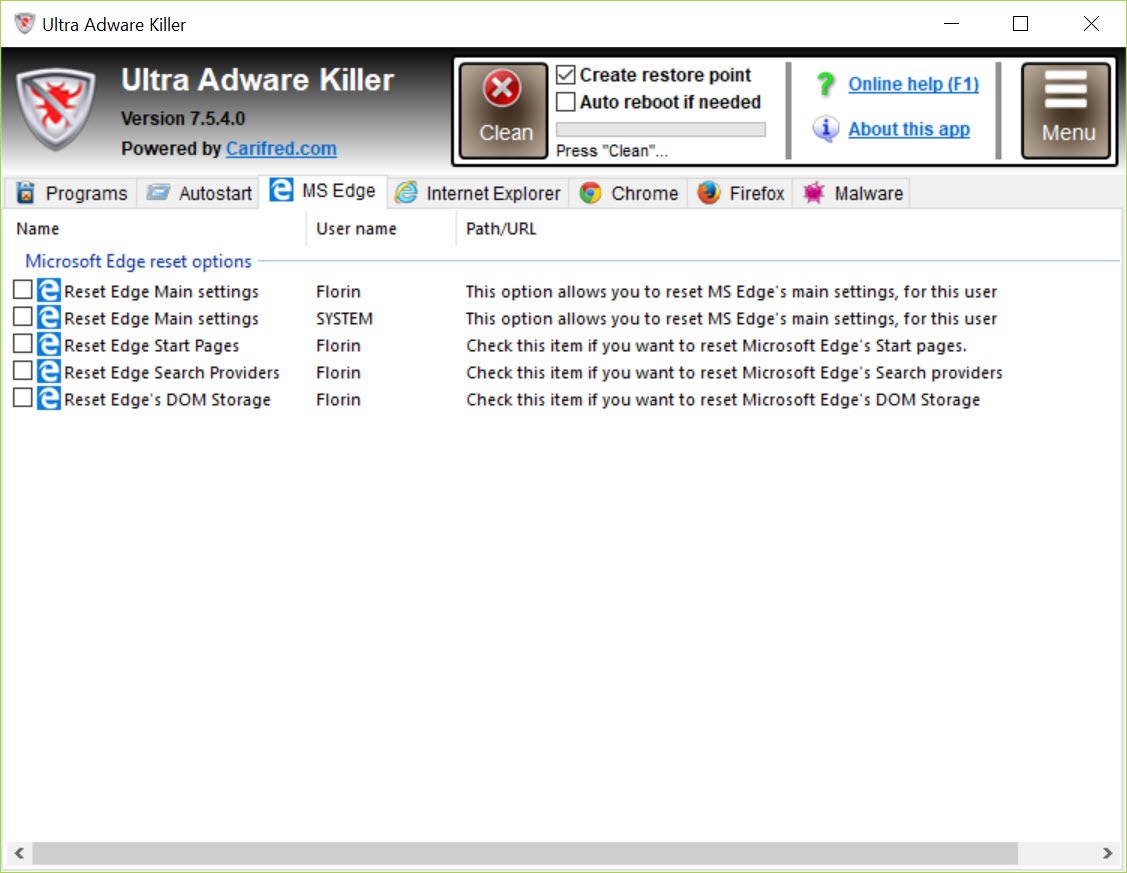
An optional reset returns browser preferences to their original state, and it works. It also takes everything else with it. Your extensions, your search settings, your customisations, your pinned tabs, all of it goes back to how the browser looked on the day it was installed.
Use it when a hijack has embedded itself so thoroughly that targeted removal keeps failing, and not as a matter of routine. Try the ordinary removal first, restart the browser, and only reach for the reset if the problem survives.
Checking afterwards with a tool that lists everything set to load automatically confirms whether anything is still hooking into startup.
It cleans, it does not protect
There is no resident component here. Ultra Adware Killer runs when you run it, finds what is present and removes it, then stops existing until next time. That is the correct design for a cleanup tool and it means the program cannot prevent anything.
So it belongs beside protection rather than instead of it. A scanner with a resident shield covers the part this does not, and the two do not conflict because only one of them is watching anything.
Better still, address where the junk comes from. Almost all of it arrives inside installers for software people actually wanted, and Unchecky declines those bundled offers automatically, which prevents rather than repairs.
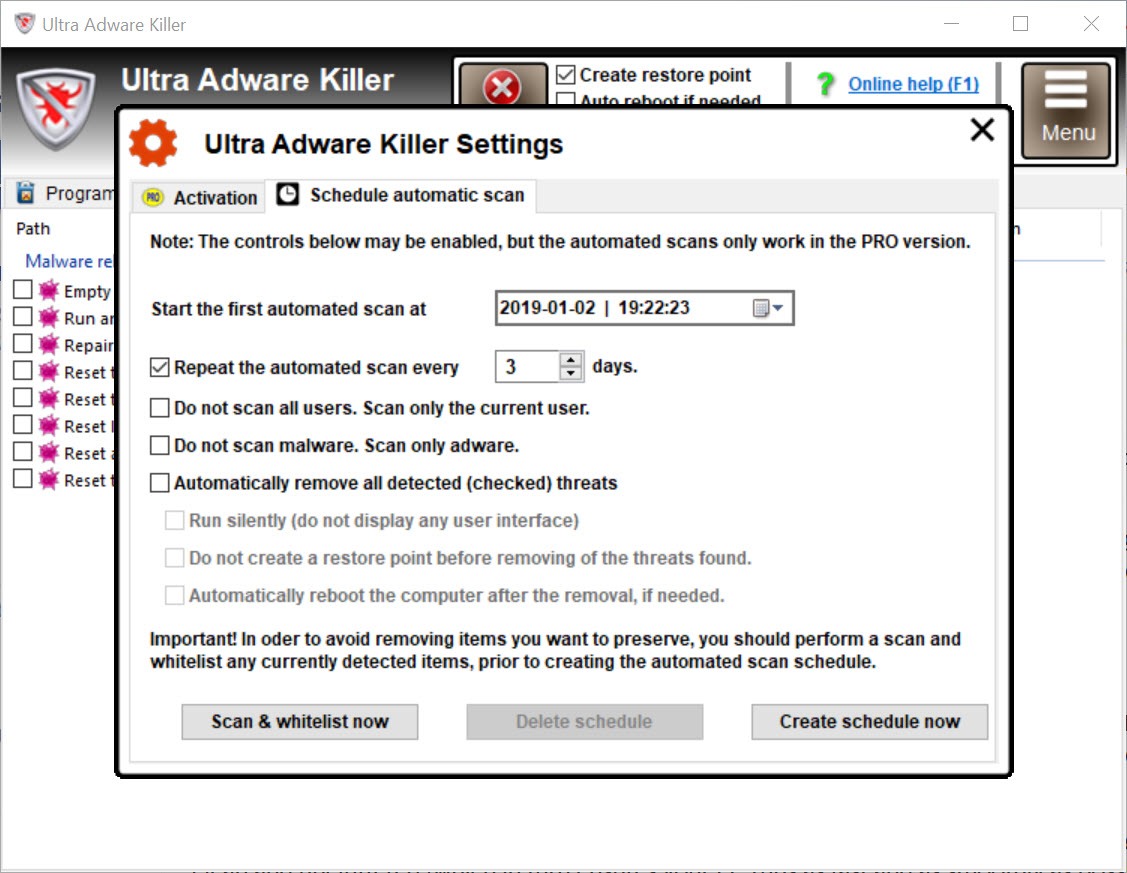
A licence unlocks scheduling and a fuller set of command-line switches for anyone automating this across several machines.
Conclusion
Ultra Adware Killer is a technician’s tool aimed at one specific frustration. If you clean other people’s machines, or share one with a family that installs whatever a website suggests, scanning every account at once and covering browsers nobody else bothers with saves hours that nobody enjoys spending.
Keep the restore point checkbox ticked, read the detection list before approving it on somebody else’s profile, and leave the browser reset as a last resort. Then pair it with something that actually watches the machine, because this one only ever shows up after the damage is done.
Pros & Cons
- Scans every user account in one pass instead of requiring a login to each
- Recognises Chromium and Firefox derivatives, not only the four mainstream browsers
- Repairs hijacked shortcuts rather than deleting them, and decides that without asking
- Optional restore point before removal, and reboot-time deletion for locked items
- Separate scan and removal logs record exactly what happened
- Runs without installation and finishes a full sweep in a couple of minutes
- No resident protection, so it repairs infections rather than preventing them
- Scanning every profile can remove items another user installed on purpose
- The browser reset discards your own settings and extensions along with the bad ones
- Scheduling and full command-line control need a licence
- Not a substitute for antivirus, since its focus is adware and unwanted programs
Frequently asked questions
Yes, that is its main advantage. One scan covers every profile on the machine, which removes the need to log into each account separately. Check the results list carefully, since it will also flag things other users chose to install.
No. There is no background component, so it finds and removes what is already present and nothing more. Prevention needs either a resident scanner or a tool that declines bundled offers during installation.
Only when targeted removal has failed. The reset returns the browser to its original configuration, which takes your extensions, search preferences and customisations with it. Try the normal removal first.
They are scheduled for deletion during the next restart, before the components that protect them are running. The program offers to reboot immediately, or you can decline and restart later yourself.


