

Norton AntiVirus
About Norton AntiVirus
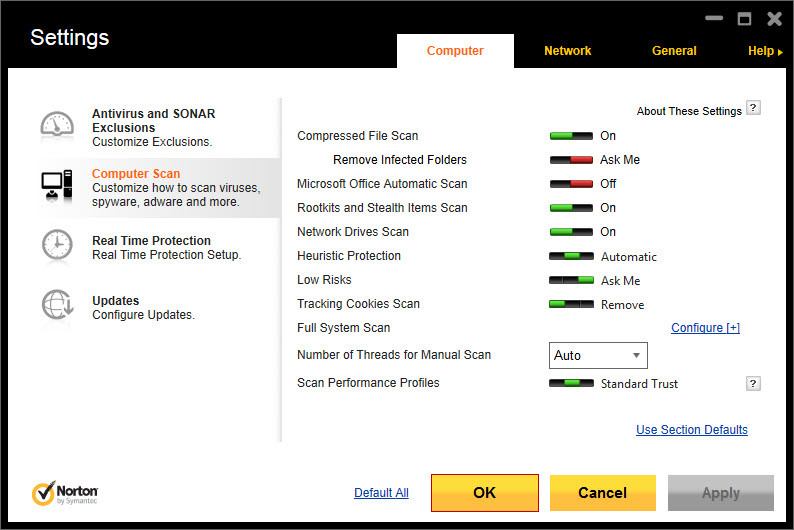
Norton AntiVirus is the entry tier of one of the oldest security suites still standing, and in the independent laboratories it keeps scoring at the top. Install it and four things start working at once. A file guard scans everything that opens, runs or downloads. A behaviour engine watches running programs for the patterns ransomware and spyware share. A browser layer blocks phishing pages and malicious downloads before they land.
And a firewall sits in front of the network, deciding which programs may talk and watching the traffic they send. Scans run quick, full or custom, on demand or on a schedule, with little visible load while they work.
That core comes with three extras that most entry tiers leave out. A password manager good enough to use on its own. A slice of cloud storage for the documents that matter. And a scam detector that reads suspicious messages and tells you whether they smell wrong.
Norton AntiVirus covers one device, with the upper tiers of the range adding a VPN, more devices and more backup. The sections below cover the protection, the firewall, the password manager and the backup, and then say plainly where the suite asks for patience, because it does.
Real-time protection and the behaviour engine
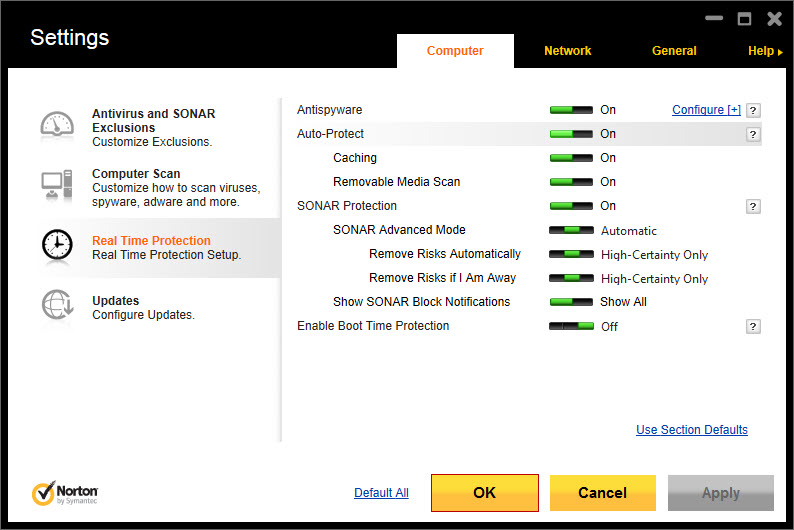
Four Norton AntiVirus guards run continuously. The file guard checks every file as it is touched, with signatures for what is known and heuristics for variants that carry no name yet. The behaviour engine looks at what programs do rather than what they are, and it stops a process that starts encrypting files in bulk or injecting itself into others.
A reputation system checks downloads against a cloud of what millions of other installations have seen, so a brand-new file with no history is treated with suspicion. The browser layer marks search results and blocks the phishing pages that imitate banks and mail providers.
The laboratories measure this. Detection of new malware lands at or near the top of every table, and the performance tests rate the slowdown during everyday tasks as very low.
That combination, strong detection and light footprint, is the reason the suite stays in the top handful year after year, and it is the honest centre of any review. For a second opinion that catches the adware the main engine classes as merely unwanted, Malwarebytes finds a different set of things, and the two run together without conflict.
The Smart Firewall
The firewall is the part that lifts Norton AntiVirus above a plain antivirus. It decides which programs may reach the network, asks about the ones it does not recognise, and watches the traffic itself for the signs of an intrusion. Port scans, spoofed network addresses and attempts to insert a machine between you and a secure site are detected and blocked. It is more configurable than the system’s own firewall, with rules per program and per connection, and it learns quietly rather than nagging.
For most households it runs on its defaults and is never opened. For anyone who wants to see what the machine is saying to the internet, the rules and the traffic log are there. A dedicated default-deny firewall such as TinyWall goes further in one direction, blocking everything until allowed, but it carries no antivirus and asks more of the user.
The password manager and the scam detector
The Norton AntiVirus password manager stores logins in an encrypted vault, fills them into sites from a browser extension, generates strong passwords and flags the weak and reused ones. It syncs across devices through the account, and it is better than the afterthought most suites bundle, close to a standalone product in daily use. What it lacks is emergency access and family sharing, which the dedicated managers offer. For a vault that lives in a file you control rather than an account, KeePass is the opposite philosophy.
The scam detector reads a message, a text or a screenshot you hand it and judges whether it looks like a fraud, pointing at what gave it away. It is new, it is useful for the relative who forwards every alarming email, and it is a judgement rather than a verdict.
A deepfake detector listens for synthetic voices in audio and video, a feature that will matter more each year.
Cloud backup and the performance tools
The Norton AntiVirus cloud backup copies chosen folders to the account’s storage on a schedule, so a ransomware attack or a dead disk does not take the family photos with it. The entry tier includes a small allowance, enough for documents and not for a photo library, and the upper tiers grow it. Backups run quietly and restore from inside the program or from a browser.
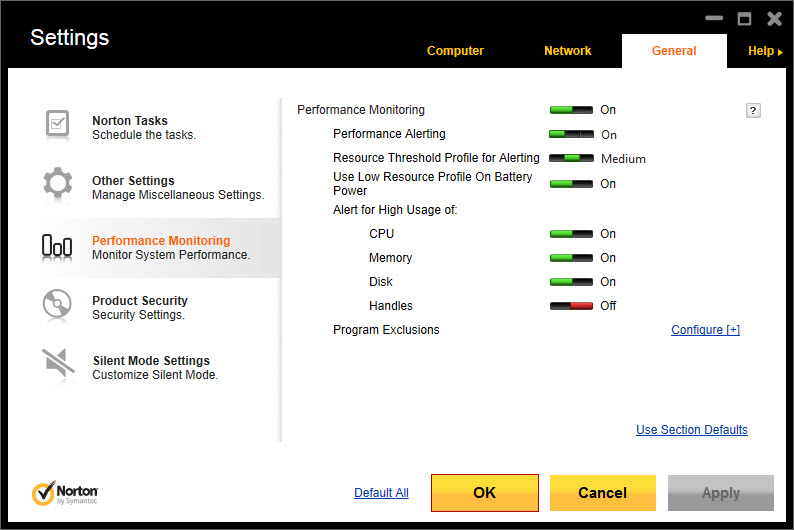
The performance tab holds a disk optimiser, a file cleanup tool, a startup manager and a software updater, none of which the protection needs and all of which a tidy-minded user may use once. They are shallower than the dedicated tools.
The startup manager is the one to keep, since it shows what loads at boot with a measure of how much each delays the machine.
Where it asks for patience
This is the part that annoys people and the suite has never fixed. Norton AntiVirus promotes its upper tiers inside its own window, with notices about features you do not have and occasional offers, and the renewal is automatic unless switched off.
The installer is heavier than the minimalist products, and uninstalling it cleanly needs a dedicated removal tool rather than the ordinary uninstaller, since the drivers it installs go deep. For a troubled machine where even that is not enough, Norton Power Eraser is the aggressive scanner from the same stable that digs out what the main engine leaves.
None of this touches the protection, which is excellent. It touches the experience of owning the product, which is where the suite loses the people who leave for something quieter.
Conclusion
Norton AntiVirus suits anyone who wants the strongest protection the laboratories measure, with a real firewall and a usable password manager in the entry tier. It asks in return that you put up with a product that keeps mentioning its bigger siblings. The behaviour engine, the reputation system and the Smart Firewall do the job as well as anything on the market, and the backup and scam tools are real additions rather than padding.
It is heavier and noisier than the minimalist alternatives, and its renewal habits deserve a note in the calendar. Switch the promotions off where the settings allow, turn automatic renewal to manual, and the protection underneath is as good as it gets.
Features & benefits
Pros & Cons
- Top-tier detection of new malware in the independent laboratories, with low slowdown
- Behaviour engine stops ransomware by what it does, with cloud reputation for new files
- Smart Firewall with per-program rules and intrusion detection beyond the system's own
- Password manager good enough to use as the only one
- Cloud backup for chosen folders, with restore from the program or a browser
- Scam and deepfake detection for messages and media
- Promotes upper tiers inside its own window
- Automatic renewal unless switched off
- Needs a dedicated removal tool to uninstall cleanly
- Cloud backup allowance in the entry tier is small
Frequently asked questions
Yes. The Smart Firewall controls which programs reach the network, watches traffic for intrusions and is more configurable than the system's own.
Yes. It stores, fills and generates passwords across devices and flags weak ones. It lacks emergency access and family sharing, which dedicated managers offer.
A small allowance in the entry tier, enough for documents rather than a photo library. The upper tiers of the range increase it.
Use the dedicated removal tool rather than the ordinary uninstaller, since the protection drivers go deeper than a standard uninstall reaches.


