

AVG Antivirus

 (89 votes, average: 4.13 out of 5)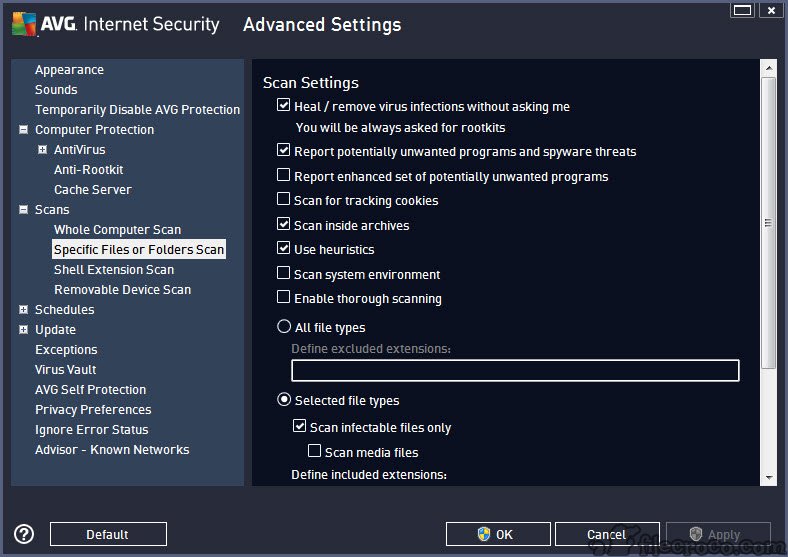
About AVG Antivirus
AVG Antivirus is a security application that combines signature-based malware detection, behavior monitoring, web traffic scanning, and machine learning analysis into a single protective layer for personal computers. The application sits in the system tray, watches file activity in real time, scans incoming downloads, intercepts suspicious network connections, and runs scheduled deep scans of the storage. It’s positioned for users who want broader coverage than what built-in Windows protection offers, packaged in an interface that doesn’t demand security expertise.
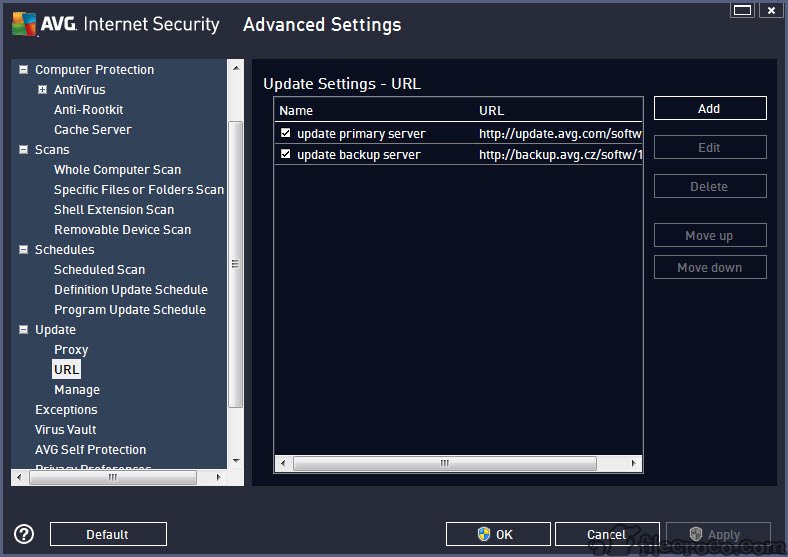
The category itself has shifted significantly. Windows Defender has improved enough that the baseline question for any third-party antivirus is whether it adds meaningful value beyond what’s already included with the operating system. AVG Antivirus answers that question by offering several additional protection layers, a more aggressive update cadence on threat definitions, and supplementary features like a web shield and email scanner that go beyond pure file-system monitoring.
Whether those additions justify a third-party install depends heavily on the user’s browsing habits, the kinds of files they handle, and how much they value the extra controls.
The shared engine reality and what that means
A point worth being honest about upfront. AVG Antivirus shares its core scanning engine with Avast Antivirus, and the two products are now essentially the same scanning technology wrapped in different interfaces. Detection rates, malware identification, and behavior shield logic come from the same underlying codebase. Independent testing labs typically score the two within a percentage point of each other, which is what you’d expect when they’re built on identical detection foundations.
This matters for users choosing between them. The difference between the two products comes down to interface preferences, feature packaging in the paid tiers, and subjective considerations rather than raw protection capability.
For users who specifically prefer one interface over the other or who already have an account on one platform, that preference is the legitimate deciding factor. For users comparing them on technical merits, the comparison is mostly a wash.
Detection layers and how they fit together
The active protection runs as several parallel components rather than a single monolithic scanner. The file shield watches everything the operating system reads, writes, or executes, comparing against signatures and behavioral patterns. The web shield inspects HTTP and HTTPS traffic for known malicious domains, phishing pages, and drive-by-download attempts before the browser fully processes the content. The email shield scans inbound and outbound messages in supported clients for malicious attachments and embedded threats.
The behavior shield is the most interesting layer technically. Instead of looking for known signatures, it watches what running programs actually do. A process suddenly encrypting hundreds of files in rapid succession triggers ransomware detection logic.
A program injecting code into another running process triggers exploit detection. A previously unknown executable making network connections to suspicious endpoints triggers heuristic analysis. This catches threats that haven’t been added to signature databases yet, which matters because new malware appears faster than signature updates can keep up with.
The CyberCapture feature handles the unknown-file problem differently. When the application encounters an executable it doesn’t recognize, it can upload the file to the analysis service, run it in a sandboxed environment, and return a verdict before the user’s machine ever executes the local copy.
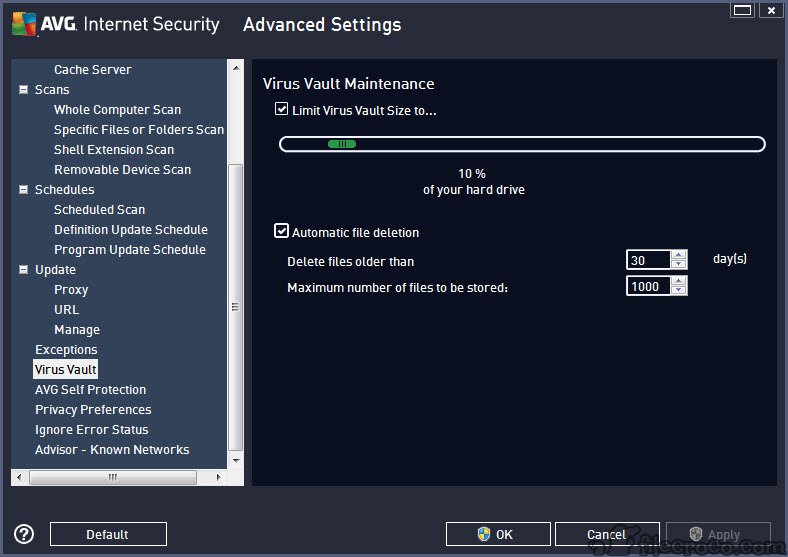
The trade-off is privacy (a file from your machine gets uploaded to a remote service) and latency (the analysis takes time), but the protection model is strong against truly novel threats.
Web shield and the phishing angle
Phishing has overtaken classic malware as the leading attack vector for most home users, and the web shield is where AVG Antivirus addresses that shift. The shield maintains a database of known phishing domains and blocks navigation to them at the network level. It also uses heuristic analysis of page content to flag pages that look like phishing attempts but haven’t been catalogued yet (unusual login forms on unfamiliar domains, mismatched URL structures, obvious typo-squatting variations of known brands).
The browser extension extends this further by analyzing actual page content rather than just blocking domains. It can warn about download links to known-bad files, flag forms requesting unusual amounts of personal information, and integrate with the broader threat database in ways that pure network-level blocking can’t match. Users who do a lot of online shopping, banking, or account management on unfamiliar sites benefit most from this layer.
For users specifically focused on malware cleanup rather than ongoing protection, portable scanners like Dr.Web CureIt! or the Emsisoft Emergency Kit cover the second-opinion scanning use case without conflicting with an installed antivirus.
Pairing an installed antivirus with occasional second-opinion scans from a portable tool catches the rare cases where one engine misses what another would find.
Performance impact and what the scanner does to your system
Resource usage is the historical weak point of antivirus software, and AVG Antivirus has the same trade-offs as everything else in the category. The background protection consumes a small amount of memory continuously and CPU during file access events. Deep scans of the full storage are intensive operations that can noticeably slow other work while running.
The application includes a gaming mode (sometimes called Do Not Disturb mode) that suppresses notifications and defers scheduled scans while detected fullscreen applications are running. This is more useful than it sounds for users who alternate between productive work and gaming or full-screen video, because antivirus interruptions during cutscenes or video streaming are exactly the wrong moment for the software to demand attention.
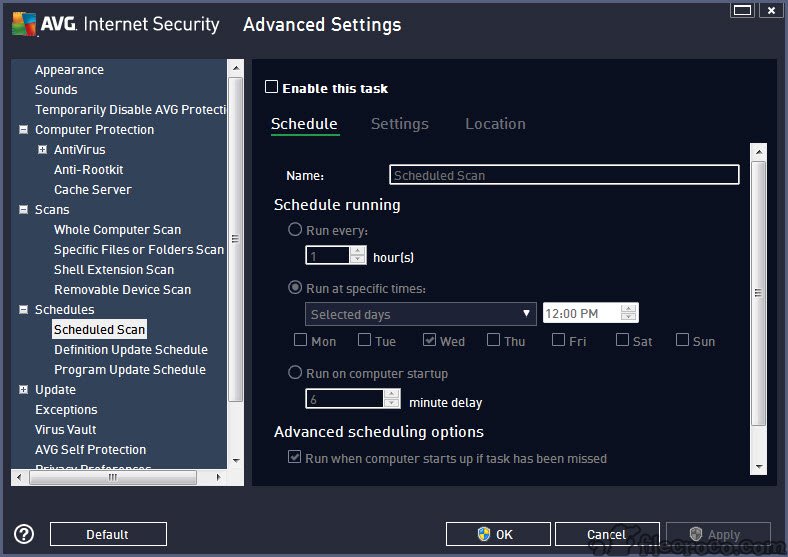
The scheduled scan timing matters more than most users realize. Default schedules tend to run scans during work hours, which is the worst possible time for them. Reconfiguring the scheduler to run scans overnight or during known idle periods eliminates most of the perceived performance cost.
Paid tier and what changes there
The free version covers the core antivirus functionality. The paid tier adds the firewall, advanced ransomware protection with controlled folder access, a webcam shield that monitors which applications access the camera, sensitive data shield for protecting specified file types, and various premium support options.
For users on a recent version of Windows, the built-in firewall is already capable, and the operating system’s own ransomware protection covers similar ground to what the premium tier offers. The webcam shield and sensitive data features are the more distinctive paid additions.
Whether they justify the subscription depends on the threat model. Users with sensitive personal or financial documents on their machine, or users worried about webcam-based privacy violations, gain real value. Users with standard browsing habits and nothing particularly sensitive on the machine usually don’t gain enough to justify the upgrade over the free tier or the operating system’s built-in protection.
Conclusion
AVG Antivirus is a competent multi-layered security application with strong detection capability, useful supplementary features around web and email protection, and a free tier that covers the core protection without major restrictions. The target audience is users who want broader and more configurable protection than Windows Defender provides, who handle email attachments and downloads from varied sources regularly, or who specifically want the behavior shield and web protection layers as additions to baseline scanning.
It’s the wrong choice for minimalist users who trust the operating system’s built-in protection and don’t need additional layers, for power users who prefer truly open-source security tools like ClamWin Antivirus, or for anyone bothered by the recurring upgrade prompts in the free tier.
The decision between this and other paid alternatives like Bitdefender or ESET NOD32 Antivirus comes down to interface preference, feature priorities, and existing accounts rather than meaningful gaps in core protection capability.
Pros & Cons
- Multi-layered protection covering file system, network traffic, email, and behavior monitoring
- Behavior shield catches threats based on what programs do rather than just what they look like
- CyberCapture sandbox analysis handles previously unknown executables
- Web shield with browser extension addresses phishing as the leading threat vector
- Free tier includes the core protection without major feature lockouts
- Same detection engine quality as Avast in independent lab testing
- Shares its core engine with Avast, making the two products technically similar despite separate marketing
- Free version periodically prompts for upgrade to paid tier, which some users find intrusive
- Full system scans noticeably impact performance while running
- Some premium features overlap with capabilities now built into recent Windows versions
- Privacy practices around data collection have been a recurring source of public scrutiny
Frequently asked questions
The application covers malware (viruses, trojans, worms, ransomware), phishing websites, malicious downloads, suspicious email attachments, and behavioral attacks like unauthorized file encryption and code injection.
The two products share the same core scanning engine and produce nearly identical detection results in independent lab testing. Differences come down to interface design, feature packaging in the paid tiers, and other secondary factors rather than raw protection capability.
The background protection has minimal continuous impact. Active scanning operations are noticeably more intensive and can slow other work while running. Scheduling scans for overnight or idle periods eliminates most perceived performance cost.
When AVG Antivirus is installed and active, Windows automatically disables Defender's real-time protection to prevent conflicts between the two engines. Defender's offline scanning options remain available as a second-opinion tool.
Standard removal works through the Windows Programs and Features control panel. A dedicated cleanup utility from the application's support resources handles cases where the standard uninstall leaves traces or where the installation became corrupted.
CyberCapture is the behavior that uploads previously unknown executables to a sandbox analysis service for verdict before letting them run locally. The trade-off is privacy and slight latency in exchange for protection against truly novel threats.
The free version relies on the Windows built-in firewall. The paid tier adds its own firewall layer with additional configuration options. For most home users on current Windows builds, the built-in firewall is already capable enough.


