

Stud.io


 (9 votes, average: 3.89 out of 5)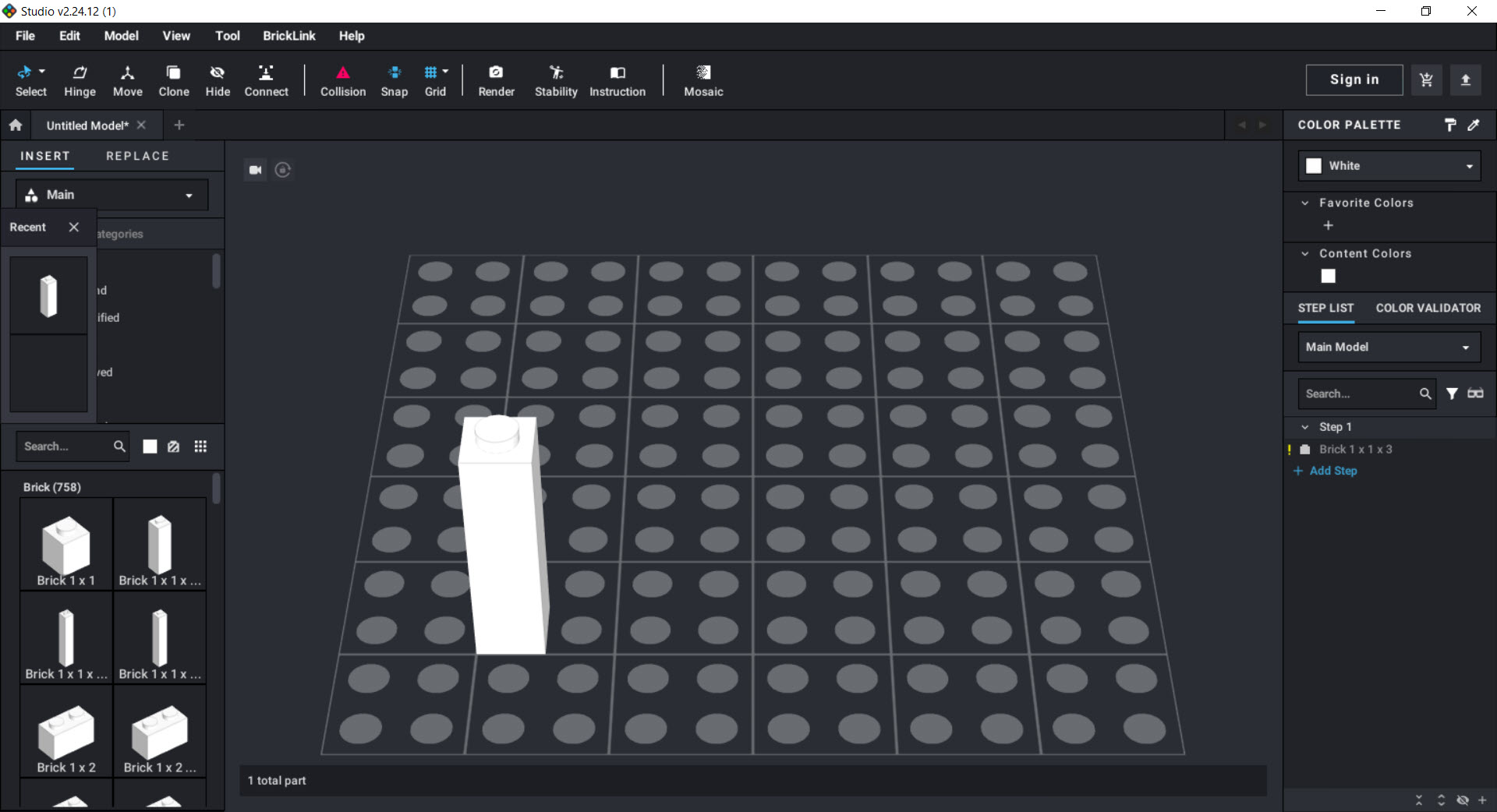
About Stud.io
Every builder knows the wall. The idea in your head needs six hundred parts, half of them in a color you do not own, and finding out whether the design even works means buying them first. Stud.io removes that gamble.
It is LEGO building software, a full CAD environment where bricks snap together on screen exactly as they do in plastic, drawing from a parts catalog larger than any physical collection on earth, and when the model is done it produces photorealistic renders, step-by-step instructions, and the exact shopping list needed to build it for real.
The application has become the standard tool of the MOC scene, the community designing original creations rather than following official sets, and one session explains why. This is not a toy version of design software, it is design software that happens to speak fluent brick.
A parts bin bigger than any collection
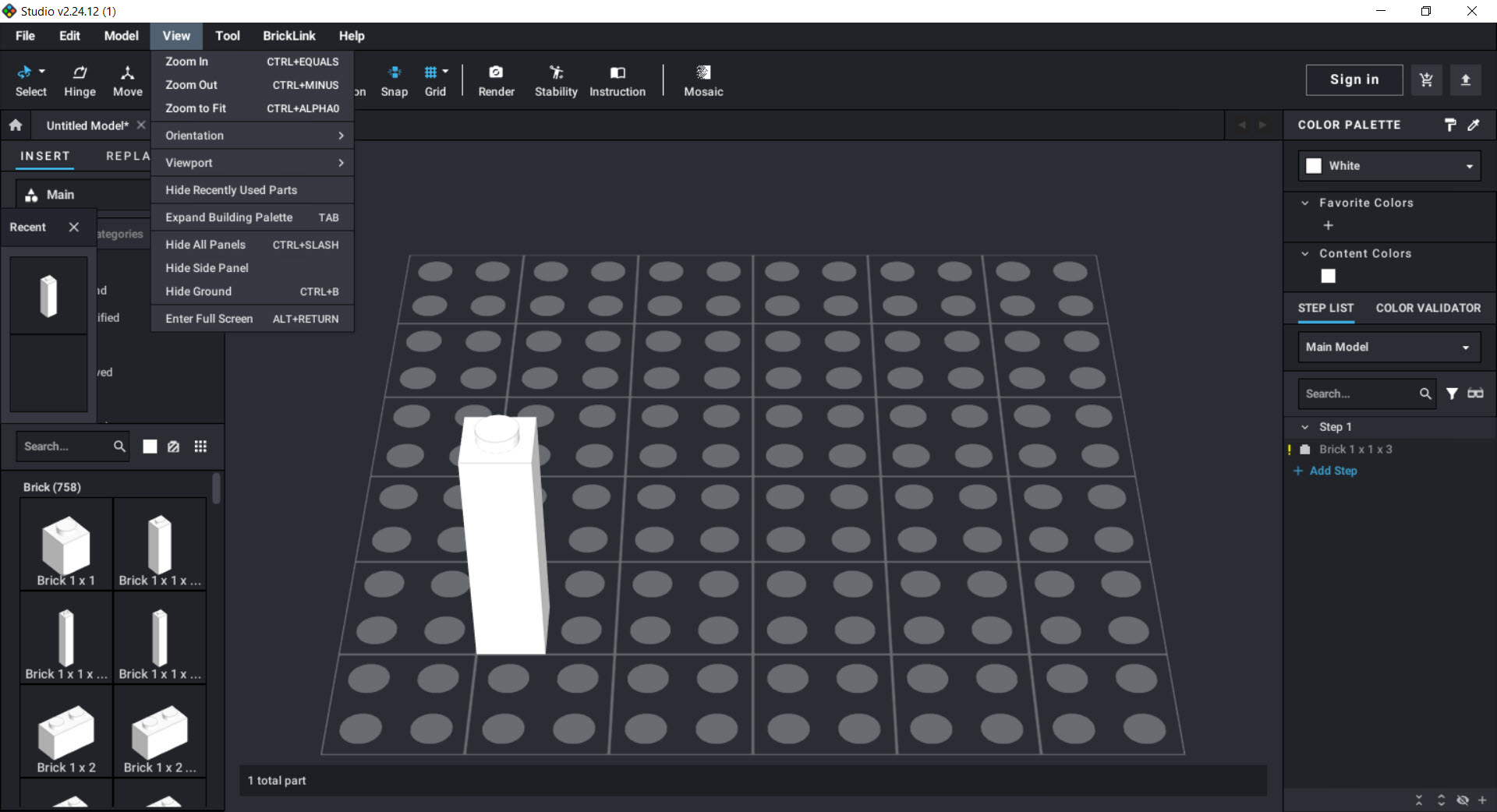
The palette contains tens of thousands of elements, every basic brick and plate, the obscure technic connectors, animal figures, plants, printed pieces, in the full range of colors each part has actually existed in. Filters and search keep it navigable, categories group parts sensibly, and a favorites system collects the pieces a project keeps returning to.
Working from a real catalog matters more than raw quantity. Because the library reflects parts that physically exist, a digital model is always buildable in principle, and Stud.io will happily tell you that the piece you want in sand green was never produced in sand green, information that arrives much cheaper on screen than at the checkout.
Building that behaves like plastic
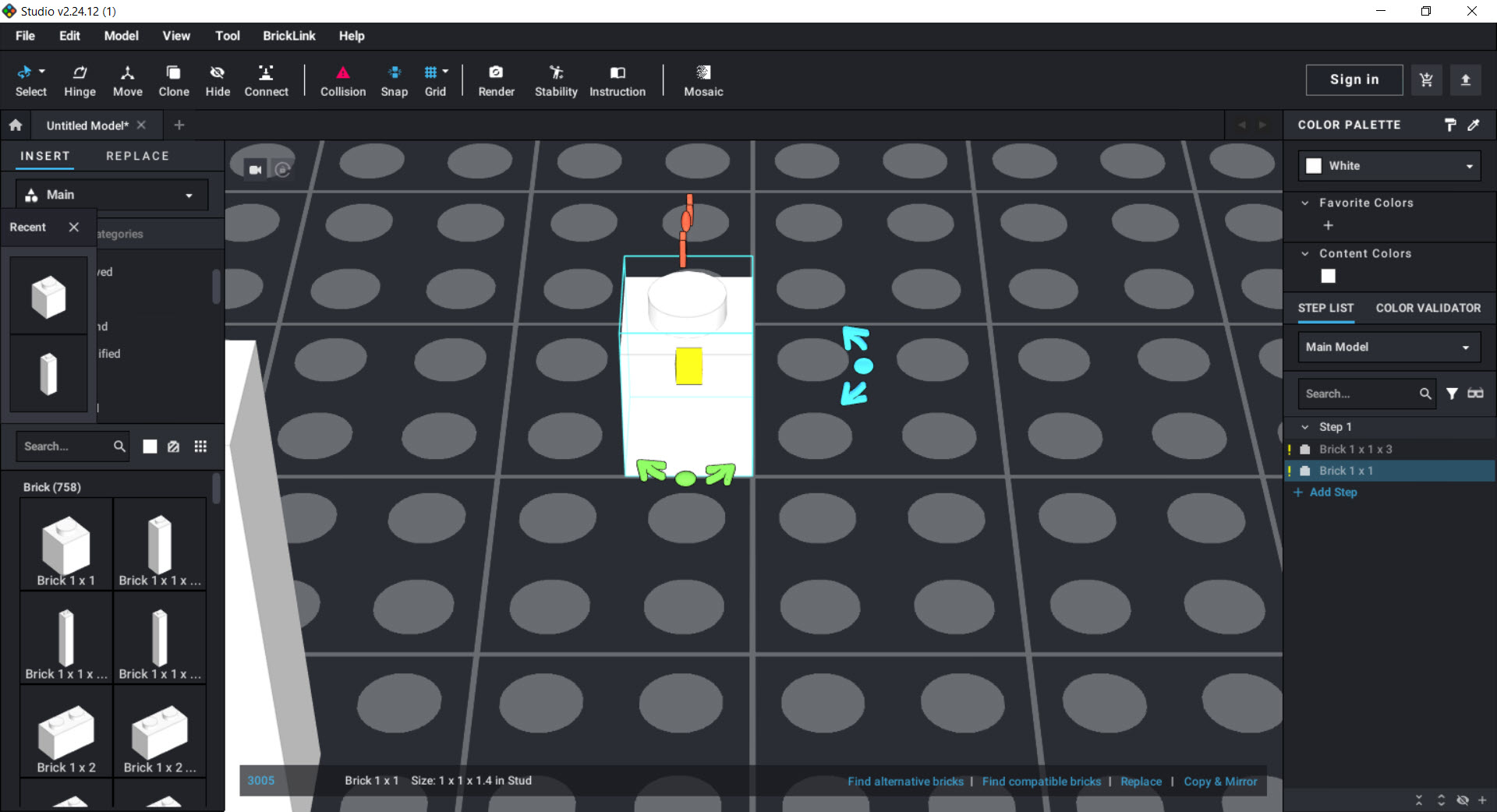
Bricks snap to studs with proper alignment, hinges rotate through their true range, clips grab bars, and Technic pins find their holes. Collision detection stops parts from occupying the same space, which sounds obvious until you have used cruder tools that let models pass through themselves. Hoses and other flexible elements bend along adjustable paths, and larger projects organize into submodels, build the wing once, mirror it for the other side.
A dedicated stability check highlights floating parts and weak connections, the digital equivalent of picking a model up and hearing something rattle. It will not catch every structural sin, gravity in the real world remains more creative than any simulation, but it reliably flags the pieces you forgot to attach and the sections held together by hope.
The honest rough edge is that unusual connection techniques, the angled and illegal-adjacent geometry advanced builders love, sometimes fight the snapping system, and placing them takes patience the basic bricks never demand.
From model to photograph, without a camera
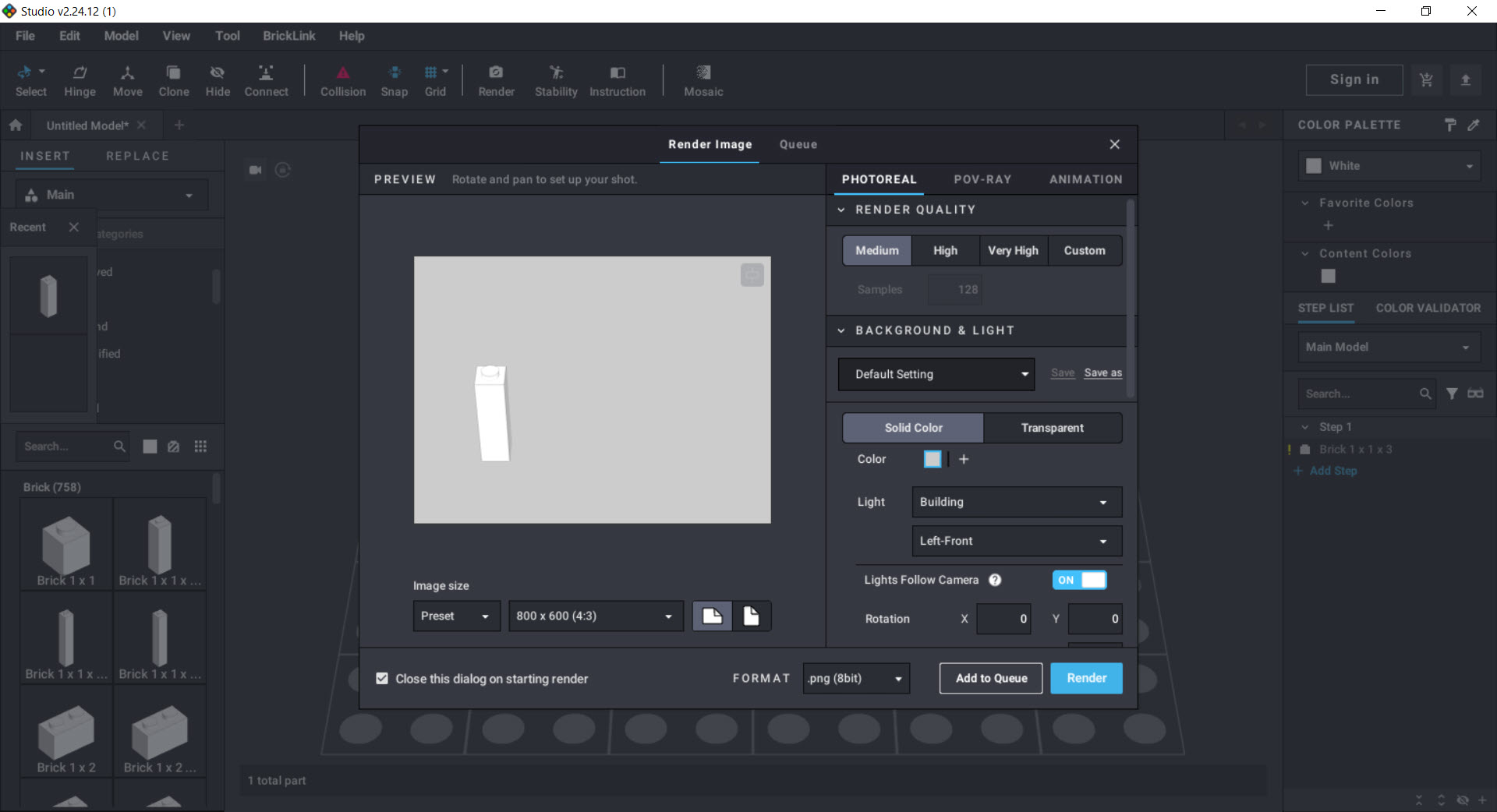
The built-in renderer turns models into images that pass for product photography, adjustable lighting, backgrounds, camera angles, and materials that make plastic look like plastic. A render of a decent-sized model takes minutes rather than seconds, and the waiting rewards you with images good enough for a portfolio or a community gallery.
For most builders this replaces any need for general 3D software, though models can travel onward to Blender when a project demands animation or scene work beyond what a still render offers.
Anyone coming from blocky modeling tools like Blockbench will find the philosophy familiar and the physical constraints refreshingly strict.
The instruction maker, the feature that built a cottage industry
Designing the model is half the product. The other half generates building instructions, the model divides into steps, each step lays out on pages automatically, parts lists appear per step, callouts zoom into fiddly sections, and the result exports as a polished PDF anyone can follow. What official sets do with a design department, one person does here over a weekend.
This single feature carries the MOC economy, since designers sell instructions for original creations, and buyers rebuild them from their own parts. Expect real work in the layout stage, automatic step division makes a competent first draft and a human still makes it good, but the toolset is entirely up to the job.
Fair warning on scale, models in the thousands of parts slow both the editor and the instruction tools, and monster builds benefit from aggressive submodel discipline.
The shopping list that ends the guesswork
When the design settles, the application exports the complete inventory, every part, color, and quantity, as a wanted list connected to the BrickLink catalog it draws from. Price estimates appear against real market data, so the question every builder asks, what would this actually take to build, gets a number before any commitment.
The reality check cuts both ways, a design leaning on rare pieces in rare colors announces its own extravagance, and swapping to common alternatives happens digitally, where changing a hundred parts costs nothing but clicks.
This closed loop, design, verify, price, buy, build, is what separates the application from every casual brick sandbox. It treats a digital model as a plan for a physical object, not a screensaver.
Conclusion
Stud.io serves the whole arc of the hobby, the teenager sketching a spaceship, the adult builder pricing a modular building before committing a paycheck, and the designer whose instruction PDFs are a small business. It brings genuine engineering discipline, real parts, real connections, real prices, to what could easily have been a sandbox.
Casual players may find that discipline heavier than they want, and that is fine, sandboxes exist. For anyone who intends their digital bricks to become physical ones, nothing else comes close.
Pros & Cons
- Parts catalog covering tens of thousands of real elements in their true colors
- Authentic connections, collision detection, and flexible parts behave like plastic
- Stability check flags floating parts and weak joins before they cost money
- Photorealistic rendering built in, no external 3D software required
- Instruction maker produces sellable, step-by-step PDF guides
- Wanted-list export prices the whole model against real market data
- Advanced angled connections fight the snapping system
- Models beyond a few thousand parts slow the editor noticeably
- Quality renders take minutes each on ordinary hardware
- Instruction layout still needs human polish after automatic generation
Frequently asked questions
Anything. The parts palette is open, and original creations, the MOCs the community trades, are exactly what it was built for. Official sets can be recreated too if that is the goal.
The stability check highlights unconnected and weakly attached parts, which catches most planning mistakes. Real-world strength on daring geometry still deserves a physical test.
Yes, that is one of its defining features. The model divides into steps with per-step part lists and callouts, and exports as a PDF matching the style of professional instructions.
Export the model's inventory as a wanted list. It carries every part, color, and quantity, connects to the catalog the palette is built on, and shows price estimates before you commit.
For typical models, comfortably. Heavy scenes in the thousands of parts strain any machine, and rendering is the one task where extra hardware visibly pays off.


