

Kontakt Player

 (71 votes, average: 4.06 out of 5)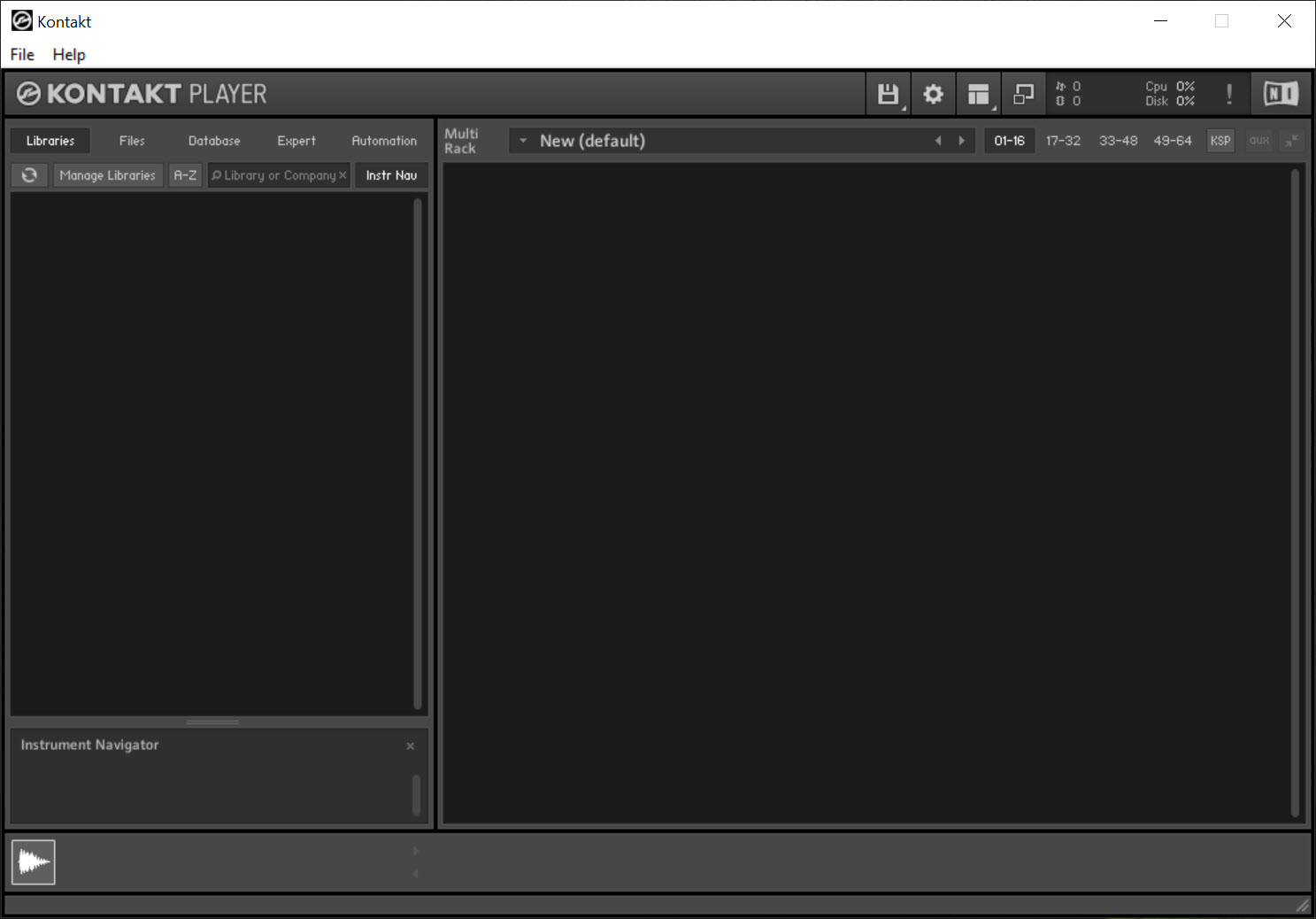
About Kontakt Player
If you’ve ever bought an orchestral library, a cinematic synth, or a jazz drum kit and wondered what actually plays the samples, the answer for a huge slice of the music production world is Kontakt Player. It’s the free runtime that loads sample libraries built on the Kontakt engine, which covers a startlingly large catalogue of commercial sound packs across orchestral, ethnic, hybrid, and modern electronic genres.
The application is a sample-based virtual instrument host. You load a library, it streams audio samples mapped across MIDI notes, and you trigger them from a controller or a DAW piano roll. The free Player tier loads any library specifically licensed for it.
Anything else, including older third-party libraries and your own sample mappings, will load but only in a time-limited demo mode that cuts off after a fixed playback window.
That distinction is the single most important thing to understand before installing it. The toolkit is generous in what it can technically open and restrictive in what it will play long enough to use in a real session.
How the player loads libraries
Libraries register through the Native Access manager that installs alongside the player. You enter the serial number you received with the purchase, point Native Access at the sample folder, and the library appears in the left-side browser of Kontakt Player. From there it behaves like any other instrument slot in your DAW.
Native Access also handles updates, which matters because some libraries ship patches that fix mapping errors or add new articulations. The browser inside the application is split into the Library section for activated Player libraries and the Files section for raw NKI loading. That second path is what triggers demo mode when the library isn’t Player-licensed.
The interface and what each panel does
The main window has a multi-rack design. Each loaded instrument lives in its own rack slot, with controls for output routing, MIDI channel, polyphony limits, and effects. You can stack up to 16 instruments per instance, and most DAWs let you spin up multiple instances anyway.
Each rack slot has a built-in performance view, which is the custom UI the library author designed. Orchestral libraries usually expose articulation switches, dynamic layers, and microphone position knobs through this view.
Drum libraries lay out pads. Synth libraries put oscillators and filters in front of you. The point is that the interface isn’t really one interface, it’s a host for whatever the library author built on top of the underlying engine.
Demo mode and the line between free and paid
Anything outside the Player tier loads for a finite window and then stops producing sound until you reload it. That’s the entire upsell mechanic. You can audition uncovered libraries, but you can’t use them in production.
A practical consequence. Plenty of older commercial libraries, especially Kontakt 2 and 3 era content, fall into the non-Player category and require the full Kontakt license to be usable. If you’ve inherited a sample collection or you’re buying from a discount bundle site, check the library description for “Kontakt Player compatible” before assuming you can run it free.
DAW integration in practice
The plugin installs in VST, VST3, and AAX formats, which covers Reaper, Cubase, Studio One, FL Studio, Pro Tools, and most other current hosts. Reason loads it as a Rack Extension. Hosts that only accept VST2 still work, since the installer offers separate format selections during setup.
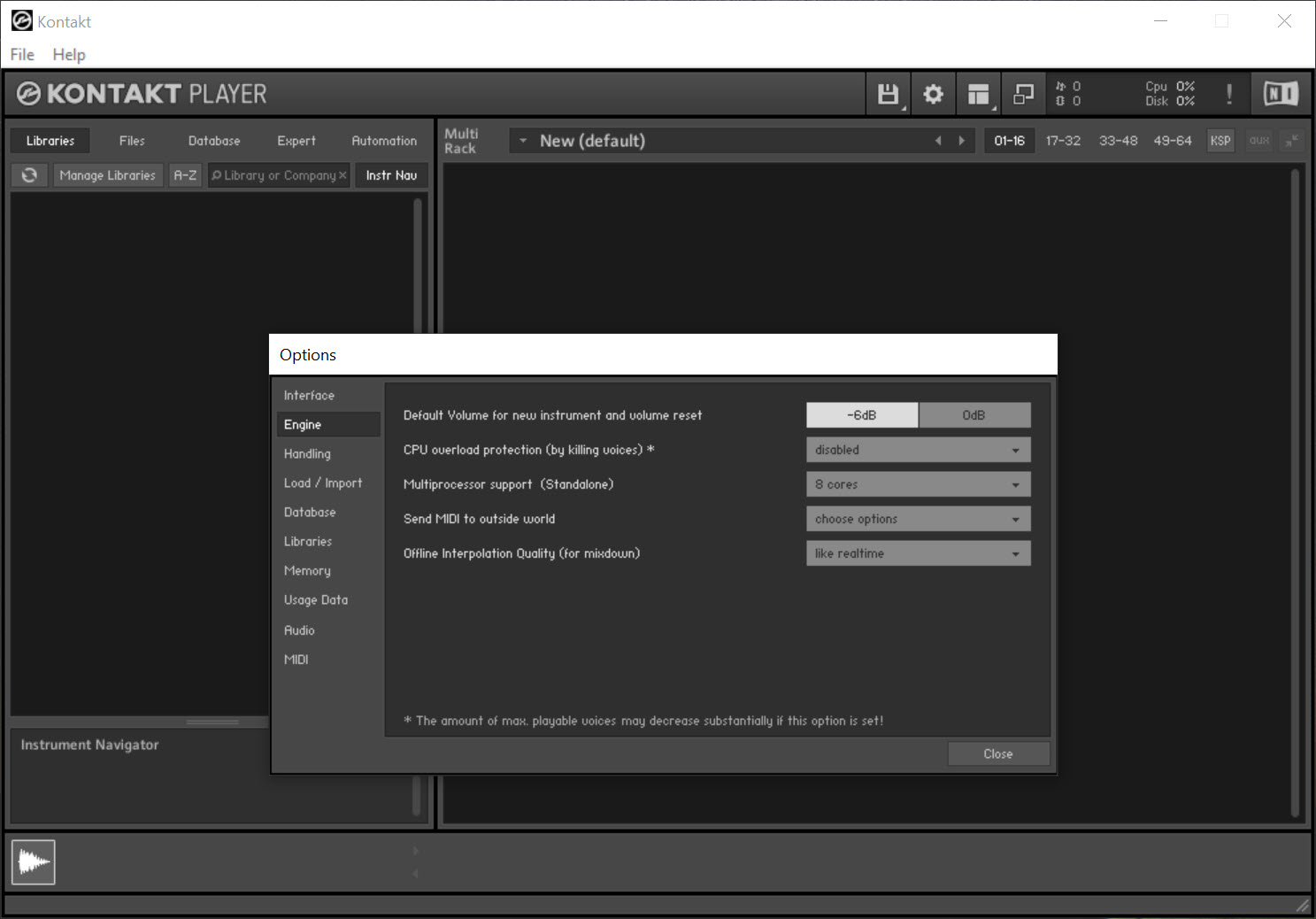
Latency is mostly down to your audio driver. If your interface ships a proper ASIO driver, you’re fine. If you’re routing through generic drivers, ASIO4ALL is the usual fallback and works correctly with the player. The streaming engine inside the application is buffer-aware, so very low latency settings on a small RAM budget will trigger sample dropouts before the CPU does.
Memory and disk streaming
This is where the engine shows its actual sophistication. Samples don’t all sit in RAM. The player loads the attack portion of each sample into memory and streams the sustain and release from disk on demand. That’s what makes libraries with tens of gigabytes of samples per patch usable on a normal workstation.
The trade is that disk speed becomes important. An SSD is effectively required for large orchestral or piano libraries, otherwise you’ll hit streaming glitches during dense passages. You can adjust the preload buffer per instance, trading RAM for disk pressure, but the defaults are reasonable for most setups.
If you’re after a piano sound without sample streaming entirely, a modeled instrument like Pianoteq takes a completely different approach.
Effects, automation, and routing
Each instrument can run through the player’s internal effects chain, which covers EQ, compression, delay, reverb, and a handful of distortion options. The effects are decent but not spectacular. Most users automate macro controls inside the library’s performance view rather than touching the built-in effects rack.
MIDI CCs route into the library’s defined parameters, which is how dynamic crossfades and modulation work in orchestral patches. You can also set up keyswitches at the bottom of your MIDI range to flip articulations within a single track.
For users who want to design their own sound from scratch rather than load pre-built libraries, smaller composition tools like Bosca Ceoil cover a very different beginner-friendly angle.
Where the application falls short
Stand-alone mode exists but it’s clearly secondary. The player works better as a plugin inside a DAW, and the stand-alone version mostly serves as a way to confirm your library installation outside of any host. The MIDI mapping in stand-alone is also more limited than what a DAW would offer.
There’s also no creative content of its own. Unlike the full Kontakt application, the free tier ships only with a small factory selection meant as a demo of what the engine can do. You’ll need to pair it with at least one commercial Player-compatible library before it becomes useful in production. Editing or sampling your own content into a new instrument is locked behind the paid upgrade.
Conclusion
Kontakt Player is what you install when you’ve bought, or plan to buy, a commercial sample library and need the runtime that plays it. It’s not a creative tool on its own, and that framing matters. The free tier is a doorway into a commercial ecosystem, not a self-contained instrument.
For composers and producers working with orchestral, cinematic, or any genre where sampled instruments do the heavy lifting, the application is effectively unavoidable.
The engineering behind the disk streaming, the per-library interfaces, and the routing flexibility makes it a serious piece of software even before you spend a cent on content. Just go in knowing that the real cost is the libraries, not the player.
Pros & Cons
- Industry standard for loading commercial sample libraries
- Multi-rack design supports up to 16 instruments per instance
- Disk streaming makes huge libraries usable on normal hardware
- Plugin formats cover VST, VST3, and AAX for broad DAW compatibility
- Per-library custom interfaces expose articulation and microphone controls
- Native Access handles serial registration and updates cleanly
- Non-Player libraries load only in time-limited demo mode
- Stand-alone version is functional but clearly secondary to plugin use
- Factory content is minimal, real value comes from buying libraries
- SSD storage effectively required for large orchestral libraries
- Built-in effects rack is serviceable but won't replace dedicated plugins
- No sample editing or instrument creation without the paid upgrade
Frequently asked questions
The Player loads any library marked as Player-compatible at full functionality. Non-Player libraries load only in a 15-minute demo mode. The full version removes that restriction and adds sample editing, instrument creation, and access to the scripting engine for building custom patches.
You activate the serial through Native Access, which installs alongside the player. Once activated, Native Access registers the library path and it appears in the Libraries tab of the application. Drag-and-drop of NKI files into the rack works for non-Player content but triggers demo mode.
The library isn't licensed for the free tier. This usually means it's an older Kontakt-format library, a sample pack that targets full Kontakt only, or a library that was never updated for Player compatibility. The full Kontakt license removes the restriction.
Yes. The installer provides VST, VST3, and AAX formats during setup, covering essentially every current Windows DAW. You select which plugin folders to populate based on what your host scans.
No. Creating new instruments, mapping samples, and editing existing patches all require the full Kontakt license. The Player tier is read-only in that respect.
Almost always a disk streaming issue rather than CPU. Large libraries depend on fast storage, and dense passages with many simultaneous voices stress the disk before the processor. Moving the library to an SSD or increasing the preload buffer usually fixes it.
A native ASIO driver from your audio interface is ideal. If your hardware doesn't ship one, the application works with WDM and DirectSound, though latency will be noticeably higher. ASIO4ALL is the common workaround.


