

Kaspersky System Checker
About Kaspersky System Checker
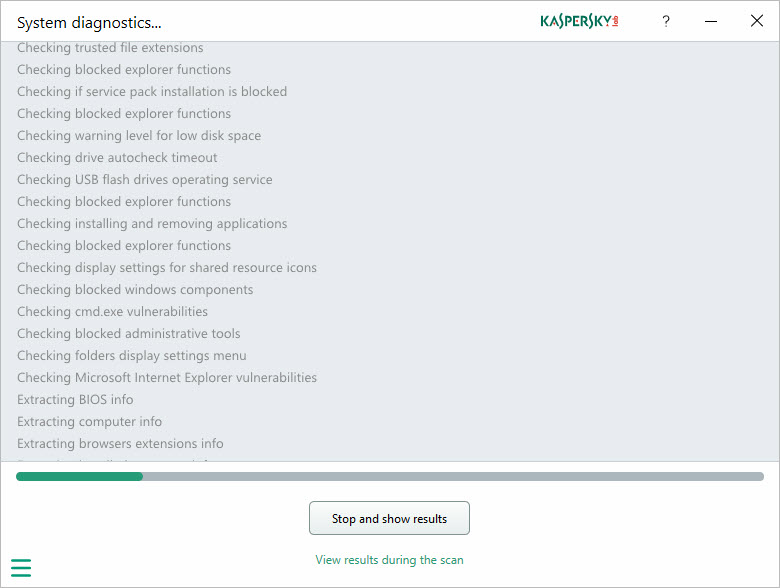
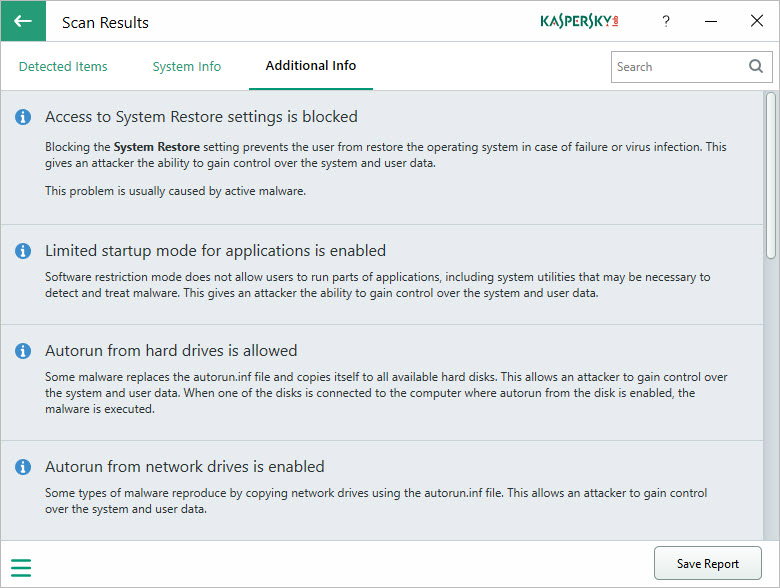
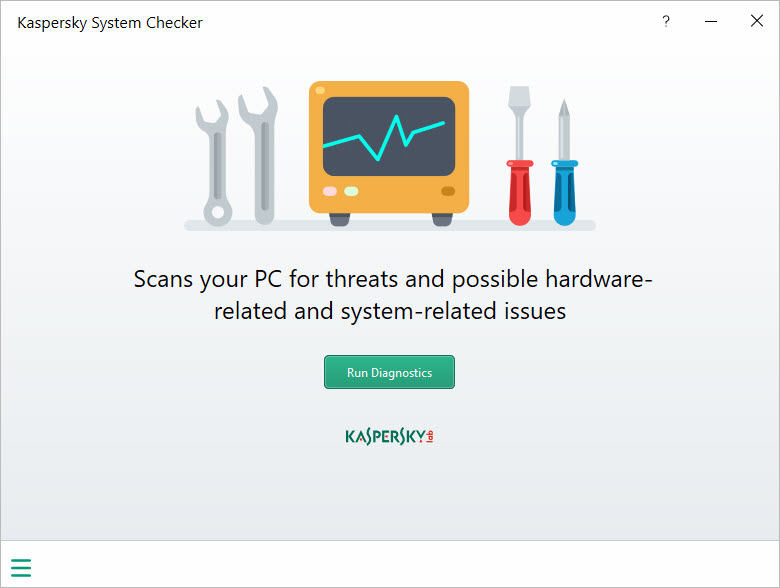
Kaspersky System Checker looks a computer over and writes up what it finds. One button starts a diagnostic pass that takes a couple of minutes, and the result is a report in three tabs. Critical issues, marked in red, cover signs of active malware, missing protection, disabled security settings and software with known vulnerabilities.
A system information tab lists the hardware, the browser extensions and the installed programs, sorted by recently installed, large and rarely used. A third tab holds everything non-critical.
What it does not do is fix anything. That is the point rather than a gap. It is a diagnostic tool, a second pair of eyes for a machine that feels off, and it stops at telling you. For some findings it offers a button that opens the relevant system panel so you can make the change yourself.
For others it offers a description and leaves the rest to you. It also declines to sell you anything, which sets it apart from the scanners whose report is really an advertisement.
What the critical list catches
The red items are the reason to run Kaspersky System Checker. Disabled User Account Control, a modified hosts file, no antivirus running, a broken file association that could let malware hijack every program launch, drives hidden from the file manager, and devices in the hardware list with driver errors are the sort of thing it flags.
Several of these are classic symptoms of an infection that a signature scanner has already missed or partly cleaned up, and seeing them listed together is useful when a machine behaves strangely and nothing else reports a problem.
Each item carries a short explanation of why it matters and what usually causes it. Where a system setting is involved, a button opens the right panel. Where the fix is less obvious, you get the description and nothing else, and some of those descriptions are terse enough to need a search before they make sense.
The system information tab
The second tab is closer to an inventory. Hardware details, the browser extensions across the installed browsers, and the program list in three views by recency, by size and by how rarely each is used. Programs can be uninstalled directly from that list, which turns the report into a light cleanup tool for a machine cluttered with trial software, though a dedicated uninstaller sweeps up leftovers this one leaves behind.
The inventory is not perfect. Extension detection misses some browsers’ add-ons entirely, program sizes are sometimes wildly wrong, and the rarely-used view depends on last-run dates that not every program records. The help text admits as much.
For a thorough hardware and software inventory, Belarc Advisor produces a fuller report.
Vulnerabilities and the non-critical list
The third tab in Kaspersky System Checker lists issues that will not hurt today. Outdated programs with published vulnerabilities, error reporting left switched on, low disk space with a suggestion to run the built-in cleanup, timeouts set outside recommended ranges. It is the part of the report to skim rather than act on line by line, though the outdated software entries deserve attention, since an old media player or document viewer is a common way in. Keeping those current is a job for an automatic software updater rather than a report.
The whole report can be saved as a file, which makes it a reasonable thing to run on a relative’s machine and read later, or to attach when asking for help.
Running it, and what it leaves behind
Kaspersky System Checker is a single executable with no installer. It needs an internet connection to complete a full check, and it does not send crash dumps or traces anywhere without asking first. On a second run it remembers when it last scanned even after its folder has been deleted, so it does leave a small trace of itself.
It is not a malware scanner in the removal sense, and anyone who sees red items suggesting an infection should follow up with a second-opinion removal tool rather than expecting this one to clean anything.
Conclusion
Kaspersky System Checker suits anyone whose computer is misbehaving and who wants a list of what is wrong before deciding what to do. The critical findings are the valuable part, catching the disabled protections and hijacked settings that a normal scan reports as clean, and the saveable report travels well to whoever will help.
It will disappoint anyone hoping for a repair button, and some of its findings need research to understand. Read it as a checklist rather than a verdict, fix the items with buttons, look up the rest, and follow any infection symptoms with a tool that actually removes things.
Pros & Cons
- Finds security settings and infection symptoms that signature scanners overlook
- Buttons open the relevant system panel for many findings
- Program inventory sorted by recency, size or rarity of use, with uninstall built in
- Saveable report for reviewing later or sharing when asking for help
- No upsell, no installer, no changes made without you
- Diagnoses only, with no fix for anything
- Some issue descriptions are too vague to act on
- Extension detection and program sizes are unreliable
- Needs an internet connection for a complete check
Frequently asked questions
No. It reports symptoms and vulnerabilities but fixes nothing. Use a removal tool for anything it flags as an infection.
A modified hosts file is a common malware trick for redirecting websites. If you edited it yourself, the warning can be ignored.
Yes. The system information tab lists installed programs and offers an uninstall action for each.
It needs the internet for a full check but asks before sending any traces or dump files.


