

iMyFone D-Back
About iMyFone D-Back
Losing messages or photographs from an iPhone produces immediate panic and an immediate search, which leads to a crowded category of software promising recovery. iMyFone D-Back belongs to it, and using it sensibly means understanding which of its three approaches is likely to work.
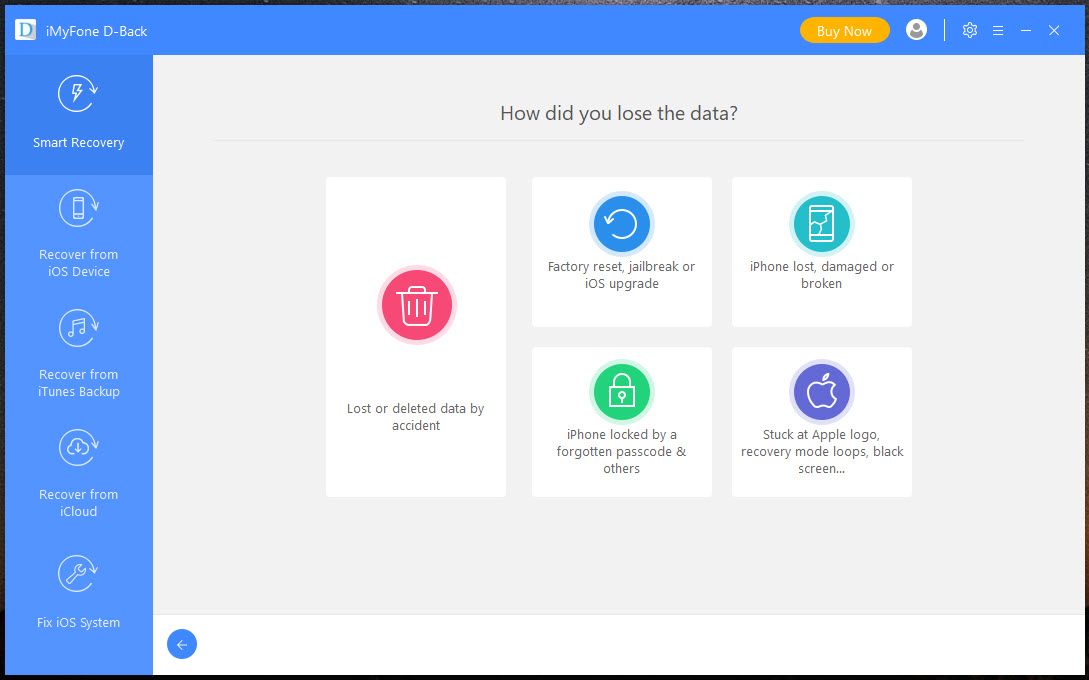
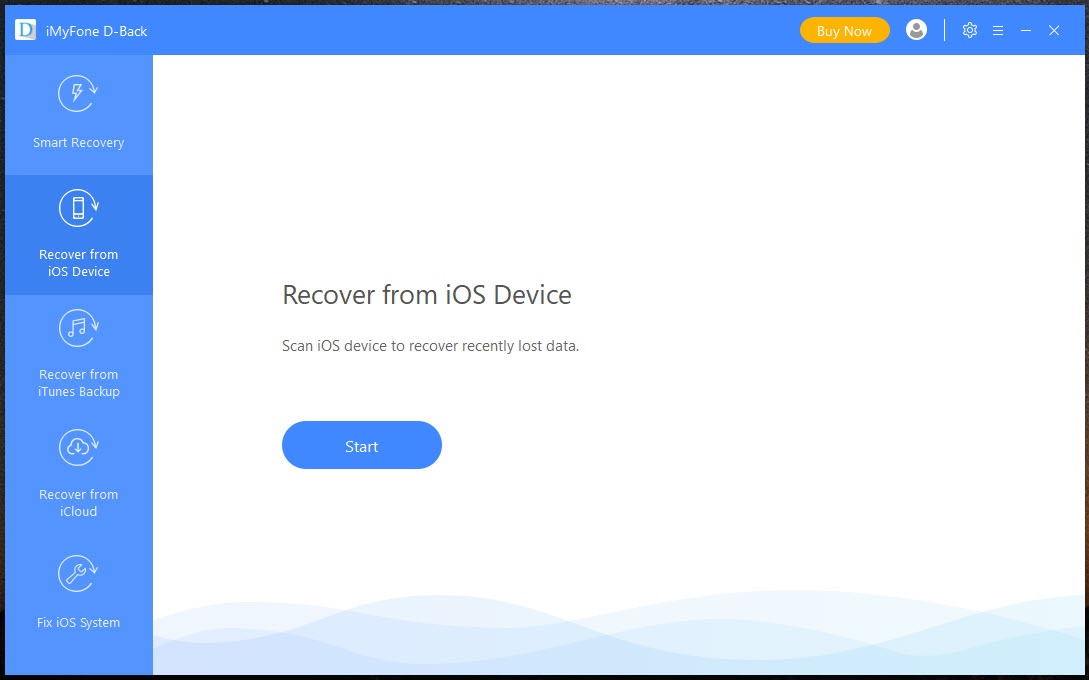
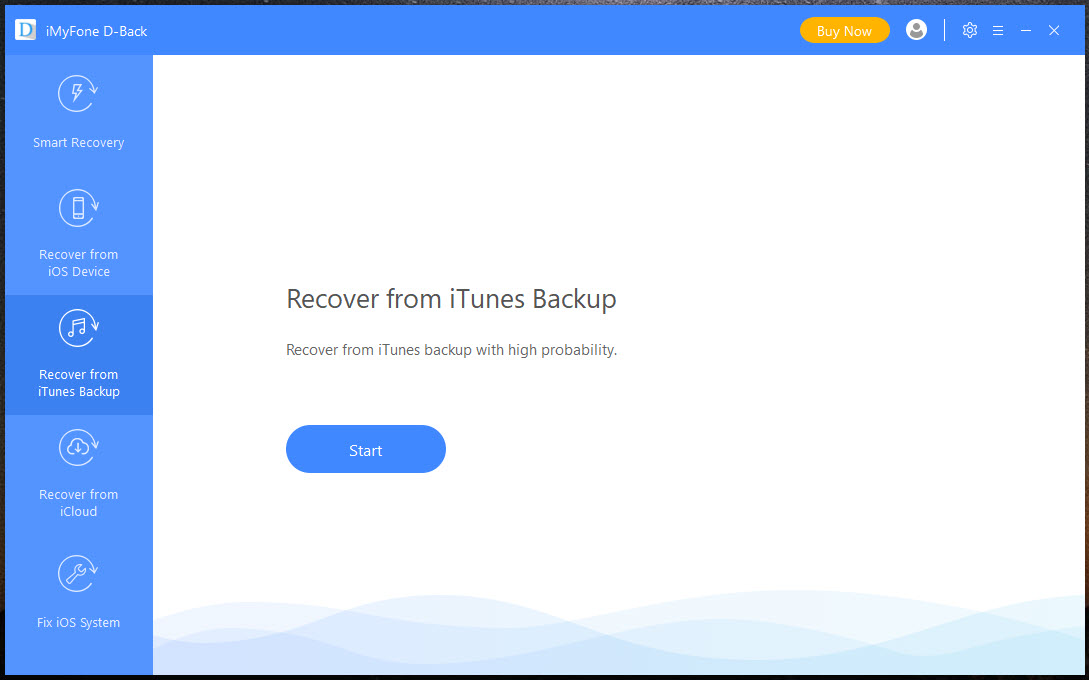
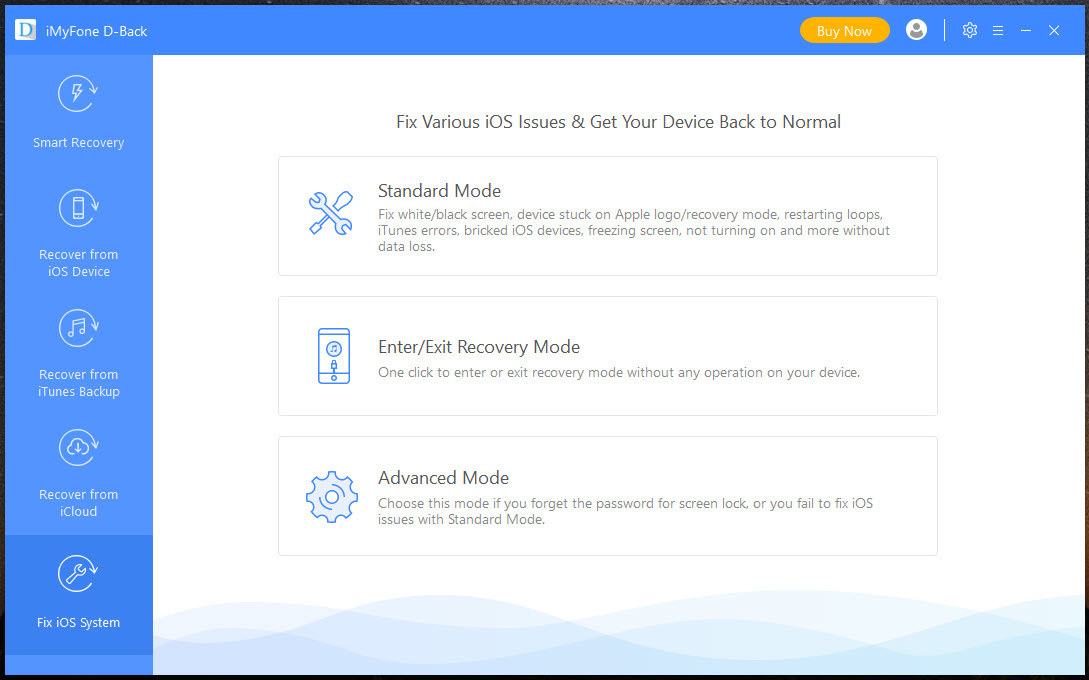
The three iMyFone D-Back approaches are entirely different. Scanning the iPhone itself, extracting from a backup already on your computer, or pulling from the account backup held remotely.
The order of likely success runs backwards from the order people try them in, which is the useful thing to know before starting.
For simply reaching what an iPhone currently holds, rather than recovering anything, a file browser that reaches app document folders and the media library covers that entirely different job.
The backups are where recovery actually happens
Extracting from an existing backup is the iMyFone D-Back approach that works, and it is the least exciting of the three.
A backup is a complete copy taken at a point in time, so anything present when it was made is there to be retrieved. What this software adds over the official route is selectivity, letting you pull one conversation or a set of photographs out rather than restoring the whole iPhone to how it was.
That selectivity is the genuine value. The official restore is all or nothing, so recovering a single deleted message conventionally means overwriting everything that has happened since, and nobody wants that trade.
The same applies to the account backup held remotely, with the same logic and the same limitation, which is that a backup can only contain what existed when it ran.
For the ordinary business of getting files on and off an iPhone rather than recovering anything, iTools handles that without the recovery apparatus.
Scanning the iPhone directly is the weak one
Here is the honest part about iMyFone D-Back, and it is why many people feel misled by this whole category.
Modern iPhones encrypt their storage. When something is deleted, the data becomes unreadable rather than merely unlinked, and the storage controller then discards those blocks in the background. There is no equivalent of the undelete that works on a computer’s drive.
What does sometimes survive is different and narrower. Messages, notes and similar records live in databases, and a deleted record can linger in the database’s unused space until the database is compacted. That is why recently deleted messages are sometimes recoverable and a photograph deleted last month is not.
So direct scanning has a real window and it is short. Acting within hours is a different proposition from acting after a fortnight, and continuing to use the iPhone in between actively reduces what remains.
For the same job on a computer’s drive, where deletion really does leave data in place, Recuva works on the principle that no longer applies to phones.
Stop using the iPhone
This follows directly and matters more than any iMyFone D-Back setting.
Every action on the device writes something. New messages arrive, applications update their databases, photographs are cached, and each of those can overwrite the space where the deleted record was sitting.
So the correct first move after realising something is gone is to stop. Put the iPhone down, do not send messages, do not install anything, and do the recovery from a computer rather than continuing to use the device while you research.
That advice is free and matters more than the choice of software.
The way to never need any of this is a backup taken recently enough to contain what you care about, and the official synchronisation and backup route is what the platform expects you to use for that.
The trial shows you before you pay
The iMyFone D-Back arrangement is standard for the category and reasonable, and it is worth using deliberately.
The scan runs without paying and shows previews of what it found. Actually saving anything requires the paid version.
That is the right way round, since it means you can establish whether your particular data is recoverable before spending anything. The sensible sequence is to scan, look carefully at whether the preview contains what you actually lost, and only then decide.
Be sceptical of a preview that shows a great many items you do not recognise. Partial fragments from database free space frequently appear as recoverable and turn out to be truncated or unreadable once extracted.
The category itself
Several products do what iMyFone D-Back does, they resemble each other closely, and their marketing consistently claims more than the underlying technology supports.
That shapes expectations rather than singling this one out as worse. The limits described above apply to all of them equally, since they are limits of the iPhone rather than of any software.
For recovery on a computer’s drives, where the situation is considerably more favourable, MiniTool Power Data Recovery previews what it finds before recovering, which is the same sensible arrangement applied to a case where it works more often.
Conclusion
iMyFone D-Back is most useful as a selective backup extractor, which is a properly valuable thing to be. Pulling one conversation out of a backup without overwriting everything that has happened since solves a real problem the official tools handle badly.
Treat the direct device recovery with realism. Encrypted storage means deletion is close to final, the window for recovering recent database records is measured in hours, and using the iPhone while you decide is what closes it. Scan first, look hard at the preview, and pay only when you can see the thing you lost.
Features & benefits
Pros & Cons
- Extracts selectively from a backup rather than restoring the whole iPhone
- Covers local backups and the account backup held remotely
- Scan runs without paying, with previews of what was found
- Sometimes recovers recently deleted messages and notes from database free space
- Handles the common data types rather than files in general
- Direct recovery from the iPhone fails for most data, because storage is encrypted
- The window for recovering deleted records is hours rather than weeks
- Continuing to use the iPhone reduces what can be recovered
- Previews can show fragments that turn out to be unusable once extracted
- Recovery requires paying, and the trial only demonstrates
- Nothing here retrieves what was never in a backup and is already overwritten
Frequently asked questions
Rarely from the device itself. Storage is encrypted, so deletion makes data unreadable rather than merely unlinked. What sometimes survives is recently deleted database records such as messages, for a short period.
Extracting from a backup, whether local or held in the account. A backup is a complete copy from a point in time, so anything present then can be retrieved selectively rather than by restoring the whole device.
Stop using the iPhone. Every message received and every application update can overwrite the space holding the deleted record, so the delay while you research reduces what remains.
No, it scans and previews. Saving anything requires paying, which at least means you can see whether your data appears before deciding.
Because fragments from database free space often appear as recoverable and prove truncated or unreadable once extracted. Judge a preview by whether it contains what you actually lost.


