

eToolz
About eToolz
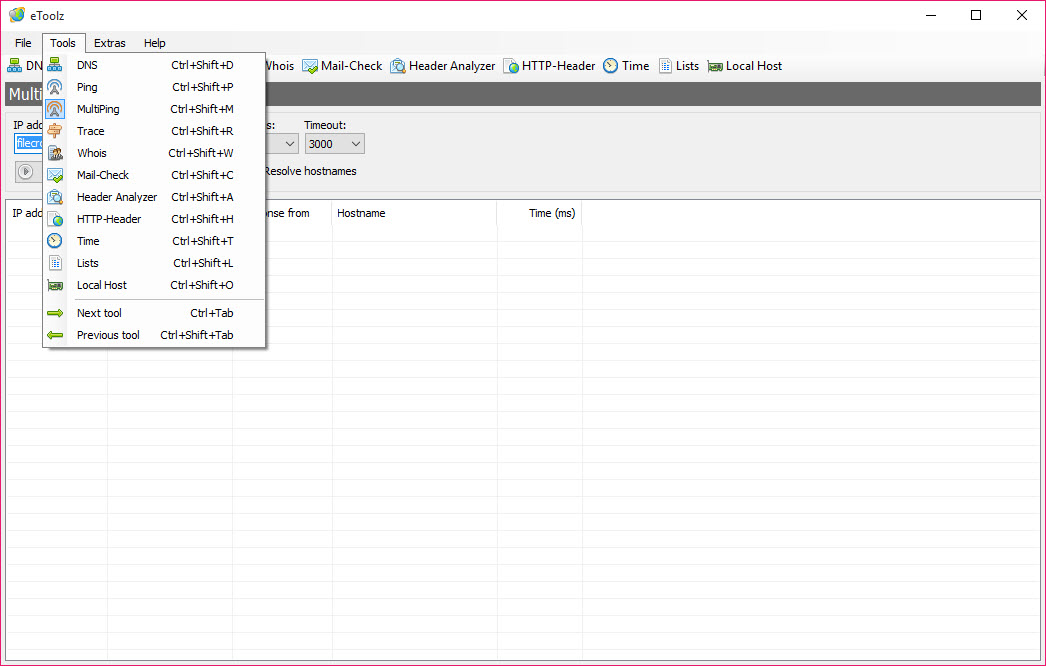
eToolz is a network toolkit that puts the classic command-line diagnostics behind tabs and text boxes. DNS lookup, ping, traceroute, Whois, mail server checks, HTTP headers and time server queries all live in one small portable window. Type a host name, pick the tab, press Enter, and the result appears in a readable list instead of scrolling console output.
Its audience is anyone who runs these checks often enough to be tired of typing them. Web administrators verifying a DNS change, support staff checking a mail server, or a home user wondering why a site will not load all get the same answers as the command line.
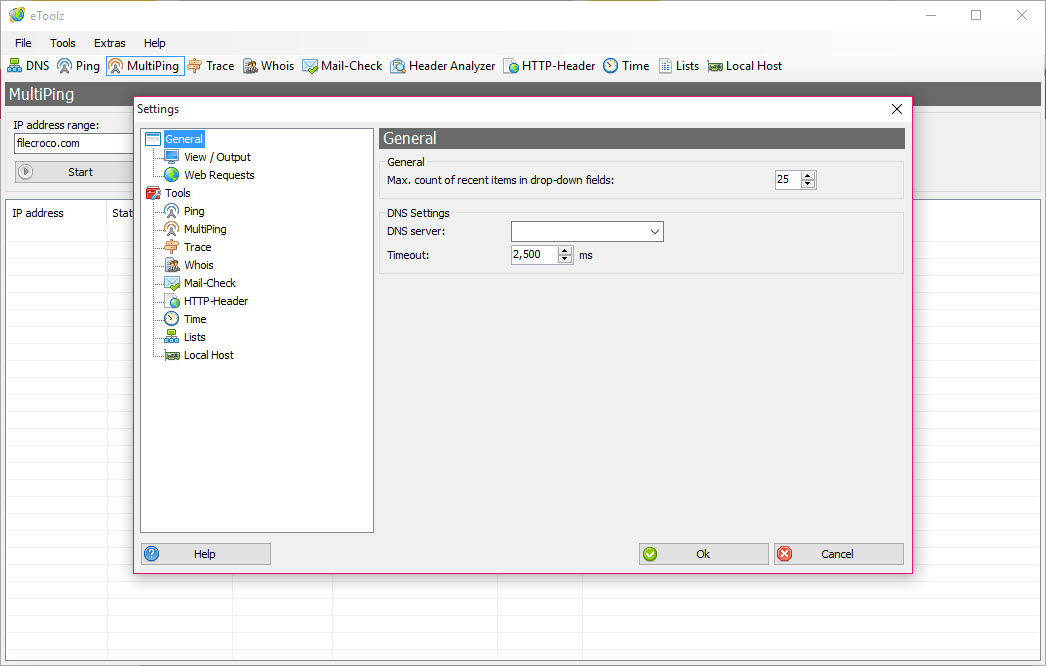
They just get them faster, with previous queries remembered in drop-down lists.
DNS, ping and traceroute with the options that matter
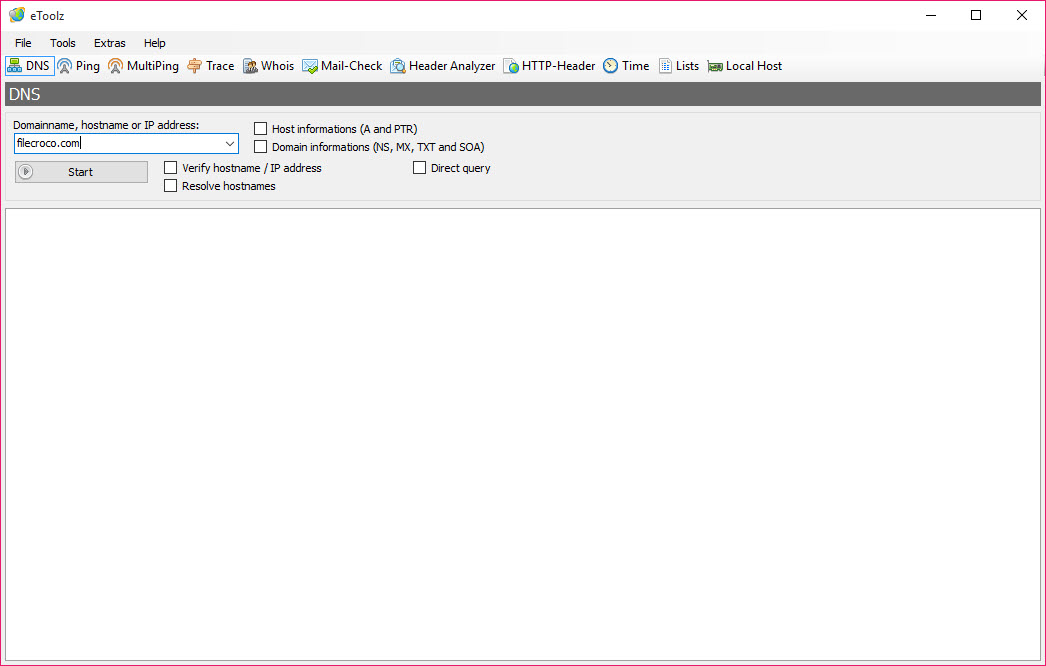
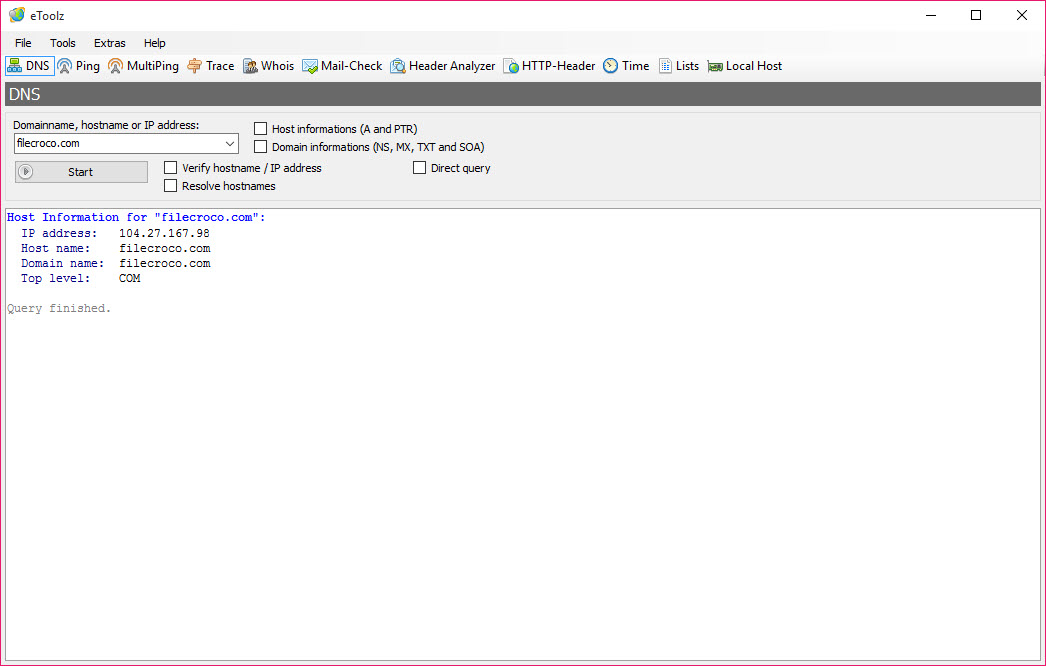
The DNS tab queries A, PTR, NS, MX, TXT and SOA records for a domain, and it accepts international domain names with accented or non-Latin characters. That covers most troubleshooting, from checking where a site resolves to confirming an SPF text record after an email setup.
Ping lets you set the packet size, timeout and count, or pause a running sequence, which the plain command does not allow. Traceroute takes a maximum hop count and a timeout. Neither reinvents the underlying tests, and eToolz does not add graphs or history.
For watching a route over time and spotting the hop where packet loss starts, PingPlotter does that job properly.
Whois, mail checks and HTTP headers
The Whois tab picks the right registry server for a domain automatically and follows referrals, so you do not need to know which server to ask. One caveat from experienced users. Many registries now return the registrar’s or a privacy service’s details rather than the actual owner, which is a limit of modern Whois itself, not of this program.
Mail-Check looks up a domain’s MX servers and then talks to one of them to see whether a given address is accepted. That is a quick way to find a typo in an address or a mail server that has stopped answering.
The HTTP header tool shows exactly what a web server returns for a URL, including redirects and cache settings. It is the first thing to inspect when a page behaves oddly.
Time servers and your own machine
The Time tab queries an NTP server of your choice and shows the exact time, with the option to set the system clock to it. The Own Computer tab lists every network adapter with its IP address, MAC address, DNS servers and host name. That saves a trip through several settings screens when someone asks for your details over the phone.
Two smaller tabs list top-level domains and common port numbers for quick reference. When a problem sits below these checks, in the actual packets, a protocol analyser is the next step.
A PageRank checker is still present, but the public PageRank service it relied on no longer exists, so treat that tab as a leftover rather than a feature.
What it needs to run, and what it no longer gets
eToolz runs from its own folder and keeps settings there, so it travels on a USB stick with your saved hosts intact. It needs an older runtime component that recent systems do not enable by default, and the program simply will not start until that component is switched on in the optional features.
Development has also been quiet for years. The tools still work because the protocols have not changed. Nothing new will arrive, though. For scanning a whole network for devices rather than querying one host at a time, Angry IP Scanner covers the other half of the job.
Conclusion
eToolz suits administrators and curious users who run the same network checks regularly and want them one tab away rather than one command away. Remembered hosts, automatic Whois server selection and the mail and header tools make routine diagnostics quicker.
It is dated, needs an old runtime enabled, and offers no monitoring over time. For quick, single-host questions about DNS, mail and web servers, it still answers them well.
Pros & Cons
- DNS, ping, traceroute, Whois, mail and HTTP header checks in one window
- Remembers previously entered hosts in drop-down lists
- Whois picks the right registry server automatically
- Mail-Check tests whether an address is accepted by its mail server
- Portable, with settings stored in its own folder
- Requires enabling an older runtime component on recent systems
- No graphs or history for ping and traceroute results
- The PageRank tab no longer works
Frequently asked questions
It depends on an older runtime component that is usually disabled by default on recent systems. Enable it in the optional features and the program launches normally.
It runs Whois queries and follows referrals automatically, but many registries now hide owner details behind privacy services, so the result often shows the registrar instead.
A, PTR, NS, MX, TXT and SOA records, including for international domain names.


