

Deluge
About Deluge
Most torrent clients are one program with a window. Deluge is built differently, splitting the work in two so that the part doing the transferring and the part you look at are separate things that talk to each other.
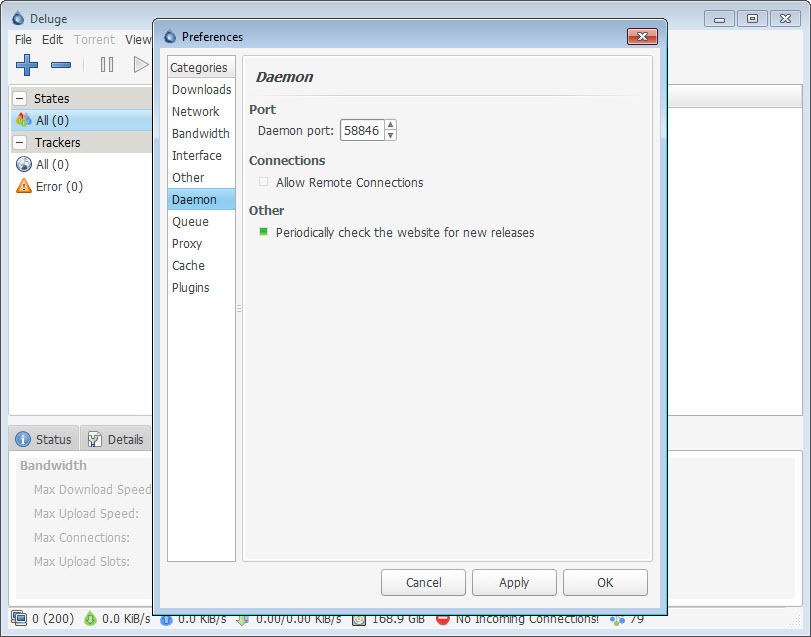
That sounds like an implementation detail and it is the whole reason to choose it. The Deluge transferring half runs as a background service, and interfaces connect to it, which means the machine doing the downloading and the machine you are sitting at do not have to be the same one.
Everything else follows from that arrangement, including its main strength and the confusion people meet on the first attempt.
The two halves, and why it matters
The background service can run on a machine with no screen attached, a small always-on computer in a cupboard, or a server somewhere else entirely.
You then connect to it from a desktop interface, a browser, or a terminal, add what you want, close the interface and walk away. The transfers continue because they were never running in the interface to begin with.
That suits anybody who wants downloads happening on a machine that stays on rather than on a laptop that closes. Setting it up means understanding that two things exist and that they need to find each other, which is where somebody expecting a single application gets stuck.
Run both halves on one machine and it behaves like an ordinary client, so the complexity is optional rather than mandatory.
Almost everything is a plugin
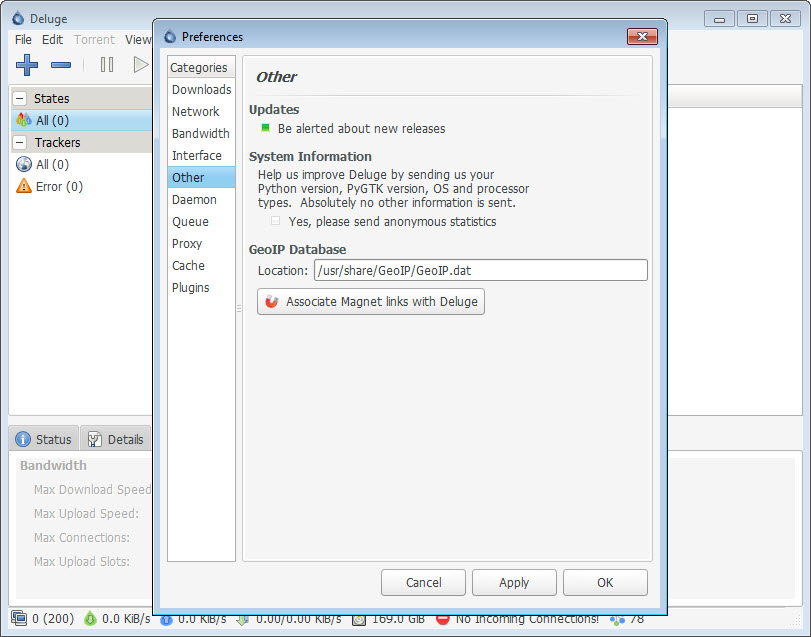
The base Deluge installation is deliberately spare, and capabilities people expect as features arrive as plugins you enable.
Scheduling bandwidth by time of day, labelling transfers and sorting them into folders by label, automatically adding files appearing in a watched folder, running a command when a transfer completes, and blocklist handling are all plugins rather than built-in options.
The advantage is a client that stays small and does what you asked. The cost is that a fresh installation looks thin, and somebody comparing feature lists against a monolithic alternative will conclude it does less until they find the plugin list.
qBittorrent takes the opposite approach, including comparable capability in one application with a conventional interface, which is the better starting point for anybody who wants everything present immediately.
Three ways to reach it
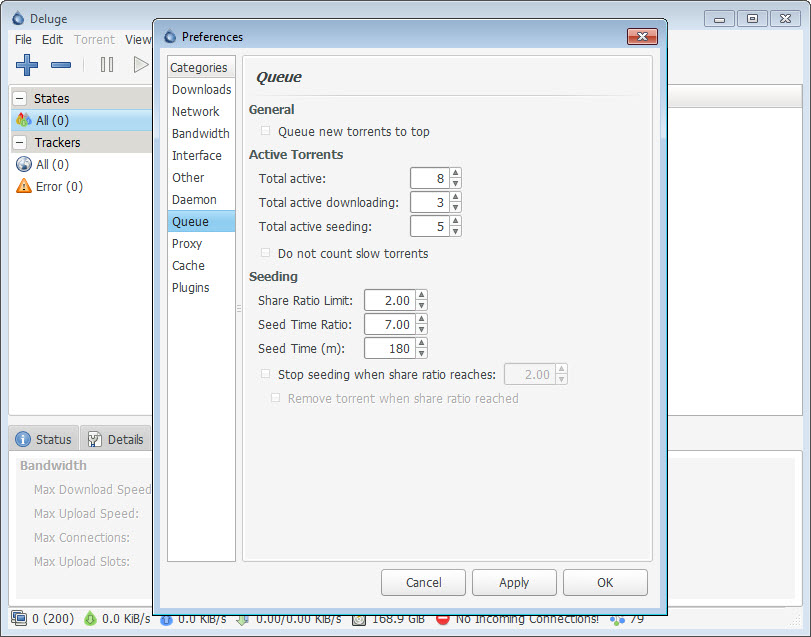
The Deluge desktop interface is conventional and shows its age, with the transfer list, the detail panes and the queue arrangement you would expect.
The browser interface is the one that changes how the client is used, since reaching your transfers from a phone or another computer needs nothing installed at the other end. Anybody running the service on an always-on machine will use this more than the desktop application.
The terminal interface exists for the same reason the service does, covering the case where the machine has no graphical environment at all.
What it does with the network
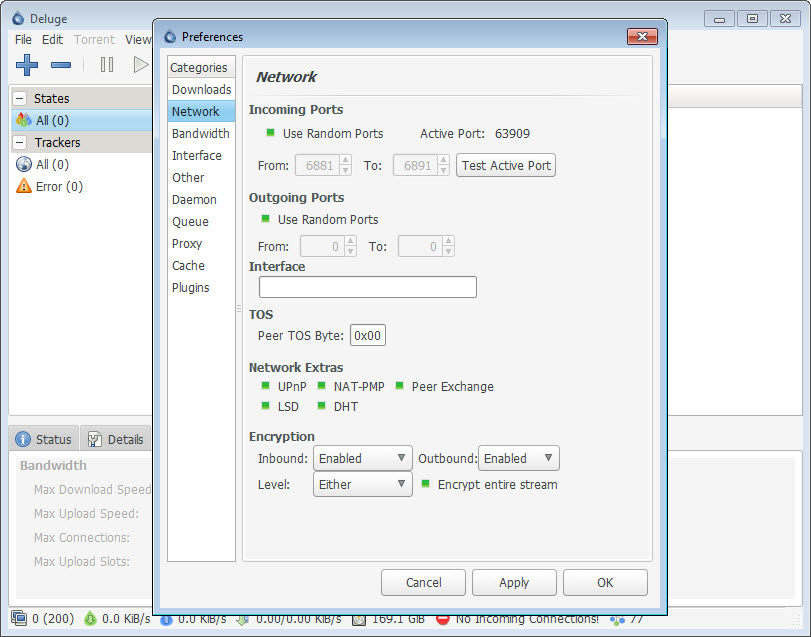
Deluge implements the standard protocol features properly. Peer discovery without a tracker, peer exchange, magnet links, encryption of the peer connections and support for connecting through a proxy.
The proxy support deserves a note because it is frequently misunderstood. Routing the client’s traffic through a proxy hides your address from other participants, and it does not encrypt the traffic against your connection provider, which is a different problem.
Where the requirement is the connection itself rather than the client, Mullvad covers the whole machine and is a different arrangement with different guarantees.
Bandwidth control matters more than people expect on a shared connection, since a client using everything available makes video calls and browsing unusable for the rest of the household. Watching what is actually consuming the line is a related exercise, and a monitor attributing traffic to individual programs shows it directly.
What you download is your responsibility
Briefly and factually, because it belongs in any honest Deluge description.
The protocol is a distribution method and nothing more. A great deal of legitimate material moves this way, including operating system images, large scientific datasets, archival collections and game updates from publishers who chose it deliberately, because it is an efficient way to distribute something large to many people at once.
The client transfers whatever you point it at and makes no judgements. Whether a particular transfer is lawful depends entirely on what it contains and what rights you hold, which is a question about your choices rather than about this software.
Conclusion
Deluge is the client to choose when the downloading should not depend on you being present. Separating the transfer service from the interface, and reaching it from a browser or a terminal, suits an always-on machine in a way that a conventional single-window client cannot.
Accept the two consequences. The architecture needs understanding before anything works, and the base installation is spare until you enable the plugins that supply what other clients include by default. If neither of those appeals, a conventional client does the same job in one window, and that is a perfectly reasonable preference rather than a compromise.
Pros & Cons
- Transfer service and interface are separate, so downloads continue without you
- Runs on a machine with no screen, reached from a browser or a terminal
- Plugin architecture keeps the base installation small and focused
- Scheduling, labelling, watched folders and completion actions all available as plugins
- Standard protocol support including peer discovery, exchange and connection encryption
- Bandwidth limits and scheduling, which matters on a shared connection
- Open and cross-platform, with the same service reachable from anything
- The two-part architecture confuses anybody expecting a single application
- A fresh installation looks thin until the plugin list is found
- The desktop interface has aged noticeably
- Proxy support hides your address without encrypting anything
- Development has moved slowly at times
Frequently asked questions
So the transferring can happen somewhere other than where you are sitting. A background service does the work and interfaces connect to it, which means closing the interface, or the laptop, does not stop anything.
Not separately, if you only want an ordinary client. Running both on one machine behaves conventionally, and the split becomes useful when the downloading should happen on a machine that stays on.
Because most capability is a plugin rather than built in. Scheduling, labelling, watched folders and completion actions are all there once enabled, which keeps the base installation small.
It hides your address from other participants in a transfer. It does not encrypt your traffic against your connection provider, which is a separate problem needing a tunnel covering the whole machine.
The client transfers whatever you give it and a great deal of legitimate material is distributed this way. Whether any particular transfer is lawful depends on its contents and the rights you hold rather than on the software.


