

BitTorrent
About BitTorrent
BitTorrent is the original peer-to-peer client built on the protocol of the same name, and that shared name is the first thing worth untangling. The protocol BitTorrent is the underlying technology that lets thousands of computers share pieces of a file directly with each other rather than all pulling from a single server. The client BitTorrent is one specific application that implements that protocol. They’re related but not interchangeable, and confusing the two is a common stumbling block for new users.
The application sits in a crowded category. Modern alternatives like qBittorrent, Deluge, Tixati, Transmission, and the closely related uTorrent all implement the same protocol and produce similar results for end users.
What separates BitTorrent is its position as the reference implementation, a familiar brand for people new to peer-to-peer file sharing, and an interface that hasn’t strayed far from what users have expected from a torrent client for many years.
How the BitTorrent protocol actually works
Understanding the protocol explains why the client behaves the way it does. A traditional download pulls a file from a single server, which limits speed to whatever bandwidth that server can spare for you. The BitTorrent protocol breaks files into small pieces (typically 256 KB to several megabytes each) and lets you download those pieces from multiple peers simultaneously, while uploading the pieces you already have to other peers who still need them.
This produces several distinctive behaviors. Download speed scales with peer count, not with any single server’s capacity. Popular files with many active seeders (peers who have the complete file) download faster than obscure files with few seeders. Files with no seeders left can become permanently incomplete, no matter how patient you are. Upload activity continues after your download finishes, contributing back to the swarm until you stop it manually.
The client itself manages all of this. It negotiates which pieces to request from which peers, verifies each piece against a SHA-1 hash to detect corruption, tracks ratios of upload versus download, and handles the network protocol details. BitTorrent does all of this in the background while presenting a relatively simple interface for the user.
Interface and core functionality
The main window divides the screen into the familiar torrent client layout: a list of active and completed transfers at the top, detailed information about the selected torrent at the bottom (peers, pieces, files, trackers, speed graphs), and a left sidebar for filtering and categorization. The application emphasizes immediate visibility of transfer status without overwhelming the user with technical detail by default.
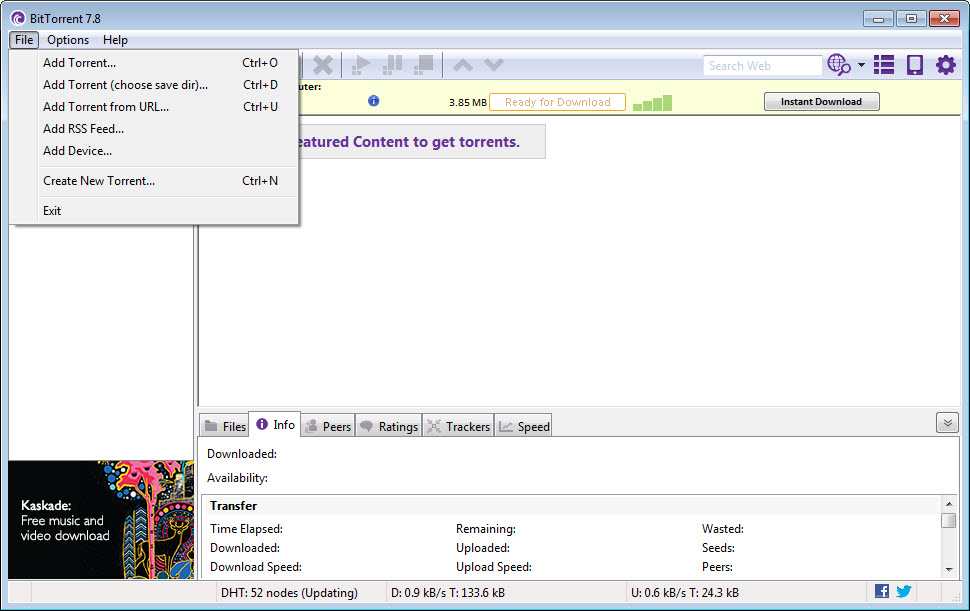
Adding a torrent works through file open, magnet link, or URL. Magnet links have become the dominant distribution method because they don’t require a .torrent file at all, just a hash and metadata that the client uses to find peers through the Distributed Hash Table (DHT). The application supports the full set of standard ways to add torrents and remembers recently used trackers and folders.
The bandwidth scheduler is one of the more practical features. You set bandwidth limits per time of day, letting the client run full speed overnight and throttle during work hours without manual intervention.
The same scheduler controls upload-only mode (seeding without downloading), which matters for users who want to maintain ratios on private trackers without active downloads competing for bandwidth.
Remote access and headless operation
The web interface lets you control the client from another machine on your network or over the internet through port forwarding. This matters for users who run BitTorrent on a home server, a NAS, or a desktop that stays on while they’re away. Adding new torrents from a phone, monitoring progress remotely, or starting and stopping transfers from a laptop all work through the web UI.
The remote control isn’t as polished as some alternatives. qBittorrent’s web interface is generally considered cleaner. Deluge offers a true client/server split with a dedicated remote application. Tools like Electorrent add an extra layer of remote control on top of standard clients for users who want a dedicated remote management application.
For users already invested in the application’s ecosystem, the built-in web interface gets the job done without additional setup.
Privacy considerations and VPN integration
This is the area where torrent clients have evolved significantly. The protocol broadcasts your IP address to every peer in the swarm by design, which means anyone monitoring the swarm can see who’s participating in a given transfer. This is fine for legal distributions of Linux ISOs and game patches. It’s a significant exposure for users in jurisdictions where copyright holders actively monitor torrent traffic.
BitTorrent itself doesn’t include VPN integration directly, leaving privacy as a user responsibility. Pairing the client with a VPN that allows P2P traffic is the standard approach. The application supports binding to a specific network interface, which lets you configure it to only transfer when the VPN connection is active and to stop transferring if the VPN drops. This isn’t automatic, it requires explicit configuration, but the support exists.
Peer blocking through IP filter lists is another layer some users add. The lists block known monitoring agencies and anti-piracy companies from connecting to your client. Tools like PeerBlock apply these lists system-wide. The application itself supports importing IP filter lists directly. Neither approach replaces a VPN for real privacy, but they reduce some categories of exposure.
Limitations and the uTorrent question
The application shares core code with uTorrent, which is the other major commercial client from the same owners. The two are essentially the same client with different branding, slightly different default configurations, and historically different update channels. For most users, choosing between them is a matter of preference rather than meaningful capability difference.
The visible interface trends conservative, and the feature set has evolved slowly compared to the more aggressive development pace at qBittorrent and other open-source alternatives. Users coming from those clients sometimes find the application less polished, less configurable in the ways they expect, and less responsive to community feature requests.
The ad-supported free tier and the various premium upsells also bother users who prefer the no-strings-attached experience of fully open-source clients.
Conclusion
BitTorrent is a competent torrent client with a recognizable name and a feature set that covers the standard needs of most users. The target audience is anyone new to peer-to-peer transfers who values familiarity over the bleeding edge of features, users who already know and trust the brand, and people who want a maintained client without the configuration depth that open-source alternatives sometimes demand.
It’s the wrong choice for users who prefer open-source software for transparency reasons, for power users who want the configurability of qBittorrent or the modular plugin system of Deluge, and for anyone bothered by the ad-supported free tier. The choice between this and its various competitors comes down to whether brand familiarity outweighs the polish and openness that some alternatives bring to the same protocol.
Pros & Cons
- Direct lineage from the original protocol implementation and a familiar brand for new users
- Standard torrent client features including DHT, magnet links, scheduling, bandwidth control, and IP filtering
- Web interface for remote access from other machines or mobile devices
- Per-torrent and global bandwidth scheduling with time-of-day rules
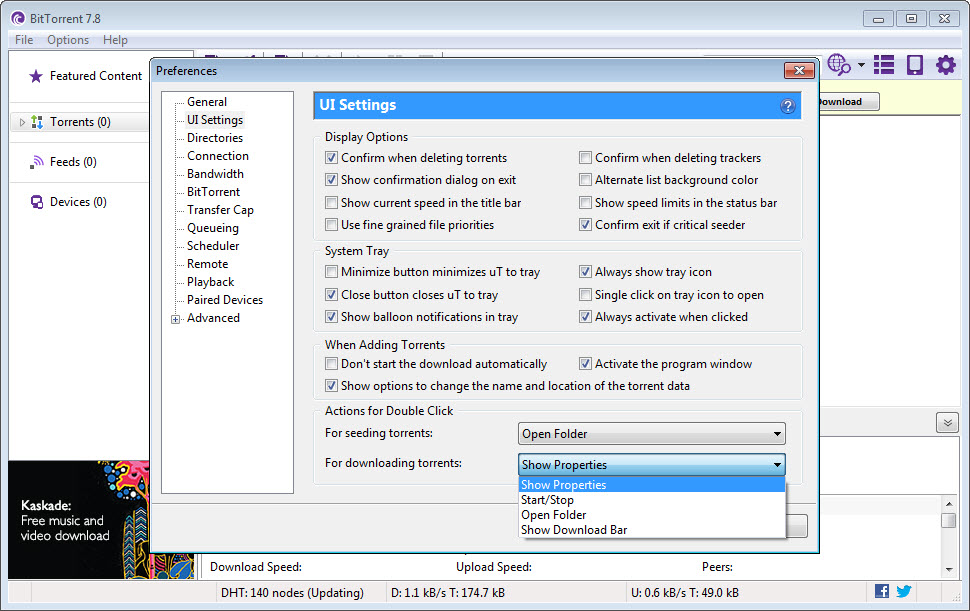
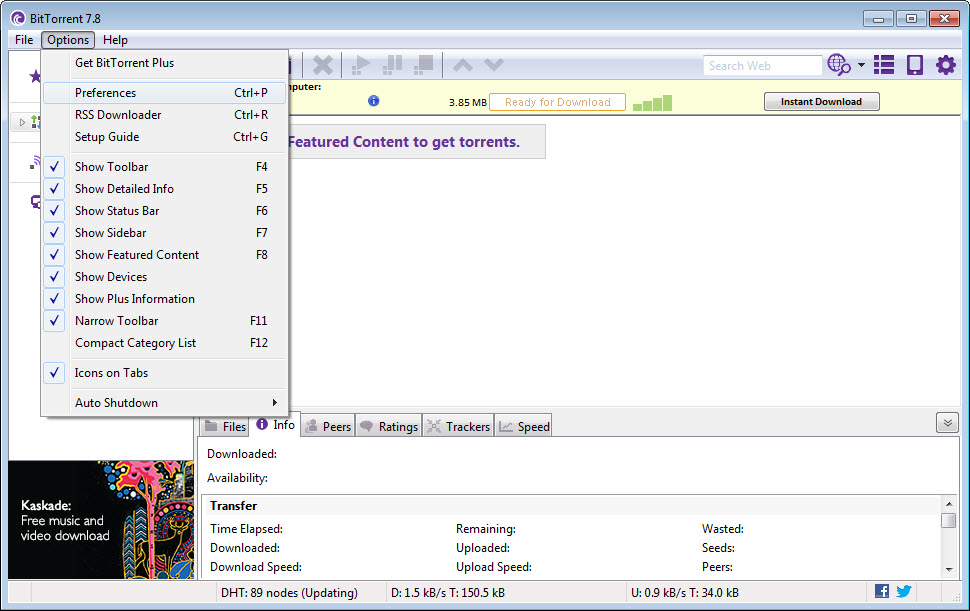
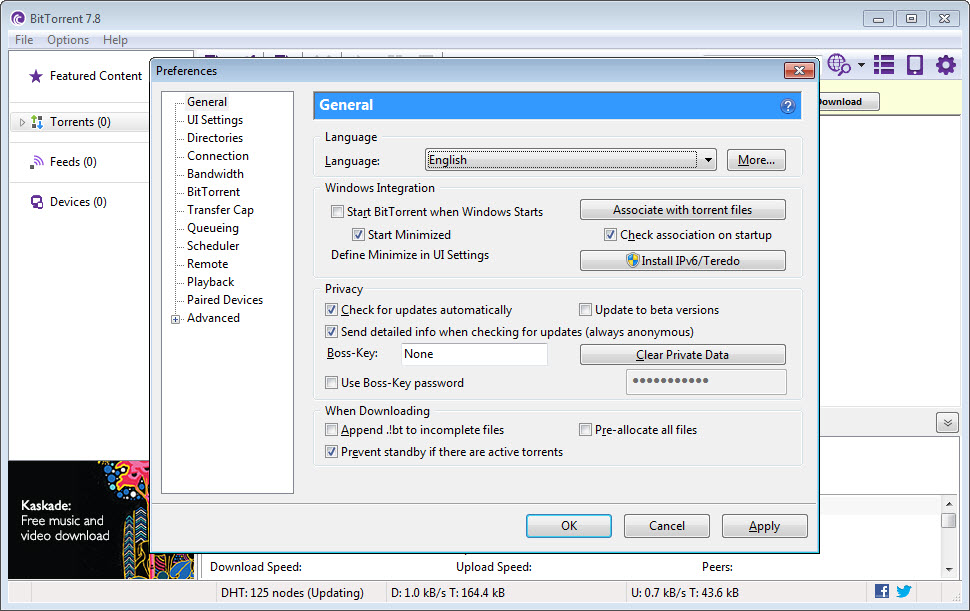
- Settings panel exposes most relevant parameters for users who want to tune behavior
- Bind-to-interface support for users running through VPN connections
- Ad-supported free version with upsells to premium tiers that many users find intrusive
- Shared codebase with uTorrent without meaningful differentiation
- Development pace slower than open-source alternatives like qBittorrent
- Web interface less polished than competitors
- Privacy is entirely the user's responsibility, with no built-in VPN integration
- Closed-source nature makes auditing the client's behavior harder than for open alternatives
Frequently asked questions
BitTorrent is a specific client application that implements the BitTorrent protocol. The protocol is the underlying peer-to-peer technology that many different clients use. The two share a name but are not the same thing.
The two clients share core code and the same owner. Differences come down to branding, default settings, and minor interface details. For practical purposes, they offer the same capabilities.
Not for basic use. The defaults are reasonable for most users. Power users tune upload limits, connection counts, port forwarding, and the bandwidth scheduler to match their network and usage patterns.
Yes. The application supports binding to a specific network interface, which lets you configure it to only transfer when a VPN connection is active. The VPN integration isn't automatic, it requires manual setup.
The torrent stalls until a seeder appears. Some torrents recover after weeks or months when someone returns to seed. Others never do. The client cannot complete a download where the missing pieces no longer exist anywhere in the swarm.
Yes, by default. Seeding after completion is how the protocol stays healthy, returning bandwidth to the swarm for other users. The client lets you set seed ratio limits or stop seeding manually if you prefer.
Magnet links download metadata before any actual file pieces. If no peers are available to provide metadata, the transfer stalls at that stage. Adding additional trackers manually or waiting for more peers to join the swarm usually resolves it.


