

MakeHuman
About MakeHuman
MakeHuman builds a human figure from sliders. Start with a neutral body and drag controls for gender, age and build, then for height and proportions, then go finer into face shape, eye spacing, nose width and a hundred other adjustments, and the mesh reshapes in front of you.
Add eyes and hair from libraries, then teeth and a skin, then clothing and a skeleton, pose it, and export a rigged, textured character to a 3D suite or a game engine. No modelling skill is required for any of it, which is the whole point.
It is a character generator rather than a modelling tool. The base mesh is fixed, and every figure is a variation of it produced by the sliders, so results share a family resemblance and stay within the range of realistic humans. That is a limit for stylised work and an advantage for anyone who needs a plausible person quickly.
MakeHuman produces a clean, quad-based mesh with proper topology for animation, which is more than most quick methods manage.
Sliders, and how far they go
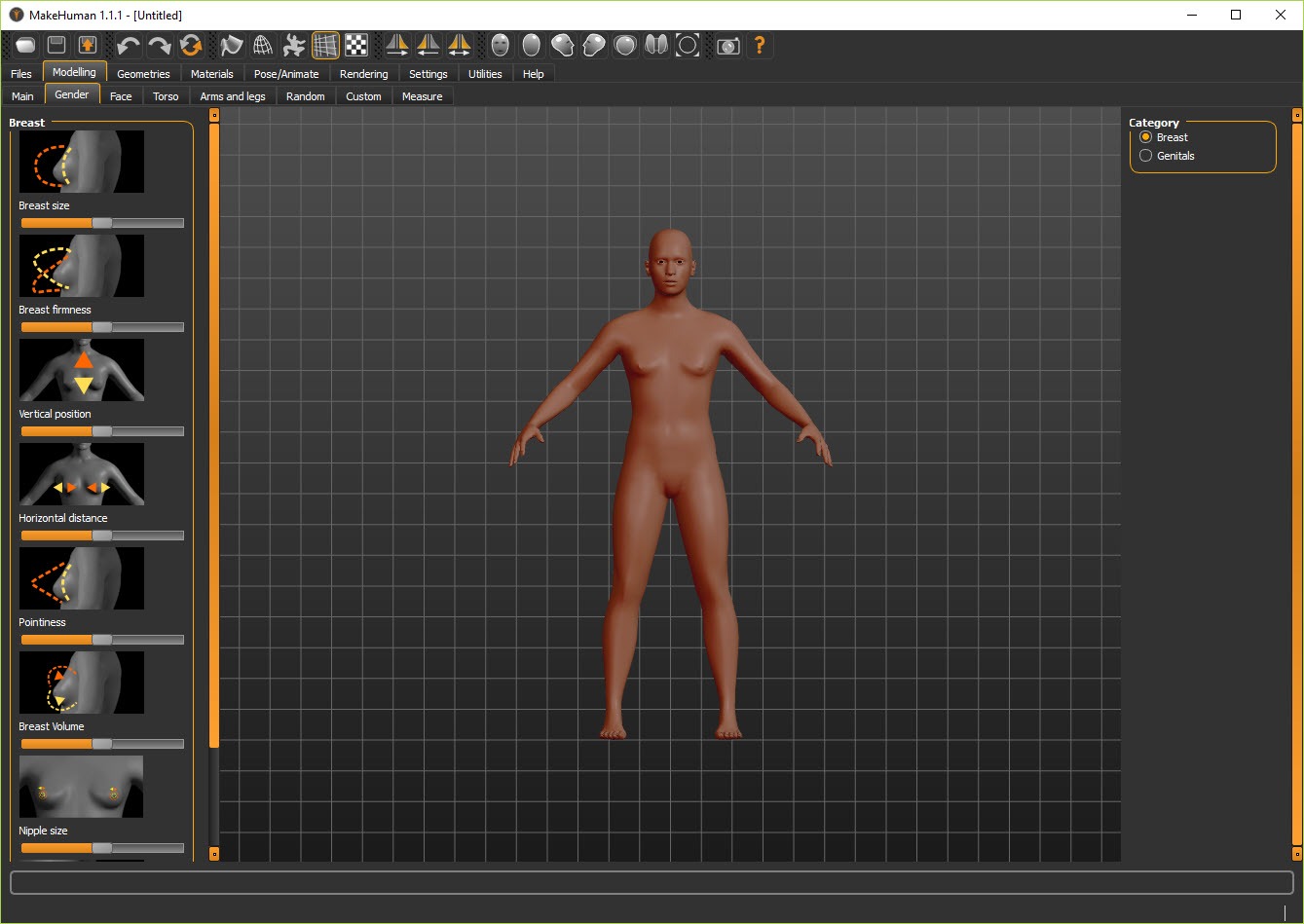
The main MakeHuman modelling tab groups sliders by body region. Macro sliders set the broad strokes, with the age control running from infant to elderly and gender as a continuous scale rather than a switch. Below that, each body region from torso to face has its own panel with dozens of controls, and the face alone allows shaping of the brow and cheeks, the jaw and chin, the lips and nose and the ears, down to individual features. Symmetry can be locked or released, so an asymmetric face is possible with some patience.
Randomisation produces a plausible stranger in one click, useful for background characters, and far quicker than pushing clay around in a browser-based sculpting tool. A measurement tab shows real dimensions, from waist and chest to inseam, so a figure can be built to a clothing size or a real person’s measurements.
The sliders are the strength, and also where a session disappears, because the temptation to nudge one more control is constant.
Skins and eyes, then hair and clothes
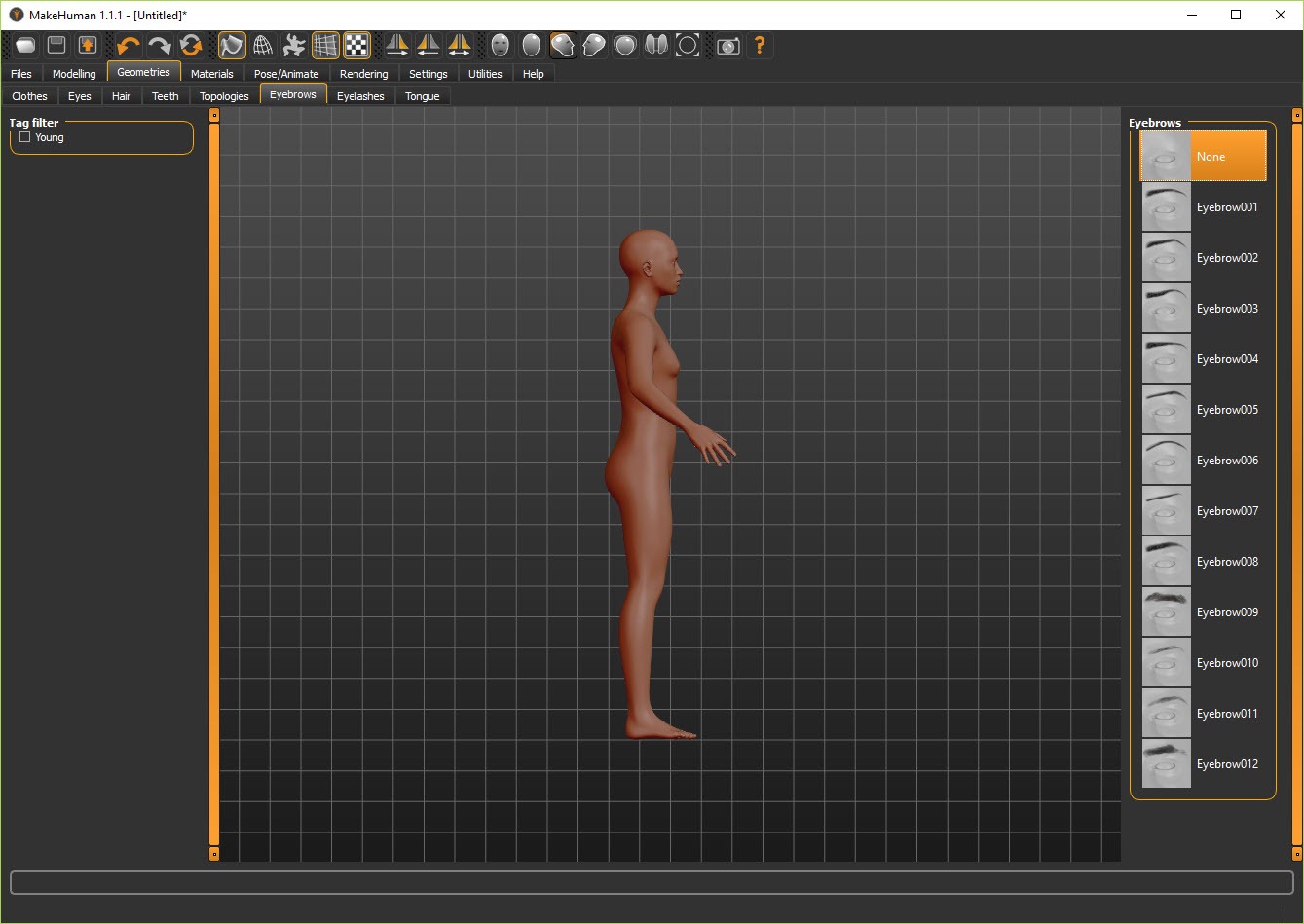
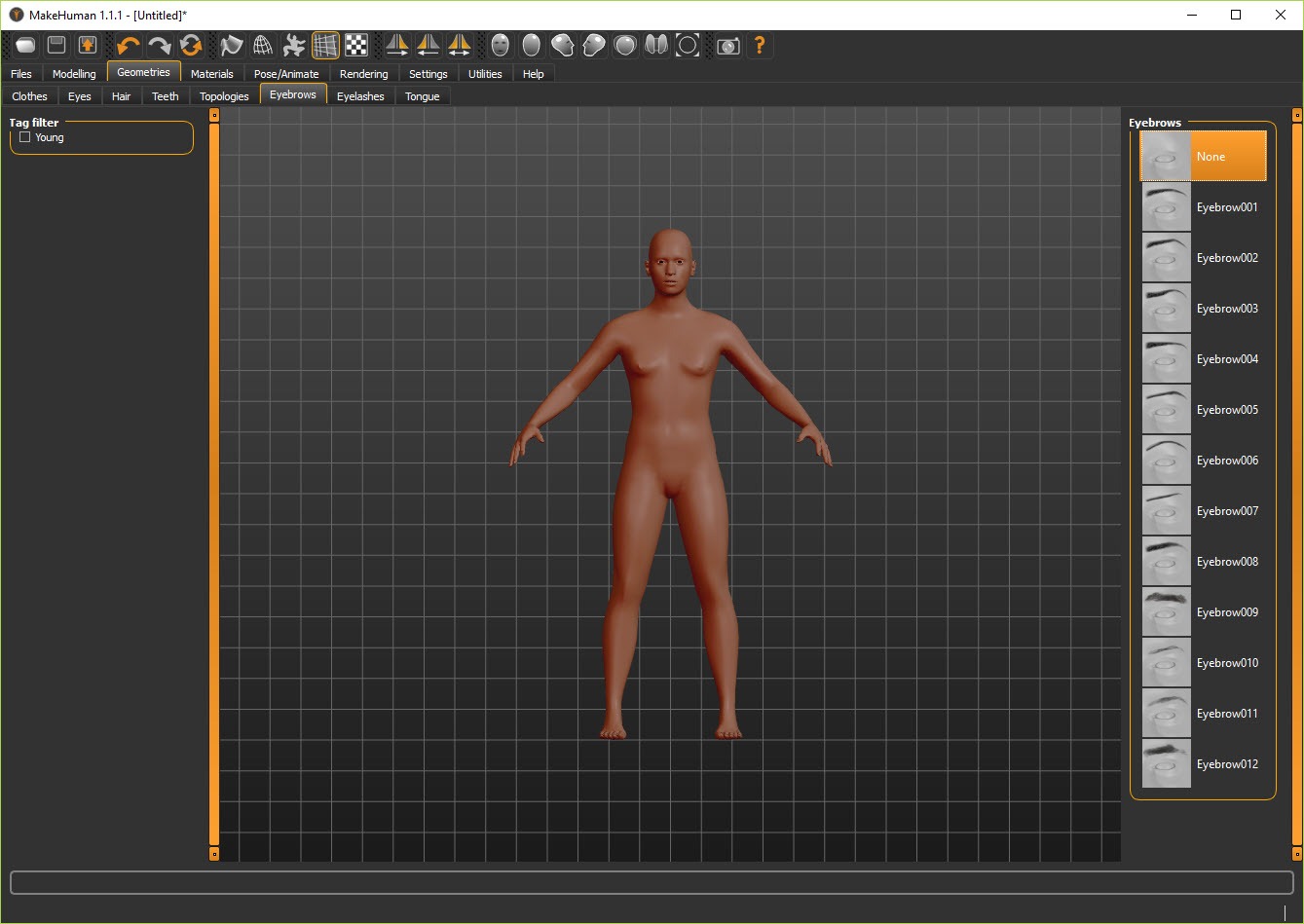
The MakeHuman materials tab assigns a skin from a library covering several ethnicities and ages, with eye textures as a separate choice, and eyebrows, eyelashes and teeth each chosen on their own. Hair and clothing are proxy meshes that fit themselves to the figure, so a jacket sized for a heavy body reshapes for a thin one. The bundled wardrobe is modest and the hair selection more so, and the community asset repository is where the range lives, downloadable from within the application.
Clothes are the weak spot for anyone with specific needs. Fitting is automatic and imperfect on extreme body shapes, and creating a new garment means working in a 3D suite with the maker tools. For portraits or a figure that will be re-dressed elsewhere, the library is enough. For a game cast in period costume, it is a starting point at best.
Skeletons, then poses and expressions
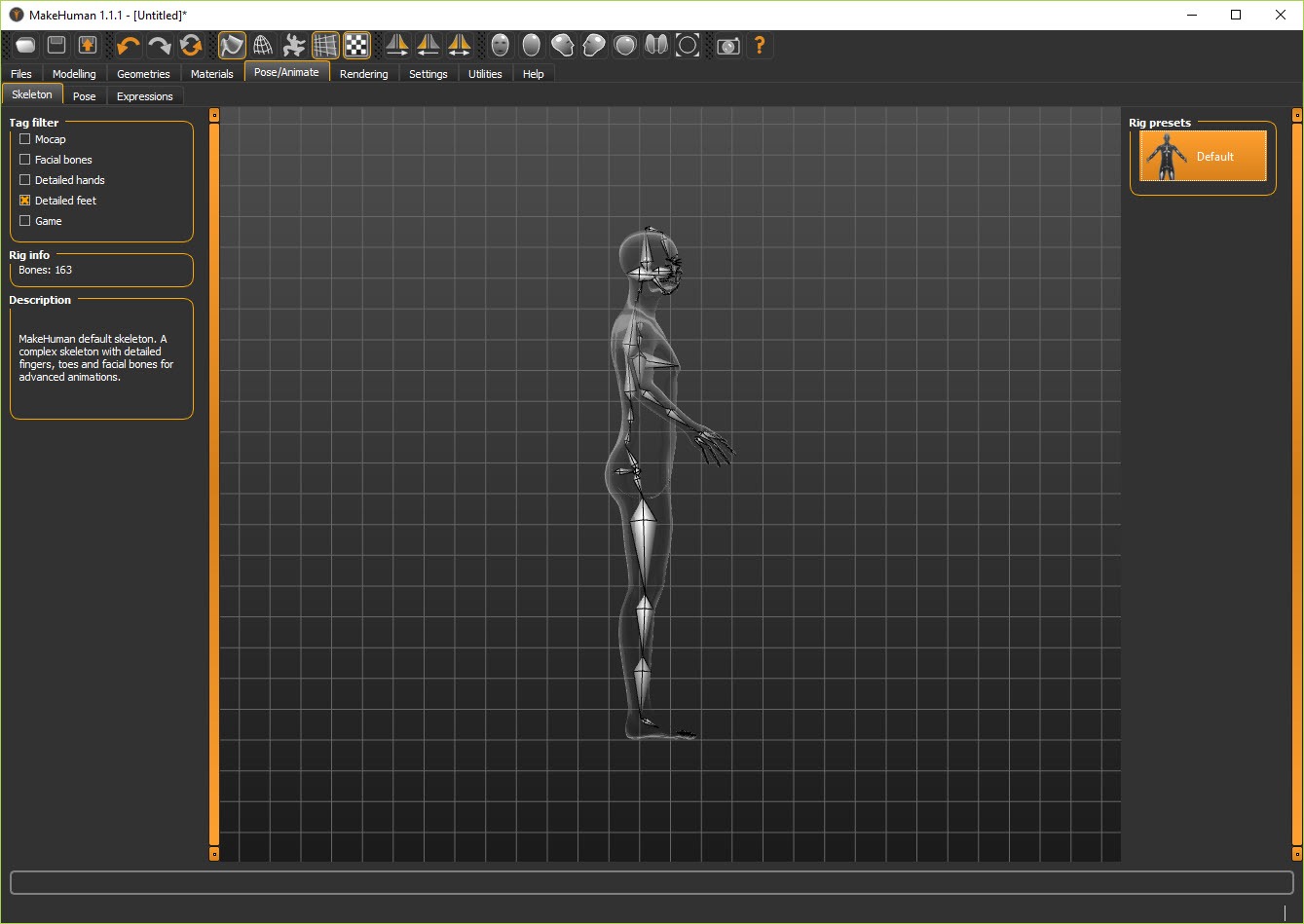
A rig is added from a list. The default skeleton carries a full bone set including fingers and face bones. A simplified game engine rig maps cleanly onto the animation systems that engines expect, and rigs with fewer bones suit mobile targets. Poses from a library, in BVH form, drop onto the skeleton, and facial expressions from a separate library blend onto the face bones, so a figure can be exported already smiling and standing rather than in the default stance.
Custom poses need a BVH file from elsewhere, and the pose loader works best with the default skeleton. Nothing here animates. MakeHuman poses a character and hands the animation to whatever comes next.
Exporting, and the Blender route
MakeHuman exports OBJ, FBX, Collada and a few others, with scale options because the internal unit is an unusual one. FBX and Collada carry the rig and weights, OBJ carries the mesh alone. Textures go alongside or embedded. The application cannot read its own exports back, so save the project in its native format before exporting or the sliders are lost.
The best route out is the companion plugin for Blender, which pulls the current figure across a socket in one click, with its rig, its clothes and its materials and sets up shading for both of that program’s renderers. A newer, fully integrated plugin now does the whole slider workflow inside that suite, and much of the community’s effort has moved there.
The standalone application remains the simpler place to build a figure without learning a 3D suite first.
Where it falls short
The base mesh carries helper geometry for fitting clothes that behaves strangely in other applications until deleted. Faces in the default skin set read as computer generated at close range, and the bundled hair looks dated. The standalone application receives less attention than the Blender-integrated plugin. And exports need care. Wrong scale, a rig the target does not understand or leftover helper meshes are the three ways a figure arrives broken, and each has a documented fix.
For a stylised or non-human character, this is the wrong tool entirely. A sculpting application or a modelling suite is the way to make something that does not start from a human template.
Conclusion
MakeHuman suits anyone who needs a believable human figure and does not want to sculpt one. Indie game makers populating a scene, illustrators who need a posed reference, and students learning rigging on a clean mesh get a rigged character in minutes and can spend their time on what happens to it afterwards.
It is not the tool for distinctive or stylised characters, and its clothing library will not dress a cast. Save the native project, export with the scale and rig your target expects, and carry the rest of the work into a 3D suite, ideally through the plugin that was built for exactly that hand-off.
Pros & Cons
- Realistic human figures from sliders with no modelling required
- Clean quad topology built for animation
- Skeletons from full to game-engine rigs, with pose and expression libraries
- Measurement tab builds a figure to real dimensions
- One-click transfer into Blender with rig and clothing intact
- Community asset repository for skins and wardrobe items
- Bundled hair and clothing libraries are thin
- Figures share a recognisable family resemblance
- Cannot reload its own exports, so the native project file must be kept
- Helper geometry and scale trip up exports to other applications
- Standalone application receives less attention than the plugin
Frequently asked questions
Yes. FBX and Collada exports carry the skeleton and vertex weights. Choose the game engine rig for engines that expect a standard bone layout.
Yes. The measurement tab shows dimensions such as chest and inseam, and the sliders can be adjusted until they match.
Usually scale, an unsupported rig or leftover helper geometry. Set the export unit, choose a simpler rig, and delete helper meshes before use.
No. It poses figures with library poses and expressions. Animation happens in a 3D suite or game engine after export.


