

AndroidMic
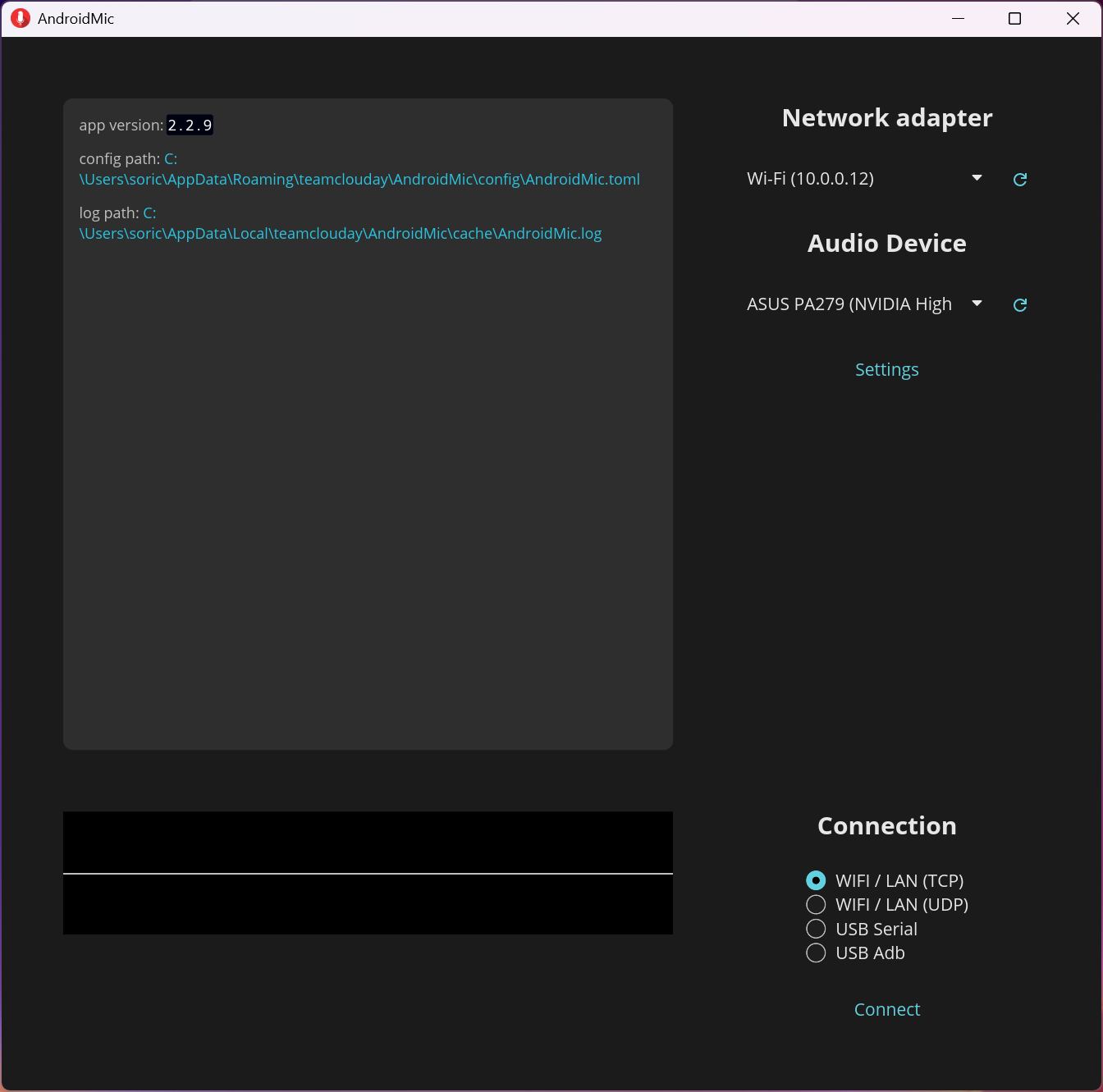
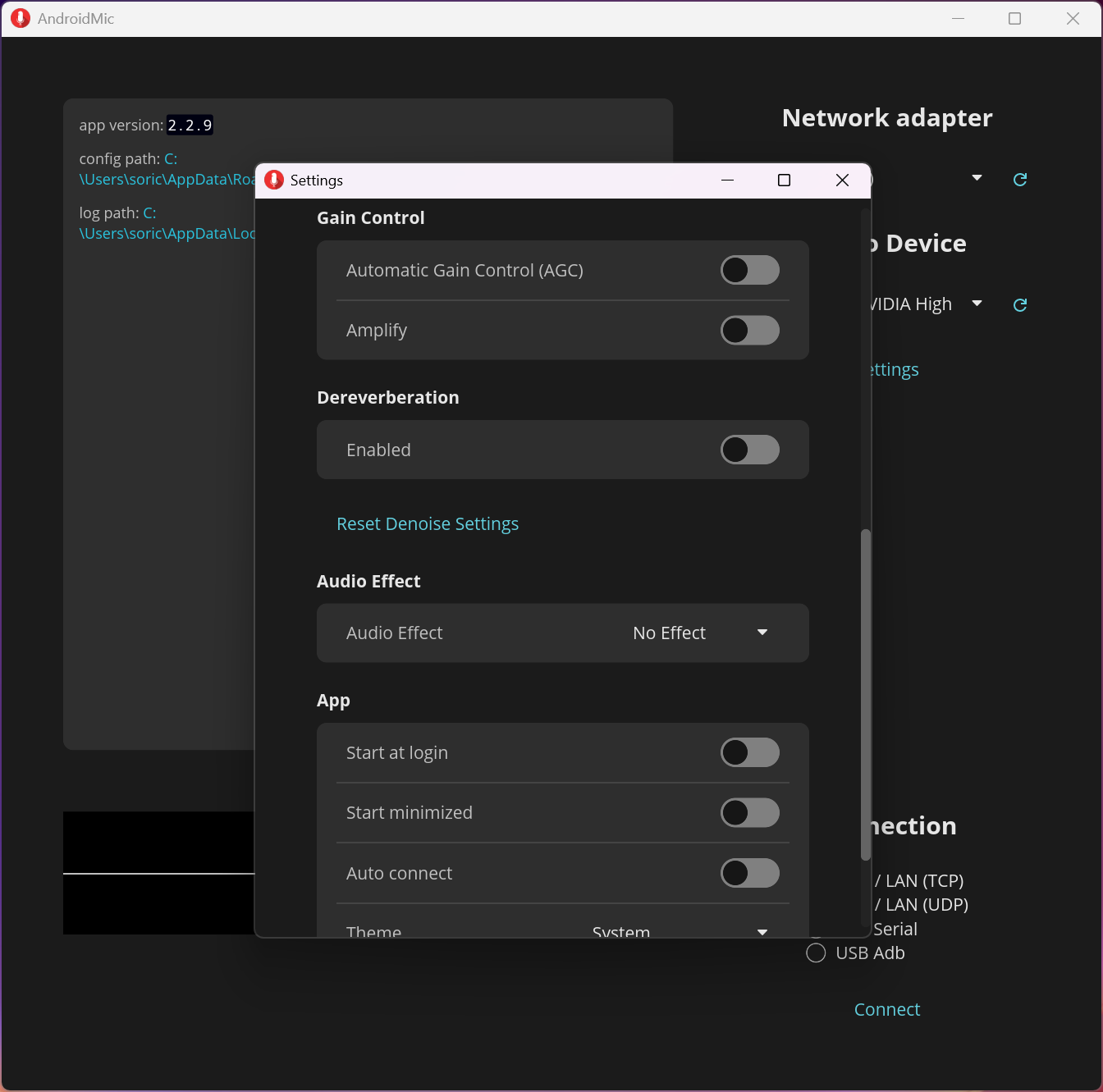
About AndroidMic
A phone microphone is better than the one in a laptop, and turning that into a usable input for the computer takes two pieces rather than one. AndroidMic is the piece that captures on the phone and streams to the machine, and it deliberately leaves the other piece to somebody else.
AndroidMic connects over the wireless network in two forms, along with two ways of using a cable. The wireless routes are convenient, and the cable routes carry more data with less delay, which is why the project dropped Bluetooth entirely rather than maintaining a slower option.
Noise cancellation runs on the audio before it arrives, and a waveform display shows what is being picked up, which is more useful than it sounds when diagnosing why nobody can hear you.
It does not create the microphone device
Here is the AndroidMic setup step people meet immediately, and it is the main practical difference from the alternatives.
The computer needs something that presents the incoming audio as a microphone that applications can select. This software streams the audio and does not supply that device, so a virtual audio cable has to be installed separately.
The arrangement once both exist is simple enough. The cable creates a paired output and input, this plays into the output, and applications select the input as their microphone.
That extra component is a genuine barrier for anybody expecting a single installer, and it is also why the project stays small and cross-platform rather than shipping drivers for every system.
A virtual mixer that creates paired audio devices and routes between them supplies exactly that, and gives you routing control at the same time.
Choosing an audio format that works
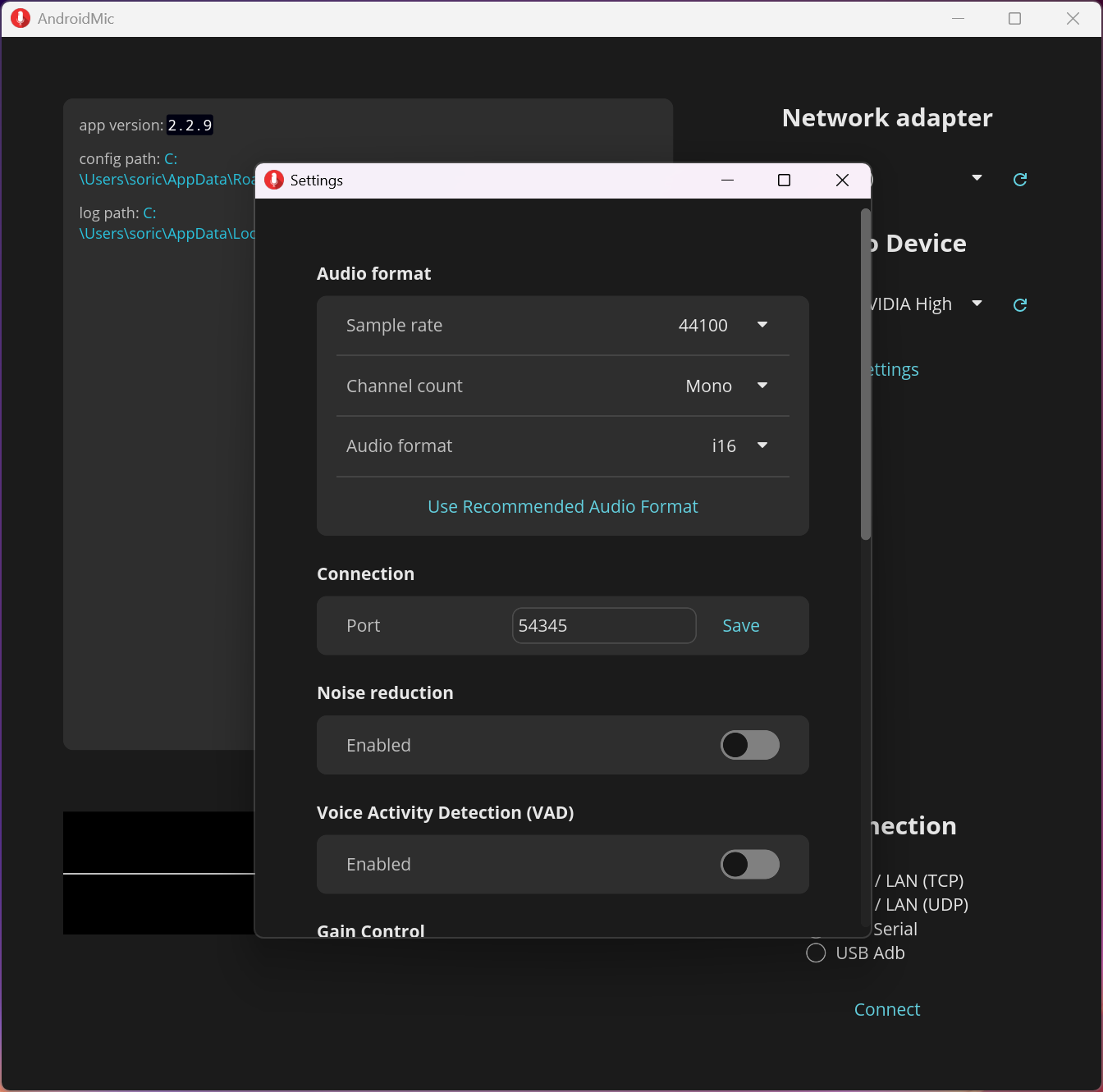
The AndroidMic advanced settings expose sample rate, channels and bit depth, and getting these wrong is the second thing that goes wrong.
The values have to match something the virtual output device actually supports. Common combinations work, meaning a standard sample rate with a single channel, and an unusual choice produces silence rather than an error explaining itself.
That matters because silence looks like a connection problem, and people spend an evening on the network before checking the format.
The cable connections have conditions
Two practical requirements attach to the AndroidMic cable routes, and both are documented rather than obvious.
For the serial connection, the phone’s own connection setting must be on charging rather than file transfer, and any debugging bridge process already running on the computer has to be closed first, since two things cannot hold the same connection.
Phones from one manufacturer in particular ship a proprietary connection driver that this cannot work with, and changing it to a standard one is an extra step for those devices specifically.
None of that is difficult and all of it produces a failure that looks like faulty hardware when you do not know to check.
For the same job in one package, with its own driver included, WO Mic installs everything itself and asks less at setup.
Expect the security software to object
Being straightforward about something the AndroidMic project documents itself.
Protection software frequently flags the desktop application, which is a consequence of how small independent programs are assessed rather than of anything the program does.
Anybody who meets that will need to make their own decision about it, and knowing it is expected rather than a surprise is the useful part.
Conclusion
AndroidMic does the capture and streaming part well, with noise cancellation, a visible waveform and cable connections chosen deliberately over Bluetooth for bandwidth. As free and open software with no tiers, it asks nothing except effort.
That effort is the trade. It leaves the virtual microphone to a separate component, expects you to match an audio format, and has conditions on the cable routes that produce silent failures when missed. Anybody comfortable with that gets a good result, and anybody wanting one installer that handles everything should look at the alternatives that bundle their own driver.
Pros & Cons
- Wireless and cable connections, with the cable routes carrying more with less delay
- Noise cancellation applied before the audio reaches the computer
- Waveform display shows what is being captured
- Sample rate, channels and bit depth all adjustable
- Open and free, with no tier withholding anything
- Small, since the audio device itself is somebody else's component
- Does not supply the virtual microphone, which must be installed separately
- A mismatched audio format produces silence rather than a useful error
- Cable connections need specific settings on the phone and the computer
- Some phones need their connection driver changed first
- Protection software often flags the desktop application
Frequently asked questions
Because it streams audio and does not create the microphone device applications select. A virtual audio cable supplies that, pairing an output it plays into with an input your applications use.
Most often a format mismatch. The sample rate, channels and bit depth must match what the virtual output supports, and an unsupported combination produces silence rather than an error message.
A cable, where possible, since it carries more data with less delay than the wireless routes. Bluetooth was removed deliberately for that reason rather than being an oversight.
The phone's connection setting should be charging rather than file transfer, and any debugging bridge already running on the computer must be closed. Some phones also need their connection driver changed to a standard one.


