

AnyToISO
About AnyToISO
AnyToISO converts disc images in odd formats into plain ISO files that any burning program, virtual drive or virtual machine will accept. Downloaded a NRG from an old burning suite, a BIN with its CUE sheet, a DAA, an MDF, a DMG from another platform or a UIF nobody has heard of in years? Open it here, choose ISO, and a standard image comes out the other side.
Two more jobs round it out. It builds ISO files from a physical CD, DVD or Blu-ray in the drive, and from any folder on disk, so the same small program covers nearly every reason a person needs an ISO at all.
A third tab extracts images and archives to a folder when you want the files rather than a converted image.
Convert almost any image to ISO
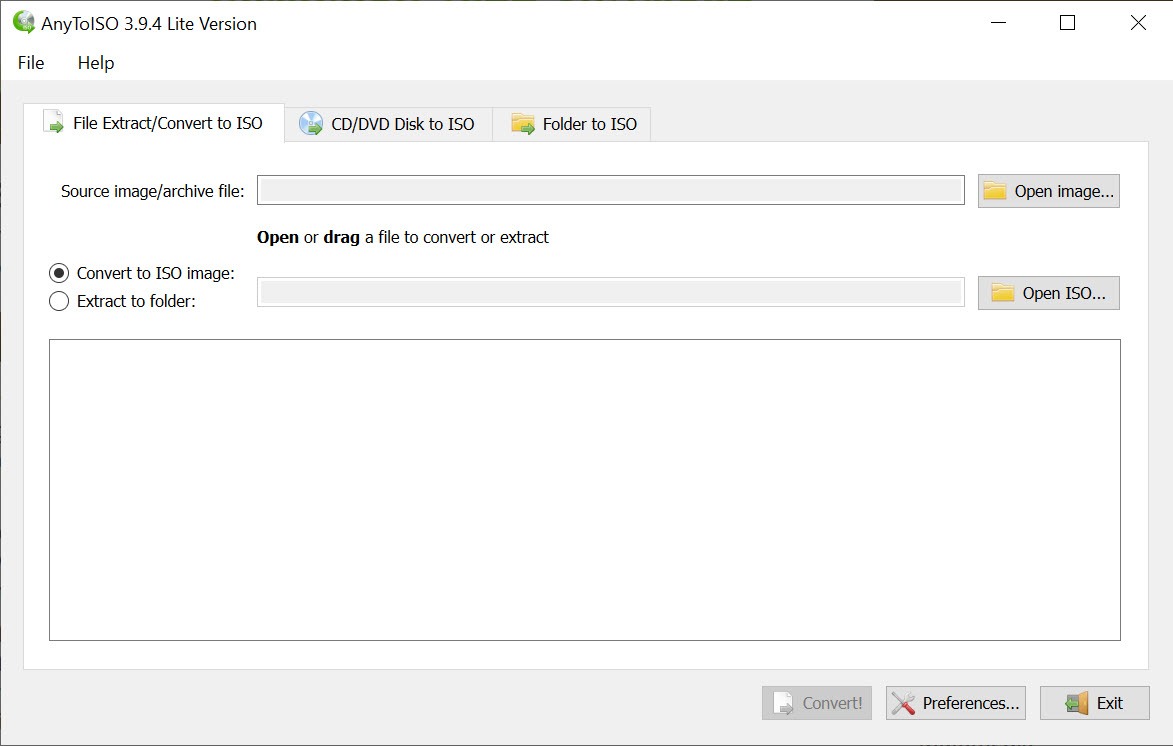
The first tab takes a source image and writes an ISO. Supported inputs include BIN and CUE, NRG, MDF and MDS, DAA and GBI, UIF, ISZ, PDI, CDI, B5I, IMG from CloneCD and DMG and XAR packages. Mixed cases are handled too, such as an NRG wrapped inside a UIF, which AnyToISO unpacks in two stages automatically.
Audio CD images get special treatment. A BIN/CUE or NRG image of a music disc can be extracted to individual WAV files, one per track, which turns an old disc image into something a music player understands.
There is no editing of the image contents, though, so adding or removing files from an ISO requires a different tool.
Extract instead of convert
Switch the first tab to extraction mode and the same inputs unpack straight to a folder, which is often what you actually wanted. ISO images with ISO 9660, Joliet, UDF and HFS+ file systems extract this way, and so do DMG, PKG, XAR, DEB and RPM packages, plus everyday archives in ZIP, RAR, 7Z, TAR.GZ and TAR.BZ2 form.
That makes the program a quick way to look inside installer packages from other platforms without converting anything. For routine archives you already own a general archiver, which also opens ISO files, but it does not read the exotic disc image formats that this tool handles.
Disc to ISO and folder to ISO
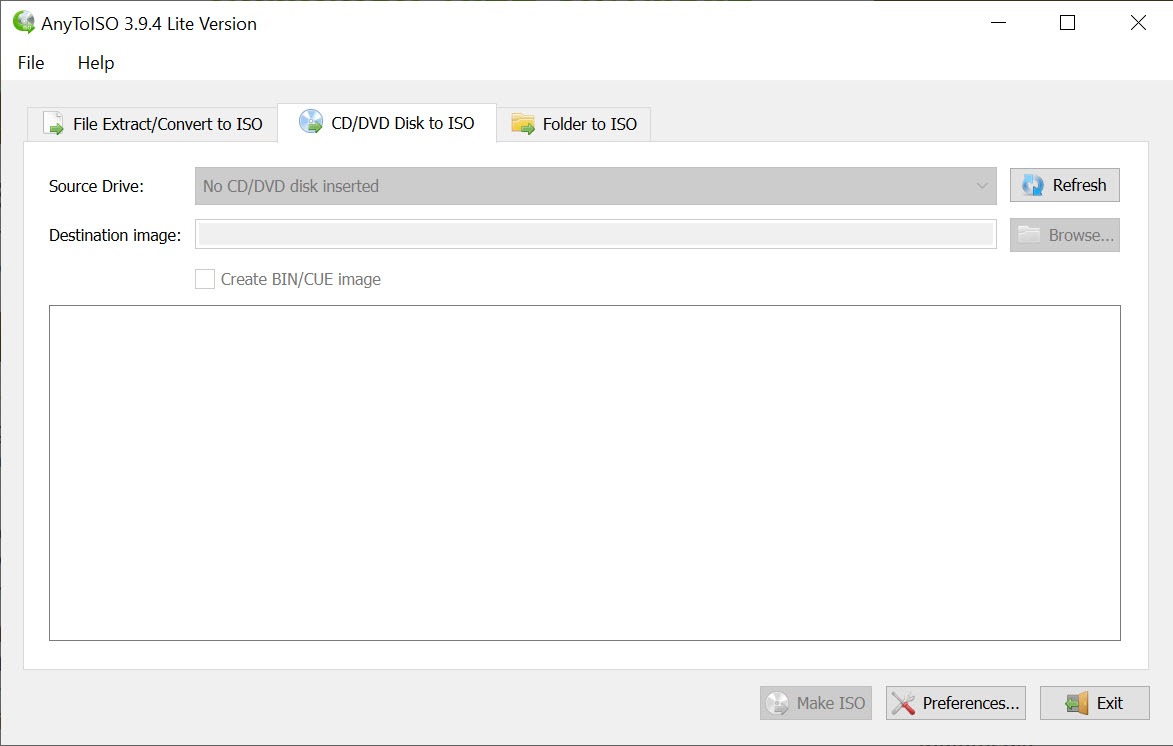
The second tab reads a disc in the optical drive and writes it as an ISO, or as BIN/CUE for discs with audio tracks or mixed content. It is the simplest route to archiving a shelf of old software and data discs before the media degrades. The resulting ISO mounts in a virtual drive or a virtual machine without the physical disc.
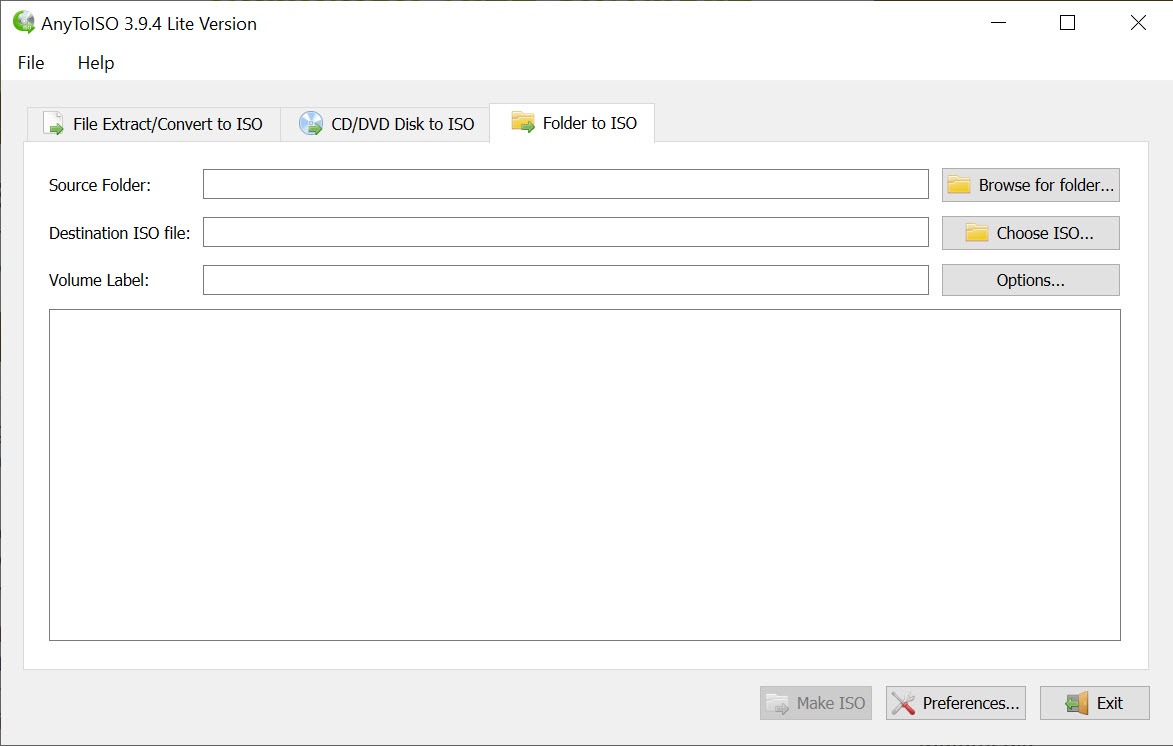
The third tab turns a folder into an ISO, with hidden files included, which is how you prepare a bootable utility collection or a file set for a virtual machine that only accepts disc images.
Burning any of these images to a real disc afterwards belongs to ImgBurn, since AnyToISO does no burning itself.
Right-click and command line
The program adds itself to the right-click menu, so converting or extracting an image is one click from the file manager. Command-line switches expose the same operations for batch files, which suits anyone converting a whole archive of images overnight or building ISOs from folders as part of a script.
The interface is three tabs and a progress bar, available in dozens of languages, and it asks nothing beyond source and destination. The trade is that it does only what those tabs show. It cannot edit images, mount them, repair damaged discs or recover files from unreadable media.
For that last job, a disc recovery tool reads what the drive can still deliver.
Conclusion
AnyToISO suits anyone who regularly meets disc images in unfamiliar formats and wants them as plain ISO files, as well as people archiving old discs or building images from folders for virtual machines. Its three tabs and command-line switches cover those jobs with almost no learning curve.
It does nothing beyond those three tabs, and it has not gained new formats in a while. As the single converter that makes every stray image usable, it still saves real time.
Pros & Cons
- Converts BIN, NRG, MDF, DAA, UIF, DMG and many other image formats to ISO
- Extracts images and installer packages to a folder
- Creates ISO or BIN/CUE from discs, and ISO from folders
- Audio CD images extract to WAV tracks
- Right-click integration and command-line support for batch work
- Cannot edit the contents of an image
- No mounting or burning built in
- Development has slowed, so newer image formats may be missing
Frequently asked questions
BIN and CUE, NRG, MDF, DAA, UIF, ISZ, PDI, CDI, B5I, IMG and DMG among others, including nested cases like an NRG inside a UIF.
Yes. The Folder to ISO tab builds an image from any folder, hidden files included, ready to mount or burn.
No. It only converts, extracts and creates images. Use a burning program to write them to disc and a virtual drive to mount them.


