

ISO Workshop
About ISO Workshop
Disc image software usually opens into a workspace and waits for you to work out what it does. ISO Workshop opens into a menu of large buttons, one per job, and nothing happens until you have said which job you want. Extract from an image, build a new one, copy a disc into a file, convert between formats, write an image to a disc, erase a rewritable one.
Against a fuller suite like BurnAware, it trades breadth for that directness, covering fewer scenarios and asking fewer questions about each one.
A menu of jobs rather than a workspace
That structure is the design philosophy and it suits the work. Nobody opens software like this to browse around. They open it because a file needs to come out of an image or an image needs to go onto something, and being asked which of those in the first two seconds beats hunting through menus.
Each job then runs as a short guided sequence with only the options that job needs, which is why ISO Workshop stays comprehensible while covering six distinct operations. The trade is that nothing is combined, so extracting from one image and building another are two separate trips through the menu rather than one session.
Resource use is modest enough that it opens instantly on old hardware, and the interface is available in a good number of languages.
Building an image, plain or bootable
Creating an image from files and folders on disk is the first job most people want. Drop in what you want included, choose whether the result should be bootable, and pick the file system and disc profile that suits the target, whether that is a plain data disc, a video disc, a bridge format or a bootable one.
Useful detail that gets missed. Folders can be created inside the image and files edited within it before anything is written, so an image assembled from three sources can be reorganised in place rather than rebuilt from scratch.
The file system choice matters more than it appears. Choose the older standard and every system on earth will read the result while long filenames get mangled. Choose the modern one and filenames survive intact, though some very old hardware will refuse the disc.
Extraction is the part that still matters daily
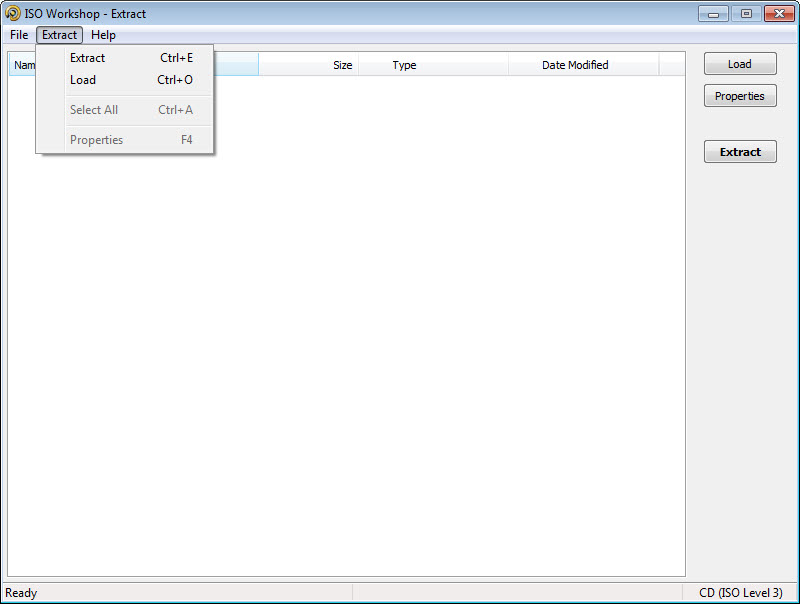
Of everything ISO Workshop does, this is the function that has aged best. Open an image, browse its contents like a folder, and pull out the two files you actually need without writing anything to a disc or mounting anything as a drive.
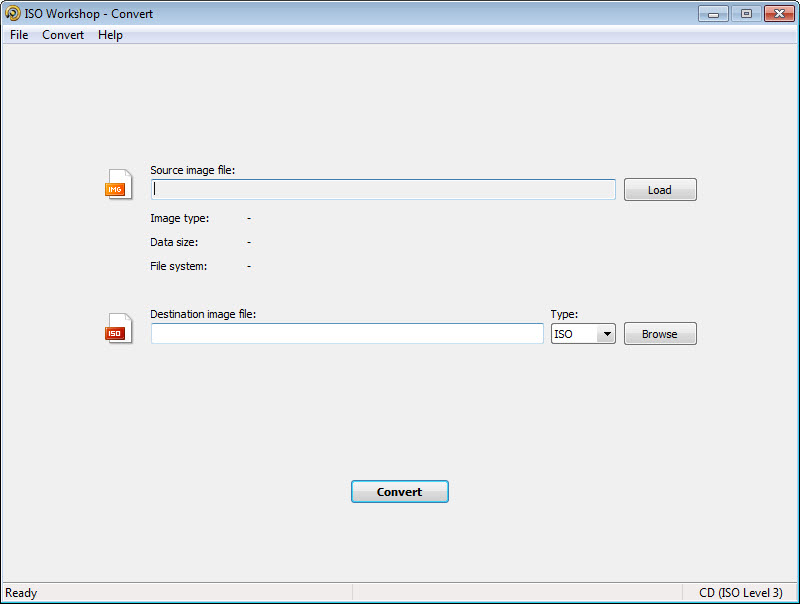
The format list is the reason to keep the program around. Alongside ISO it reads the descriptor and binary pairs, the formats produced by the old commercial burning suites, disc-copy formats and the archive format used on other desktop platforms. An image somebody sent you fifteen minutes ago in a format you have never seen usually opens.
For plain ISO files there is a simpler answer, since 7-Zip opens them like an archive and extracts from them without a dedicated tool at all.
Where it falls short is the thing everybody expects. It will not mount an image as a drive letter, so software that insists on reading from a disc cannot be fooled by it, and a tool that mounts an image as a drive letter has to sit alongside it.
That omission is distinctly odd in a program otherwise this complete.
Burning, copying and erasing
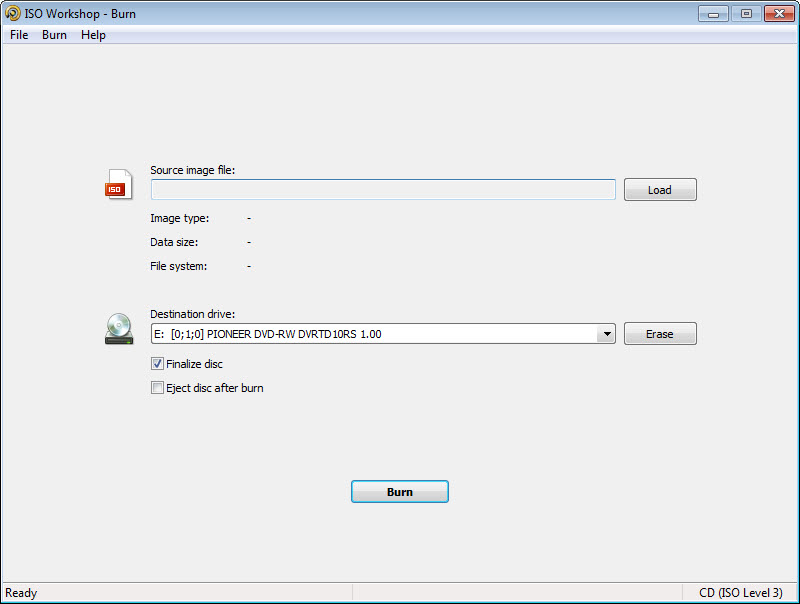
Writing an image to a blank disc offers speed control, file system options and verification of what actually landed, which is the step people skip and then wonder why an installation fails halfway through.
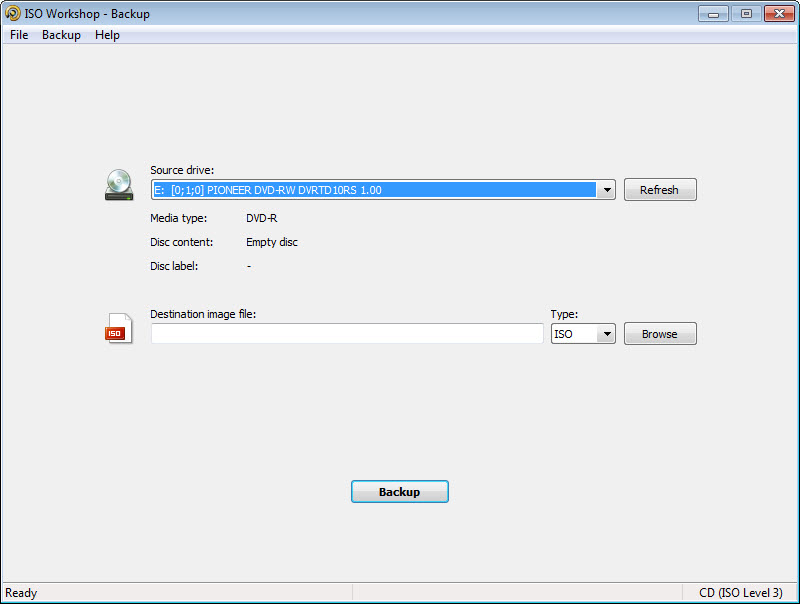
Disc-to-disc copying works directly, reading one and writing the other without leaving a file behind in between, and rewritable media can be erased and formatted, with a faster erase path for certain rewritable types. Support extends to the larger modern optical formats and archival discs, which matters to the small number of people still writing anything for long-term storage.
The honest framing is that this half of the program is now for people who still own an optical drive, and that is fewer of us every year. ISO Workshop does it competently and the hardware is disappearing underneath it.
Where images actually go now
Which brings us to the reframing this review owes you. A bootable image today goes onto a USB stick, not a disc, because most machines have no optical drive and a stick is faster, rewritable, reusable.
That is the one job this program does not do. Rufus writes an image to a stick and handles the boot arrangements for you, and it is the tool to reach for when the image is an installer rather than an archive.
If several images need to live on the same stick, a tool that keeps a whole collection on one drive removes the rewriting step entirely, which changes how you keep installation media.
One practical note before installing. The setup process carries additional offers that need declining, and advertising appears in the program itself, so read the wizard rather than clicking through it.
Conclusion
ISO Workshop is at its best as an extraction and creation tool. Opening an unfamiliar image format and pulling two files out of it, or assembling a bootable image with the file system you actually want, are both quick here and awkward elsewhere, and the task-first menu means you are never hunting for the function.
Where it shows its age is everything involving a disc. Burning, copying, erasing are all done properly and increasingly nobody has the hardware, while the two things people now want most, mounting an image and writing one to a stick, are both absent. Install it for the format coverage and the image building, pair it with a mounting tool and a stick writer, and it earns its place as one part of a set rather than the whole answer.
Features & benefits
Pros & Cons
- Task-based menu asks which job you want before showing anything else
- Reads a wide range of image formats, including several produced by long-gone suites
- Extracts individual files without burning or mounting anything
- Images can be built bootable, with a choice of file system and disc profile
- Folders and files inside an image can be edited before it is written
- Written discs are verified against the source rather than assumed correct
- Copies disc to disc directly, without an intermediate file
- Cannot mount an image as a drive letter, which is what most people want first
- Does not write images to USB sticks, where bootable media now belongs
- Half the feature set assumes an optical drive that many machines no longer have
- The installer carries additional offers that need declining
- Advertising appears within the program
- No batch processing, so each job is one job
Frequently asked questions
No, and it is the most commonly missed function. Extraction covers the case where you need files out of an image, but software that insists on reading from an actual drive needs a separate mounting tool installed alongside.
Considerably more than ISO. The descriptor and binary pairs, formats written by the older commercial burning suites, disc-copy formats and the archive format used on other desktop platforms are all readable, which is why it survives as a rescue tool for unfamiliar files.
Yes, with the boot option set during creation and a choice of file system to suit the target. What it will not do is transfer that image onto a bootable USB stick, which needs a different tool.
No. It writes to optical discs only, so an installer image destined for a stick has to go through software built for that, which is now the more common route by a wide margin.
Additional offers in the setup wizard, which need declining rather than clicking past, and advertising inside the program afterwards.


