

Tach Typing Tutor
About Tach Typing Tutor
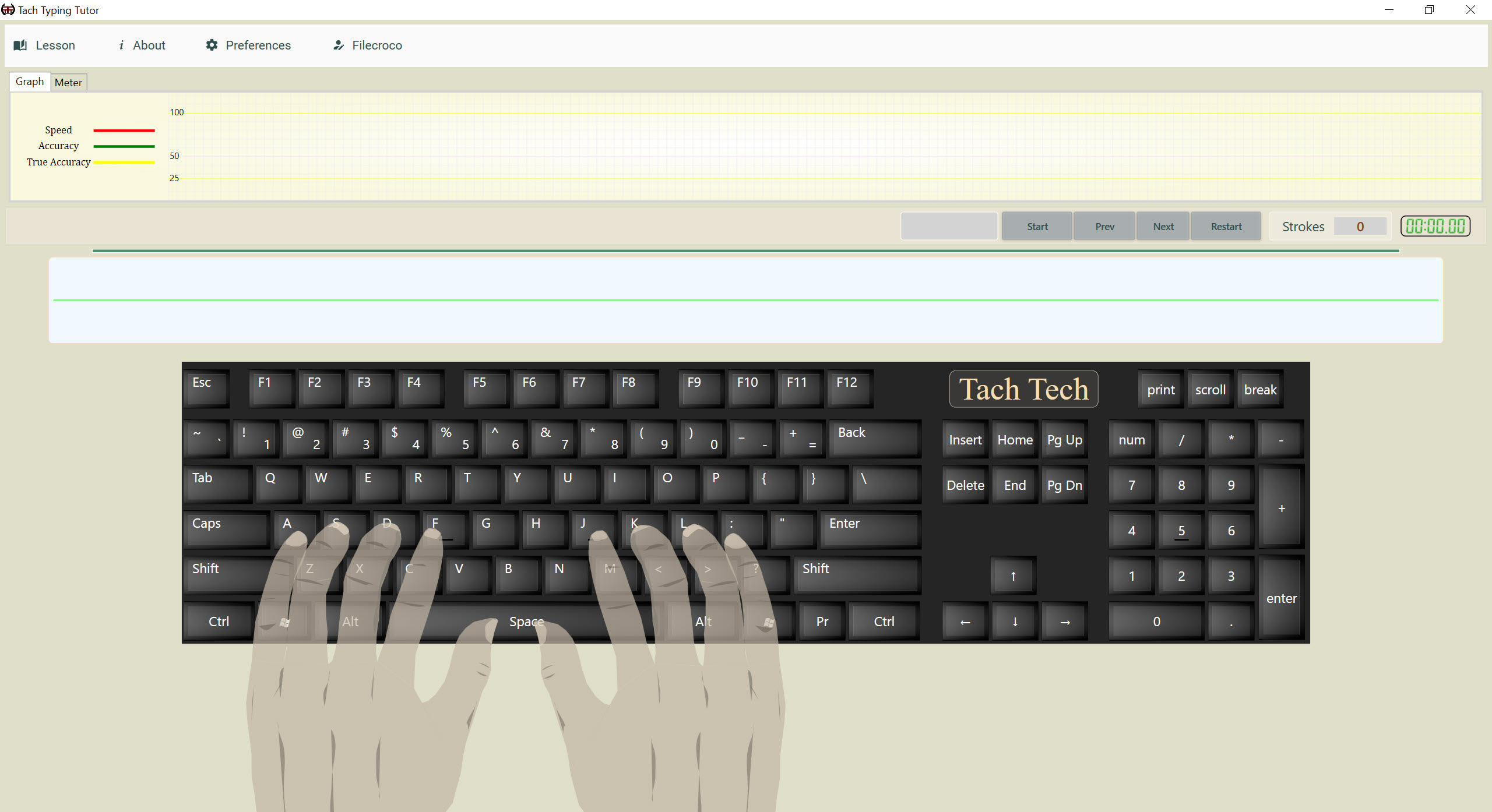
Tach Typing Tutor is a small, plain typing tutor with audible lessons. Enter a name, pick a lesson, and type. The program speaks as you work, and when a lesson ends a panel shows how fast you went and how many mistakes you made. That is most of what it does, and the short feature list is also its charm. Nothing here tries to be a classroom suite or a game, and the people who like it say so, praising the audible side in particular.
It suits a beginner who wants a calm place to start and a teacher who wants to hand a pupil a text of their own to practise. Profiles keep your place, an integrated tutorial explains where each finger belongs, and a lesson editor accepts text you type or paste.
Tach Typing Tutor is also an open-source project of modest size, with a development pace to match. The sections below cover each part, then say plainly what is missing, since the missing parts decide whether it is the right tutor for you.
Profiles and the built-in lessons
The first screen of Tach Typing Tutor asks for a name. That name becomes your profile, and the next time you open the program you choose it and carry on where you left off. Several people can share one machine this way. The lessons can be opened in any order, but the program recommends taking them in sequence, since each builds on the keys before it.
An integrated tutorial comes before the typing. It shows how the fingers should rest on the keyboard and which finger reaches each key. Watch it once even if you think you know. A beginner who skips it and starts typing is likely to build the two-finger habit the tutor exists to break.
The audible lessons
The feature that sets Tach Typing Tutor apart is sound. Users call the program an audible tutor, and the lessons are built to be heard as well as read, which gives a second channel for remembering the keys. It helps people who learn better by ear, children who respond to a voice, and anyone who wants to keep their eyes on the screen and off their hands.
Treat the first lesson as a test of whether the audio suits you, and keep the volume where you can hear it over the keyboard.
Writing and importing your own lessons
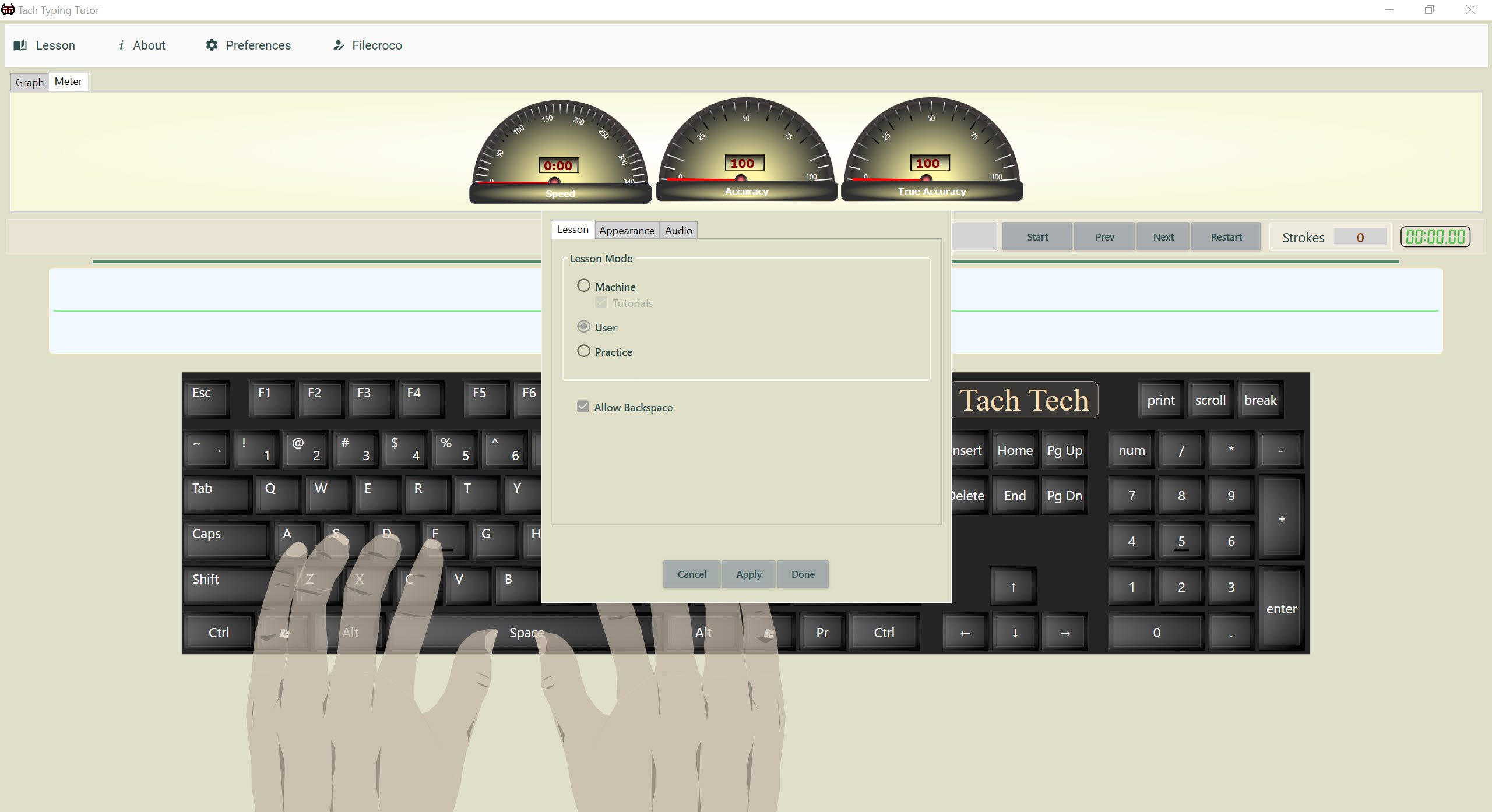
You are not stuck with the built-in text. A lesson editor lets you give a new lesson a name and either type its content or paste it in. A plain text file or a DAT file can be imported and used as a lesson. That turns the tutor into a drill for whatever you need to type, the terms of a trade, a passage of vocabulary or a list of names.
For cleaning a text before you paste it, a plain text editor with search and replace does the job. Built-in lessons can be modified as well, so you can shorten a drill without starting over.
The statistics, and what disappears
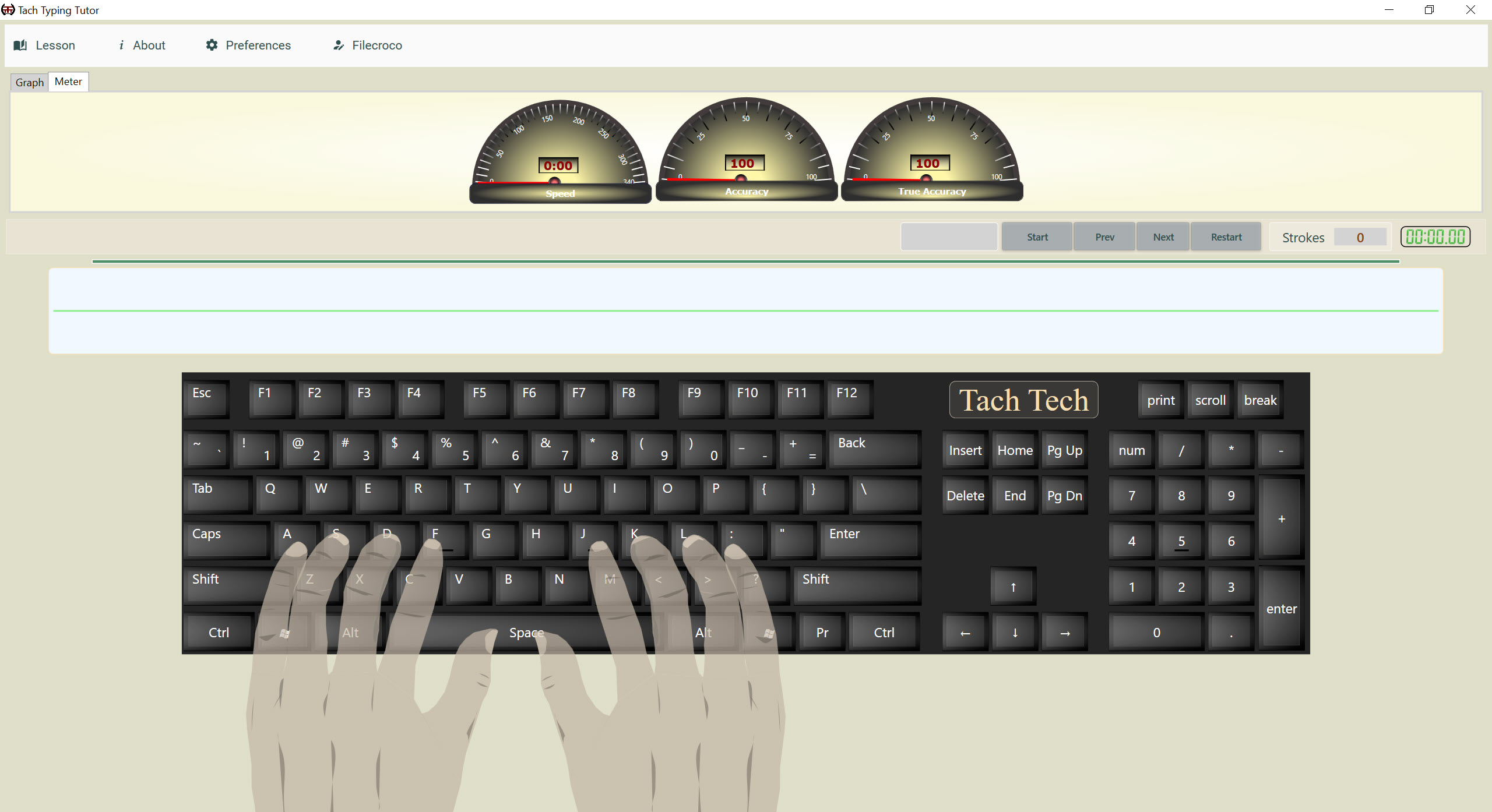
After each lesson the program shows your speed, the number of errors, the strokes you made, how long the lesson was and how much time passed. That is enough to tell whether a lesson went better than the last.
The catch is that these figures belong to the session. They are cleared when you close the program, so there is no history to chart and no trend across weeks. That is the biggest limit for anyone who wants to watch progress. For graphs per user and exports to a spreadsheet, a typing tutor with classroom statistics keeps everything that the session here throws away.
Where it stops
Tach Typing Tutor is a modest tool. The feature list does not mention games, certificates or alternative keyboard layouts, and the number of lessons is whatever its author wrote. One early review reported an installation that finished without leaving the program where the user expected, so check that it appears after installing. Development is quiet, and the interface is simple.
For a wider course with games, a kids module and a numeric keypad lesson, Kiran’s Typing Tutor is the broader package. This one is for a quiet tutor that speaks, takes your own text and stays out of the way.
Conclusion
Tach Typing Tutor suits beginners and teachers who want a quiet tutor with audible lessons, profiles and a lesson editor that accepts any text. Those three are the parts worth keeping.
It will not track your progress over weeks or entertain a child with games. Use it for focused practice on your own text, and pair it with a tutor that keeps statistics when you want to see the trend.
Pros & Cons
- Audible lessons give a second channel for learning the keys
- Profiles keep each learner's place in the lessons
- Integrated tutorial shows finger positions before you type
- Lesson editor accepts typed or pasted text and imports plain text and DAT files
- Per-lesson results for speed, errors, strokes and time
- Statistics are cleared when you close the program
- No advertised games, certificates or alternative keyboard layouts
- Quiet development and a modest number of lessons
Frequently asked questions
Yes. Create a lesson by typing or pasting text, or import a plain text or DAT file.
It keeps your profile and your place in the lessons. The speed and error figures for each lesson are cleared when you close the program.
Yes. An integrated tutorial shows where each finger rests and which finger reaches each key, and it is worth watching before the first lesson.


