

Video Comparer
About Video Comparer
Video Comparer finds duplicate videos by looking at the pictures inside them, not at file names or checksums. That distinction is the whole product. A byte-level duplicate finder only catches identical copies, while this tool fingerprints the actual frames and matches a 720p MKV against the 1080p MP4 of the same movie, a cropped version against the original, even one file against the same footage split into two parts.
The usual trigger for installing it comes right after a disk-usage tool like WinDirStat reveals that the video folder swallowed half the drive. Recordings saved twice under different names, re-encodes of the same episodes, a downloads folder that quietly duplicates the archive.
Classic hash-based cleaners walk straight past all of that, because to them a re-encoded file is a completely different file.
Matching pictures instead of checksums
Video Comparer extracts a visual fingerprint from each video and compares those fingerprints across the collection. Resolution changes don’t fool it. Neither does cropping, rotation, added noise, or a time shift, so a movie that starts ten seconds later in one copy still pairs with its twin.
A recently added similarity threshold lets you decide how strict “the same video” should be, which helps when a collection contains multiple cuts of the same material that you want treated as distinct.
One deliberate blind spot deserves attention before you trust the results. The engine compares picture only and ignores audio streams completely. Two copies of a film with different dubs or commentary tracks will be flagged as duplicates, because visually they are.
If your library depends on audio variants, treat the automatic selection with suspicion and verify by hand. For collections where audio is the main event, a tool like MediaPurge approaches deduplication from the audio side instead.
Three scan depths and a memory for past work
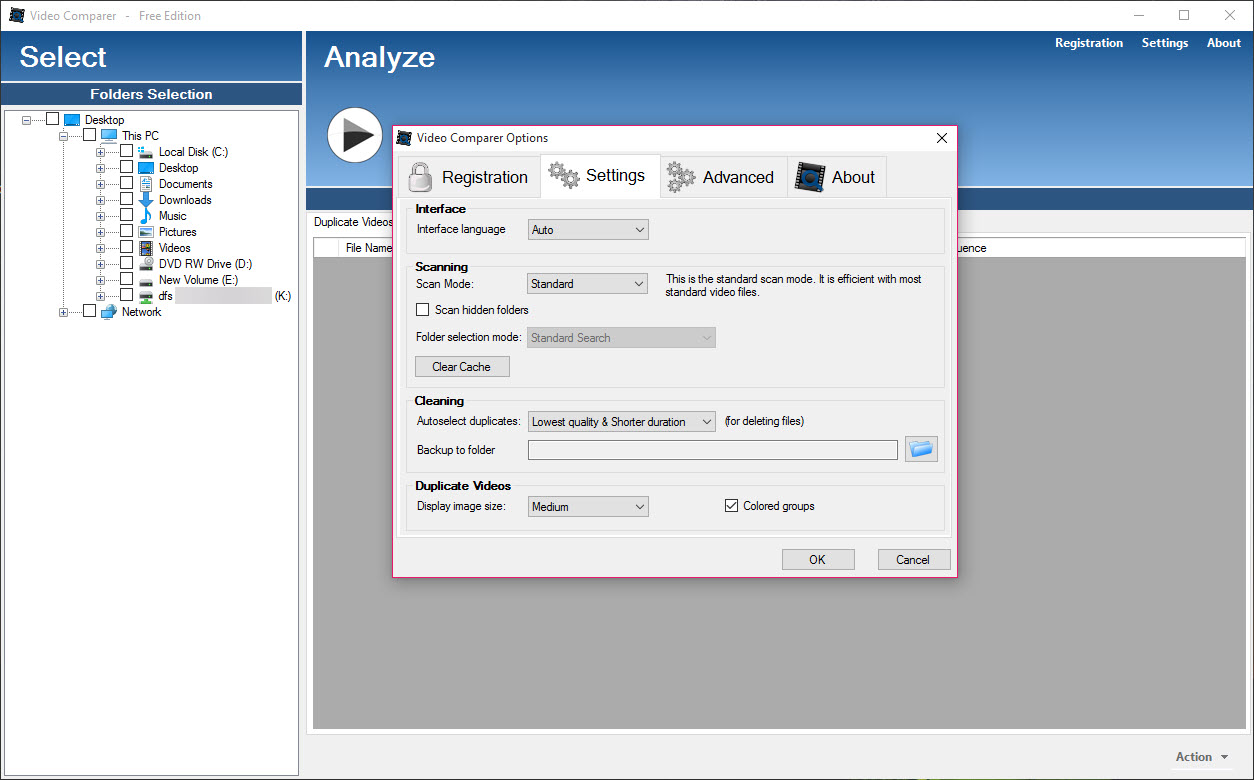
Scans in Video Comparer come in quick, standard, and full flavors, trading thoroughness for time. Quick mode samples fewer frames and finishes fast, full mode chews through everything and can run for hours on a large archive, especially at strict settings. The sensible workflow is a quick pass first to catch the obvious clones, then a full pass overnight on whatever survived.
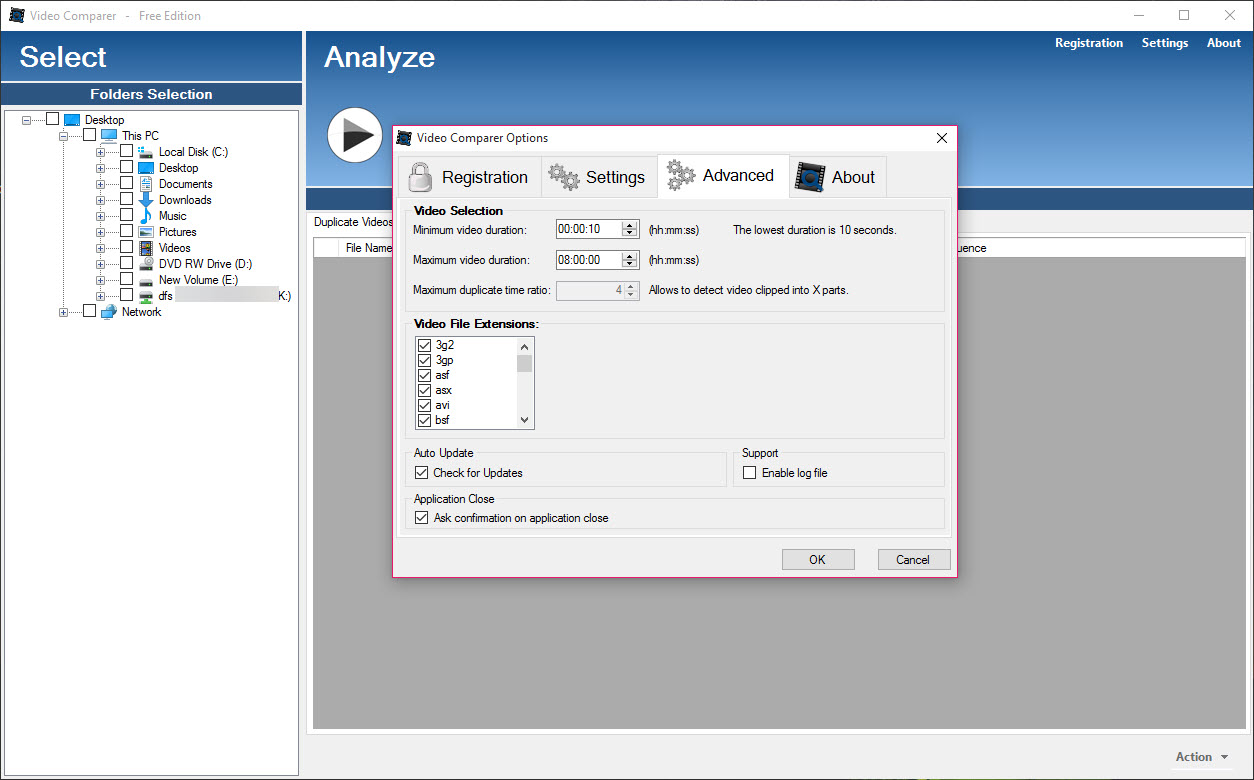
The first deep scan is the expensive one. Fingerprints land in a database, so the next scan of the same folders skips already-analyzed files and finishes in a fraction of the time. The engine also spreads work across all CPU cores, and it filters by extension (MP4, MKV, AVI, WMV, VOB, MPEG and the rest) plus duration limits, so you can scan only files longer than, say, twenty minutes and leave the clip clutter alone.
Reviewing matches before anything gets deleted
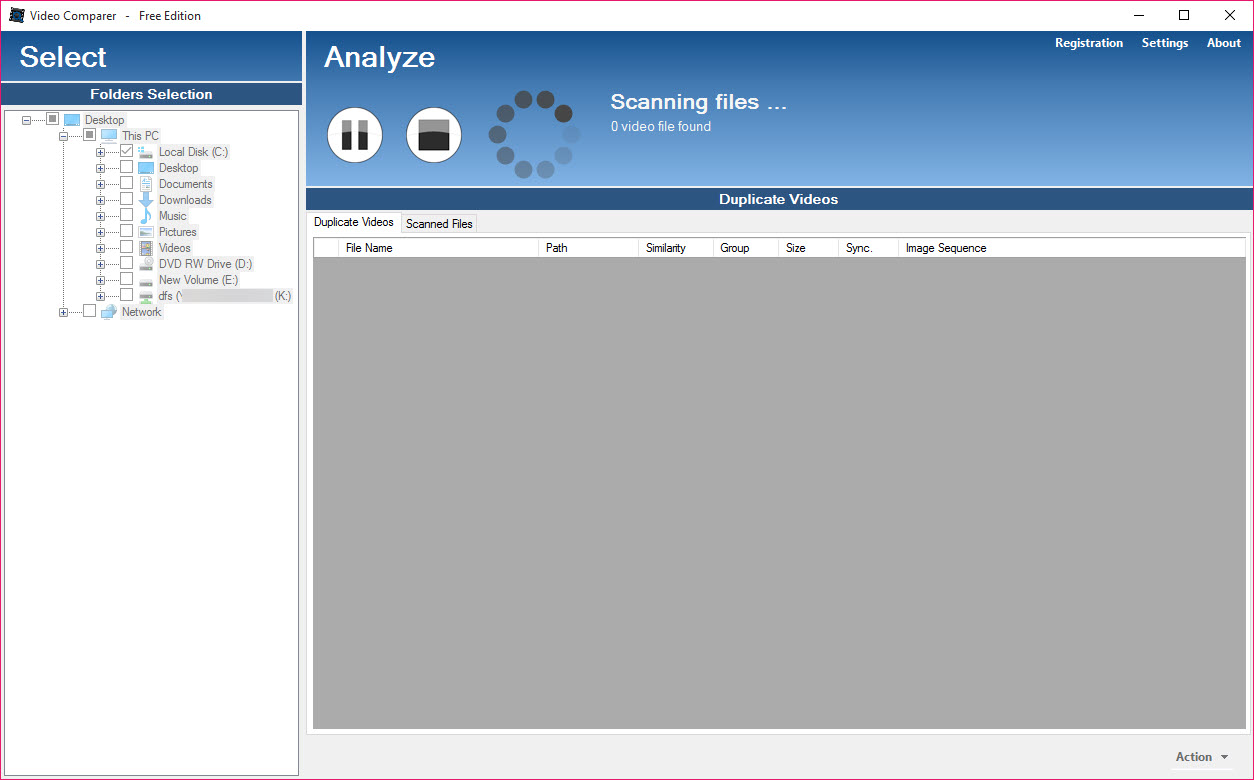
Every detected pair appears with synchronized timeline thumbnails, rows of stills from both files aligned side by side. Scrolling through them settles doubt in seconds, since your eyes confirm what the algorithm claims. This is the feature that separates confident deletion from anxious deletion, and honestly it’s what cheaper rivals lack most.
Selection filters then do the bulk work. Keep the highest quality copy and mark the rest, or prefer the longer file, or the shorter one, depending on what your duplicates typically look like. A backup directory option moves the condemned files aside instead of erasing them outright, which is exactly the paranoia a first run deserves.
Once the survivors are unique, renaming and sorting them into a tidy structure is a job for FileBot rather than this tool.
Where the edges are
The entry edition caps how many videos a single scan can process, which works for a spot check on one folder but not for a terabyte archive. Larger collections need the higher editions, and that ceiling is the most common complaint about an otherwise focused tool.
Judgment still matters at the review stage. Similar intros across episodes of the same series can produce near-matches at loose threshold settings, and the audio blindness mentioned earlier cuts both ways. The tool proposes, you dispose.
Compared with the fiddly open alternatives, though, the defaults here land on sensible far more often, and against a general-purpose cleaner like dupeGuru it wins every contest that involves re-encoded footage.
Conclusion
Video Comparer is built for people hoarding years of recordings, rips, and downloads who suspect the same footage lives in three places at three qualities. Media collectors reclaiming disk space get the most from it, and the visual verification thumbnails make the cleanup feel safe rather than reckless.
Anyone whose duplicates are exact byte copies can stay with a simpler hash-based cleaner and save themselves the scan time. The moment re-encodes enter the picture, this is the tool that actually finds them.
Pros & Cons
- Detects duplicates across different resolutions, formats, crops, and rotations
- Synchronized timeline thumbnails make visual verification fast and reliable
- Fingerprint database turns repeat scans of big folders into quick jobs
- Smart selection can keep the best quality copy automatically
- Backup directory option removes files reversibly instead of deleting
- Audio streams are ignored, so different dubs register as duplicates
- The entry edition limits how many videos one scan can handle
- Full scans of large archives take hours on the first run
- Loose similarity settings can pair distinct episodes with similar footage
Frequently asked questions
Yes, that's its specialty. The comparison works on visual fingerprints, so an MP4 and an MKV of the same footage match even at different resolutions or bitrates.
Every file must be analyzed frame by frame to build its fingerprint. The results are stored in a database, so later scans of the same folders skip finished files and run far faster.
Only if you tell it to. Selection filters mark files by quality or length, and a backup directory option moves them aside instead of erasing, so nothing needs to disappear permanently on the first pass.
No. It compares the picture only, so versions with different dubs or commentary look identical to it. Check flagged pairs manually when audio variants matter to you.


