

MikuMikuDance
About MikuMikuDance
MikuMikuDance makes 3D characters dance. Load a model, load a motion file of a choreographed dance, load the song, and press play, and the character performs the routine in time with the music, its hair swinging under simulated physics. Then you take over.
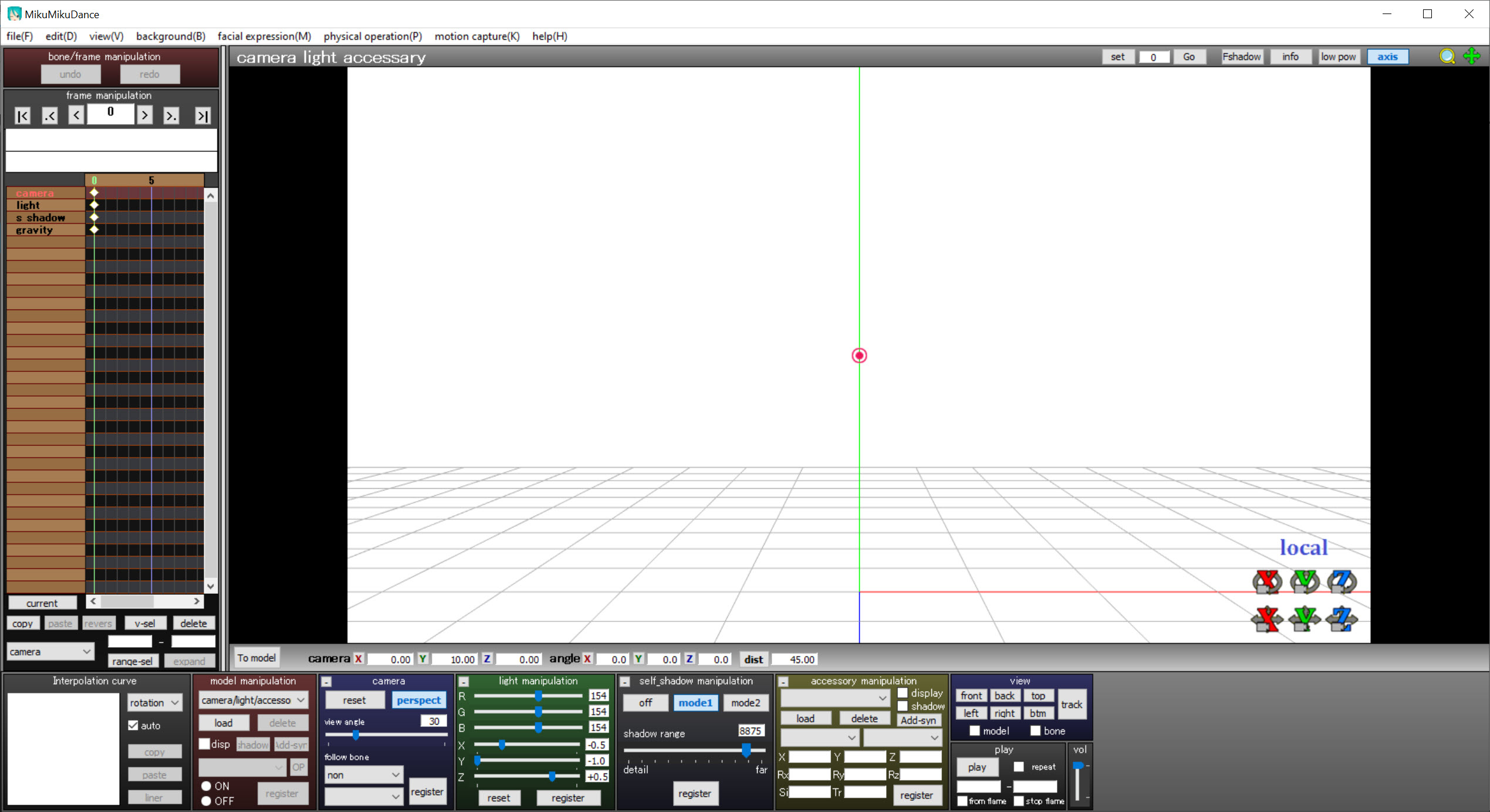
Pose the bones by hand, set keyframes along a timeline, move the camera through the scene, add a stage and lights, and render the whole thing to a video. It started as a tool for animating one singing character and grew into the engine behind a whole culture of fan-made music videos.
What makes it work is the ecosystem around it rather than the program alone. MikuMikuDance ships with only a few sample models. Everything else, the thousands of characters, the motion files for countless songs, the stages and the visual effects, is made by the community and shared openly.
Loading any of it is a drag and drop. The program itself has not changed since its final release, and it does not need to, since the formats it reads are the ones the whole community writes. The sections below take each part in turn and end with the rules that come with other people’s work.
Models and motion files
MikuMikuDance models come in the program’s own formats, PMD and the newer PMX. They carry the mesh and the skeleton of bones, the facial expressions known as morphs, and the physics bodies that make hair and clothing move. Drag one onto the window and it appears on the stage, ready to pose. Several models can share a stage at once, so a group dance with three characters is a matter of loading three.
Motion data is the other half. A motion file, VMD, holds the movement of every bone over time, and a dance motion made for one model plays on any other with a compatible skeleton. Pose files, VPD, hold a single still pose. That is the trick that lets a beginner make a full music video in an afternoon, since a dance someone else choreographed loads onto the character of your choice.
Making models from scratch happens elsewhere, in a 3D modelling program such as Blender, with a dedicated editor converting the result to the program’s format.
Posing and keyframes
Every bone in MikuMikuDance can be selected and rotated or moved, with inverse kinematics on the legs and arms so placing a foot pulls the knee and hip into a natural position. Facial morphs blink the eyes and shape the mouth for singing. A pose set at one frame and a different pose at a later frame become a movement, since the program fills in the frames between with curves you can adjust for an easing or a snap.
The timeline shows a row of keyframes for every bone and morph, and for the camera and lights. Keyframes copy and paste, and a pose can be flipped from the left side to the right in a click. Lip sync for a song can be built frame by frame or loaded as a motion file made for that track, and trimming the song first in Audacity saves fiddling with offsets.
It is patient work by hand, which is why most people start from a finished motion.
Physics
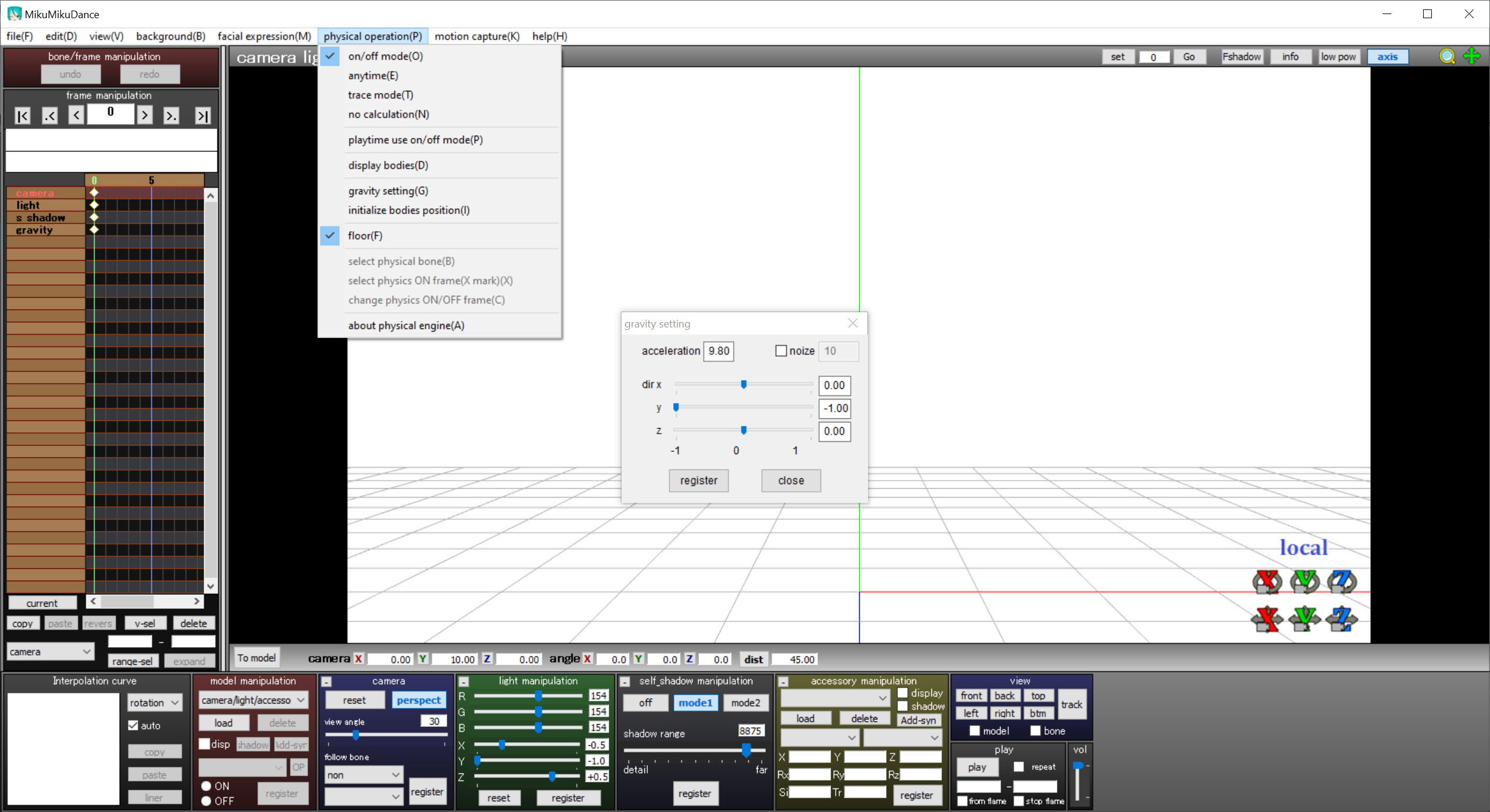
In MikuMikuDance, the Bullet physics engine runs the secondary motion, the hair and clothing that a model’s creator gave physics bodies. A character spins and the hair follows a moment later and settles. Gravity and the physics strength can be adjusted, and physics can be switched off, run live or baked into keyframes for consistent playback.
Physics is the part that most often misbehaves. Hair can clip through a body or fly off when a motion moves too fast. The usual fixes are to reset physics at the start of the clip, slow the offending frame, or bake the physics and correct the worst frames by hand. When it works, the result looks alive rather than stiff.
The camera and effects
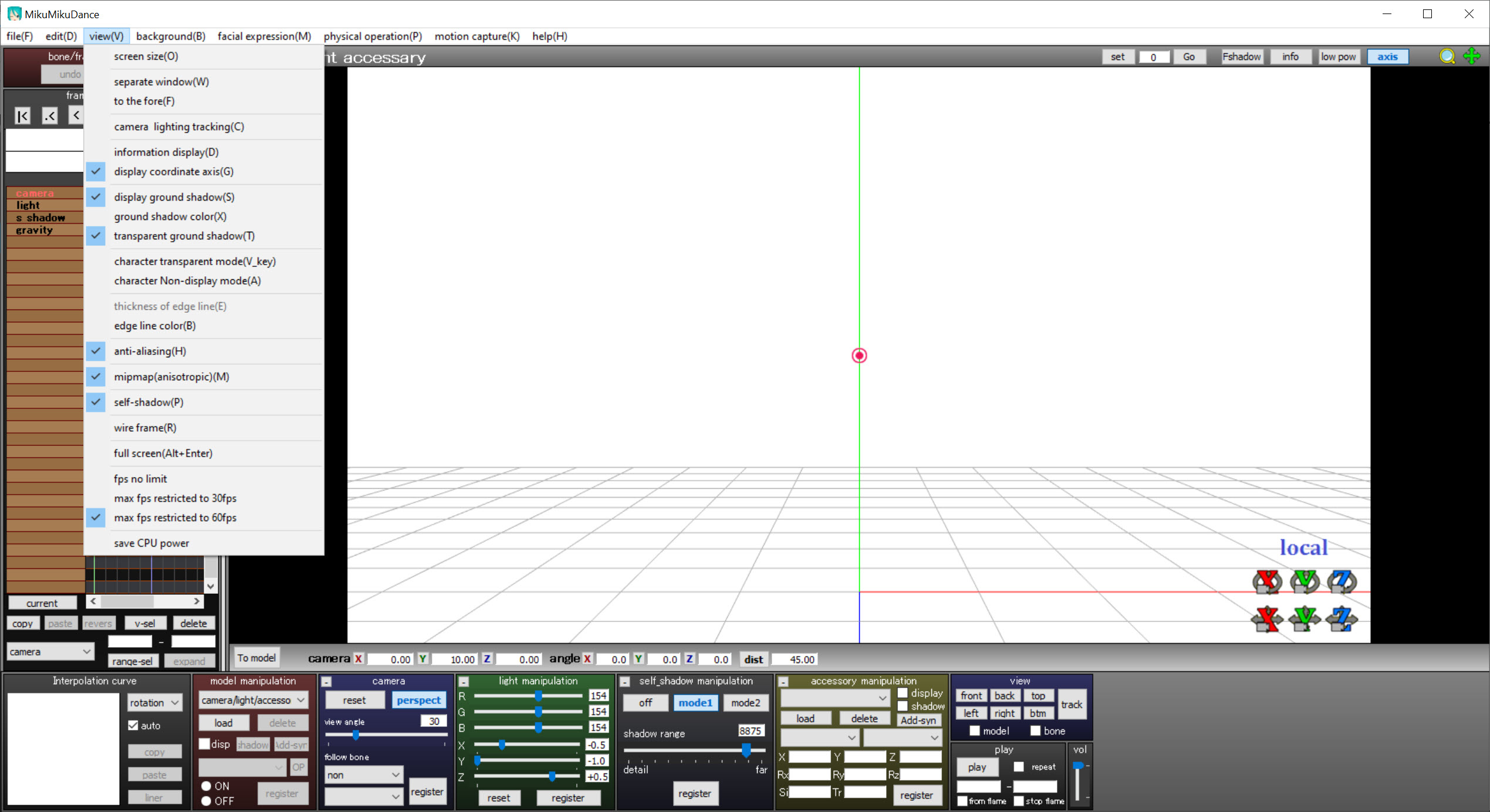
The MikuMikuDance camera has its own keyframes, so a shot can push in, orbit the dancers or cut between angles over the length of a song. Camera motion files made by others load like dance motions. Lighting has a direction and a colour, with shadows, and stages and accessories, from concert halls to a single microphone, add the setting. A ground shadow and anti-aliasing smooth the render.
The visual effects come from a community plugin that adds shaders and post-processing, glow, depth of field, outlines, realistic lighting and particles, none of which ship with the program. It is installed separately and its effects downloaded one by one, and it is what turns a plain render into the polished look the popular videos have.
Effects can be heavy on the graphics card, so a scene that plays smoothly bare may crawl with several stacked.
Rendering to video
When the scene is ready, MikuMikuDance renders it frame by frame to a video file or an image sequence at the resolution and frame rate you set. The audio is the song you loaded, kept in sync with the motion. The output is uncompressed or lightly compressed and large, so the usual workflow is to render and then compress the result in a video tool. For shrinking a finished render to a sharable size, an open-source video transcoder does that step.
Rendering at high resolution with effects is slow, and the render captures exactly what plays in the viewport, physics glitches included. Preview the clip at full speed before committing to a long render.
The rules that come with other people’s work
The models and motions people download are not automatically theirs to use as they please. Each comes with its creator’s own terms, usually in a readme inside the download, and those terms vary. Some allow anything with credit. Some forbid commercial use, editing the model, or certain kinds of content. Reading the readme before publishing a video is the community’s first rule, and crediting the makers in the video description is expected.
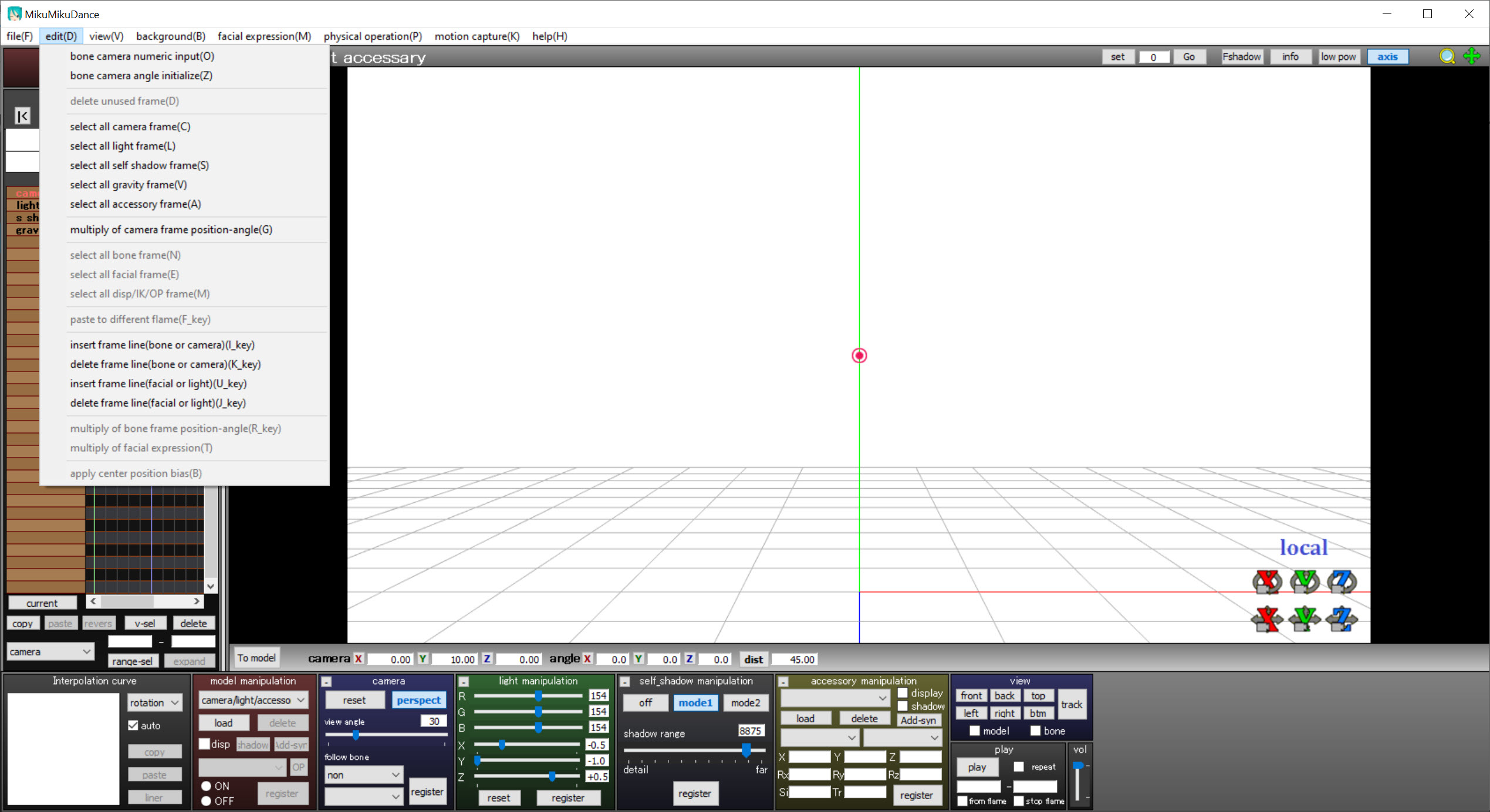
The program itself is old and its interface is dated and partly translated, with menus that can confuse a newcomer. It is also the tool with the largest library of compatible content anywhere, which is why people still learn it.
Conclusion
MikuMikuDance suits anyone who wants to make 3D character animations and music videos without building a model or a dance from scratch. That covers a fan making a first video in an afternoon and an animator refining every keyframe. The drag-and-drop models and motions, the physics and the camera tools make that possible, and the community supplies the rest.
It is finished software with a dated face, its polish comes from a separate plugin, and its content comes with rules. Read the readme for everything you download, start from a finished motion, and let the physics and the camera do the work that makes it look alive.
Pros & Cons
- Loads PMD and PMX models and VMD motions by drag and drop
- Plays any compatible dance motion on any model with a matching skeleton
- Keyframe timeline with inverse kinematics and adjustable curves
- Bullet physics for hair and clothing, live or baked
- Camera and lights with their own keyframes, plus stages and accessories
- Renders to video or an image sequence in sync with the loaded song
- No longer developed, with a dated and partly translated interface
- Visual effects need a separate community plugin
- Physics glitches such as clipping and flying hair need manual fixes
- Downloaded content carries its creators' own usage rules
Frequently asked questions
Almost all of them are made by the community and shared online. The program ships with only a few samples, and models and motions load by drag and drop.
On any model with a compatible skeleton, yes. That is what lets a finished dance load onto the character of your choice.
Through a separate community plugin, installed alongside the program, with each effect downloaded individually.
Only if the creator allows it. Each download carries its own terms in a readme, so read it before publishing and credit the makers.


