

InputDaddy
About InputDaddy
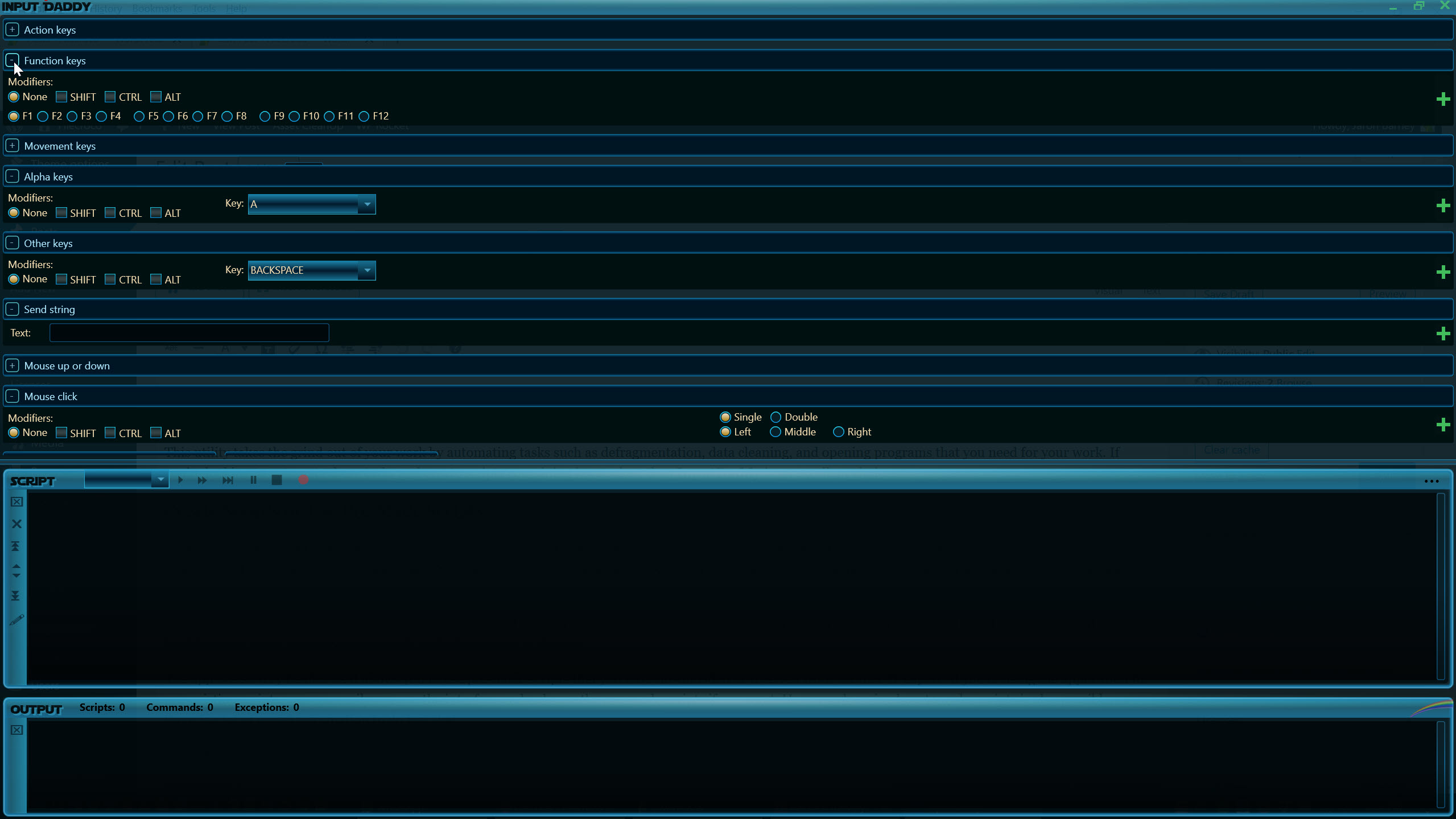
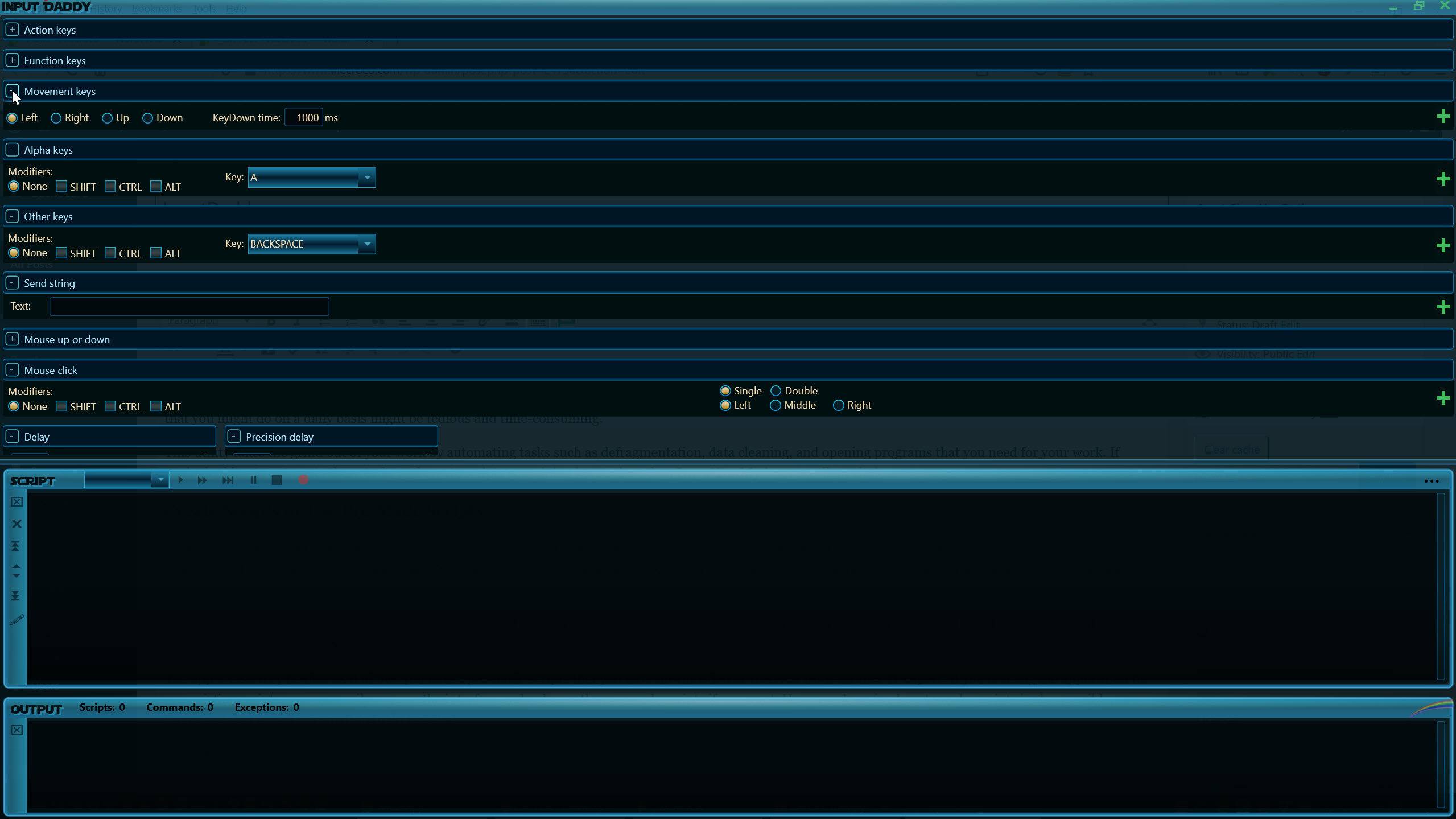
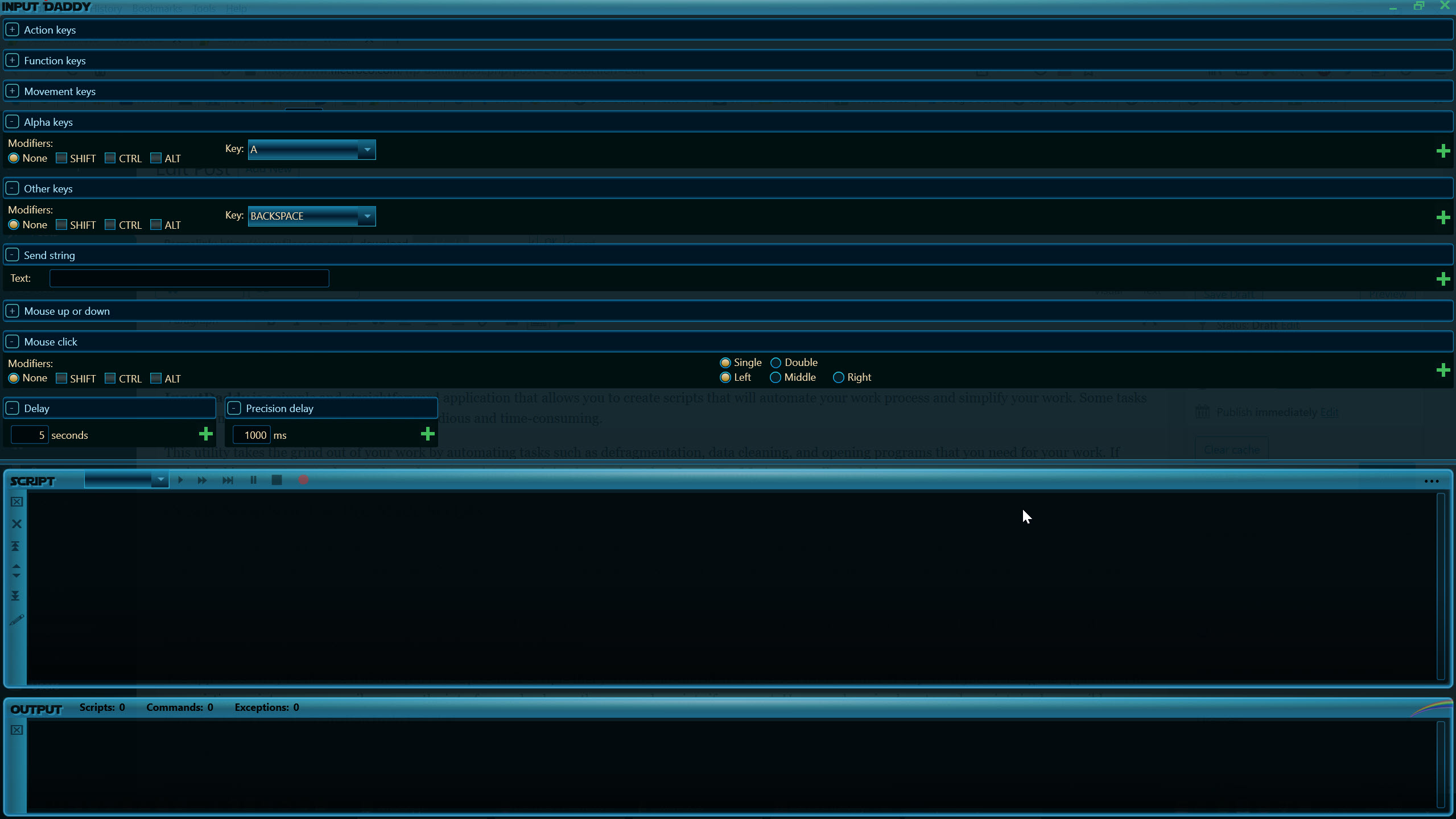
InputDaddy turns the keyboard and mouse work you repeat all day into scripts that run themselves. You build a sequence of inputs, the keystrokes, clicks, and movements you would otherwise perform by hand, and the application plays them back on command. Anything you find yourself doing the same way over and over becomes a script you set up once and trigger whenever you need it, freeing your hands and your attention for work that actually requires them.
The case for it is simple. Repetitive computer tasks are not hard, they are just tedious and easy to get wrong on the hundredth pass. Filling the same fields, clicking through the same dialogs, entering the same sequence of commands.
InputDaddy takes that drudgery off your plate by automating the exact input you would type and click, so the routine runs the same way every time without you babysitting it.
Building a script from your own actions
The heart of the tool is the script, a defined list of keyboard and mouse actions that runs in order. You assemble the inputs that make up a task, key presses, mouse clicks, and the movements between them, into a sequence the application can repeat exactly. Because it works at the level of raw input, it is not tied to any one program. If you can do the task by hand in an application, you can usually script it here, whether that is a form, a piece of business software, or a game.
What makes this approach flexible is that you are describing actions rather than coding logic. You are telling the computer to press these keys and click these spots in this order, which is something anyone can reason about without a programming background.
For straightforward repetition that is exactly enough, and it keeps the barrier to entry low. If your needs grow toward conditions, loops, and real logic, a full scripting language like AutoHotkey opens that door, and a simpler scripting tool such as AutoIt sits in between for automation that needs a little more structure.
Carrying it anywhere on a portable build
The application is portable, which changes how and where you can use it. There is nothing to install and no system clutter left behind, so you can keep it on a USB stick and run it on whatever machine you sit down at. For anyone who moves between computers, that means your automation travels with you rather than being locked to one install.
This matters more than it sounds for repetitive work, because the tasks you want to automate often follow you between machines. A routine you script on one computer can run on another without a setup ritual first.
You drop the program onto the new machine, run it, and your scripts are ready to go.
Where a script ends and a recorder begins
It helps to be clear about what this tool is and is not. It builds and replays defined input sequences, which is ideal when you know the exact steps a task takes and want them executed reliably. It is not trying to be a heavyweight automation platform with screen recognition or branching decision-making, and for the plain repetition most people actually face, that focus is a strength rather than a gap.
When a task is better captured by simply performing it and having every move recorded, a record-and-replay tool fits more naturally. Something like Mini Mouse Macro records your mouse and keyboard as you go and plays the whole thing back, and a minimalist recorder such as TinyTask captures and repeats on-screen actions with almost no setup.
InputDaddy leans toward deliberately building the sequence you want rather than recording it live, which gives you tighter control over precisely what runs.
Conclusion
InputDaddy is for the person who has a handful of routine, repetitive tasks and wants them handled without reaching for a programming language. The script-building approach, the cross-application reach, and the portable design add up to a tool that takes the tedium out of work you already know how to do by hand. Set up the sequence once, and the machine carries it out the same way every time.
It is deliberately not a full automation platform, and if your tasks demand conditions, logic, or live recording, heavier tools will serve you better. But for the everyday grind of repeated keystrokes and clicks, this is a focused, no-fuss answer that you can carry anywhere and trust to do exactly what you told it.
Pros & Cons
- Automates keyboard and mouse input so repetitive tasks run on their own
- Works across applications because it operates at the level of raw input
- Script-building approach needs no programming knowledge to use
- Portable design runs from a USB stick with nothing to install
- Defined sequences run the same way every time, reducing manual errors
- Building sequences by hand is more deliberate than recording actions live
- It lacks the conditions and logic of a full scripting language
- Input-level automation can break if a target window moves or changes
- Focused on plain repetition rather than complex, decision-based workflows
Frequently asked questions
It automates keyboard and mouse input by letting you build scripts of keystrokes, clicks, and movements that the application replays on command. It is meant for turning repetitive computer tasks into sequences that run themselves.
No. You build a script by defining the actual key presses and mouse actions a task requires, in order, rather than writing code. That keeps it approachable for anyone who can perform the task by hand.
Generally yes. Because it works with raw keyboard and mouse input rather than hooking into a specific program, it can drive most applications the same way you would by hand, from forms to business software to games.
Yes. It runs without installation, so you can carry it on a USB stick and use it on different machines, with your automation moving with you instead of being tied to one computer.


