

BImageStudio
About BImageStudio
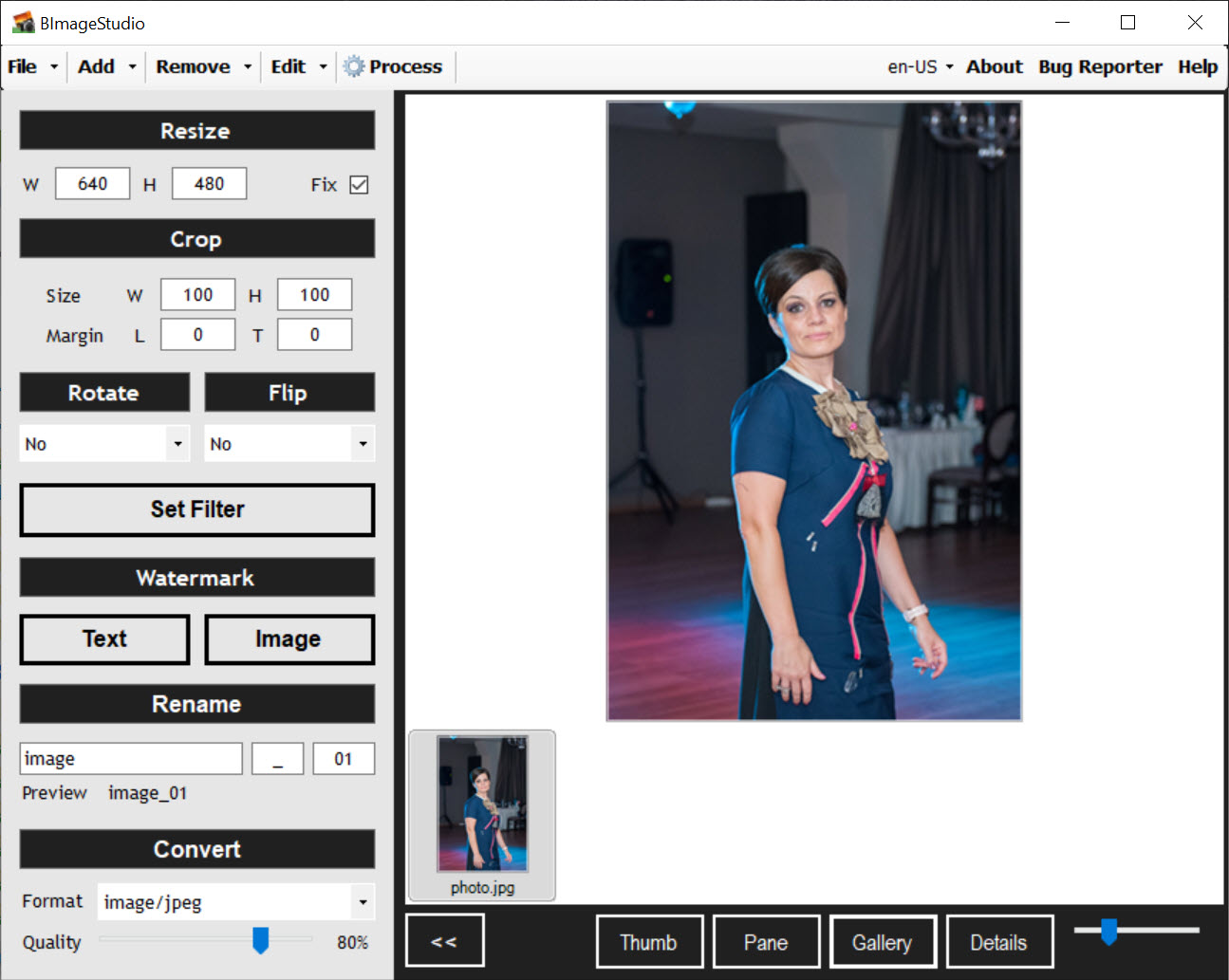
BImageStudio is a lightweight, no-frills image editing tool designed for users who need to process multiple photos quickly. It’s ideal for photographers, designers, or anyone managing large image collections who wants to perform basic edits without the complexity of full-featured editing suites.
Efficient batch processing for common edits
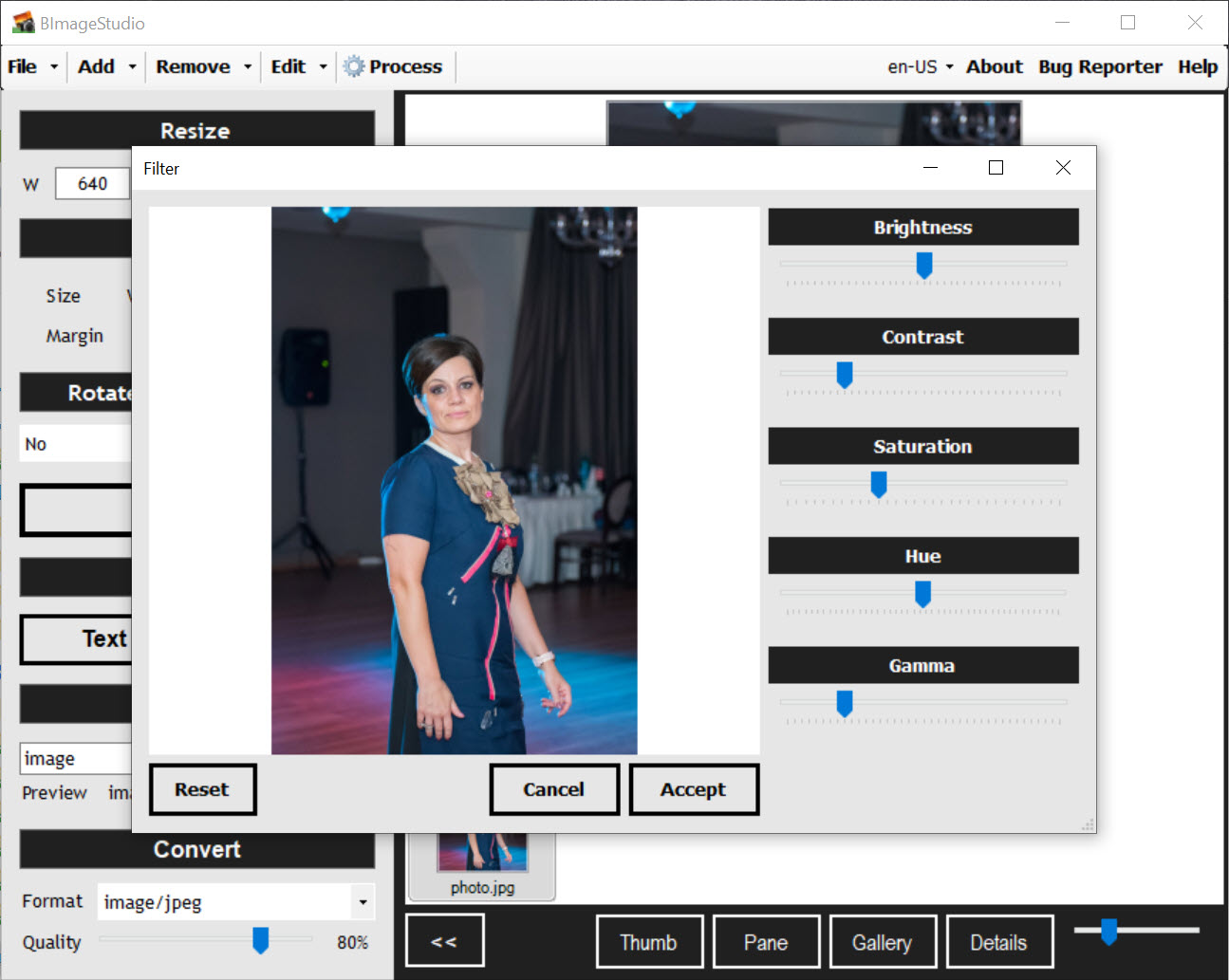
At its core, this software excels in batch editing. You can resize, crop, rotate, flip, and convert multiple images simultaneously. It also allows you to adjust brightness, contrast, saturation, hue, and gamma settings across a batch of photos. This functionality is particularly useful for preparing images for web uploads or presentations.
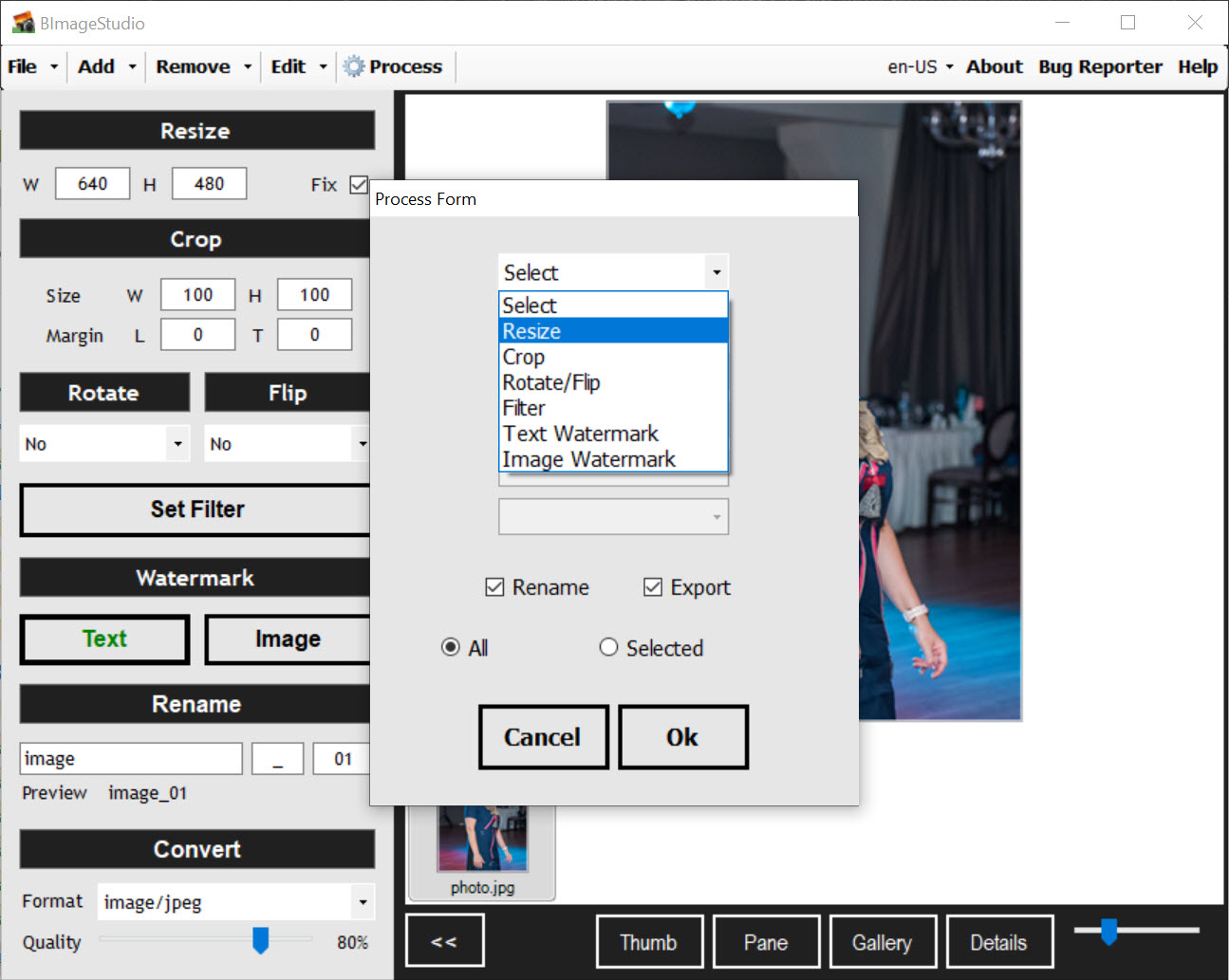
The application supports drag-and-drop functionality, making it easy to add individual images or entire folders. You can apply a sequence of edits in a specific order, such as adding a watermark before resizing, ensuring consistency across your image set.
Conclusion
BImageStudio offers a practical solution for users needing to perform basic edits on multiple images without the complexity of advanced software.
Its straightforward interface and batch processing capabilities make it a valuable tool for quick and efficient image editing tasks.
Pros & Cons
- Provides essential editing tools like resize, crop, and rotate in a user-friendly interface.
- Supports batch processing, saving time when working with multiple images.
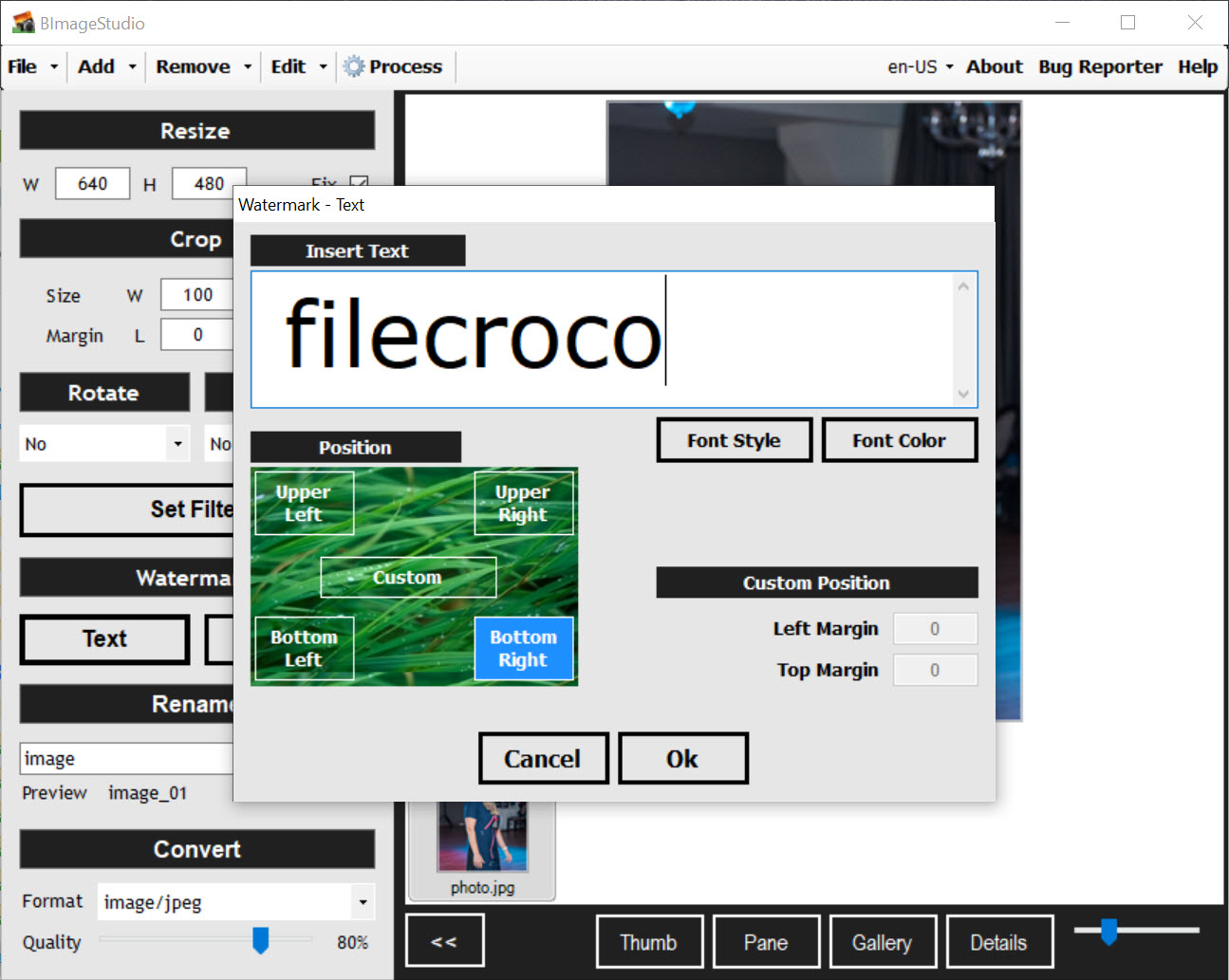
- Allows for the addition of text or image watermarks to protect your content.
- Offers drag-and-drop support for easy image import.
- Lacks advanced editing features found in professional software.
- Interface may appear dated compared to modern applications.
- Limited support for newer image formats and lacks integration with cloud services.


