

MobiMover
About MobiMover
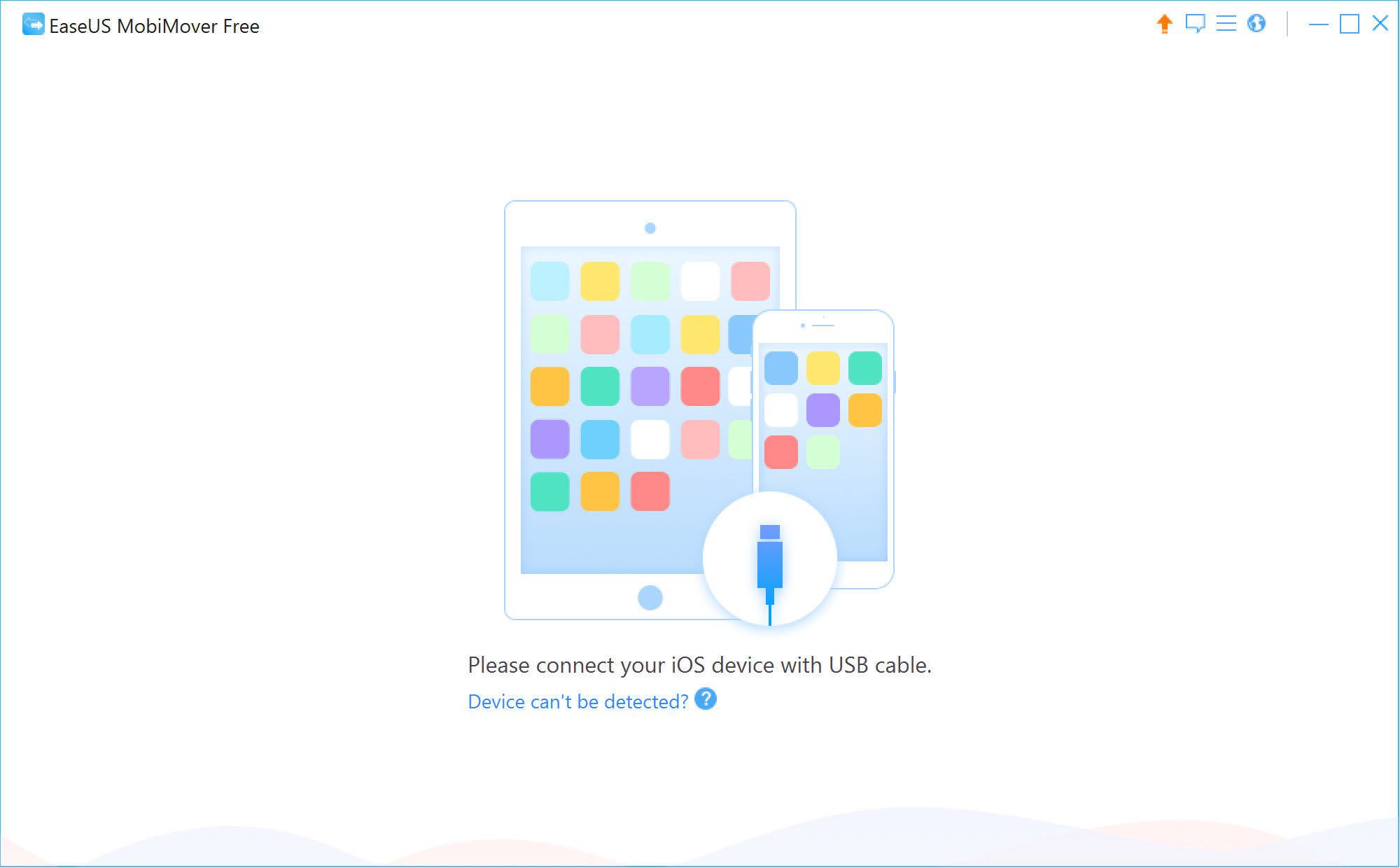
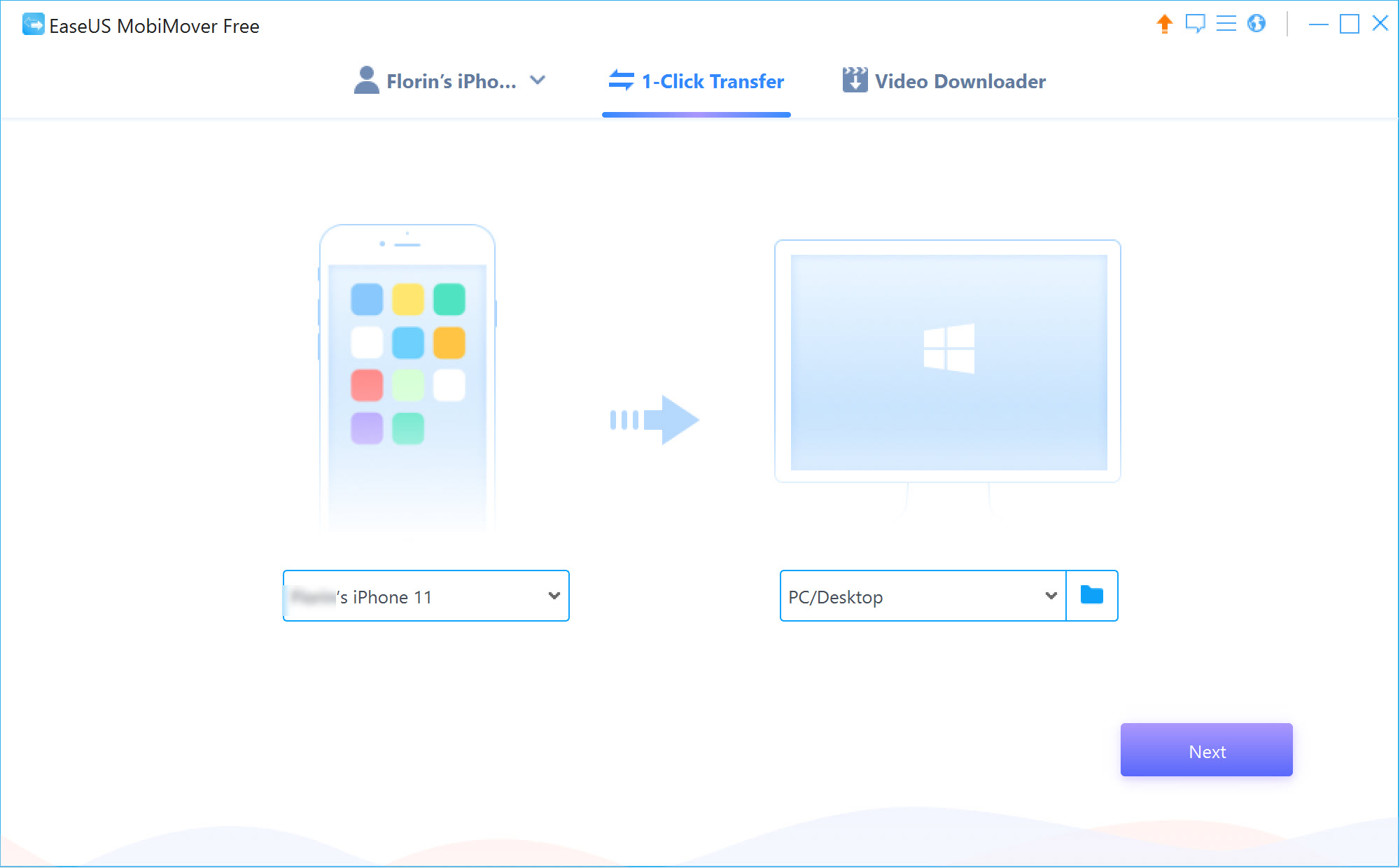
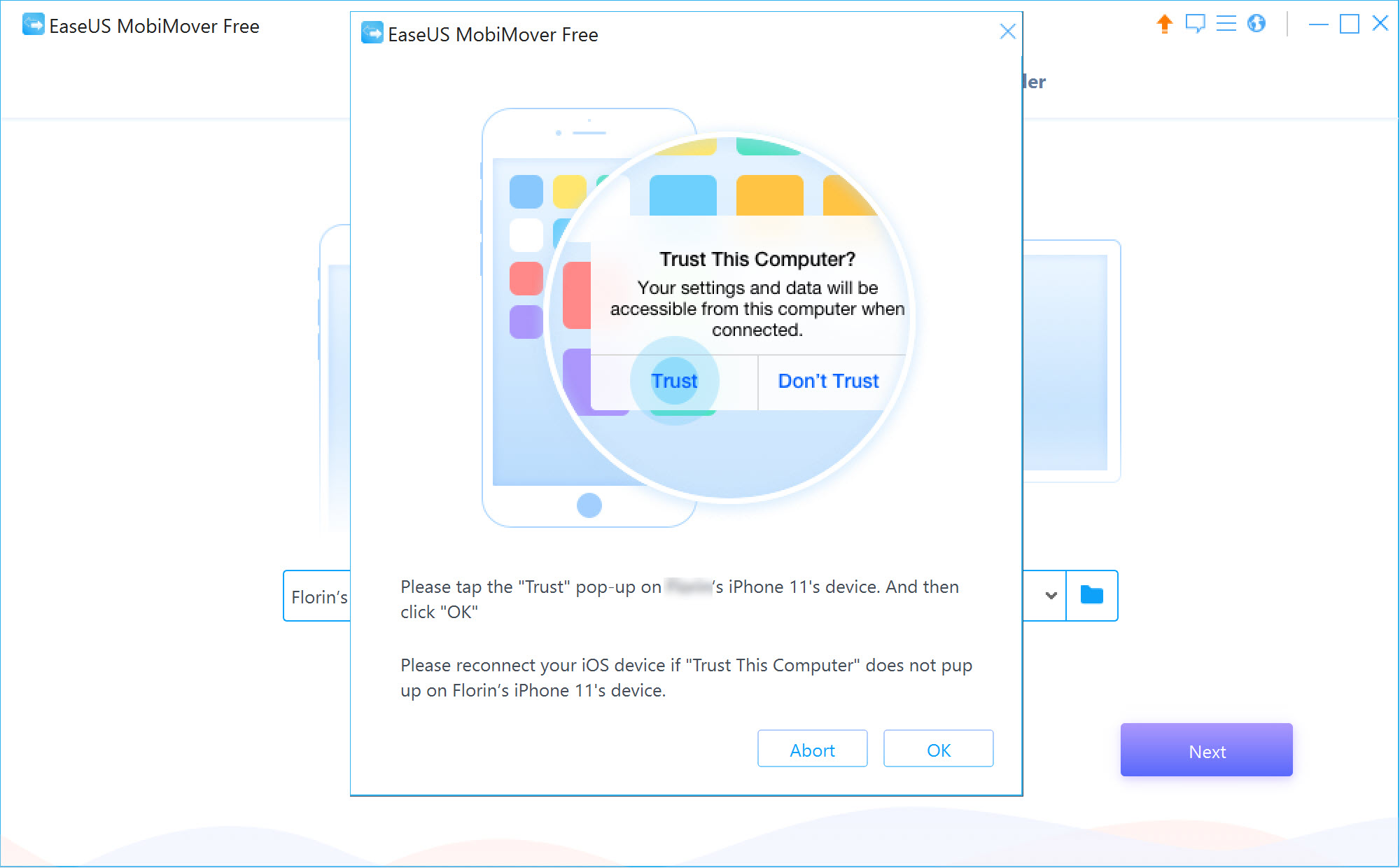
Getting a few thousand photos off an iPhone and onto a computer should not be an ordeal, and yet it reliably is. MobiMover exists to make that a two-click job. Connect the phone over USB, accept the trust prompt, and the contents appear sorted into categories you can browse and tick, then copy in either direction without the platform’s own software mediating any of it.
Coverage runs wider than photos. Music, voice memos, ringtones, audiobooks, playlists, videos, contacts, messages, notes plus books all get their own section, and the transfer works device to computer, computer to device, or straight between two connected devices. You can also add, delete, or create items on the phone from the desktop, which is closer to file management than to syncing.
The honest framing is that this competes with things you may already have. Cloud sync handles some of it, the platform’s own import handles photos, and where MobiMover earns its place is the awkward middle ground those two leave behind.
Pulling photos and video off the device
Photos arrive broken into separate categories rather than one undifferentiated pile, so the camera roll, the wider photo library, the videos shot on the phone and the stream all appear as distinct lists. That matters when you want the camera roll and nothing else, because selecting everything on a phone that has been in use for years takes a long time and fills a drive.
A one-click option copies the lot when that is what you want. Per-item selection is there for when it is not. Transfers run over the cable at cable speeds, which puts it ahead of anything routing through a cloud service, and there is no re-encoding of video on the way across.
The catch is a cap. The unpaid tier limits how many files you can move in a day, and a phone carrying a large library hits that wall quickly. If your need is only the files rather than organised categories, a plain browser for the device file system does the copying without the metering.
Getting message threads and contacts onto the computer
This is the part that has no convenient equivalent elsewhere. Text message threads export to readable files on the computer, contacts come across as a workable list, and notes transfer as content rather than as an opaque blob inside a backup. For anyone who has needed a conversation as evidence, or simply wanted to keep a thread that matters before wiping a phone, it solves a real problem.
Write access is the differentiator. MobiMover does not only read the device, it adds and removes items, so a contact list assembled on a keyboard can be pushed onto the phone.
Tools built around inspecting an existing backup, like iBackup Viewer, give you the reading half only.
Backup and restore, with a caveat that matters
Backups in MobiMover run full or selective, land on the computer as files you control, and can be browsed before you commit to anything. Being able to open a backup and look at what is inside it, rather than restoring blind and hoping, is a better arrangement than the standard tooling offers.
Then comes the part to know before you rely on it. Restoring a backup is reserved for the paid tier, which means an unpaid installation produces backups you can read but cannot put back. As a safety net that is only half a net, and if a working restore path is what you actually need, iTunes still does that end of the job without a gate in front of it.
WhatsApp chats
Chat history gets its own workflow. MobiMover backs the conversations up to the computer, lets you view them there, restores them to a device, and moves them from one phone to another during an upgrade.
Be clear about when this is worth the effort. The messaging app already has its own backup and its own device-to-device transfer, and for most upgrades those are the simpler route. Where this becomes useful is when you want the chats sitting on a computer in a form you can read and search without a phone in your hand, or when the built-in options are unavailable.
A comparable transfer suite for the same devices covers similar ground if you want to compare behaviour.
The media downloader
Paste a URL and it fetches the video or audio behind it, with audio saved as MP3 or WAV, and the supported site list runs into the hundreds. As a bundled extra it is a reasonable convenience, and there are no advertisements or plugin prompts wrapped around it.
Set expectations low, though. URL-based downloaders age faster than anything else in a program like this, because the sites they target change their delivery constantly and each change breaks something.
Check the destination folder before your first run as well, since the default is not where most people would look. And whether you are entitled to download a particular video is a question about that site’s terms rather than about this software, which will happily fetch things you should not keep.
For a wider set of device tools in one window, including firmware handling and diagnostics, 3uTools reaches further than a transfer utility does.
Conclusion
MobiMover is at its best on the jobs the official tooling handles badly. Exporting message threads into readable files, pulling the camera roll across without dragging the whole library with it, and moving selected categories between two phones during an upgrade are all things it does more directly than the alternatives, and the write access to the device puts it ahead of the read-only backup browsers.
The reservations are the metering and the overlap. A daily file cap turns a big photo migration into a negotiation, a backup you cannot restore is a strange thing to offer, and anyone already using cloud sync for photos and contacts will find a good share of this redundant.
Install it for the message export and the selective transfers, treat the bundled downloader as a curiosity, and MobiMover is a useful tool rather than the iTunes replacement it presents itself as.
Pros & Cons
- Photo categories are separated, so the camera roll can be pulled without the rest of the library
- Transfers run over the cable with no re-encoding and no cloud service in the path
- Message threads plus contacts and notes export as readable files, not sealed backup data
- Write access means items can be added to and removed from the device, not just copied off
- Backups can be browsed and inspected before any restore is attempted
- Direct device-to-device transfer works with both phones connected at once
- Daily transfer cap on the unpaid tier is hit quickly by a well-used phone
- Restoring a backup is reserved for the paid tier, making unpaid backups read-only
- Much of the photo and contact handling duplicates what cloud sync already does
- The bundled downloader breaks whenever a target site changes how it serves media
- Default download location is unhelpfully chosen and easy to miss
- Nothing here works with Android handsets, so it is a single-platform tool
Frequently asked questions
Yes. Connect over USB, accept the trust prompt on the phone, and the photo categories become browsable and copyable. Nothing needs to be signed into and no cloud account is involved.
Restoring is one of the functions reserved for the paid tier. An unpaid installation still produces backups and lets you browse their contents, but putting the data back onto a device is gated.
It does, which is one of its better arguments. Threads come across as readable files on the computer rather than staying locked inside backup data that needs another tool to open.
Yes, with both devices connected to the computer at the same time. That covers an upgrade where you want specific categories carried over rather than a whole-device clone.
No. Support covers iPhone, iPad and iPod only, so a mixed-platform move needs something else entirely.


