

iDevice Manager


 (11 votes, average: 2.73 out of 5)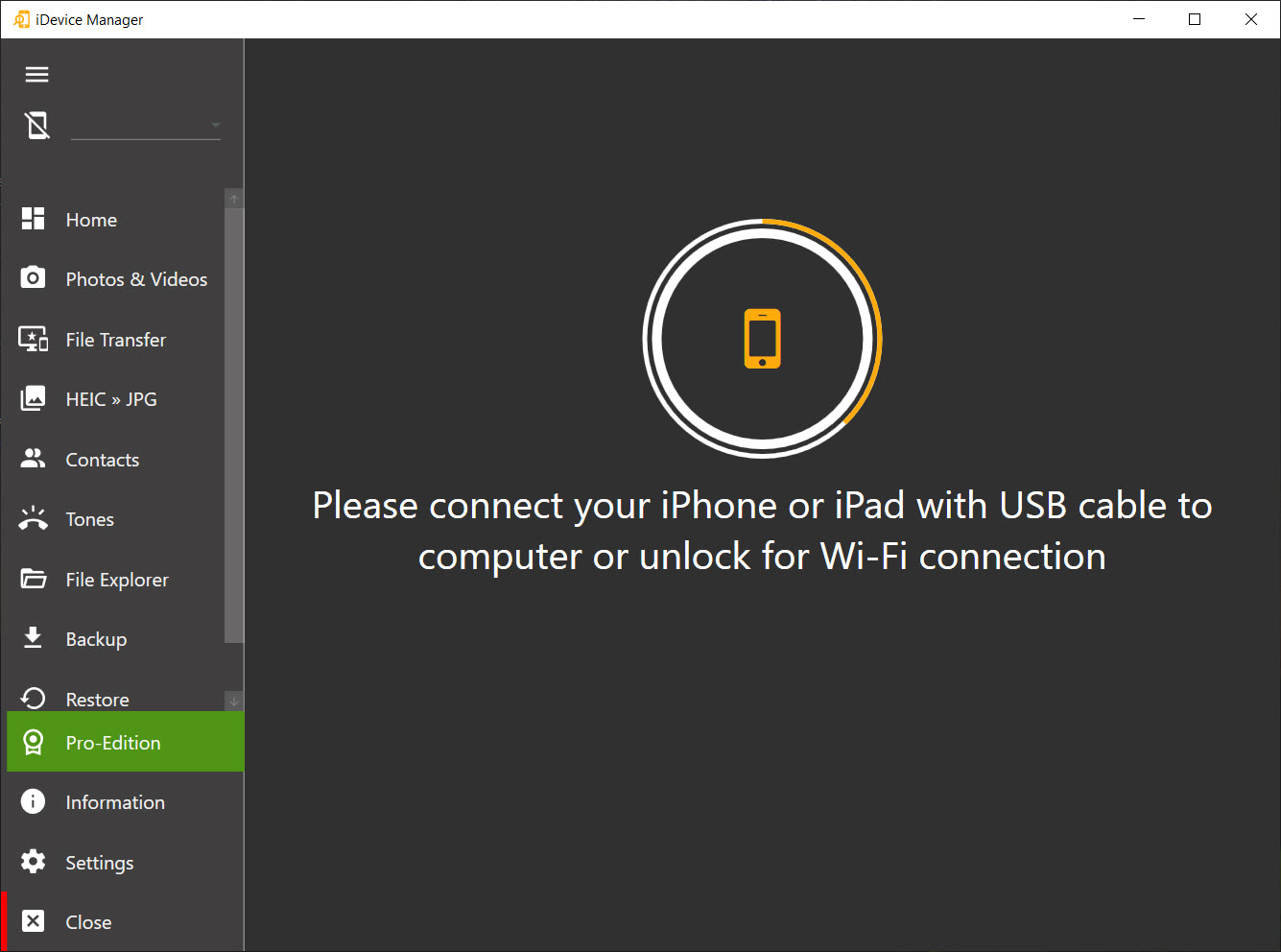
About iDevice Manager
iDevice Manager lets you reach into an iPhone, iPad, or iPod from your computer and pull files off it, or push files onto it, without going through iTunes. Connect the device with a USB cable, and the program shows you its contents in a layout that looks and behaves like a normal file browser. Folders on the left in a tree, files on the right in a detailed list. If you have ever found iTunes baffling for the simple task of getting photos off your phone, this is the antidote.
The core appeal is direct access. Apple keeps its devices locked down, and moving a handful of photos or a video to a PC often turns into a fight with sync settings and cloud prompts. iDevice Manager sidesteps that. It talks to the device directly, reads the photo, video, music, and other directories Apple exposes, and copies what you point at straight to your computer. No account sign-in, no jailbreak required.
It handles traffic in both directions, too. You are not limited to pulling data off the phone. You can send photos, videos, and music from the PC back to the device, which makes it a genuine two-way manager rather than a one-way extraction tool.
Browsing the file system like it is a flash drive
The file explorer is the heart of it. Plug in your device, open the explorer view, and you navigate the folder tree exactly as you would in your computer’s own file manager. Drill into a folder, see its files listed with details on the right, select what you want, and copy it over. You can grab a single file, a batch of them, or an entire folder in one go.
There is an honest limit to iDevice Manager worth stating plainly. Only the folders and files Apple chooses to expose are visible. The deep operating system files and the private contents of many apps stay hidden unless the device is jailbroken, which this tool does not do. So think of it as access to the shared, approved layer of the file system, not unrestricted root access. For the vast majority of users, that approved layer is exactly where their photos, recordings, and documents live, so the restriction rarely bites in practice.
One deliberate omission is a delete function inside the explorer. You can copy files out freely, but the program does not let you delete device files from this view, by design, because removing the wrong file could damage the device. It is a sensible bit of caution rather than a missing feature.
Photos, videos, and the HEIC headache
Media transfer is what most people come for. Photos and videos copy across quickly, and crucially, iDevice Manager can convert HEIC images to JPG or PNG as they come over. Anyone who has emailed themselves an iPhone photo only to find their PC cannot open the HEIC file will appreciate this. It quietly solves a format problem that Apple created and never made easy to deal with on a computer.
For media specifically, you are not even tied to a cable. iDevice Manager supports transferring photos and videos over Wi-Fi, as long as the phone and the computer share the same network. Cable is faster and more reliable for big jobs, but the wireless option is handy when you just want to grab a few shots without hunting for a cord.
Ringtones, contacts, and the odd jobs iTunes makes painful
Beyond files, there is a cluster of smaller tools aimed at the tasks iTunes traditionally made tedious. The built-in ringtone editor takes an MP3, WAV, AIFF, or M4A file and cuts it down to the section you want, then loads it onto the phone as a custom tone. Notably it does not enforce the old 32-second ringtone limit that iTunes imposed, so you have more freedom over length.
Contact management is part of iDevice Manager as well. You can export your contacts to vCard files for safekeeping, or import vCard files from an old phone, an email client, or elsewhere straight into the device’s address book.
There is also access to messages and notes, which you can save to the computer, useful when you want a local archive of things that otherwise live only on the phone.
How it stacks up against the alternatives
This sits in a crowded field. Tools like iFunbox lean harder into raw file system access and app sandbox browsing, while transfer-focused options like MobiMover and Syncios cover similar copying duties with their own interfaces. A heavier suite like 3uTools piles on firmware flashing and deep device info that most casual users will never touch.
Where iDevice Manager fits is the middle ground. It is more capable than a bare photo-import utility, but it does not overwhelm you with the firmware-and-diagnostics machinery of the power-user suites.
If your needs are mostly moving media, managing ringtones and contacts, and occasionally browsing for a specific file, it lands at about the right level of complexity.
Conclusion
iDevice Manager is for the iPhone or iPad owner who wants their files on their own terms, copied to their own computer, without wrestling iTunes or surrendering everything to the cloud. It does the everyday jobs well. Pulling photos and videos across, fixing the HEIC format problem, cutting a ringtone, archiving contacts and messages. For those tasks it is quicker and far less frustrating than the official route.
It is not a tool for cracking open the hidden corners of the operating system, and anyone expecting unrestricted root access will hit Apple’s walls. But that is not who it is for. For the everyday user who simply wants their media and data moved around freely, it strikes a practical balance between capability and simplicity, and that is exactly where most people need it to land.
Pros & Cons
- Browses and copies device files in a familiar Explorer-style tree and list view
- Transfers photos, videos, and music in both directions without iTunes
- Converts HEIC images to JPG or PNG during transfer, solving a common format snag
- Creates custom ringtones from common audio formats with no length cap
- Wi-Fi transfer for media when you would rather skip the cable
- Exports and imports contacts as vCard files, plus saves messages and notes locally
- Only Apple-approved files are visible, with deeper system and app data hidden
- No delete function in the file explorer, so cleanup still happens on the device
- Cable connection remains the reliable option for large transfers
- The crowded category means feature overlap with several similar tools
Frequently asked questions
No. It connects to your iPhone or iPad directly and handles transfers without iTunes, which is the main reason people use it.
No. It works on a standard, non-jailbroken device. The trade is that only the files and folders Apple exposes are accessible, not the hidden system or app data.
Yes. You can copy media from the device to your computer and also send photos, videos, and music from the computer back to the device.
It can convert HEIC images to JPG or PNG as it transfers them, so your iPhone photos open normally on a PC without a separate converter.
Yes. The ringtone editor accepts MP3, WAV, AIFF, and M4A files, lets you trim the part you want, and does not enforce the short length limit iTunes used to impose.
Because the program does not jailbreak the device, it can only show the files and folders Apple permits. The protected operating system files and many app contents stay hidden.
Not from the file explorer. That function is left out on purpose to avoid accidentally removing something that would harm the device.


