

Apache OpenOffice
About Apache OpenOffice
Apache OpenOffice is a complete office suite in one install. Writer handles letters and long documents with styles and tables, footnotes, and a table of contents. Calc builds spreadsheets with formulas, charts, pivot tables and a solver. Impress makes slide presentations with transitions and a presenter view. Draw handles diagrams and simple page layouts.
Base connects to databases and builds forms and reports on top of them. Math typesets equations for insertion into the other programs. All six share one interface, one spelling system and one native file format, the OpenDocument family, and the menus follow the classic layout that people who learned office software before ribbons still find familiar.
The suite’s history is long and its present is quiet, and both matter to anyone choosing it today. Apache OpenOffice has not had a feature release in a very long time, its maintenance releases arrive about once a year, and the project’s own security team has rated its risk status at the highest level because some reported vulnerabilities stayed unfixed for more than a year. It still opens and saves documents reliably, and it suits a user who wants an unchanging tool for plain documents.
It is a poor fit for anyone exchanging files with modern office software, and the sections below describe both its abilities and the gaps that come from standing still.
Writer, Calc and Impress
Writer is the strongest of the six Apache OpenOffice programs. Paragraph and page styles, sections and columns, footnotes and endnotes, an index and a table of contents all work as they did when the suite was at its height, and they handle a long document such as a thesis or a manual competently. Mail merge pulls addresses from a spreadsheet or a database, and documents export to PDF with bookmarks and hyperlinks preserved, though annotating or rearranging those PDFs afterwards is a job for a dedicated PDF editor.
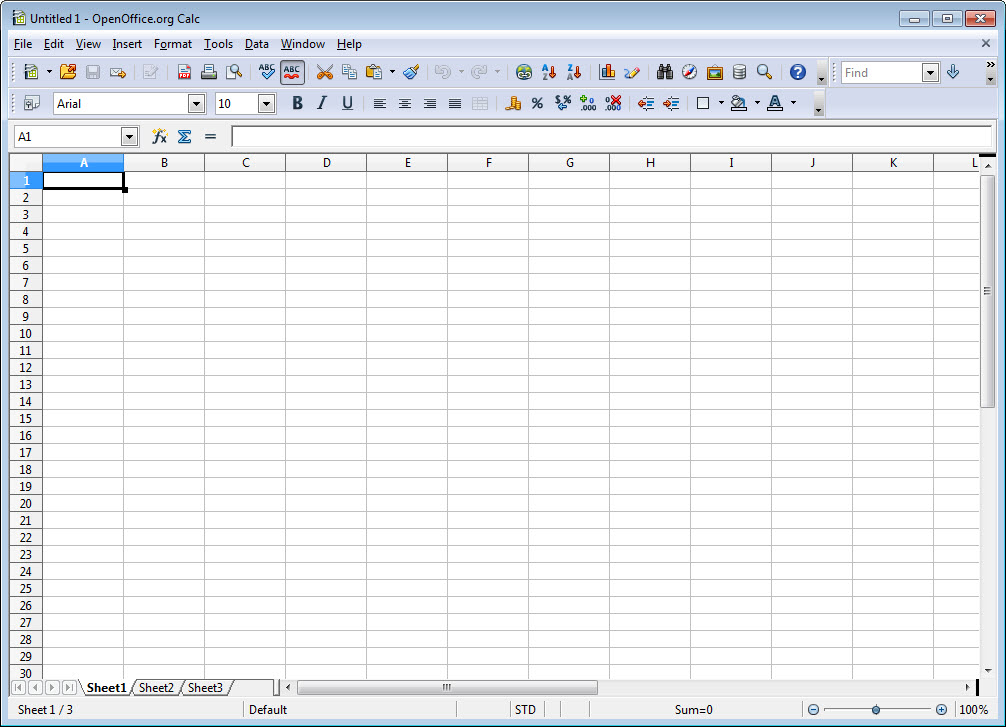
Apache OpenOffice Calc covers the everyday spreadsheet work, with several hundred functions and conditional formatting, pivot tables under the name DataPilot, and a solver for optimisation problems, with macros written in its own Basic dialect. It slows on very large sheets and lacks the newer functions that current spreadsheets have added. Impress builds slides from masters and layouts, with animations, transitions, a slide sorter and a presenter view on a second screen, and exports to PDF or to an image set.
All three cover the jobs most home users and small offices do, without the polish of current suites.
Draw, Base and Math
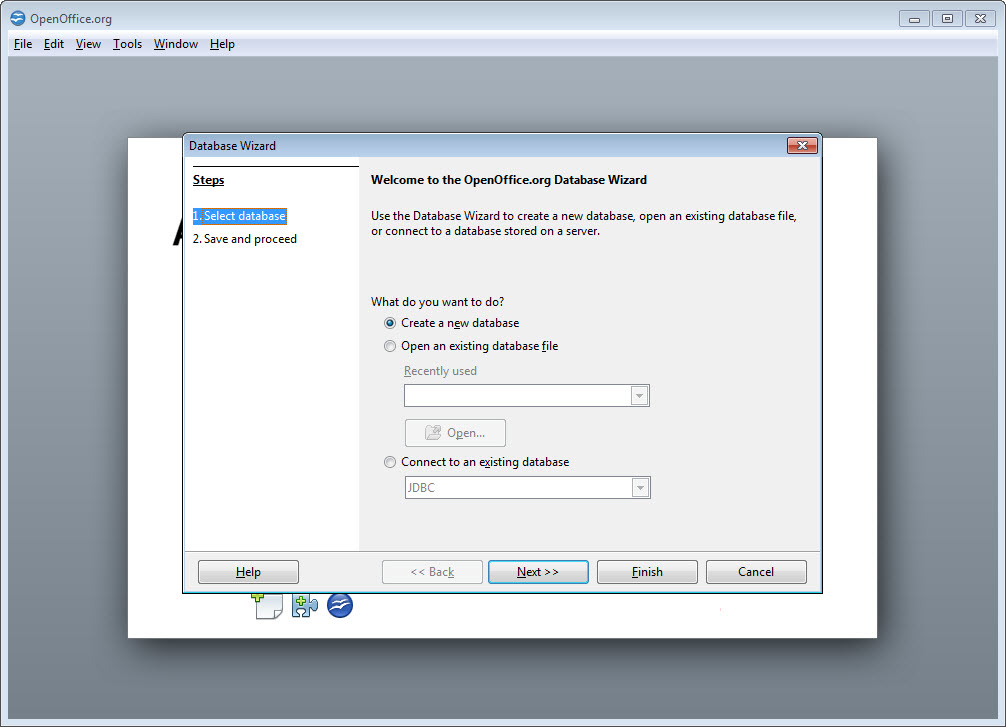
Apache OpenOffice Draw is a capable vector drawing program for diagrams, organisation charts and simple illustrations, with connectors that stay attached when shapes move, plus layers and basic editing of PDF files. Base is a desktop database front end in the manner of the classic office database programs, building tables and queries, then forms and reports, on an embedded database or on a connection to an external one. It is the least used component and the one with the steepest learning curve.
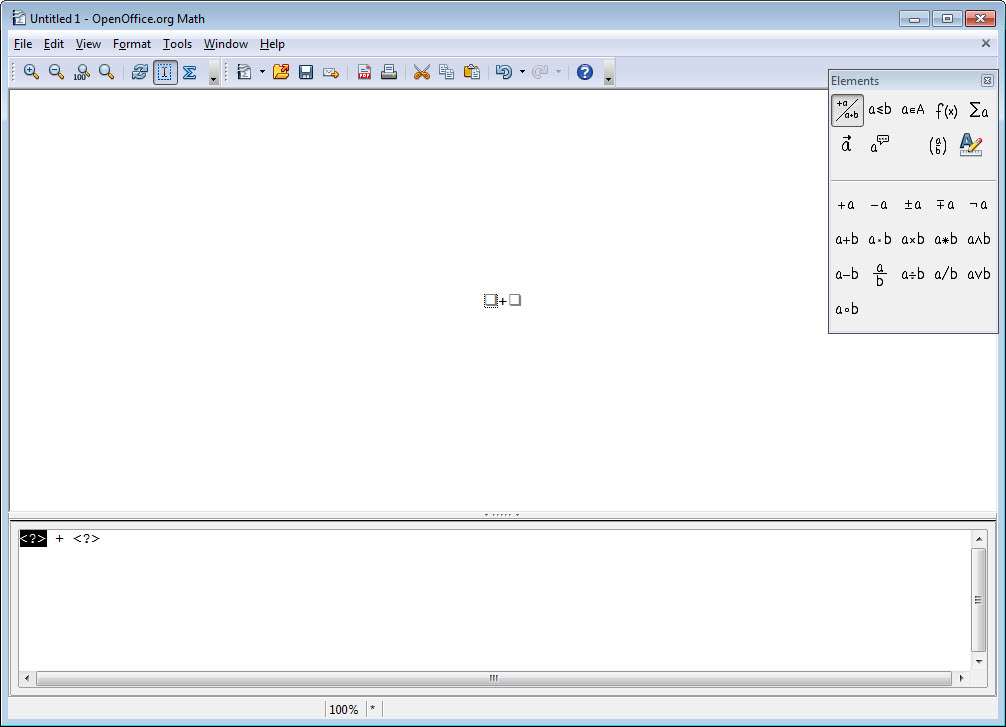
Math writes equations from a markup language with a palette for the symbols, and the result drops into a Writer document or an Impress slide as an object that stays editable. Together the six cover more ground than the suites bundled with most computers, which is why the package found its way onto so many machines, and those pieces still work for the jobs they were built for.
None of them has gained a feature in a long time, so what is described here is what they will remain.
Saving for people on other suites
The native Apache OpenOffice format is OpenDocument, the open standard for office files, and documents saved in it open in every modern suite. The trouble is the other direction and the other formats. The suite opens files from the dominant commercial office programs in their current formats, but it cannot save in them, so a document received as a modern word processor file has to be returned in the older binary format or in OpenDocument. Complex layouts, newer spreadsheet functions and modern presentation effects from those files often arrive damaged, and features the suite does not understand in newer OpenDocument files are dropped without warning.
For anyone who exchanges documents with colleagues on commercial suites, that single gap decides the question. LibreOffice, which grew from the same original code, saves in the modern formats, handles their layouts better and receives fixes every few weeks. It reads the same OpenDocument files, so a move loses nothing from existing work.
Extensions and the classic interface
An Apache OpenOffice extension repository adds dictionaries, templates, clip art and tools, from grammar checkers to document converters, though many extensions date from the suite’s active period and have not been updated with it. Templates cover the common document types, and the template manager organises your own.
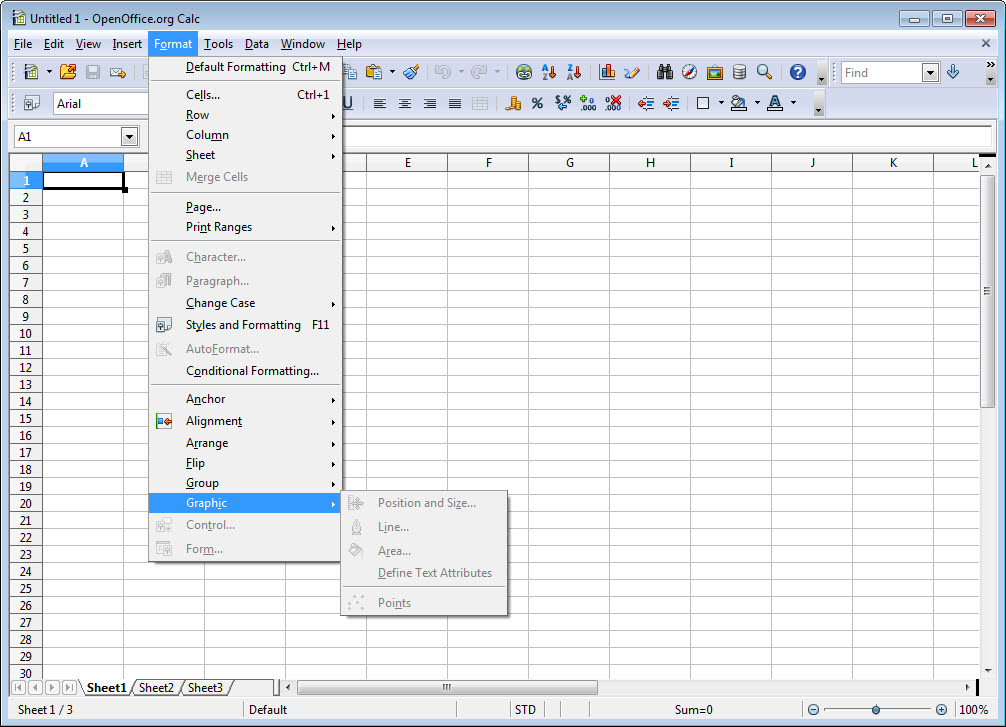
The interface keeps the menu-and-toolbar layout throughout, with no ribbon and no redesign, which is exactly what some long-time users want and exactly what makes it look dated beside an office suite built around the modern formats.
There is no 64-bit build, which limits how much memory the suite can use on a large spreadsheet and leaves it running as a 32-bit program on machines that have not needed one for many years. Start-up takes a moment, and a quick-start option in the tray keeps it ready by holding some memory in reserve.
The security question
This is the part of Apache OpenOffice to weigh most carefully. Office files are a common route for attacks, since a document arrives by mail and is opened without thinking, and the suite’s fixes have historically lagged the reports by months. The project’s own security team raising its risk rating to the highest level, because of unpatched issues older than a year, is not a judgement from a rival but from its stewards. For documents you create yourself and files from people you trust, the risk is modest.
For opening attachments from strangers, it is the reason to use a suite that patches quickly, and the current maintenance releases should always be the ones installed.
Conclusion
Apache OpenOffice suits someone who wants a familiar, unchanging suite for writing letters, keeping household spreadsheets and making the occasional presentation, and who works mostly with their own files in the open format. The six programs still do those jobs, and Writer in particular remains a capable tool for long documents.
It has fallen behind on formats and on security, and for anyone exchanging files with commercial office users or opening attachments from strangers, an actively maintained suite is the better choice. Install the current maintenance release if you keep it, save in OpenDocument, and treat its frozen state as a reason to plan a move rather than a feature.
Pros & Cons
- Six programs in one install, from word processing to databases and equations
- Writer handles long documents with styles and indexes, plus mail merge
- Calc with pivot tables, a solver and macro support in its own Basic
- Native OpenDocument format, readable by every modern suite
- Classic menu layout that never changes under the user
- PDF export with bookmarks and hyperlinks across the suite
- Cannot save in the modern commercial office formats
- Very slow development, with no feature release in a very long time
- Security fixes lag, and its own security team rates the risk at the highest level
- No 64-bit build, and newer file features are dropped silently
Frequently asked questions
No. It opens them but saves only in the older binary formats or in OpenDocument, so documents sent back to users of commercial suites may need converting.
Slowly. Maintenance releases fix bugs and security issues about once a year, but there has been no feature release in a very long time.
Both grew from the same original code. LibreOffice is actively developed, saves in the modern commercial formats and receives frequent security fixes, while this suite has stood largely still.
Yes. Base builds tables and queries, with forms and reports, on an embedded database or a connection to an external one.


Apache OpenOffice is the best “Office Suite” that is made today, in my opinion. It is only a fraction of the size of most other “Office Suites” and can do everything that Microsoft Office can do at only a fraction of the size.