

Franz
About Franz
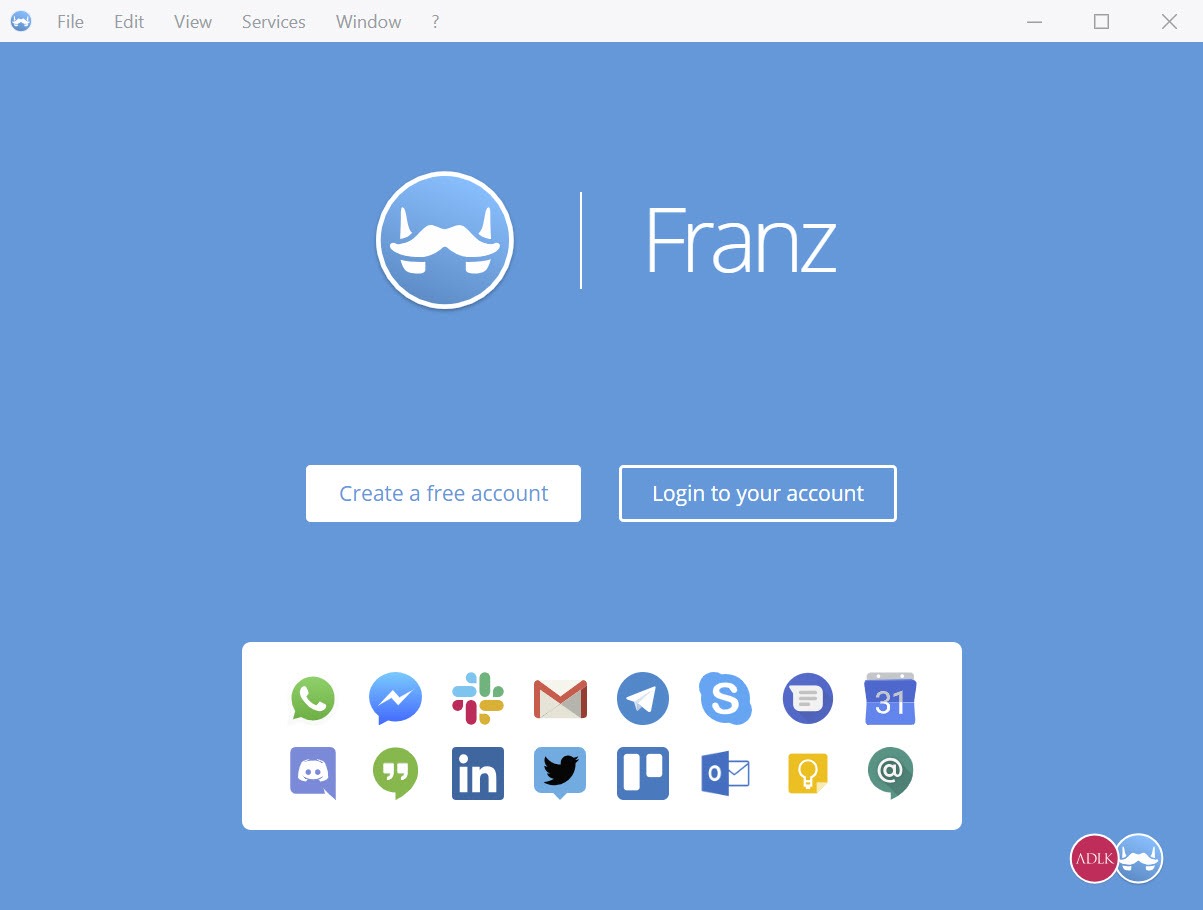
Six chat applications open at once, each with its own window, its own notifications and its own slice of memory. Franz collapses that into one window with a sidebar, where every service you use becomes a tab you click between. Over seventy-five services are supported, from team chat and personal messaging through email, task tools, social networks and support desks.
The approach is worth understanding before you judge it. This is not a client that speaks each network’s protocol the way Pidgin does. It loads the web version of each service inside a container and presents them as tabs, which is both why it supports so many things and why it behaves the way it does.
A browser wearing an app costume
Each tab is effectively a browser window pointed at a service’s web interface. That has consequences in both directions.
On the plus side, adding a new service takes almost no work, which is how the list reached seventy-five. Anything with a usable web version can be wrapped and added, and the maintainers do not need permission or an interface from anyone.
On the other side, you get whatever the web version offers and nothing more. Where a native application has features the browser version lacks, and Slack is the obvious example, using it through Franz means giving those up. Screen sharing, file handling and call quality all follow the web version rather than the desktop one.
The same service, several times over
This is the strongest argument for the whole idea. Any service can be added more than once with different accounts, so a personal messaging account and a work one sit next to each other in the sidebar permanently, both signed in, with no logging out and back in.
Anyone juggling client accounts and a personal identity on the same platform will recognise how much friction that removes. It is the one thing browser tabs and native applications both handle badly, and Franz handles it as a matter of course.
For a single service where you need exactly this, a wrapper built around one platform with multiple accounts does it without the rest of the apparatus.
Workspaces and notification control
Services can be grouped into workspaces, the feature that turns an aggregator from a distraction machine into something usable. Put work chat and email in one grouping, personal messaging in another, and only the active grouping demands your attention.
Notification handling is per service and properly granular. Each tab carries its own unread badge, the tray icon carries a combined one, and any service can be silenced individually. A service can also be pulled out into its own window when a call needs the room, and two services can sit side by side within a single tab for comparing threads.
What it asks of the machine
Now the part every review of this category has to address. The container architecture means each active service is running its own web engine, and memory use grows accordingly. Half a dozen services is not a light footprint, and on a laptop the battery notices.
There is mitigation built in. Idle services unload automatically to release memory, which works, and has the side effect that a sleeping tab has to wake up and reload before it shows you anything. That trade is reasonable and it is a trade.
If resource use is the deciding factor, protocol-level clients remain in a different league entirely. A multi-protocol client that runs on a fraction of the memory will handle the networks that still publish open interfaces, though the modern platforms mostly do not.
The freeze, which matters more than any feature
Here is the problem to weigh before installing anything. Tabs sometimes stop updating silently. The service sits there looking connected, no messages arrive, and you discover the stale conversation only when you click into it and find replies from two hours ago.
Reloading the tab fixes it immediately, which is not the point. The premise of an aggregator is that you stop checking services individually because notifications will tell you when something happens, and a tool that occasionally lies about having nothing to show undermines exactly that. It has been reported for a long time and it has not been eliminated.
For conversations where a missed message actually matters, keep the native application for that one service and let Franz handle the rest. A maintained multi-network client such as Trillian is the other direction to look if the aggregation idea appeals but the reliability does not.
The account, the limit, and the extras
Using it means signing in to an account, which is not optional. The upside is that your service list and settings sync, so a new machine restores your whole arrangement after one sign-in rather than an evening of re-adding things.
The gating is where many people stop. An unpaid account is capped at three services and one workspace, which sits awkwardly against a program whose entire purpose is consolidating more than three things. Anyone with a genuine need for this is a paying customer by design.
The feature list has grown well past messaging too, and the notable part is that summarisation can run against a model on your own machine rather than sending conversation content anywhere.
Conclusion
Franz solves a real problem, and it solves the multiple-accounts version of that problem better than anything else. If you manage two identities on the same platform, or five services that each insist on their own window, one sidebar with everything signed in and grouped into workspaces is a materially calmer way to work.
Two things should temper that. The container approach consumes memory and battery in a way you will notice, and the occasional silent tab is a real flaw in a tool whose job is to be trusted with your notifications. Keep the native application for whichever conversation you cannot afford to miss, let this handle the other eight, and it earns its place. Expect it to replace everything and the first stale message will change your mind.
Pros & Cons
- Over seventy-five services in one window, spanning chat, email, tasks and support desks
- The same service can be added repeatedly with separate accounts, all signed in at once
- Workspaces limit notifications to the group of services you are currently working in
- Per-service notification switches, with unread badges on each tab and the tray icon
- Any service can be popped into its own window, or paired side by side in one tab
- Settings and service list sync to an account, so a new machine restores itself
- Summarisation can run against a local model rather than sending content anywhere
- Services are web versions, so native application features are unavailable
- Tabs occasionally stop updating silently, and you find stale messages on switching to them
- Memory use grows with each active service, and laptop battery life suffers
- Idle services unload, meaning a sleeping tab reloads before showing anything
- An unpaid account allows only three services and one workspace
- An account is required, so it cannot be used anonymously or offline from the start
Frequently asked questions
The web versions, loaded inside containers and presented as tabs. That is why so many services are supported, and it is also why features exclusive to a native application are not available through it.
Yes, and this is its best feature. A service can be added as many times as you need, each with separate credentials, so personal and work accounts stay signed in side by side permanently.
Either the idle service had unloaded to save memory and is reloading, or you have hit the long-standing bug where a tab stops updating without saying so. Reloading the tab clears the second one.
Technically dozens, practically as many as your memory tolerates. An unpaid account is limited to three services and a single workspace, which is the constraint most people run into first.
Yes. Signing in is required, and in exchange your services and settings sync so the same arrangement appears on any machine you install it on.


