

Trillian

 (5 votes, average: 4.00 out of 5)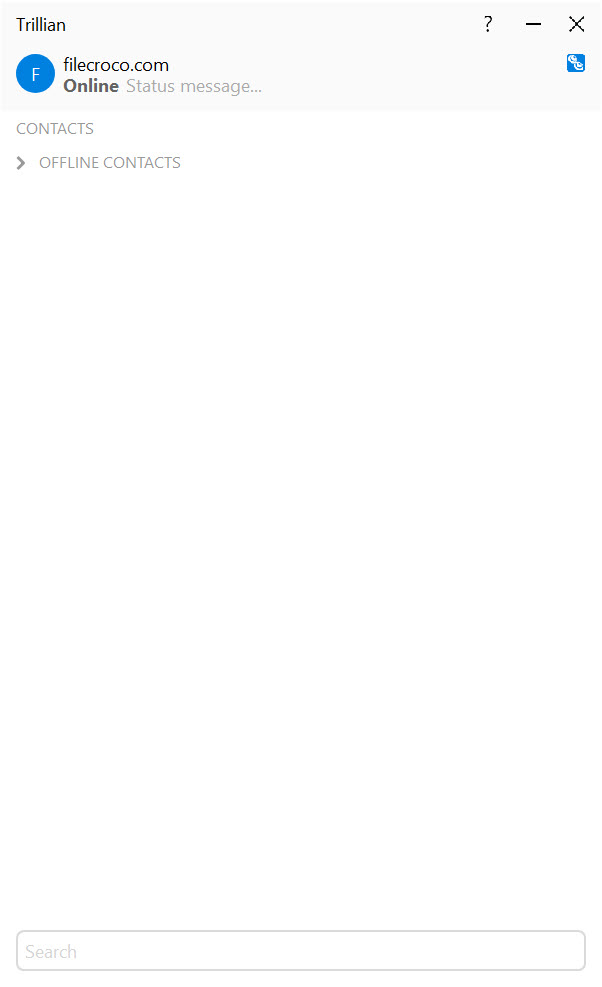
About Trillian
Trillian is a messaging application with a complicated identity. Long-time users remember it as the all-in-one client that let you sign into every consumer chat network at once when those networks still mattered.
New users find a product that has quietly evolved into something different: a cross-platform messaging system built around its own Astra network, with a healthcare-grade business edition that has carved out a real niche in clinical communication, plus integration into a handful of protocols that survived the consumer IM extinction event.
That dual identity is the reason most reviews of the application miss what it is now. The classic pitch (sign into AIM, MSN, Yahoo!, ICQ from one window) describes a world that no longer exists, since those networks shut down years ago.
What replaced that pitch is more specific: an account-based messaging system where the primary network is Trillian’s own, with XMPP and IRC still supported, and where the business edition supports HIPAA-compliant communication for medical organizations. Whether that suits you depends entirely on which of those problems you actually have.
The Astra network and the account model
Signing up for Trillian creates an Astra account, which is the application’s own messaging identity. You give other users your Astra username and they can message you regardless of whether they are on desktop, mobile, or the web client. The account ties together every device you sign in from, with conversations syncing across them through the application’s servers. Close the conversation on your desktop, open the mobile app, and the same chat is exactly where you left it.
This is the same model used by every modern messaging application, which is the point. The shift from the older aggregator model to an account-based model was the application’s response to the fact that the protocols it used to aggregate stopped existing.
Rather than disappearing with them, the project pivoted to running its own network, and most users today are talking to other Astra users on that network rather than bridging to external services.
What it still talks to outside its own network
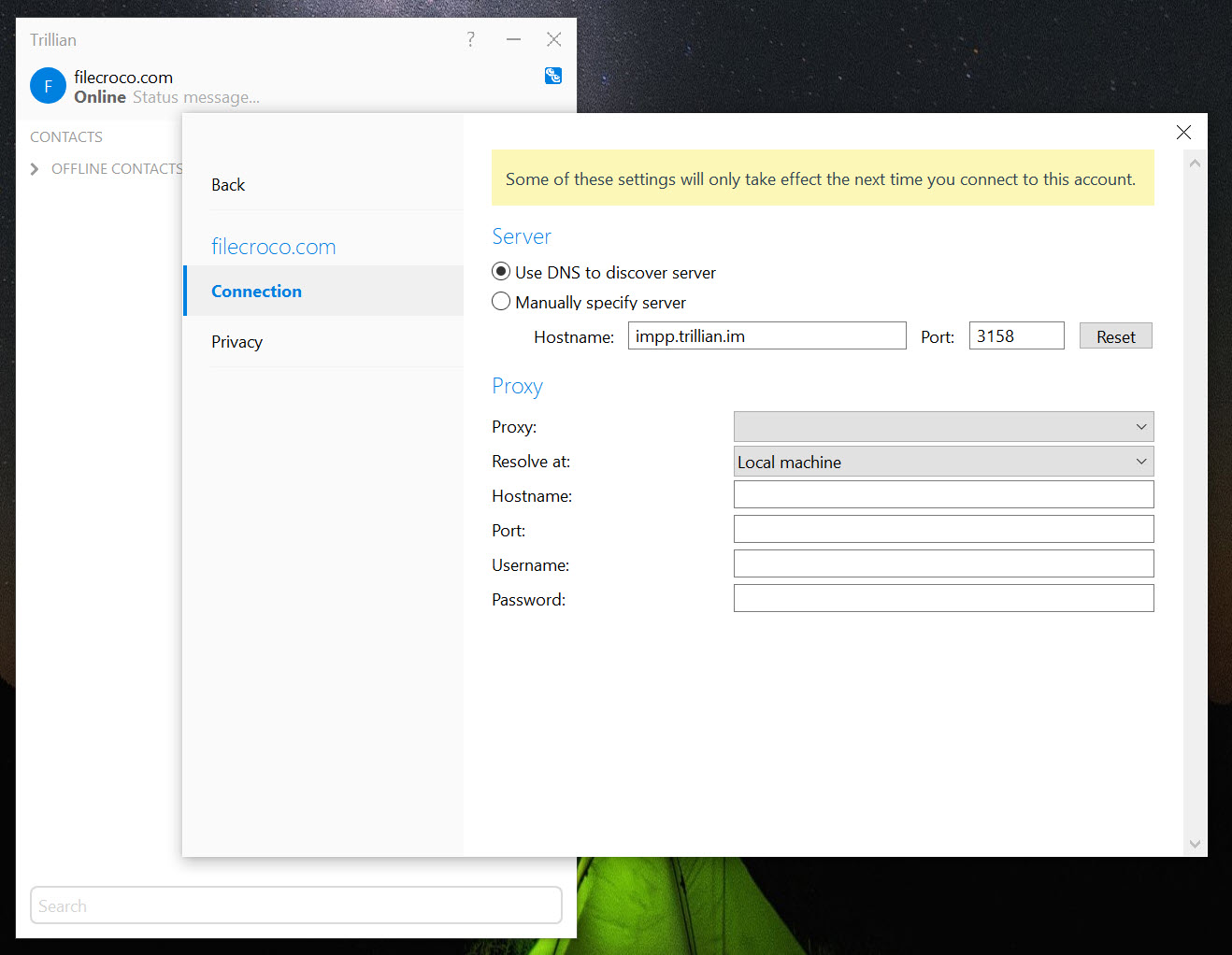
XMPP support is still active, which means you can sign into Jabber-compatible servers, including self-hosted XMPP setups that some organizations and tech communities still run. IRC is supported for joining traditional channels, putting Trillian in roughly the same territory as HexChat or mIRC for that specific use, though those dedicated IRC clients have more depth on scripting and channel management.
For users who want to combine modern messaging services like Slack, WhatsApp, and Discord into one window, the application does not do that. The right tool for that aggregator-of-modern-services job is something like Franz, which wraps the official web clients into a unified window.
For multi-protocol open chat client that supports XMPP and a handful of other protocols, Pidgin and Miranda NG are the open-source alternatives, with broader protocol support but without the Astra network or the business-tier features.
The business edition and what makes it distinctive
The business edition is where Trillian does something the other applications in the category genuinely cannot. It supports HIPAA-compliant messaging for healthcare organizations, with the access controls, audit logging, and encryption guarantees that compliance requires. This is not a checkbox feature. Healthcare communication is regulated specifically because patient information leaking through casual chat tools has real legal and patient-safety consequences, and an application certified for that environment is in a small group.
In practice this means hospitals, clinics, and medical practices use the application to coordinate among clinicians, share patient-related messages without violating regulations, and integrate the messaging into their broader IT setup. The business edition supports central administration, organization-wide directories, message retention policies, and the security features that compliance audits look for.
For consumer use this is overkill. For an IT director at a regional hospital trying to replace a tangle of personal text messages and unsecured email threads with something compliant, this is the actual reason the product exists today.
For organizations that need encrypted personal messaging without the healthcare compliance requirements, Signal Desktop is the cleaner pure-encryption answer, and Telegram Desktop covers the messaging-with-large-groups angle.
Trillian is the answer for the specific case where compliance-grade audit and access control matter alongside the messaging itself.
The desktop interface
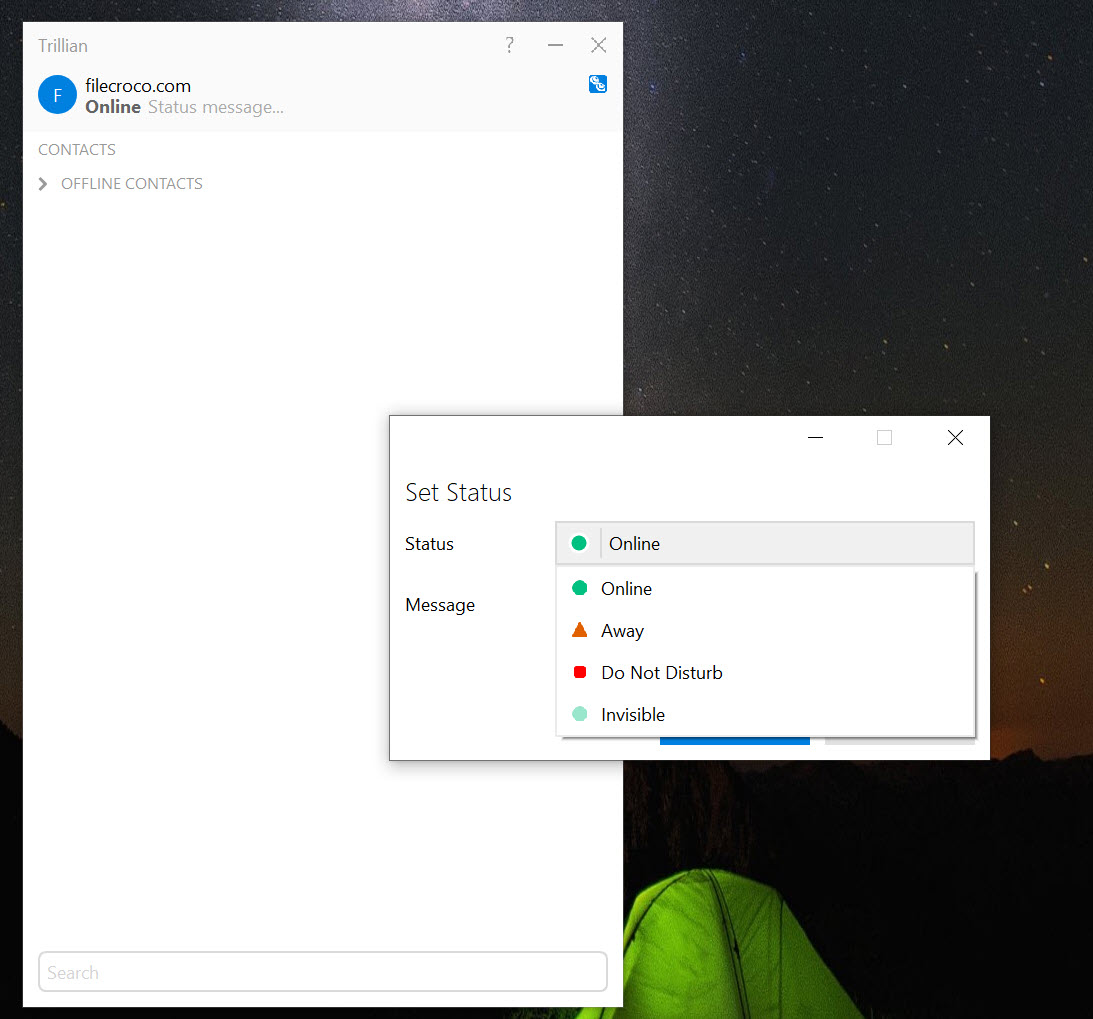
The conversation window uses tabs for active chats, with contacts grouped in a sidebar by status. The interface is denser than what consumer chat applications usually show, with status indicators, presence, and typing indicators all visible at once. For someone used to the stripped-down look of Discord or Slack, the layout feels more like older instant messaging clients than like modern team chat, because that is what the application has continuity with.
Skinning and customization survive from the older incarnation. You can change the appearance of conversation windows, swap emoticon packs, adjust how the contact list renders, and configure font and color preferences in some depth.
This is a vestige of an era when IM applications competed on personalization, and the depth of those settings remains higher than in most newer messaging applications that have settled on a fixed look.
Voice, video, and file transfer
Voice and video calling work on the Astra network and to XMPP contacts where the remote server supports the relevant extensions. Quality is competitive on a decent connection, though dedicated voice applications like Skype still have an edge for organizations that need broad voice-only conferencing across mixed devices. File transfer supports drag-and-drop into conversations with size limits that vary by tier, and files transfer through the application’s relay servers rather than peer-to-peer, which means they work through firewalls and NAT that block direct connections.
For the specific case of sending small files quickly during a chat, this works fine. For large files or persistent file collaboration, the right tool is a proper file sharing service rather than the IM client’s built-in transfer.
Sync, history, and cross-device behavior
Message history syncs across every device signed into the account. The desktop client, mobile apps, and web client all show the same conversation state, and a message you send from your phone shows up in the desktop history within seconds. Search across history is available locally and is reasonable for finding past conversations, with the limitations of any client-side search on a long history.
This sync is one of the genuine improvements over the older aggregator model. Older instant messaging clients treated history as a per-device log file that you might or might not be able to find later. The current architecture treats messages as account-owned data that lives on the account regardless of which device created or accessed them.
Encryption and what it actually covers
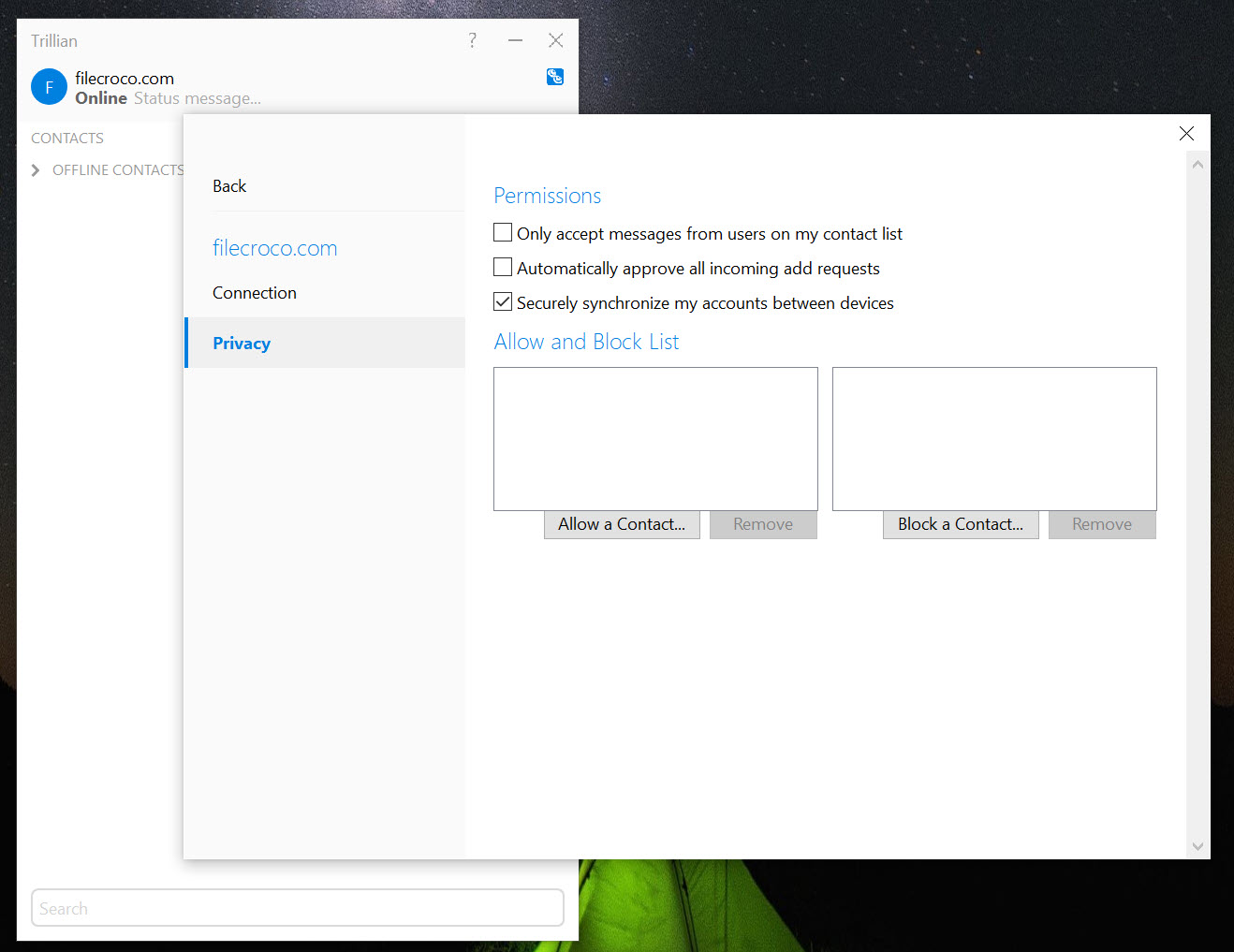
Encryption protects messages in transit between clients and servers, and in the business edition extends to additional controls around message storage and access. The level of end-to-end encryption is not at the level of Signal Desktop, which is the application to choose if independently verified end-to-end encryption is the primary requirement.
For typical business or personal messaging where transport encryption and reasonable access controls are sufficient, the application’s defaults are in line with comparable products.
Conclusion
Trillian is two products in one installer. The personal edition is a competent account-based messaging application with cross-device sync, XMPP and IRC support, and customization that runs deeper than modern alternatives, but without a strong differentiator against the dedicated encrypted messengers and team chat applications that dominate the personal space now.
The business edition is a different conversation. For healthcare organizations and businesses that need compliance-grade messaging with audit and access controls, it does something the consumer-focused alternatives in the category cannot do.
The right user for the personal edition is someone who still has XMPP contacts or IRC channels to maintain, prefers a denser customizable interface to a stripped-down chat window, and wants conversations to sync across devices without setting up a separate sync solution.
The right user for the business edition is an IT decision-maker at a clinic, hospital, or regulated organization trying to deploy compliant messaging across staff. Outside those two profiles, the application is harder to justify against the focused alternatives in each adjacent category.
Features & benefits
Pros & Cons
- Cross-device account model means conversations sync across desktop, mobile, and web without manual configuration
- Business edition supports HIPAA-compliant messaging, which is a distinctive niche that most consumer chat applications cannot serve at all
- XMPP and IRC support remain for users who still need to connect to those networks
- Interface customization runs deeper than most modern messaging applications, with real skinning and layout options
- File transfer goes through relay servers, so it works across networks and firewalls without direct connection setup
- Account-based identity replaces the older per-protocol identity tangle that made the previous version of the application unwieldy
- The aggregator-of-modern-services angle no longer exists, so users hoping to combine Slack, WhatsApp, and Discord need a different tool
- Voice and video calling work but are not at the depth of dedicated VoIP applications
- End-to-end encryption is not implemented at the level of dedicated encrypted messaging applications
- The interface design has more in common with older instant messaging clients than with modern chat applications, which can feel dated
- Most of the distinctive value lives in the business edition, so the personal-use case has less compelling features compared to free modern alternatives
Frequently asked questions
The application's own Astra network is the primary system, with XMPP and IRC supported for connecting to those networks. The older consumer chat protocols like AIM, MSN, Yahoo!, and ICQ are no longer available because those networks have shut down.
Useful for XMPP and IRC, yes. For combining modern services like Slack, WhatsApp, and Discord, a different application is the right answer because the modern services do not expose protocols that any third-party client can connect to.
Healthcare organizations and any business that requires HIPAA-compliant messaging with audit logging, access controls, and centralized administration. The compliance angle is the defining feature of that edition.
Encryption is present, with the business edition adding more controls. For verifiable end-to-end encryption as the primary requirement, dedicated encrypted messaging applications are the better choice.
Yes. The account model syncs conversation history across desktop, mobile, and web clients, so the same conversation state is visible regardless of which device is currently active.
Yes, on the Astra network and to XMPP contacts where the relevant extensions are supported. Quality is generally acceptable, though dedicated voice applications have an edge for conference-style use.
Those networks were shut down by their operators, so no client can connect to them regardless of how it is configured. The application's pivot to its own Astra network was a response to that shift. 8 How does Trillian compare to Pidgin or Miranda NG? Those are open-source multi-protocol clients with broader protocol support and no account-based network of their own. Trillian has its own network and the business-tier features, which the open clients do not offer. For pure protocol coverage, the open alternatives are stronger. For the integrated network and the business edition, Trillian is the choice.


