

Sonarr
About Sonarr
Sonarr watches television series on your behalf. You add a show once, tell it which seasons you care about and what quality you will accept, and from then on it polls your indexers, spots each new episode as it appears, hands it to your download client, renames the finished file into your naming scheme and files it in the right folder. Then it tells your media server to rescan.
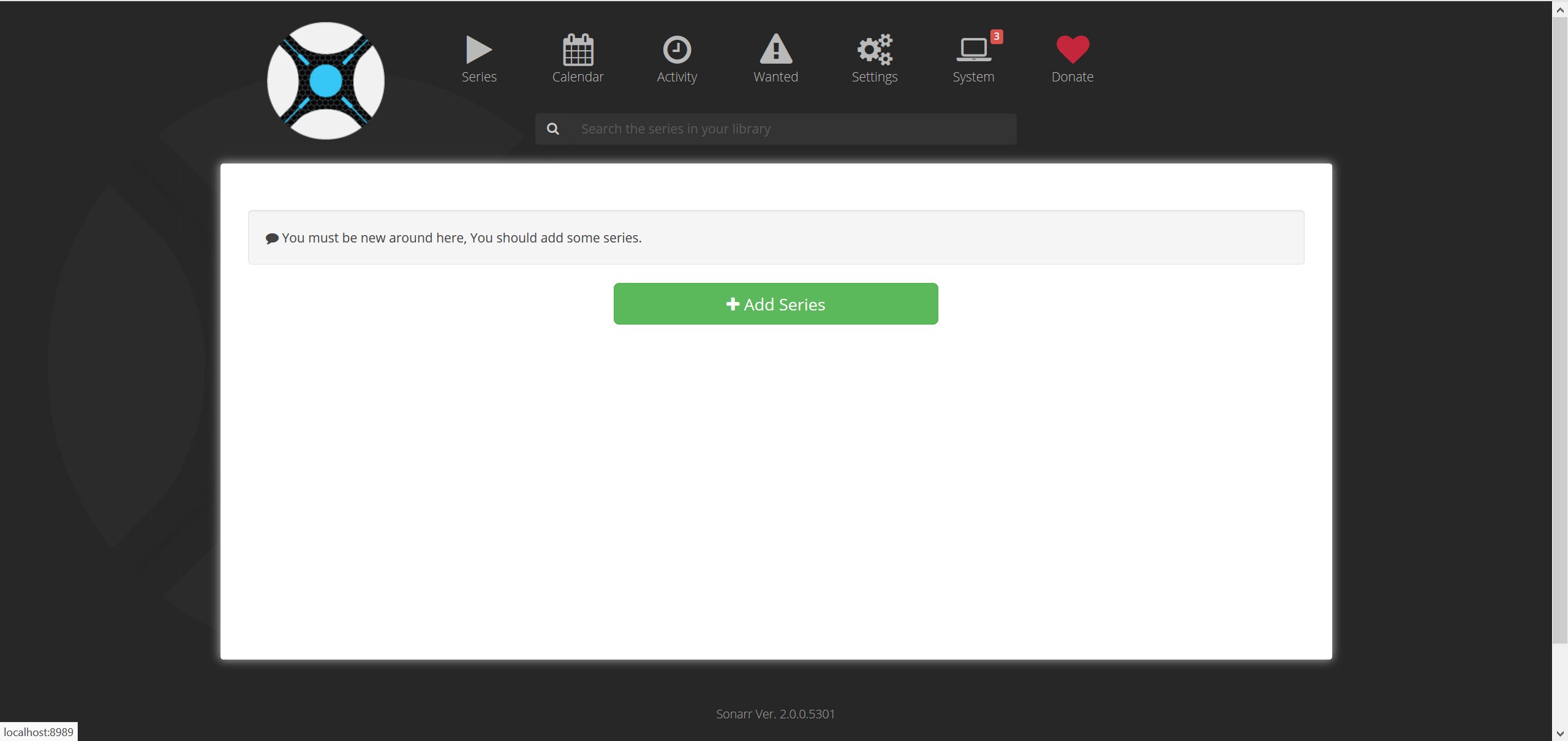
It runs as a background service with a web interface rather than a window, so you reach it in a browser at port 8989 on the machine it lives on, or from any other device on the network. That design is deliberate. It is meant to run on something that is always on and to be checked occasionally, not opened and driven.
Indexers and download clients are yours to supply
Sonarr hosts nothing, indexes nothing and transfers nothing itself, so two connections have to be made before anything works. Indexers tell it what releases exist, and a download client fetches them. Both sides support the two ecosystems, so the same setup works whether you use Usenet or BitTorrent.
On the Usenet side it drives SABnzbd and the other common newsreaders, passing an NZB across and then watching the queue for completion. This is the smoother of the two paths in practice, since a Usenet download either completes at full speed or fails quickly, with no seeders to wait for.
The torrent path talks to qBittorrent and its peers, and it can label what it adds so your client keeps those torrents separate from everything else you run. Seeding requirements complicate matters, because Sonarr wants to import a finished file while your client wants to keep seeding it, which is exactly the problem hardlinking solves further down.
Indexer credentials and categories are set per indexer, and getting the category wrong is the single most common reason a new installation finds nothing at all.
Quality profiles and the upgrade cutoff
A profile is an ordered list of qualities you will accept, with a cutoff marking the point where Sonarr stops trying to improve. Allow everything from a small web release up to a full remux, set the cutoff partway, and it will grab the best available now, quietly replace the file when something better turns up, then leave it alone once the cutoff is reached.
That upgrade behaviour is the feature people underestimate. A show airing tonight can be captured at whatever appeared first and silently improved over the following days, without you tracking any of it.
It is also the feature that fills a drive if you set the cutoff too high and every episode keeps getting replaced by something larger.
Custom formats, where the real control lives
Quality profiles handle resolution and source. Everything else you might care about is handled by custom formats, which match on patterns in the release name or in the file’s own metadata and attach a score.
This is where the application stops being a downloader and becomes a preference engine. Score a particular audio format positively and releases carrying it win ties. Score a release group negatively and it drops down the list. Score something at minus ten thousand and it is rejected outright, which is the accepted way of saying never. Combining a handful of these gets you results that match your taste rather than just your resolution.
The learning curve here is real and I will not pretend otherwise. Custom formats are the part of Sonarr where people copy configurations from forums without understanding them, and where a single badly scored rule quietly stops a show from ever being grabbed.
Monitoring options and the calendar
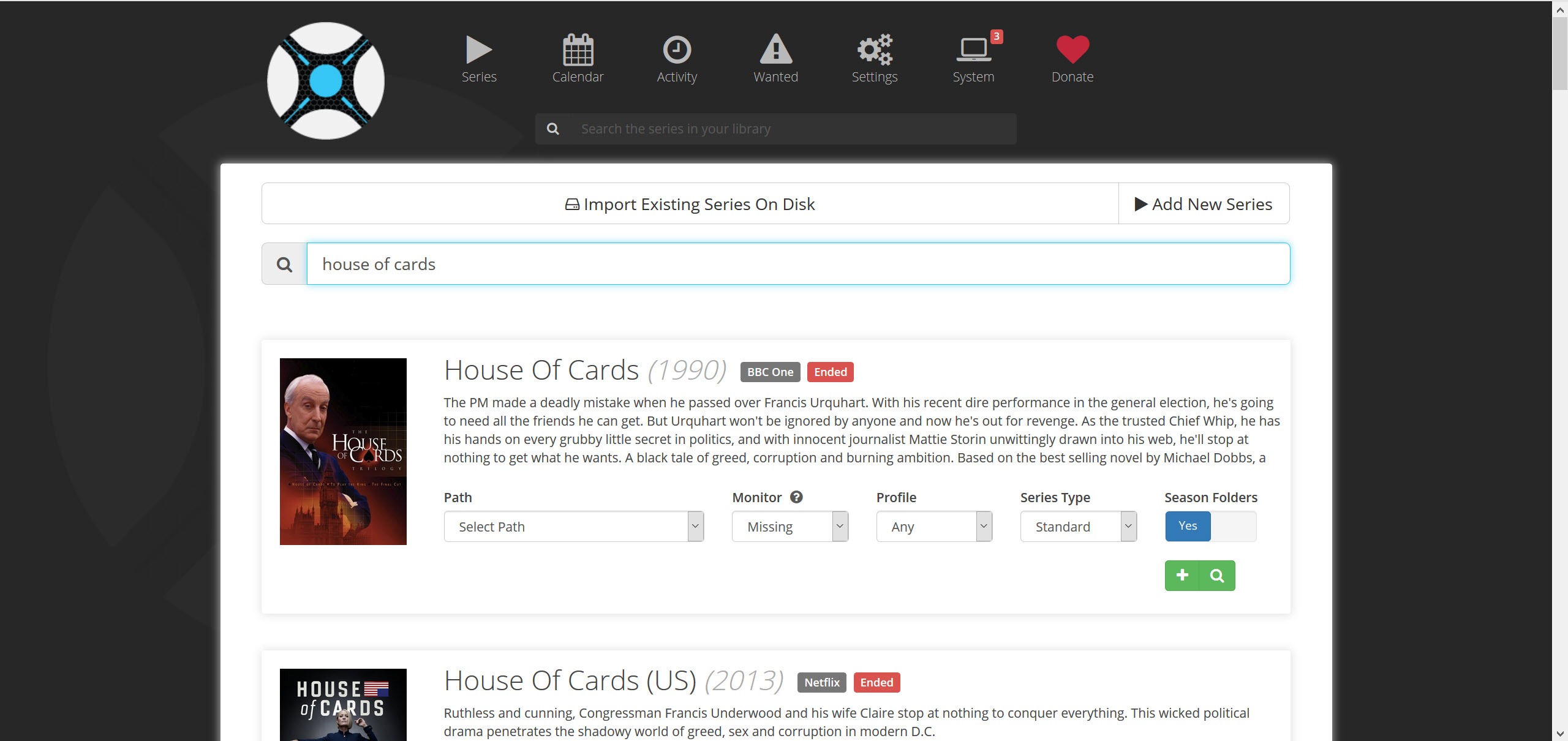
When you add a series you choose what to monitor, and the choices are more granular than on or off. All episodes, only future ones, only the ones missing from your folder, the first season, the latest season, or nothing at all while you decide.
That last option matters more than it sounds. Adding a long-running show with everything monitored sends dozens of searches at your indexers at once, which is a good way to hit a rate limit or annoy a tracker.
The calendar view lays out what is coming, and it publishes an iCal feed, so upcoming episodes can appear in whatever calendar application you already use. A small touch, and the one feature of Sonarr that non-technical members of a household actually engage with.
Interactive search shows you why a release was rejected
This is the feature that separates Sonarr from a simple automation script. Run a manual search on an episode and you get every candidate release with its size, its age, its seeder count and its indexer, sorted by how the application scores it.
Underneath that, the releases it will not take are listed with the reason attached. Below the cutoff. Not a preferred word. Custom format score too low. Larger than the maximum size. Rather than leaving you to guess why nothing is being grabbed, it states which of your own rules is blocking it, and you can override and grab a rejected release manually anyway.
Any diagnostic that explains its own refusals deserves credit, because most software in this space simply does nothing and offers no explanation.
What happens when a download finishes
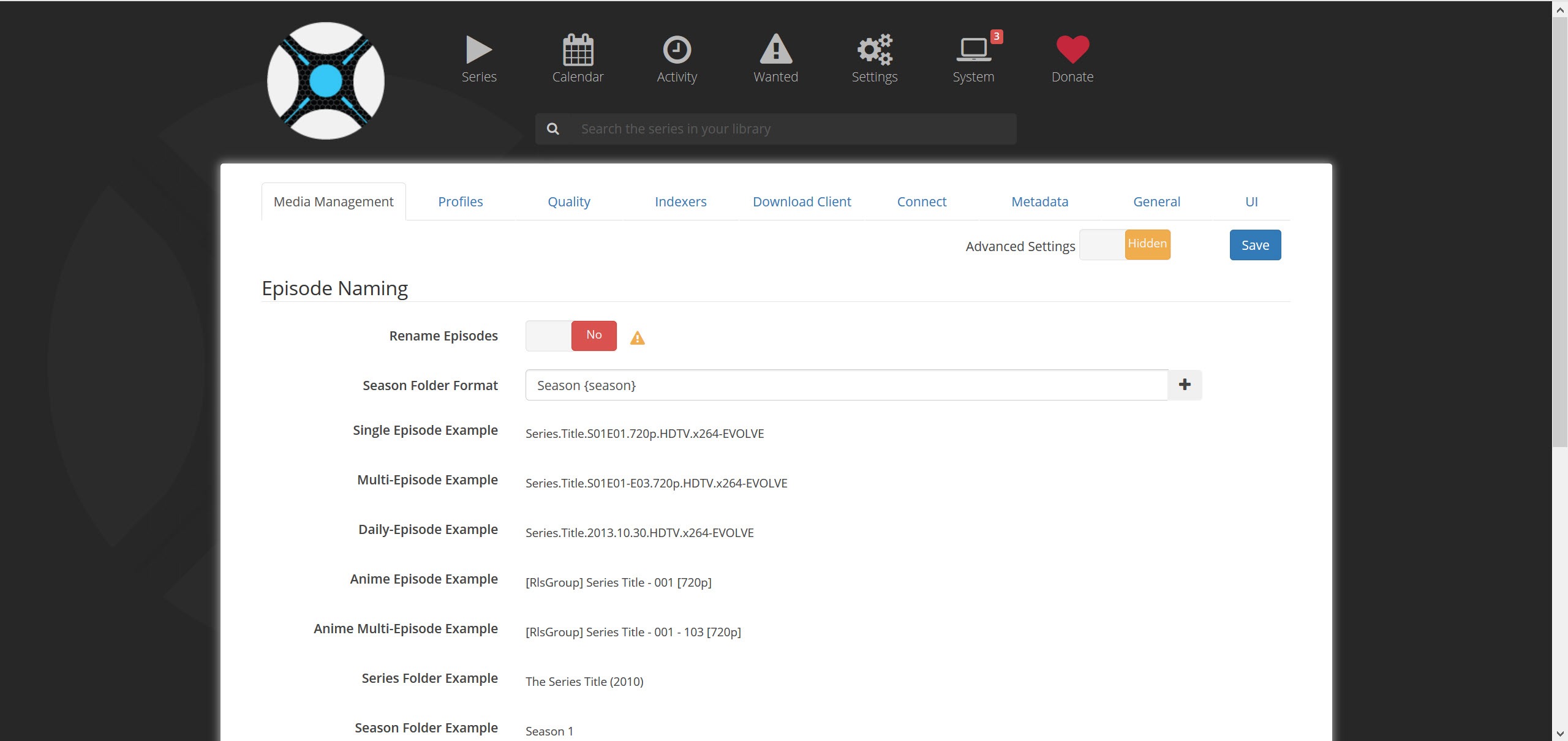
The file gets renamed according to a token-based scheme you define, covering the series title, the season and episode numbers, the episode title, the quality, the release group, in whatever arrangement you prefer. Then it moves into the series folder.
Whether that is a move, a copy or a hardlink is the setting that matters most on a torrent setup. A hardlink puts the file in your library without duplicating it on disk, so your client keeps seeding the original path while the library sees a properly named file.
This only works when both locations are on the same filesystem, which is why the recommended folder layouts all put downloads and library under one root. If you would rather rename things by hand for a one-off batch, a renamer you drive yourself is the tool for that, but as a permanent arrangement this is far less work.
There is also a manual import screen for files it could not match, and a recycle bin that holds replaced files for a set number of days rather than deleting them immediately. Turn the recycle bin on before you start upgrading anything.
Failed downloads, health checks and notifications
Grabs fail. A Usenet post turns out to be incomplete, a torrent never finds a seeder, an archive is corrupt. Sonarr notices, removes the item, adds that release to a blocklist so it is never grabbed again, and searches for an alternative without being asked. This single behaviour is what makes unattended operation viable.
A health panel warns about the conditions that break things silently, an unreachable download client, a missing root folder, no indexers enabled, a failed database backup. Those warnings appear in the interface rather than in a log you would never read.
Notifications go out through connections, and there are many. Chat services, email, custom scripts triggered on grab or import or upgrade, and direct library refresh commands to your media server so that a server that will pick the file up knows about the new episode within seconds rather than at the next scheduled scan.
Conclusion
The right owner for this is somebody who follows several series, has a machine that stays on, and is tired of checking for episodes by hand. Configured once, it removes that chore completely, and the interactive search means the rare failure explains itself instead of turning into an evening of guesswork.
It is the wrong choice if you want something to open and click. There is no application window, the initial setup involves two other pieces of software before anything happens, and custom formats will take a weekend to understand properly.
Get through that and it disappears into the background, which is the highest compliment automation software can earn. For the same treatment applied to a music collection, Lidarr is built on the same foundations.
Pros & Cons
- Fully unattended once configured, from RSS detection through to library refresh.
- Works with both Usenet and BitTorrent clients using the same rule set.
- Quality cutoff upgrades files automatically and then stops.
- Custom format scoring expresses preferences no quality setting can.
- Interactive search lists rejected releases with the reason for each.
- Hardlinking imports without duplicating files or interrupting seeding.
- Failed grabs are blocklisted and replaced automatically.
- Useless on its own, since indexers and a download client are prerequisites.
- Custom formats are difficult to reason about and easy to misconfigure badly.
- Hardlinks need downloads and library on the same filesystem, which trips up most first attempts.
- A high cutoff can fill a drive with repeated upgrades.
- Adding a long series with everything monitored floods indexers with searches.
- No window of its own, so everything happens in a browser tab.
Frequently asked questions
No. It decides what to grab and where to file it, then hands the actual transfer to a separate download client, and it needs indexers you configure to know what exists. On its own it does nothing.
Run an interactive search on that episode and read the rejection reasons listed beside each release. In nearly every case one of your own rules is responsible, a quality below the profile, a custom format score too low, or a file larger than the size limit.
The profile decides which resolutions and sources are acceptable and where upgrading stops. Custom formats score releases within that, so Sonarr can prefer a particular audio format or avoid a release group without changing what qualities are allowed.
It hardlinks when the download folder and the library are on one filesystem, which uses no extra space and lets seeding continue. Across different filesystems it has to copy, which means two full-size copies until your client finishes with the original.
Yes. It runs as a service with a web interface on port 8989, so any browser on the network can open it, and an API key lets companion applications and phone clients connect to the same instance.
It does, through absolute numbering and scene mapping, which is necessary because anime releases frequently ignore season boundaries. Expect to do more manual mapping for anime than for ordinary series.


