

Anki
About Anki
Everything you cram, you lose. The night-before method feels productive and evaporates within a week, which every student knows and most keep doing anyway. Anki is the software embodiment of the alternative, spaced repetition, flashcards scheduled to reappear at the exact moment you’re about to forget them, so each review lands where it does the most good. Ten minutes a day replaces the heroic cramming session, and the material actually stays.
The program is open source, ferociously customizable, and blunt about its priorities. It looks like a tool, not a toy, and it has quietly become the standard weapon of the people with the most brutal memorization loads on earth, medical students, language learners chasing thousands of words, and exam preppers of every kind.
The schedule is the product
Here’s the mechanism in one paragraph. Answer a card and grade yourself, again, hard, good, or easy, and the scheduler sets the next appearance accordingly, tomorrow for the shaky, next month for the solid. Intervals stretch as you succeed, so mature knowledge costs almost nothing to maintain while fresh or difficult material stays close. The daily review pile is the algorithm’s answer to the question “what would you have forgotten today?”, and clearing it is the entire practice.
The modern scheduler, FSRS, sharpens this considerably. Instead of fixed formulas, it models your personal forgetting curve from your own review history and can be optimized against it, which in practice means fewer reviews for the same retention, or better retention for the same effort.
Enabling it and running the optimizer is the single best settings change a longtime user can make, and new users get its benefits from day one.
Notes make cards, and cloze makes them fast
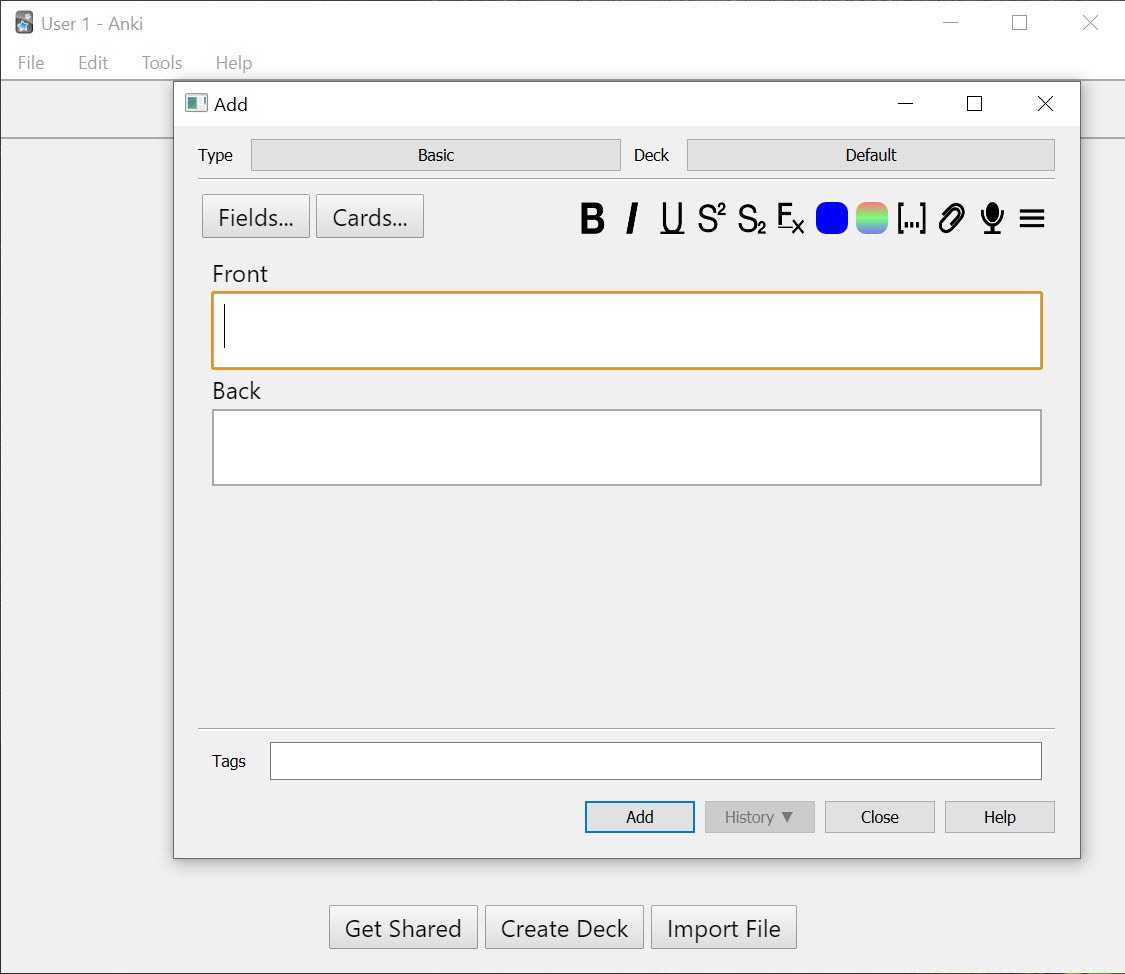
Anki separates what you know from how you’re quizzed. You enter a note, a bundle of fields like a word, its meaning, and a pronunciation clip, and templates generate cards from it automatically, recognition in one direction, recall in the other, from a single entry. Fix a typo once and every card inherits it.
Cloze deletion is the card-writing accelerator. Take a sentence, blank out the key term, and the sentence becomes a fill-in-the-gap card, three of them if you blank three terms. For fact-dense material it’s the fastest honest way to turn notes into questions.
Image occlusion, now built in, does the same for pictures, masking labels on an anatomy diagram or a map so each hidden label becomes its own card. Cards carry sound, images, and video naturally, and formulas render through LaTeX for the mathematical crowd, with a distribution such as MiKTeX installed alongside to do the typesetting.
Shared decks, the community’s head start
The shared deck library is enormous, complete language courses, exam syllabi, and professionally maintained collections built by communities over years, importable in one click. For standardized material, starting from a proven deck saves months, and the medical-school world in particular runs on collaboratively polished decks the way it once ran on textbooks.
The honest caveat travels with the gift. Making your own cards is itself a study act, the formulation forces understanding, and reviewing a stranger’s phrasing of ideas you never processed can become fluent recognition of sentences rather than knowledge.
The craft answer is to mix, import the grind material, write your own cards for anything conceptual, and prune ruthlessly either way.
Add-ons, statistics, and the mirror they raise
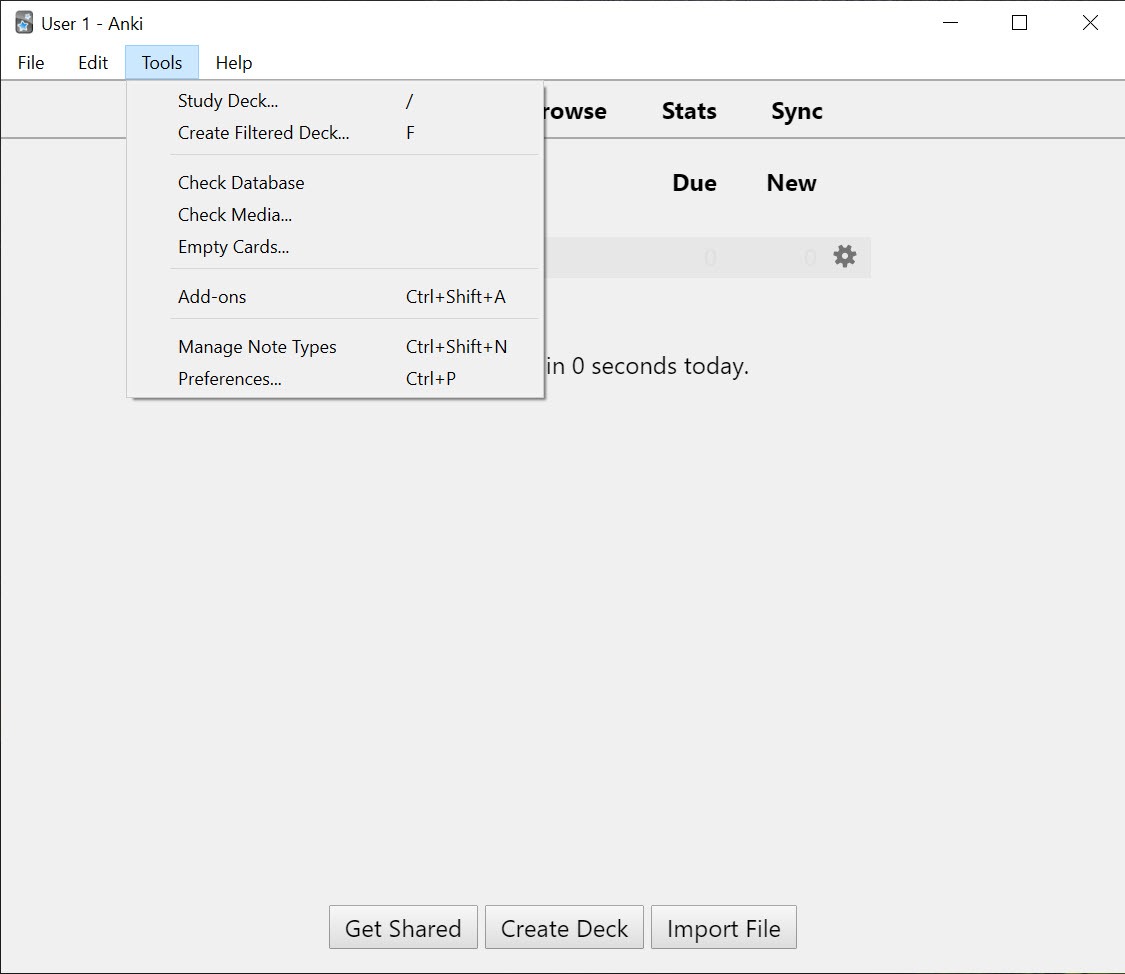
The add-on ecosystem stretches the program in every direction, review heatmaps, streak trackers, pronunciation fetchers, formatting tools, and workflow surgery of all kinds, installed with a code and a restart. It’s the payoff of the open design, and also the reason two power users’ setups barely resemble each other.
The built-in statistics deserve their own habit. Retention rates, daily load forecasts, and interval distributions show exactly how your memory and your discipline are performing, and the forecast graph is quietly motivating, tomorrow’s pile is visible today, and skipping a day visibly snowballs.
Filtered decks round out the toolkit, temporary decks built by query, everything due in one subject, everything failed this week, for exam-eve triage.
The learning curve about learning
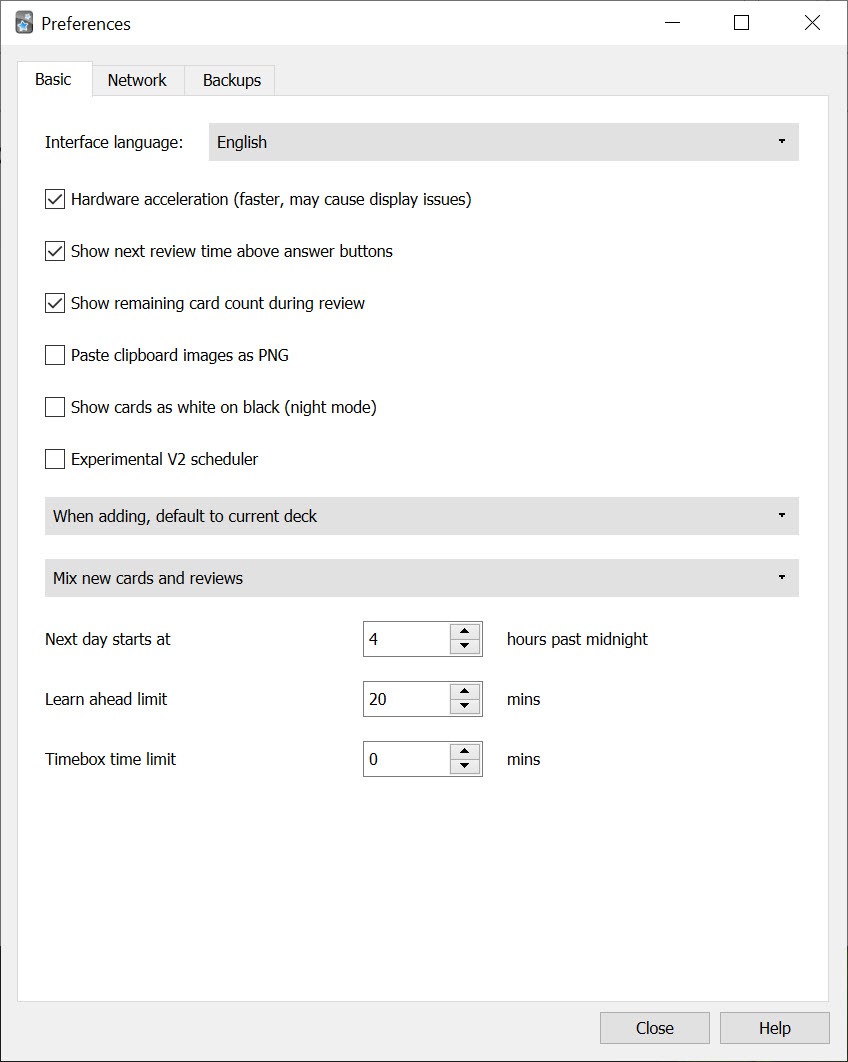
Fair warning, honestly delivered. The first week confuses almost everyone, because the note-versus-card-versus-deck model isn’t obvious, the options dialogs expose scheduler internals most tools hide, and the interface explains little. The concepts are worth the two evenings they take, and the manual is good, but this is a tool you learn, not one you merely open. People who want flashcards with a gentler face and a modern look have alternatives, with Mochi as the markdown-native, design-forward take on the same spaced-repetition idea, trading this program’s depth and ecosystem for immediate comfort.
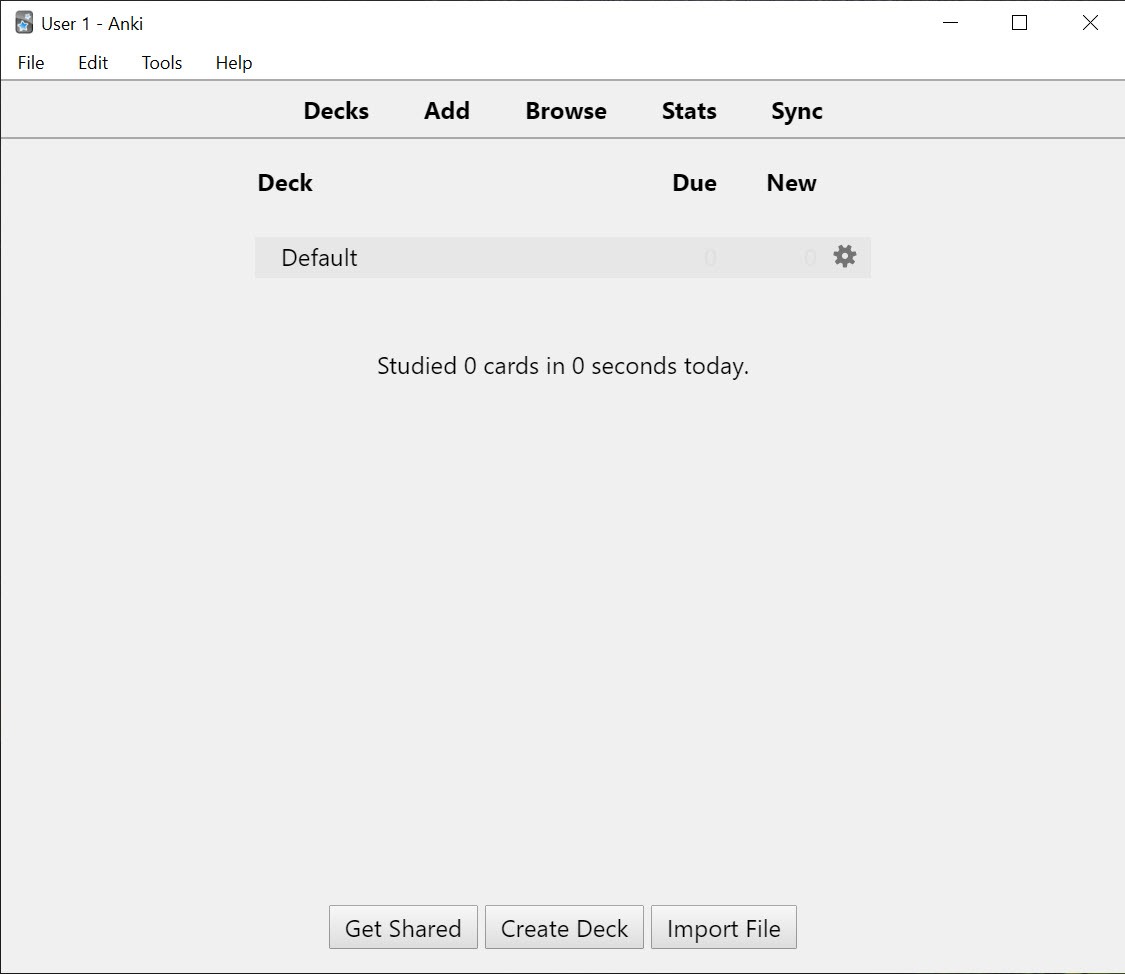
Two structural notes complete the picture. Sync runs through a free account service, keeping collections identical across every machine, with review progress merged rather than overwritten. And the desktop program is the full experience, deck building, template editing, and add-ons all live here, while companion apps handle reviewing on the move.
Conclusion
Anki is for the person with a truly large memorization problem. The medical student facing an ocean of facts, the language learner past the tourist phrases, and the certification candidate with a syllabus and a date are its natural citizens. For them, the scheduler, the card machinery, and the community decks compound into an advantage no prettier app matches, and FSRS has quietly made the engine better than it has ever been.
The casual vocabulary dabbler may bounce off the first week and be happier in a softer tool, no shame in that. But commit the two evenings it demands, and this becomes the rare program that changes not what you do on a computer, but what stays in your head after you leave it.
Pros & Cons
- Spaced repetition scheduling that measurably beats cramming for retention
- FSRS scheduler optimizes intervals against your personal review history
- Notes generate multiple cards, with cloze deletion and built-in image occlusion
- Enormous shared deck library covering languages, medicine, and exams
- Add-on ecosystem and full template control reshape it for any workflow
- Detailed statistics expose retention and forecast the daily load
- Confusing first week, with concepts that must be learned
- Options dialogs expose complexity most users never need
- Imported decks tempt recognition-only studying
- Plain interface that prioritizes function over comfort everywhere
Frequently asked questions
Each answer you grade sets the card's next appearance, with intervals growing as you succeed. Reviews land just before predicted forgetting, so maintenance costs shrink while retention stays high.
The modern scheduling algorithm. It models your personal forgetting curve from your review history and can be optimized against it, typically cutting daily workload while holding or improving retention.
Both, deliberately. Shared decks save months on standardized material, while writing your own cards forces the understanding that pure review can't. Conceptual subjects especially reward self-made cards.
Blanking key terms inside a sentence to create fill-in-the-gap cards, several from one sentence if needed. It's the fastest way to convert dense notes into honest questions.
Yes, cards carry media of all kinds, image occlusion masks parts of diagrams for labeling practice, and mathematical notation renders through LaTeX with a typesetting distribution installed.
Yes, through a free sync account. Collections, media, and review history merge across machines, so a session anywhere counts everywhere.


