

AVG Secure VPN
About AVG Secure VPN
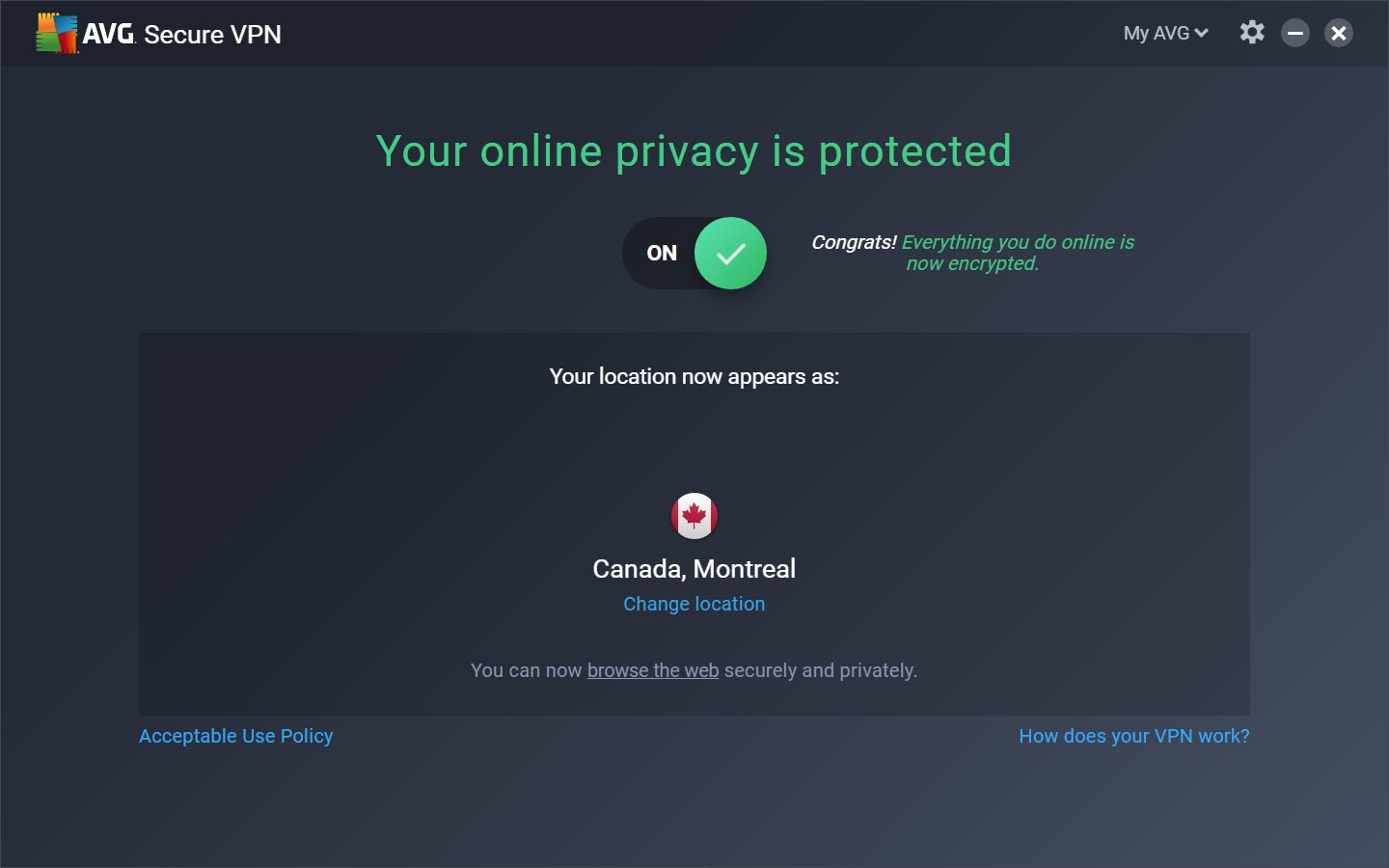
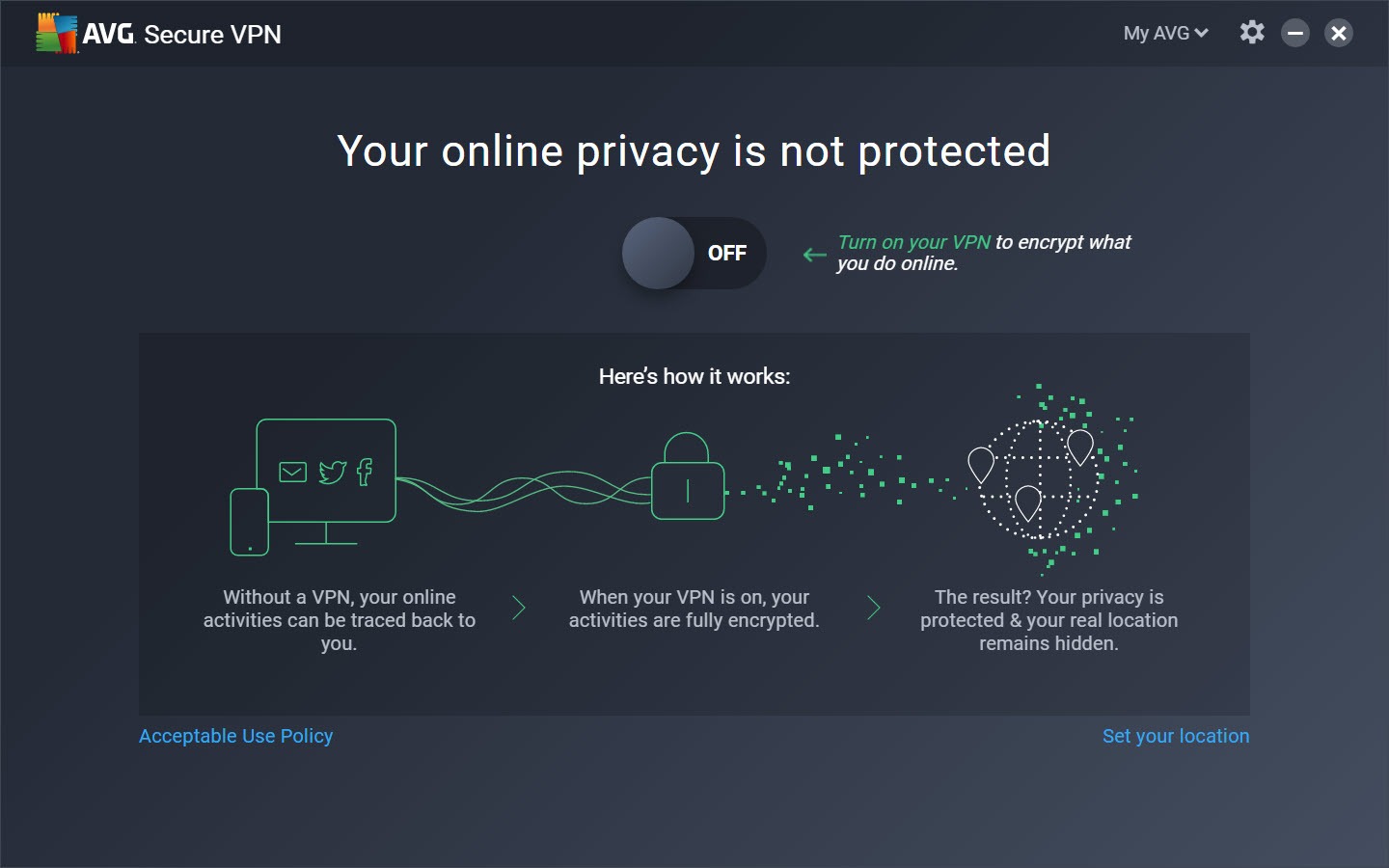
AVG Secure VPN is a VPN client with one large button and very little behind it, by design. Press the button and the connection goes through an encrypted tunnel to a server in a country you pick. The network you are on sees only scrambled traffic to one address, and the sites you visit see the server’s address rather than yours. The client chooses a protocol for you, cuts the connection if the tunnel drops, and can switch itself on when the laptop joins a network it does not recognise.
It comes from the same stable as the antivirus of the same name and shares an engine with a sister product under another label, which is why the two look identical inside. Against NordVPN or the configurable clients that expose every setting, AVG Secure VPN offers a shorter feature list and a shorter learning curve. Whether that trade suits you is what the rest of this review is about, and the answer depends on whether you know what a protocol is and want to choose one.
One button, a location list and three protocols
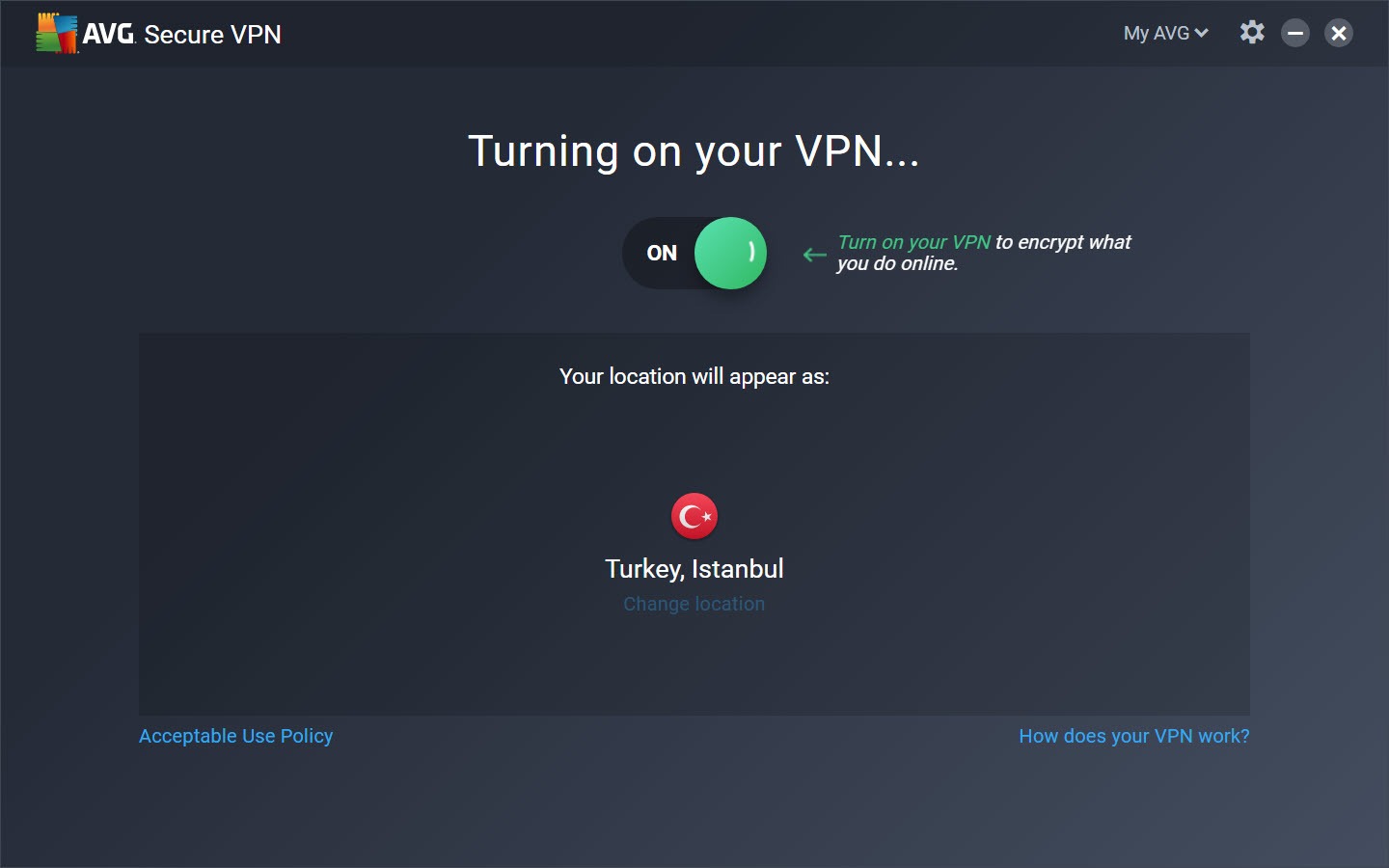
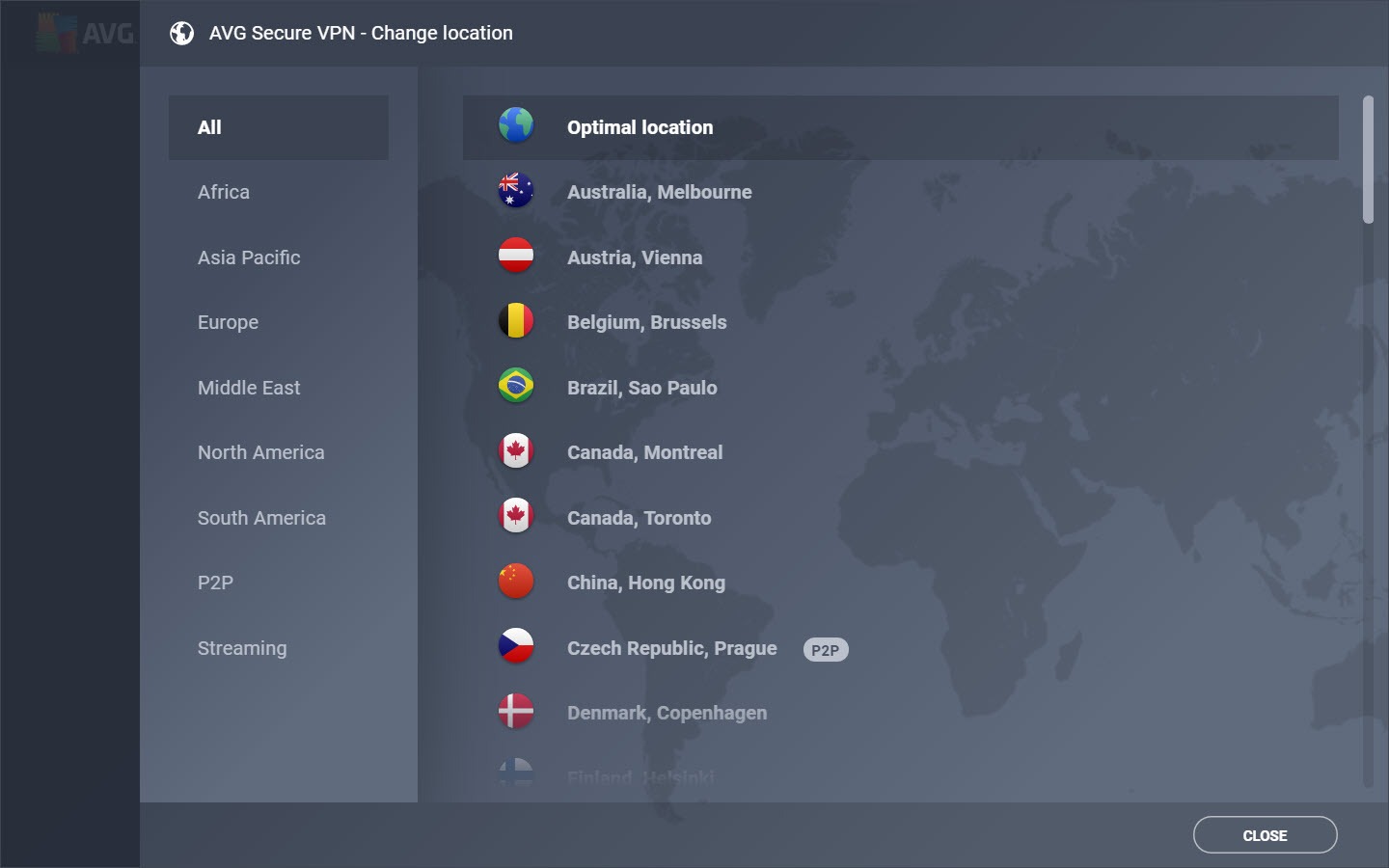
The main screen is a switch and a location. Change Location opens a list of countries and cities, more than seventy countries at last count, with two filters that matter, one for servers optimised for streaming and one for servers that allow peer-to-peer traffic. Pick one, close the list, press the switch. A small map and a connection timer are the whole of the feedback.
Under Settings, the protocol can be left on automatic or set by hand. OpenVPN is the standard choice and the one to pick when you want a tunnel whose design anyone can inspect. WireGuard is the faster one and reconnects more cleanly on a laptop that sleeps. Mimic is the maker’s own protocol, built to make the tunnel look like ordinary secure web traffic so that networks which block VPNs let it through. It works for that purpose.
Its internals have not been published or independently examined, which is a reason to use it only where the other two are blocked.
The kill switch
The AVG Secure VPN kill switch is on by default and it is the blunt kind. If the tunnel drops, all internet access stops until the tunnel returns or you turn the switch off, which protects the real address and causes the occasional confusing outage when a server hiccups.
There is no per-application version and no way to exempt a program, so a download manager or a game client is cut with everything else.
Auto-connect and trusted networks
Auto-connect rules are the setting that earns AVG Secure VPN its place on a laptop. It can connect whenever the client starts, whenever the machine reaches the internet, or only when it joins a wireless network you have not marked as trusted. Mark the home and office networks trusted once, and every café and airport connection goes through the tunnel without a thought. A separate mode turns the tunnel on for activities the client recognises, such as banking sites or streaming, and off otherwise.
It is a reasonable compromise for people who find a permanent tunnel slows their day.
Streaming, torrents and what the servers are for
AVG Secure VPN servers tagged for streaming are meant to reach the major video services from another region, and their success varies by service and by week, as it does for every provider. The client does not promise more than that. Servers tagged for peer-to-peer allow torrent traffic, a handful of locations rather than the whole network, and the kill switch covers the torrent client along with everything else. There is no port forwarding, so seeding runs slower than it would with an open port.
Speeds through WireGuard are good enough for high-definition video and ordinary browsing with a modest loss against the bare connection. Through Mimic they drop further, which is what the disguise takes. Gaming over the tunnel is workable on a nearby server and noticeably laggier on a distant one, and there are no servers tuned for it.
What has been left out
The list of absences is what defines AVG Secure VPN. No split tunnelling, so nothing can be routed outside the tunnel while it is up. No multi-hop through two servers. No dedicated address. No choice between the two OpenVPN transports. No ad or tracker blocking. No custom DNS.
The settings page fits on one screen without scrolling, and every item on it has been mentioned above. For a household that wants a tunnel on public networks and a switch to flip before a stream, that is complete. For anyone who has ever opened an advanced tab in another client, it is thin, and a client that exposes protocols, kill switch modes and port forwarding is the other end of the same category.
One more thing to know. The client is a companion to the antivirus of the same name and the two are sold together as often as apart. The installer and the interface carry the family branding and the occasional prompt towards the rest of the range.
Conclusion
AVG Secure VPN is for the person who wants a tunnel on hotel and café networks, a switch to flip before watching something from abroad, and no settings to understand. Households already using the matching antivirus will find it slots in without a thought, and the auto-connect rules make it protection that runs itself.
Anyone who wants to route one program outside the tunnel, seed at full speed or choose their own DNS has outgrown it before installing. It is a good simple client, and it is only that.
Pros & Cons
- One-button connection with automatic protocol choice
- OpenVPN and WireGuard available, with Mimic for networks that block VPNs
- Kill switch on by default
- Auto-connect on untrusted wireless networks with a trusted list
- Tagged streaming and peer-to-peer servers in a list of seventy-plus countries
- No split tunnelling, multi-hop, dedicated address or custom DNS
- Kill switch is system-wide with no exceptions
- Mimic protocol is unpublished and unaudited
- Port forwarding absent, so seeding is slow
Frequently asked questions
Leave it on automatic for everyday use. Choose WireGuard for speed, OpenVPN for a protocol whose design is public, and Mimic only when a network blocks the other two.
The kill switch is doing its job. It blocks all traffic until the tunnel is back so your real address is never exposed. Turn it off in Settings if you would rather stay online unprotected during a drop.
Yes. In Settings, set auto-connect for untrusted networks and mark your home and work networks as trusted. The tunnel then opens on any network not on that list.
On the servers tagged for peer-to-peer, yes. Choose one from the location list before starting the torrent client. There is no port forwarding.


