

Windows 95
About Windows 95
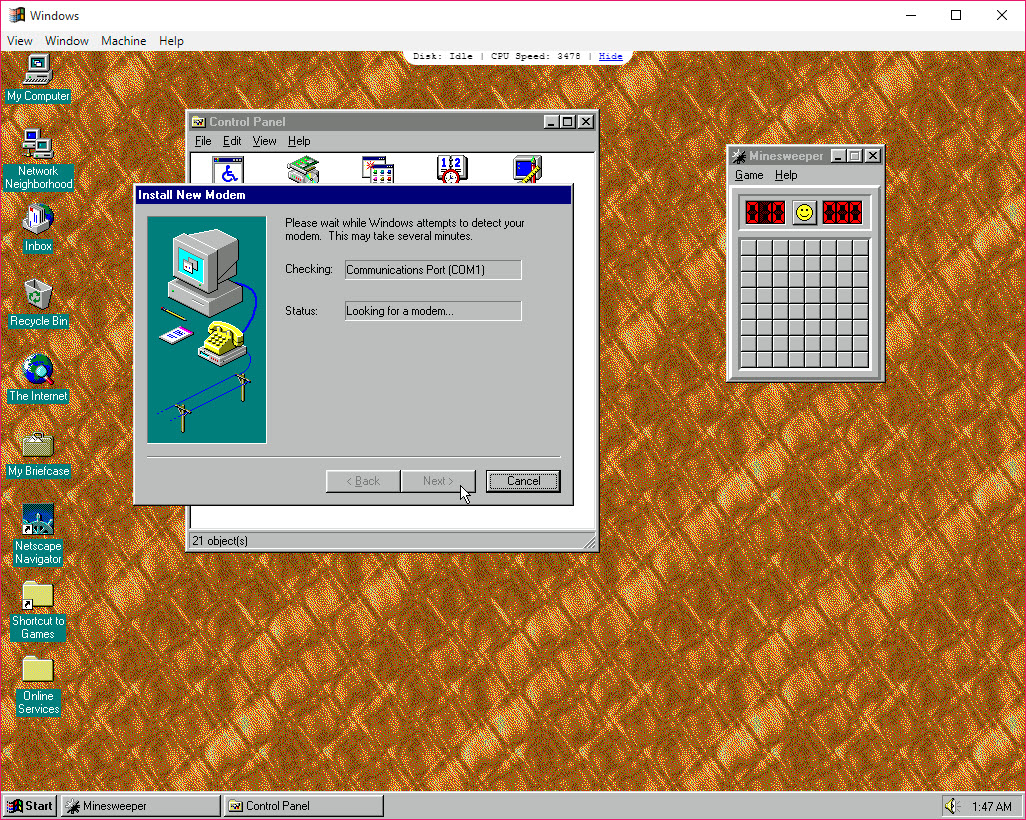
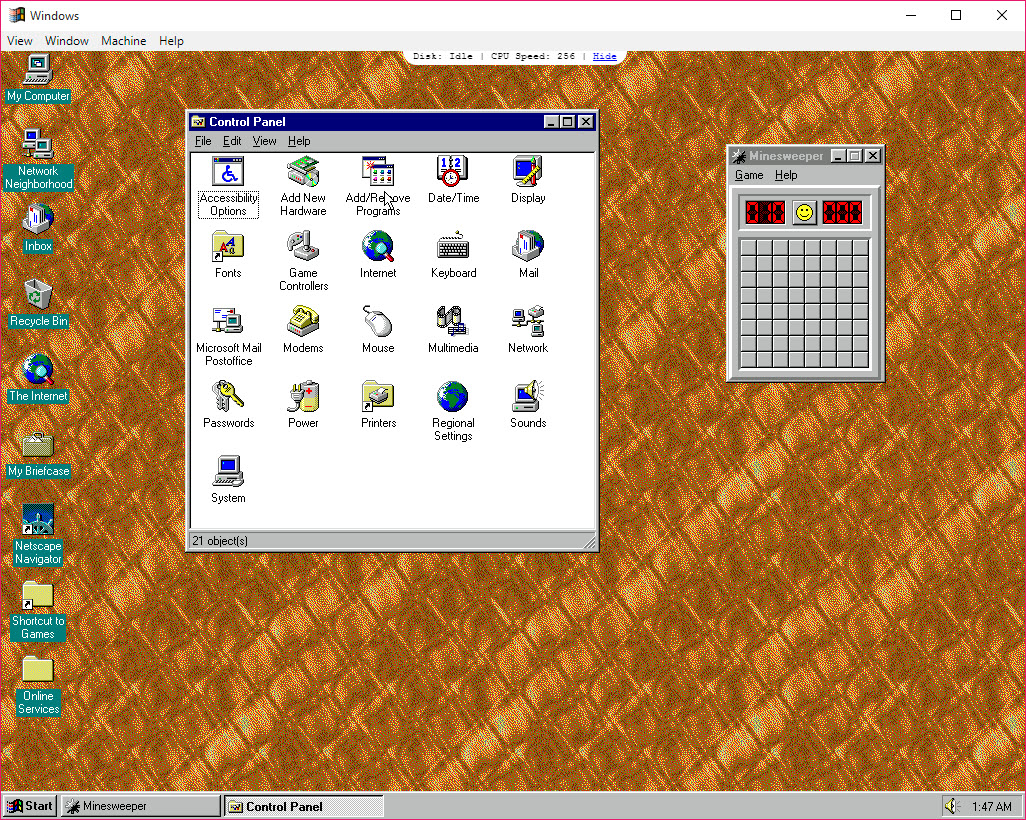
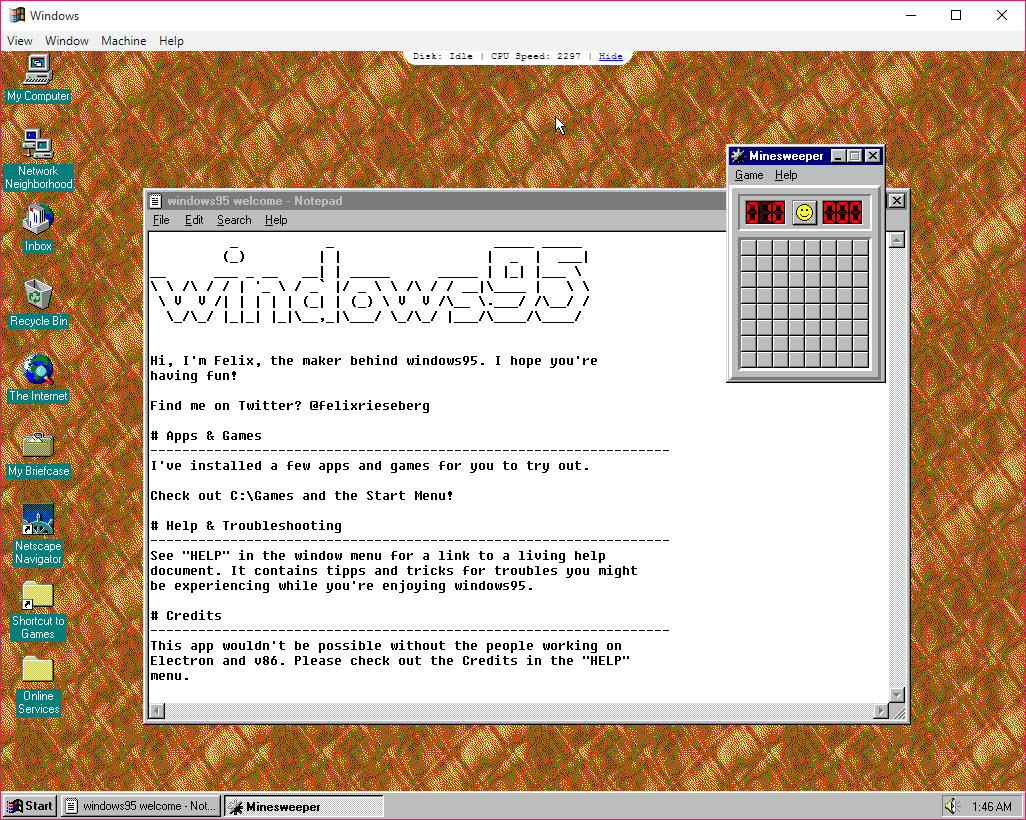
Windows 95 here is not the operating system on a disc but a single desktop application that boots a complete copy of it in a window. Open the program, wait a few seconds, and the grey desktop with its Start button, its taskbar and its clouds wallpaper appears, ready to use. Everything inside is real.
Paint, Notepad, Solitaire and Minesweeper run as they did, a handful of classic games and its original web browser are preinstalled on the virtual disk, and several hundred megabytes of space remain for anything you want to copy in. Close the window and the machine’s state is saved, so it comes back exactly as you left it, open windows and all.
The trick is an emulator written in a web language, wrapped in a desktop shell, with a disk image of the old system inside it. Windows 95 runs because the emulator translates the old machine code on the fly, which means it works on any modern computer with no virtualisation setting to enable and no installation disc to find, and also means it runs slowly, with no network and with its own release notes advising against real work.
It is a toy, a time capsule and a demonstration of what a browser engine can be made to do, and it is honest about being all three.
Booting and saving state
The first Windows 95 launch shows a loading animation and then the familiar boot sequence, at a speed an old machine would have envied, and the desktop is usable within seconds. Closing the window saves the complete machine state, memory included, to the application’s data folder, and the next launch restores it in place. That makes it feel like a laptop lid closed and reopened rather than a computer switched off.
A Reset command wipes that state and returns the disk to the clean image, which rescues a machine left in a mess by an experiment, and the old state files are kept rather than deleted.
The disk image itself was rebuilt in a later release of the program, so state saved by an earlier release does not load in the current one, which is the one practical caveat around the saving. Keeping a copy of the state folder before a big experiment is the belt to go with that brace.
The games on the virtual disk
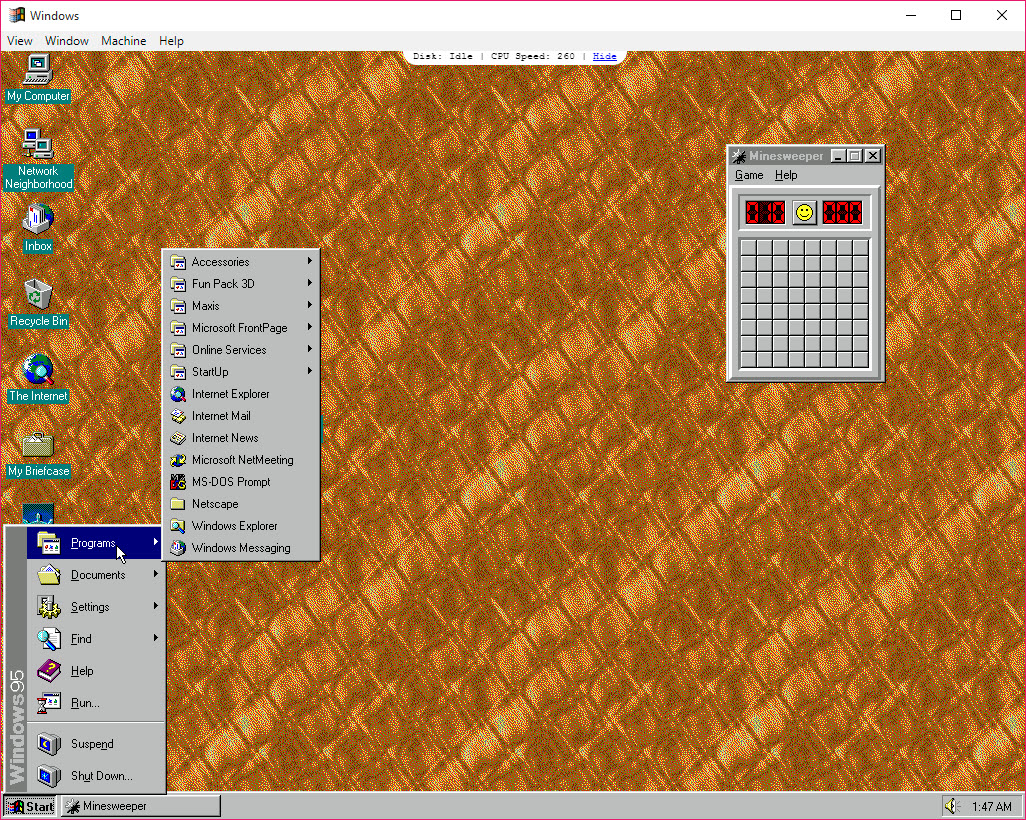
Alongside the standard accessories, the image carries a set of classic games, including the shooter everyone remembers and a flight simulation, plus the web page editor and the original browser that shipped with office software back then. The games run with sound, which arrived in a later release along with better scaling for high-resolution displays, and they are the reason most people open the program a second time. Solitaire and Minesweeper are exactly as remembered, which is to say they still eat an hour.
The browser, and the missing network
The browser in Windows 95 is there as a museum piece. There is no networking, which an open-source hypervisor would provide for the same system, so it opens nothing beyond local files, and the project’s own notes say that fixing the network stack would be unsafe anyway, since a browser that old on the open web would be a liability.
The spare space on the disk is for your own additions, which arrive through the floppy mechanism described next.
Floppy disks and getting files in
Files reach the Windows 95 machine as floppy disk images. Prepare a floppy image file containing the program or document you want, mount it from the application’s menu, and the old system sees a disk in drive A, from which files copy to the hard disk as they would have on a real machine.
Old installers and small games distributed as floppy images run well, and the project’s note that most old games will simply work holds for anything that fit on a diskette. Making the image needs a separate tool, and AIM Toolkit mounts a floppy image as a drive on the host so files can be dropped in before it is handed to the emulator.
There is no shared folder, no drag and drop into the window and no CD image support, so anything larger than a floppy has to be split or found another way. That limitation is the single biggest reason the program stays a curiosity rather than a working retro machine.
What it is not
Windows 95 is not a virtual machine in the sense of a hypervisor. The emulator interprets the old processor’s instructions in software, so speed is a fraction of what VMware Player achieves running the same system natively on the processor, and anyone who wants to run period software seriously, with networking, shared folders and CD images, should build a proper virtual machine there instead.
The release notes say as much. The window scales well and the sound works, but the mouse occasionally sticks at the edge, odd behaviour appears under load, and nothing here is maintained with the rigour of an emulator meant for preservation.
Conclusion
Windows 95 suits anyone who wants to show a child or remind themselves what a computer looked like before the web took over, and anyone with a floppy-sized game they have not played since. It boots in seconds, remembers where you left it, and asks nothing of the machine it runs on.
It is a toy by its own description, slow and isolated, and not maintained in the way serious emulators are, and anyone who wants the old system to do work should build a real virtual machine. Open it for an hour of nostalgia, play the shooter, and close the lid.
Pros & Cons
- Boots a complete working desktop of the old system in seconds
- Saves the whole machine state on close and restores it on launch
- Preinstalled classic games with sound, plus the standard accessories
- Floppy image mounting brings old programs and documents in
- Runs on any modern machine with no virtualisation setup
- Reset returns the disk to a clean state at any time
- Emulated in software, so far slower than a real virtual machine
- No networking or shared folders, no drag and drop and no CD images
- Files arrive only through floppy images made with another tool
- State from an earlier release does not load in the current one
Frequently asked questions
No. There is no networking, and the included browser opens only local files. The project's own notes consider connecting a system that old unsafe in any case.
Make a floppy disk image containing them with a separate tool, mount it from the menu, and copy the files from drive A inside the machine.
Yes. Closing the window saves the full machine state, including memory and open windows, and the next launch restores it. Reset returns to the clean image.
Anything that fits on a floppy image usually runs, with sound. Larger software needs a proper virtual machine, since there is no CD image support.


