

True Key
About True Key
True Key by McAfee is a user-friendly password manager that simplifies how you store and access credentials. It automatically captures and fills logins so you don’t have to remember or type them manually.
Your data is encrypted locally using AES-256 before syncing across your devices, ensuring only you can access it.
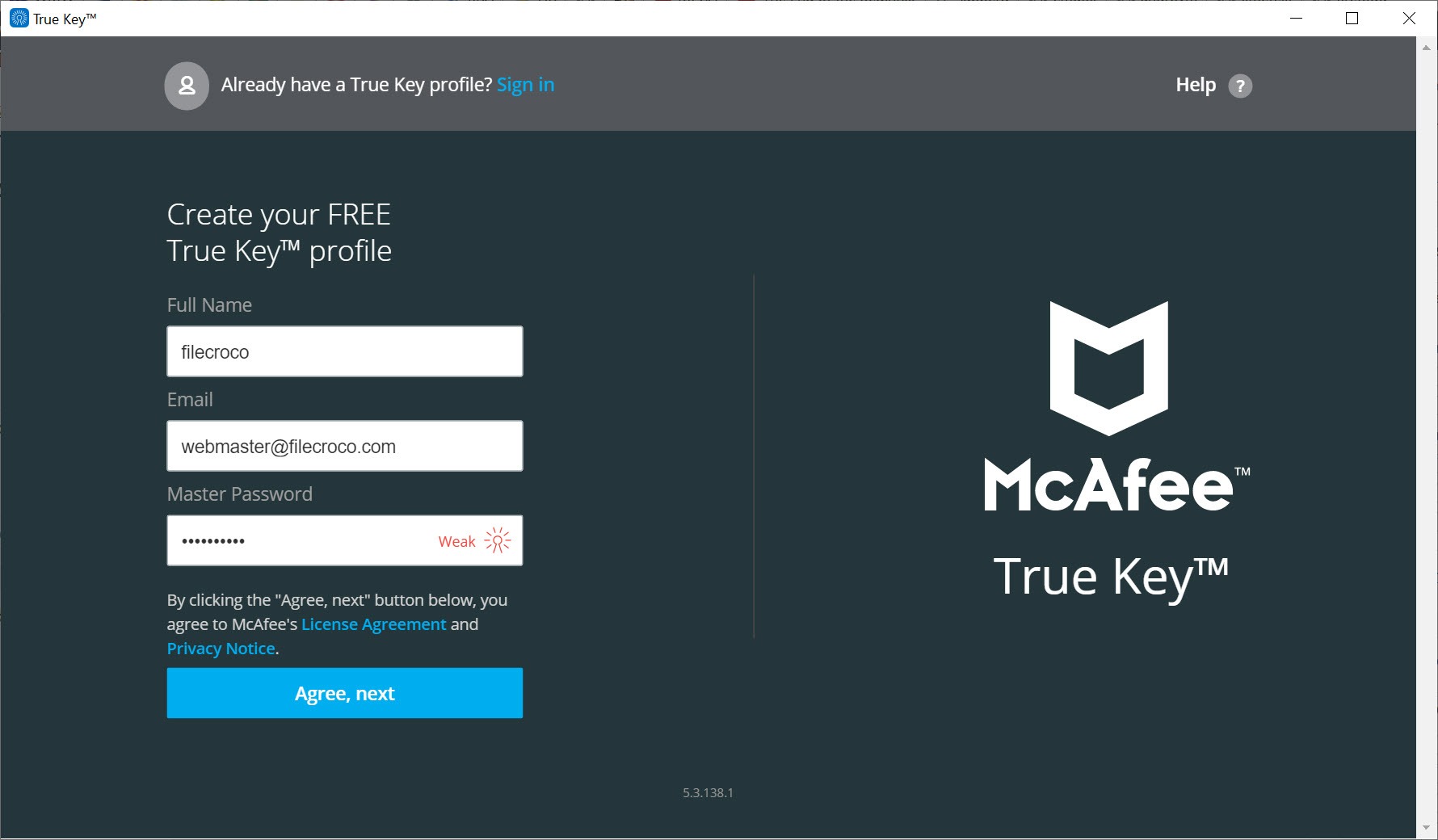
You can sign in using a master password along with a second factor, such as a trusted device, fingerprint, or email link. This multi-factor setup enhances protection without adding complexity.
Streamlined Autofill and Password Generator
When you log in to a new website, True Key offers to save your credentials automatically. It then fills usernames and passwords on future visits without prompting.
Although it doesn’t autofill payment or address details, it includes a built-in password generator to help you create strong, secure passwords on demand.
Cross-Device Sync and Secure Storage
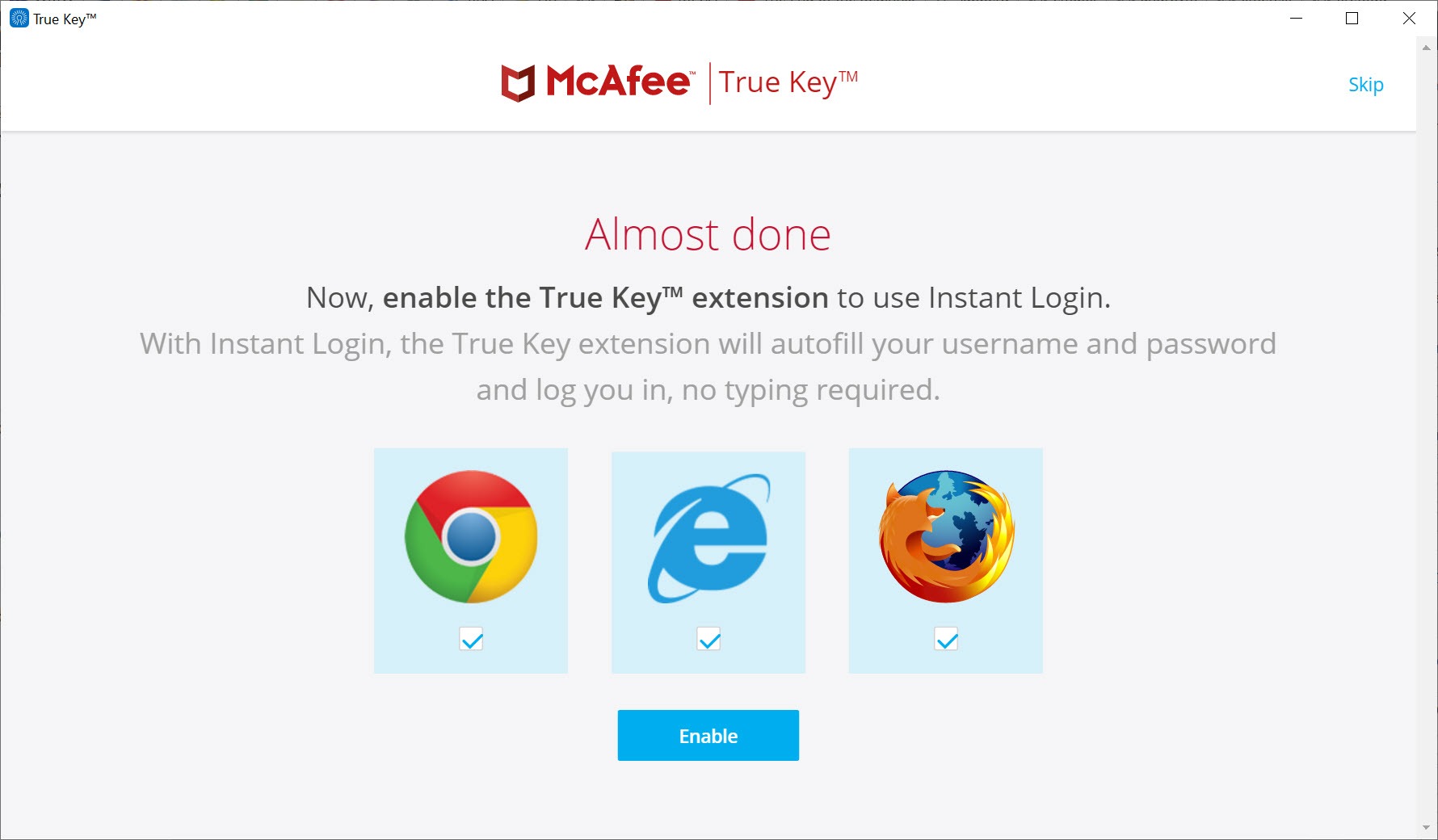
This software supports syncing across Windows, macOS, iOS, Android, and major browsers like Chrome, Firefox, Edge, and Safari. It lets you store more than just passwords: secure notes, credit card details, and identity documents are also supported.
All stored information is encrypted before it leaves your device, providing peace of mind for multi-device use.
Transparent Plans and Basic Security Tools
The free version allows storage of up to 15 logins, which is suitable for light users. The Premium version, often bundled with McAfee Essential plans, offers unlimited storage and enhanced sync features.
While True Key provides solid core security with AES-256 encryption and multi-factor login, it lacks some advanced features like password health reports, secure sharing, or breach monitoring.
Conclusion
True Key offers a clean, secure password management experience with key essentials like multi-factor login, auto-save, and strong encryption. It’s well-suited for users who want simplicity and solid security in one package.
For those who need more advanced features, however, such as breach alerts or in-depth password health monitoring, alternative managers may be more suitable. Nonetheless, True Key delivers dependable performance for managing your logins securely and easily.
Pros & Cons
- Automatic capture and autofill of logins
- Strong AES-256 encryption and multi-factor authentication
- Cross-platform sync including mobile, desktop, and browser integration
- Password generator and storage for secure notes and cards
- Clean interface that simplifies access while maintaining security
- Free version supports only 15 stored passwords
- Does not autofill payment or address forms
- No password sharing or password health analysis tools
- Browser extensions require opening a full portal rather than inline popups
- Some inconsistencies in two-factor setup have been reported
Frequently asked questions
No, autofill is limited to usernames and passwords only.
Yes, it supports syncing across a range of platforms and browsers.
Yes, it allows logins through trusted devices, fingerprints, email links, and Windows Hello.


