

Password Safe
About Password Safe
Password Safe is a desktop vault for credentials. You create an encrypted database file, set a master password to unlock it, and from then on every login, license key, secure note, or random scrap of confidential text you want to remember lives inside that single encrypted blob. Open the file, type the master password, copy the credentials you need into whatever form is waiting, and close it again. The model is deliberately simple and has not changed much in concept since the application first appeared.
What makes Password Safe worth a closer look in a field crowded with subscription services is that it is fully local. There is no cloud account, no recovery email tied to a vendor, no sync server holding your encrypted blob. The database is a file on your disk. You decide if it lives on the local drive, on a USB stick, or in a folder that some other utility happens to synchronize for you. The application does not phone anywhere and has no telemetry to send.
For anyone who treats password manager breaches as a “when not if” problem, that local-only posture is the entire point.
The encrypted database format
The vault is stored in a single .psafe3 file. Inside, every entry is encrypted with Twofish in CBC mode using a key derived from your master password through a stretched key derivation function. The key derivation iterations are configurable, so on modern hardware you can crank them up to make a brute-force attempt against a stolen database genuinely slow.
The file also includes an HMAC for integrity, meaning a tampered or partially corrupted database is detected at open time rather than silently producing garbage.
Twofish was a finalist in the AES competition and remains a respected cipher even though Rijndael got the AES title. Choosing Twofish over AES is a small but deliberate design call. Most other vaults use AES-256, so if you ever read about a theoretical weakness in AES, your Password Safe database is on a different cipher.
The practical risk difference is negligible (both ciphers are unbroken), but the diversification has value for anyone thinking about long-term storage.
The vault interface and how entries are organized
The main window is a tree view on the left for groups and subgroups, with a list of entries on the right. You can nest groups arbitrarily deep, which matters once a vault grows past a hundred entries and the flat list approach used by some web-first managers starts to fall apart.
Drag entries between groups, rename them, search across all fields with a single keystroke. There is no inline editor, you double-click an entry and a small dialog opens with separate fields for title, username, password, URL, email, notes, and a few autotype settings.
The autotype feature is the part most new users miss. Set an autotype string on an entry (the default is username, tab, password, enter) and Password Safe will type those credentials into whichever window is active when you trigger it. This sidesteps the browser autofill problem entirely. The application does not need a browser extension because it talks to the system at the keyboard level.
The trade-off is that autotype works for any application that accepts keyboard input, including legacy Windows software and remote desktop sessions where browser-extension managers like True Key simply do not function.
Password generation that actually thinks about policy
Every password manager has a generator. What makes the one here noteworthy is the policy editor. You can define multiple named policies (one for sites that allow long passphrases, one for legacy systems that cap at sixteen characters and reject symbols, one for PIN-only inputs) and attach a policy to each entry. When you generate a new password for that entry, it follows the right rules automatically. No more pasting an eighteen-character generated password into a bank login that only accepts alphanumeric and silently truncates.
The generator can produce traditional random strings or readable passphrases using a built-in word list.
The passphrase mode is fine but the wordlist is shorter than what dedicated password generator utilities ship with, so for diceware-style high-entropy passphrases you might want to look elsewhere.
Sync and multi-device through your own means
This is where the local-only model meets reality. The application has no built-in sync. If you want your vault on a second machine, you copy the database file there. If you want it on your phone, third-party readers can open the format. The official answer is to put the encrypted file in whatever folder a sync service of your choice happens to watch (a cloud drive, a self-hosted Syncthing folder, a Git repository), and let that handle propagation. Because the file is already encrypted with your master password, syncing through an untrusted service is reasonable from a security standpoint, though you do need to handle conflict resolution if two machines write to the vault at once.
For anyone wanting a similar local-first approach with a slightly different sync story, KeePass is the obvious comparison, and there is overlap in philosophy. KeeWeb offers a more modern interface around the KeePass format.
Buttercup is another open-source vault that includes its own cross-device sync helpers. The choice between them is mostly about which interface and database format you prefer, because the underlying cryptographic model is similar across the lot.
The features that are genuinely missing
There is no browser integration. None. No extension that fills login forms in Chrome, Firefox, or any other browser. The official position is that browser-resident autofill is a security risk because the credentials cross from the vault into the browser process. That argument has merit, but it also means the daily workflow involves keyboard shortcuts and autotype rather than the seamless one-click experience users coming from a cloud service expect.
There is no built-in two-factor authentication storage. Some vaults store TOTP seeds alongside the password for the same account. Password Safe does not. For TOTP codes you need a separate authenticator like WinAuth or a phone app. Whether this is a feature or a flaw depends on your threat model. Storing the second factor in the same vault as the first factor reduces 2FA to one factor if the vault is compromised, so the separation is defensible. It is just less convenient.
There is also no shared vault or team-credential workflow. The application assumes a single user with a single database. Sharing a password with someone means exporting the entry, sending it through some secure channel, and importing on the other end.
For a personal vault this is fine. For a small business managing shared service accounts, this becomes friction that pushes people toward team-oriented managers.
Limitations and quirks worth knowing
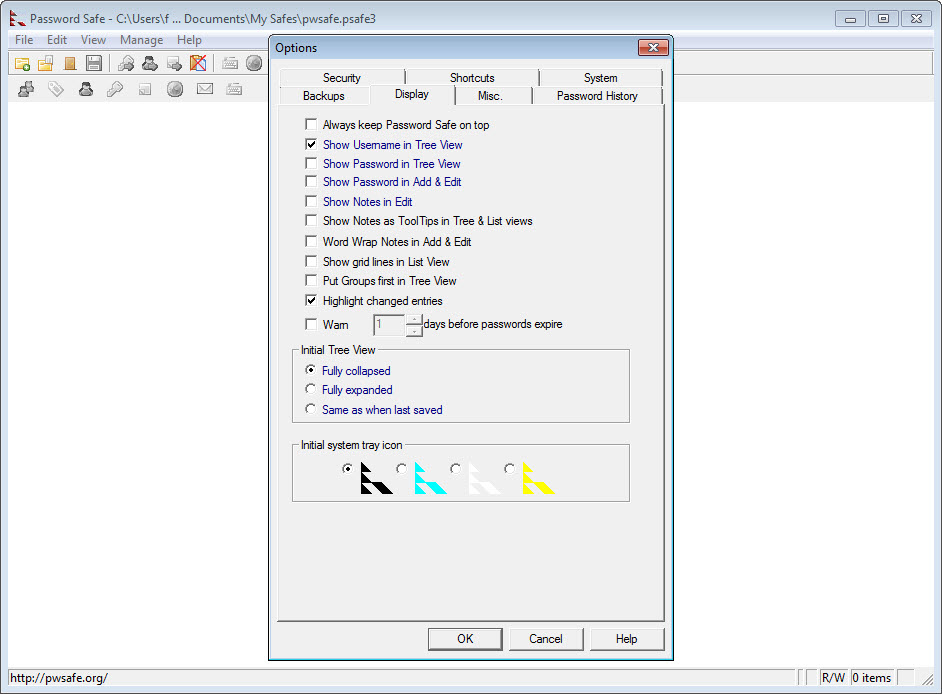
The interface looks dated, and that is being polite. It is functional, fast, and does not waste pixels, but it predates the visual conventions of every modern application you have used recently. Dialog boxes are small, font scaling on high-DPI displays is acceptable but not perfect, and the icon set is plain. If interface polish matters to you, this will rub the wrong way every time you open the application.
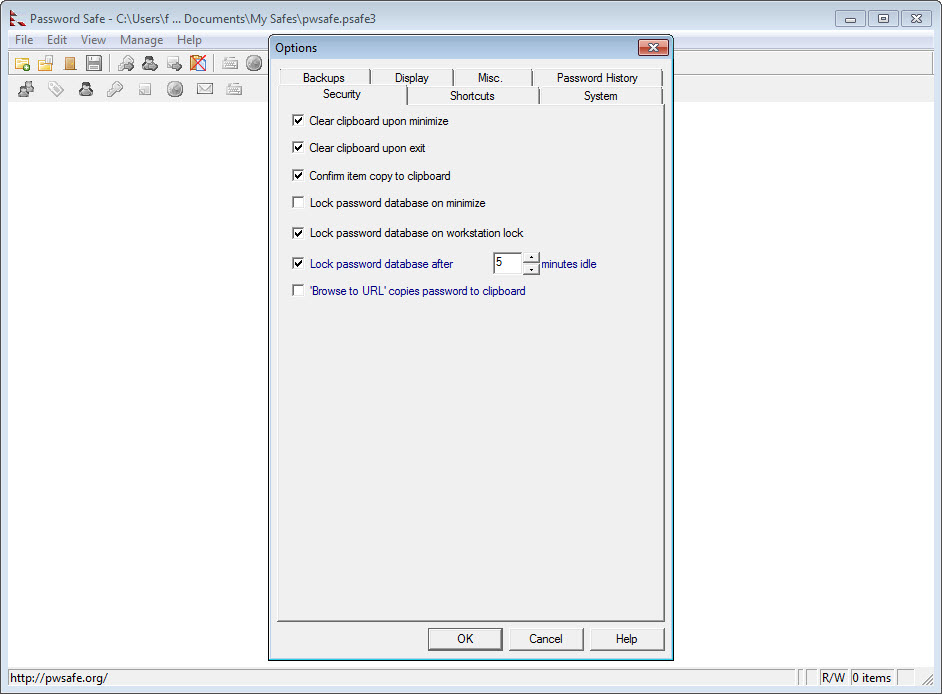
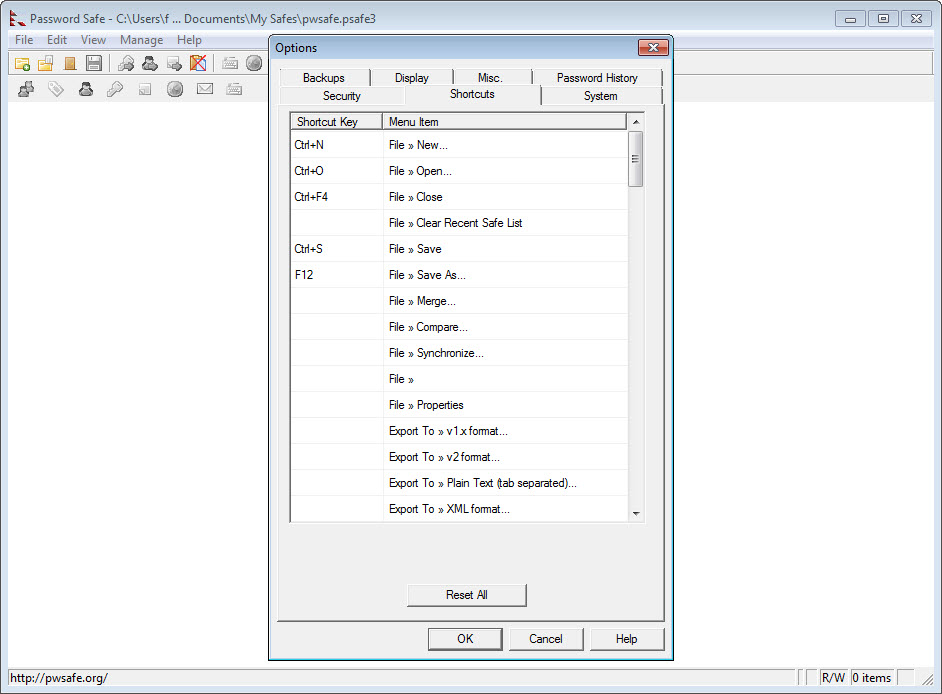
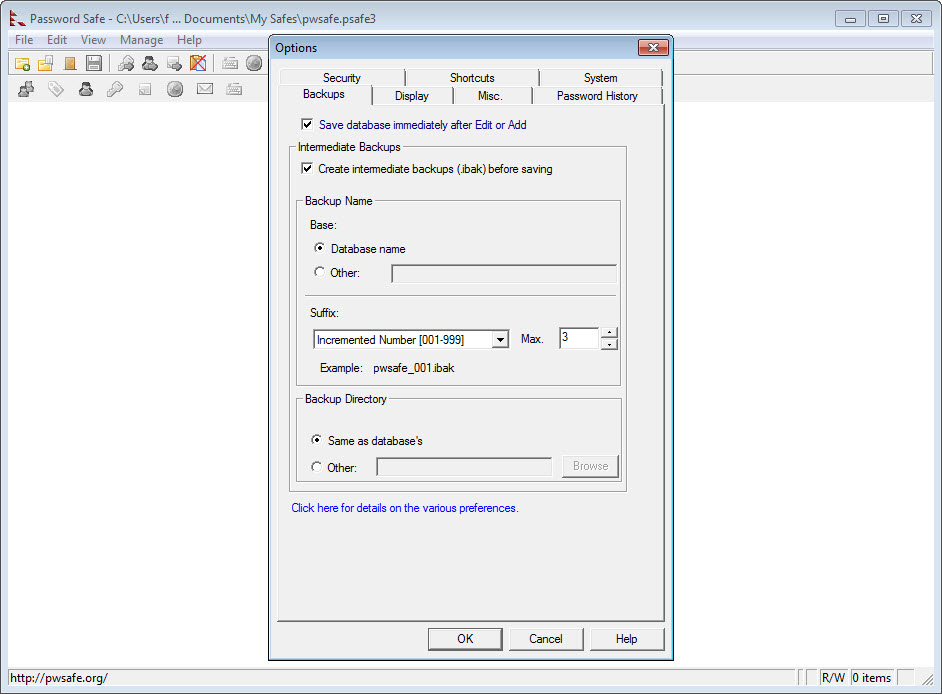
The search is exact-match by default rather than fuzzy. If you remember the URL but not the exact title you gave the entry, you may need to flip search modes to find it. Keyboard shortcuts are extensive but not configurable in any deep sense. And the database, while extremely stable, does not version-control itself. If you delete an entry by accident and save the file, that entry is gone unless you have a backup of the .psafe3.
Conclusion
Password Safe is the right tool for someone who genuinely wants a password manager that does not talk to anyone but their own disk. Privacy-conscious users, people who have been burned by a cloud-service breach, anyone working on offline or air-gapped machines, and the slice of users who simply prefer file-based tools over service-based ones will find it a comfortable fit. The encryption is solid, the database format is durable, and the autotype workflow becomes second nature after a week.
The catch is that everything outside that core feels like the application is asking you to do the work yourself. You handle sync. You handle mobile access. You handle 2FA in a separate utility. You live with an interface that has aged. If you want a vault that holds your passwords, syncs to your phone, fills forms in your browser, and gives you a recovery option when you lock yourself out, you are looking for something else entirely.
If you want a vault that holds your passwords and nothing more, in a file that you control completely, this is one of the better answers on the platform.
Pros & Cons
- Fully local vault with no cloud account, no telemetry, no recovery server
- Single encrypted file is easy to back up, sync through your own means, or store offline
- Twofish encryption with configurable key derivation iterations and HMAC integrity checking
- Named password policies attached per entry handle sites with weird character rules cleanly
- Autotype works in any application that accepts keyboard input, not just browsers
- Searches and filters a vault with hundreds of entries instantly without lag
- Open source, with the source code available for audit
- No browser extension and no autofill in web forms beyond the autotype workaround
- No built-in TOTP storage for two-factor codes, you need a separate authenticator
- No native sync, multi-device requires putting the file in a synced folder yourself
- Interface looks and feels like an older Windows application throughout
- No shared vault or team workflow, the assumption is single-user
- Search is exact-match by default, fuzzy search is not the default behavior
Frequently asked questions
Encrypted entries containing usernames, passwords, URLs, email addresses, notes, and any extra fields you add. Anything text-based you want to keep behind a master password can go in. Files and binary attachments are not stored, only structured text data.
The database file uses Twofish in CBC mode with a key derived from your master password. The number of key derivation iterations is configurable to raise the cost of brute-force attempts. An HMAC protects against tampering, so a modified database is detected when you open it.
Not by itself. The application is local-only. To use the same vault on multiple machines you put the encrypted file in a folder that is synchronized by some other service (a cloud drive, a self-hosted sync tool, a Git repository) and let that handle propagation.
By design. Credentials never cross from the vault into a browser process, which closes one class of attack. The trade-off is that you fill forms using autotype or copy-paste rather than one-click autofill. For some users this is non-negotiable security, for others it is daily friction.
No. There is no TOTP support built in. You will need a separate authenticator application for those codes. Some people consider this a feature because storing both factors in the same vault collapses 2FA into 1FA if the vault is breached.
The vault becomes unreadable. There is no recovery, no reset, no support email that can help. This is the consequence of having no cloud account. Back up your vault, write the master password down somewhere safe, or both.
Yes, but not with this application directly. There are third-party readers for the .psafe3 format on mobile platforms that can open a vault for reading. Writing back to the same vault from a phone is doable but is where you need to think carefully about conflict resolution if you also edit on the desktop.


