

Tftpd
About Tftpd
A network device that will not start needs its firmware pushed to it before it can do anything else, and the protocol its bootloader speaks is the simplest one that exists. Tftpd provides a server for that protocol in a program small enough to carry on a stick, along with the other services the same situations call for.
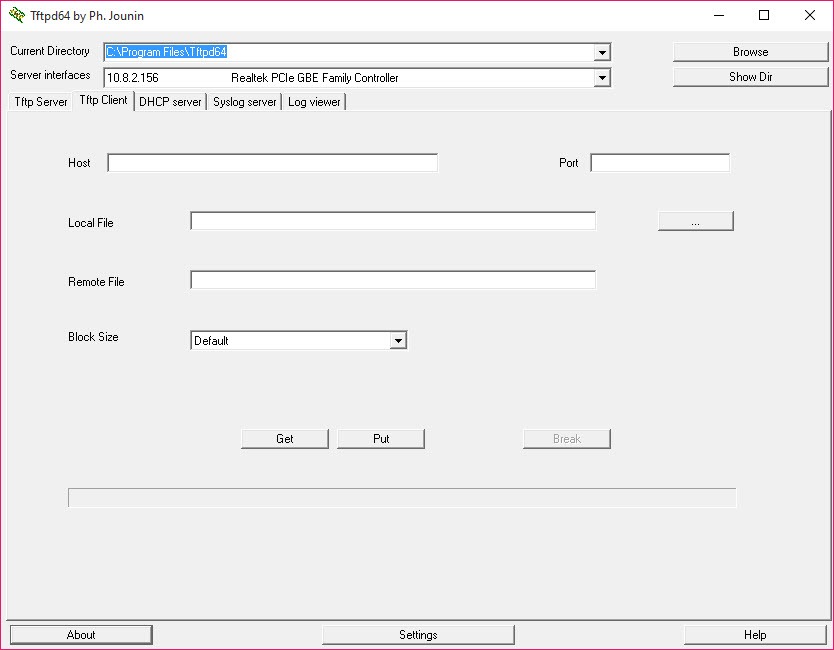
Beyond the transfer server, Tftpd carries an address assignment server, a name server, a time server and a logging server, plus a client for the same transfer protocol.
The Tftpd collection looks arbitrary and is not. Reviving a device, booting a machine over the network or capturing what a switch is complaining about all need two or three of those at once.
Why the transfer fails on every server you try
Here is the Tftpd finding worth the whole article, because somebody tested five different programs before working it out.
Recent bootloaders on certain network hardware attempt to negotiate transfer options, meaning the timeout and the size of each block, and get the negotiation wrong. The transfer then fails regardless of which server software you use, which sends people through every alternative in turn.
The fix is in the transfer settings, where option negotiation can be switched off entirely. With it disabled the transfer completes normally, because the server stops trying to agree terms with a bootloader that cannot agree them properly.
That single setting resolves a failure that otherwise looks like faulty hardware or a corrupt file, and it is the reason to keep this particular server rather than any other.
The firewall stops it, every time
The other universal Tftpd cause, and the advice comes with a reminder attached.
The protocol uses a port that protection software blocks by default, so the device sends its request and nothing answers. People who have fought this for years describe the solution as turning the firewall off, completing the transfer, and turning it back on.
That last clause matters. A firewall disabled for a recovery and forgotten afterwards is a worse outcome than a failed transfer, and the people passing this advice around say so explicitly.
The considered version is an exception for this program rather than disabling everything, and simplewall is where such a rule is added and removed deliberately.
There are no passwords, by design
Understanding the protocol explains how to run Tftpd rather than being a warning about it.
This transfer protocol has no concept of accounts or authentication. Its own documentation states the consequence plainly, which is that access extends to every user on every machine that can reach it across the network.
That is not a flaw, it is what makes the protocol simple enough for a bootloader with a few kilobytes of code to implement. A device that has lost its firmware cannot negotiate credentials.
The operational conclusion follows directly. Start the server when you need it, point it at a folder containing only what you intend to serve, and stop it when the job is done. Running it permanently on a general network is the thing to avoid, and running it on a cable between your machine and the device is the arrangement that makes the question moot.
The address server is the part that breaks networks
The Tftpd component to handle carefully, because the failure affects everybody rather than you.
Assigning addresses is how devices join a network, and a network expects one authority doing that. Starting a second one puts two sources of addresses on the same network, and machines then receive conflicting information depending on which answered first.
On a home or office network already handing out addresses, that produces an outage where nobody can reach anything and the cause is not obvious.
So the address server is for the isolated case, meaning a cable between your machine and the device, or a network segment with nothing else on it. That is exactly the situation device recovery creates, which is why it is bundled.
For checking what is actually on a network before starting anything, Advanced IP Scanner sweeps a range and lists what answered.
The recovery procedure itself
The steps are consistent across manufacturers, and knowing the outline saves guessing.
Set a fixed address on your machine, in the range the device expects, since nothing is assigning addresses at that moment. Name the firmware file exactly what the bootloader looks for, which is model-specific and unforgiving.
Connect directly by cable rather than through a switch or wireless, point the server at the folder holding the file, then power the device on while holding its reset control.
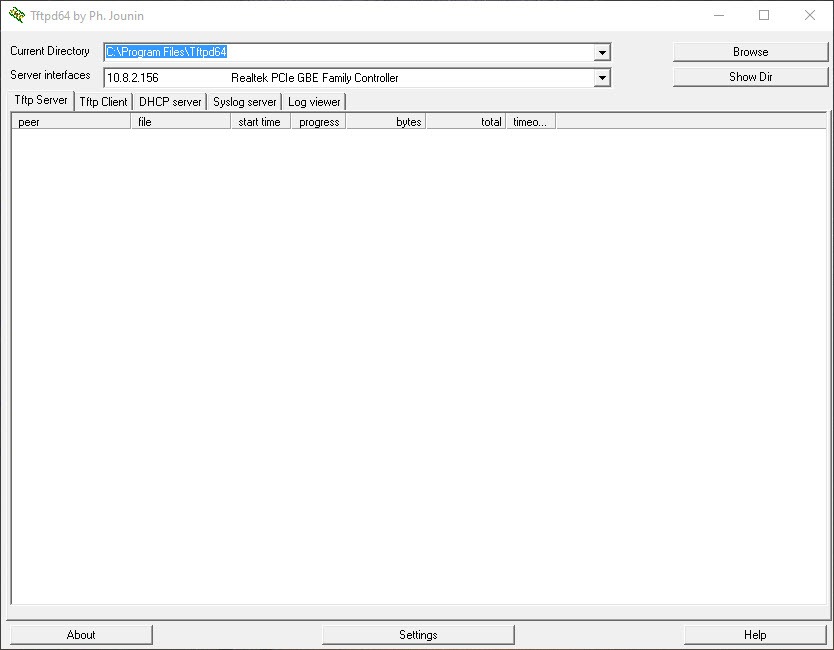
The log window is where you find out whether the device asked for anything at all, which distinguishes a device that is not requesting from a transfer that is failing. Those are different problems with different causes.
Some manufacturers’ firmware files need their proprietary headers removed before a bootloader will accept them, which is a device-specific trap that looks identical to a corrupt download.
The logging server, for a different job entirely
The Tftpd component people install it for without ever touching the transfer side.
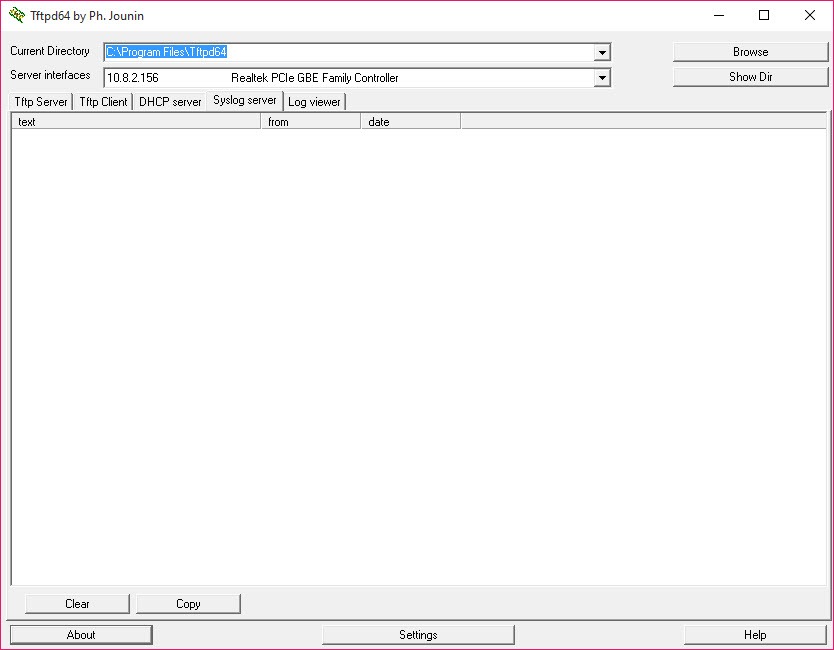
Network equipment reports its problems to a logging server rather than storing them, so a switch or a router complaining about something has nowhere to complain unless one exists. Starting this one gives it somewhere, and the messages arrive in a window.
That turns an intermittent network fault into something with a timestamp and a description, which is the difference between guessing and diagnosing.
For examining the traffic itself rather than what devices say about it, an analyser that shows every packet crossing the wire is the next step.
Conclusion
Tftpd is the program network technicians keep on a stick, because the situations it covers are the ones where nothing else works. A device with no firmware, a machine booting over the network and a switch with something to report all need these services, and having them in one small program rather than three installations is the whole point.
Two things will save you an evening. Protection software blocks the protocol by default and is behind most failed first attempts, and where a transfer fails on every server you try, switching off option negotiation is the setting that fixes what looks like broken hardware.
Pros & Cons
- Option negotiation can be disabled, which fixes transfers nothing else completes
- Address assignment, naming, time and logging servers alongside the transfer server
- Runs from a folder, with a service arrangement available for permanent use
- Log window distinguishes a device that never asked from a transfer that failed
- Interface filtering restricts which network connection it answers on
- Small, free and long established, so answers to most problems exist publicly
- Protection software blocks the protocol by default, which stops most first attempts
- The protocol has no authentication, so the folder you point it at is exposed
- Running the address server on a live network causes outages for everyone
- Some settings require running with administrative rights to be retained
- Aimed at people recovering devices rather than at general file transfer
Frequently asked questions
Because some bootloaders negotiate transfer options incorrectly. Switching option negotiation off in the transfer settings resolves it, which is the fix somebody found after testing five different servers.
It blocks the protocol by default, so something has to change. An exception for this program is better than disabling everything, and anybody who does disable it should remember to turn it back on afterwards.
Yes. The protocol has no passwords by design, so anything in the folder you point it at is reachable while the server runs. Starting it for the job and stopping it afterwards is how people use it.
No. A second source of addresses on a network that already has one causes conflicts affecting every device. It is meant for a direct cable or an isolated segment, which is what device recovery uses.


