

StrongVPN
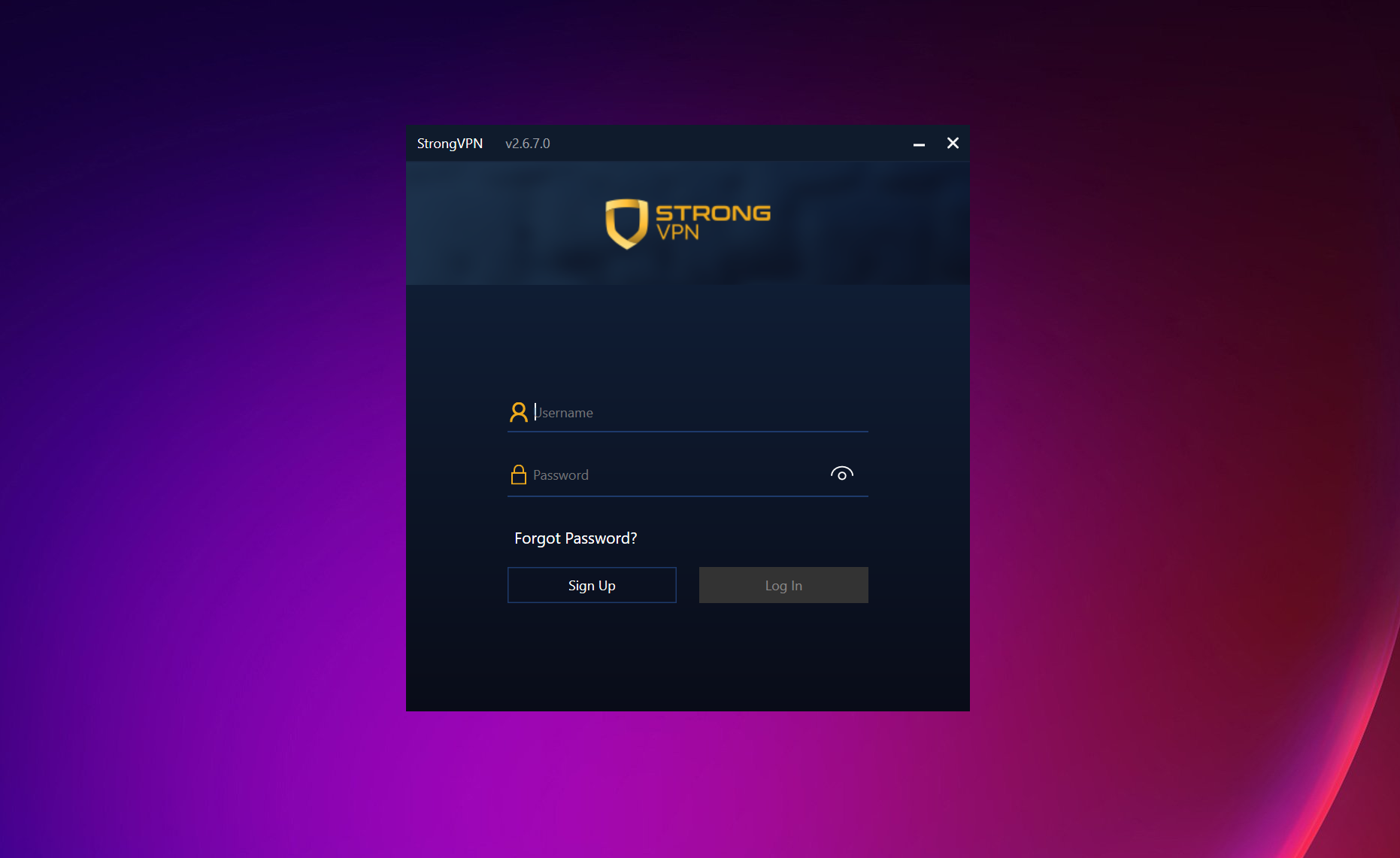
About StrongVPN
StrongVPN is a plain VPN that does the core job and little else. Open the app, pick a country or let it choose the best available location, press the button, and your traffic travels through an encrypted tunnel to one of more than nine hundred servers in thirty-odd countries. It runs the current WireGuard protocol for speed, with OpenVPN and IKEv2 as alternatives, encrypts with the standard AES-256, and keeps no logs of what passes through, by its own policy. A kill switch on the desktop app cuts your connection if the tunnel drops. One account covers a dozen devices at once.
That is almost the whole feature list, and the brevity is the point as much as the limit. StrongVPN has no multi-hop servers, no ad blocker beyond a basic one, no browser extensions and no inverse split tunnelling. Several of the features it does have exist only on some of its apps, which is the complaint reviewers raise most often.
It also has an obfuscation mode for networks that block VPN traffic, and a smart DNS feature for streaming devices that cannot run a VPN at all. The sections below cover the connection, the protections, the two features that depend on which app you use, the extras, and where the service lags the leaders.
Connecting, and the servers behind it
The main StrongVPN screen is a connect button and a location. Best Available Location picks the fastest nearby server automatically, which is what most people want most of the time. The server list runs alphabetically by country with a search box and city-level choices where a country has several, and favourites pin the ones you return to. Connect on launch and auto-reconnect are both there in the settings.
One habit of the app irritates. You cannot switch servers while connected. Disconnect first, pick the new location, connect again. It is a small thing that other apps handle in one click, and it comes up in every hands-on review. The network itself is modest, with more than nine hundred servers in a little over thirty countries, enough for ordinary use and thin beside services that count their countries in the hundreds.
Protocols and encryption
WireGuard is the StrongVPN default and the right choice. It is the modern protocol, lean and quick, and reviewers who measured it on a home connection found it kept most of the line’s speed. OpenVPN remains for networks where WireGuard is blocked, with its TCP mode as the stubborn fallback, and IKEv2 is there for the mobile apps, where it reconnects cleanly as a phone moves between networks.
Encryption is AES-256 on the OpenVPN side and the ChaCha20 cipher that WireGuard uses by design. DNS requests go through the tunnel, so the usual leak tests come back clean, and the desktop app blocks the alternative IPv6 route by default. For a hands-on client that exposes every one of these settings, the open-source VPN client is the raw tool this app wraps in a button.
The kill switch, and where it lives
The StrongVPN kill switch stops traffic leaving the machine if the VPN disconnects, which is the feature that separates a privacy tool from a convenience. On the desktop app it is a tick box in the settings, it passed the reviewers’ drop tests, and it should be on from the first day. The catch is that it is a desktop feature. The mobile apps do not have it, and one reviewer found it unreliable with WireGuard on one desktop platform.
For a laptop that is the whole story, and a good one. For a phone, it means the protection the desktop user takes for granted is missing, and a phone that drops its VPN on a café network falls straight back to the open connection. Anyone whose main device is a phone should weigh that before choosing.
Split tunnelling, and where it does not live
Split tunnelling in StrongVPN lets you choose which apps go through the VPN and which use the normal connection. A banking app that refuses foreign addresses can bypass the tunnel while the browser stays inside it. The service offers it, but only on its app for one mobile platform. The desktop apps have no split tunnelling at all.
That is the second half of the inconsistency reviewers complain about. The desktop user gets the kill switch and no split tunnelling. The mobile user gets split tunnelling and no kill switch. Neither gets both, and anyone who needs both on one device will not find it here. IPVanish, from the same stable, offers split tunnelling on more of its apps, and it is the sibling many of this service’s older customers were moved to.
Scramble, smart DNS and the extras
Scramble is the StrongVPN obfuscation mode. It disguises VPN traffic as ordinary traffic, which is how the service connects on networks that detect and block VPN protocols, and reviewers report it working in heavily filtered countries. It is a desktop feature. Smart DNS is the other extra, a DNS setting for streaming boxes and smart televisions that cannot run a VPN, which routes their location checks through the service without encrypting anything. It is a streaming convenience, not a privacy feature.
A dedicated IP address can be added for people who need the same address every time, and a basic ad and tracker block sits in the settings. The account allows twelve devices connected at once, which is generous, and the apps cover the common desktop and mobile systems plus a television box.
Where it lags the leaders
The StrongVPN no-logs policy has not been independently audited, which the leading services now treat as standard, so its promise rests on the policy alone. The server network is small. The interface is dated, and reviewers describe the kill switch as harder to find than it should be. The platform inconsistencies run through everything. And the speeds, while good over WireGuard, were measured as slow on many servers by at least one reviewer.
None of that makes it a poor VPN for a laptop user who wants an encrypted tunnel, a working kill switch and WireGuard speed with nothing to configure. For an audited no-logs policy and a far larger network, ProtonVPN is the comparison that shows what the extra polish looks like.
Conclusion
StrongVPN suits a laptop user who wants a VPN that connects fast over WireGuard, protects with a kill switch and asks nothing in the way of configuration. It also suits anyone who needs a dozen devices on one account. Scramble and smart DNS add two useful extras for blocked networks and streaming boxes.
It is uneven across its apps, its network is small, and its privacy promise is unaudited. Turn the kill switch on, stay on WireGuard, and know before choosing that a phone will not get the same protection as the laptop.
Pros & Cons
- WireGuard by default, with OpenVPN and IKEv2 as fallbacks
- Kill switch on the desktop app that passed drop tests
- Scramble obfuscation for networks that block VPN traffic
- Smart DNS for streaming devices that cannot run a VPN
- Twelve simultaneous connections on one account
- Best Available Location and favourites for quick connecting
- Kill switch only on desktop, split tunnelling only on one mobile app
- No-logs policy not independently audited
- Cannot switch servers while connected
- Small server network and a dated interface
Frequently asked questions
Yes, on the desktop app, where it is a tick box in the settings and passed reviewers' drop tests. The mobile apps do not have one.
Only on its app for one mobile platform. The desktop apps have no split tunnelling.
WireGuard, which is the default and the fastest. Switch to OpenVPN, or enable Scramble, on networks that block VPN traffic.
Twelve on one account.


