

Skanect
About Skanect
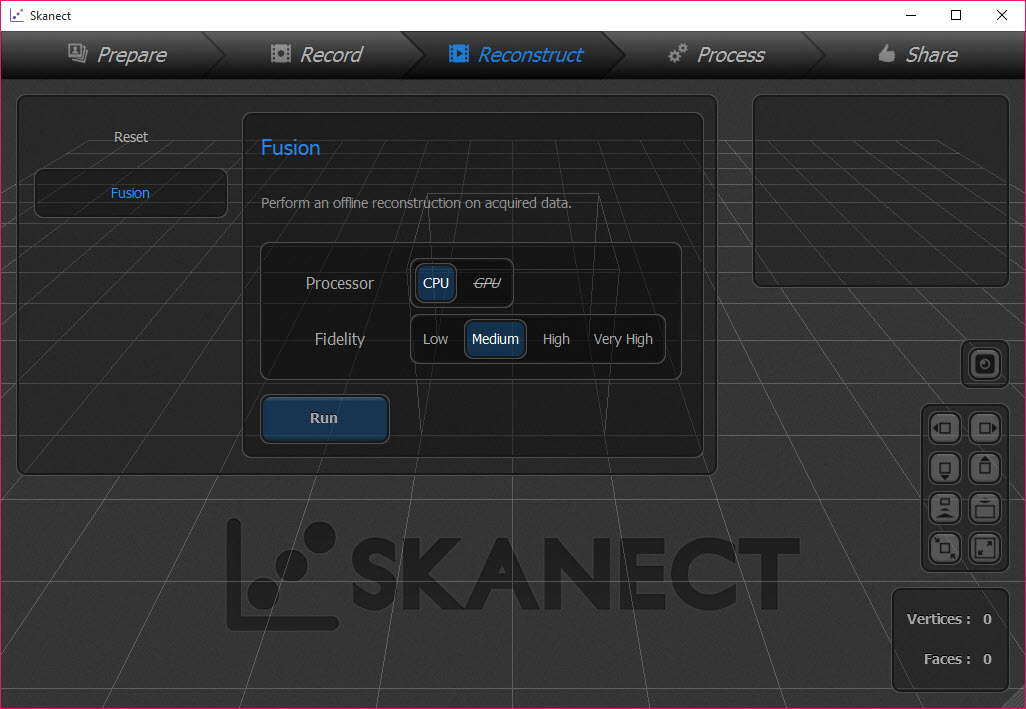
Turning a real object into a 3D model normally means measuring and rebuilding it by hand. Skanect replaces that with waving a depth camera around it while the model assembles itself on screen.
The idea is appealing and it comes with a condition that has to be stated before anything else, because it decides whether the rest of this review is relevant to you at all.
It is half a system, and you supply the other half
Skanect does nothing on its own. It needs a depth-sensing camera attached, and it works with a specific set of them, principally the sensors originally sold for games consoles and the small scanning modules built for tablets.
Those sensors are almost all out of production. Acquiring one means the used market, and checking the exact model is supported before buying, since the two console generations behave differently and neither is interchangeable with the tablet modules.
That requirement is why most people reading this will stop here, and it is not a criticism of the software. For building models by hand rather than capturing them, a full 3D application is the alternative that needs no hardware at all.
Scanning happens live
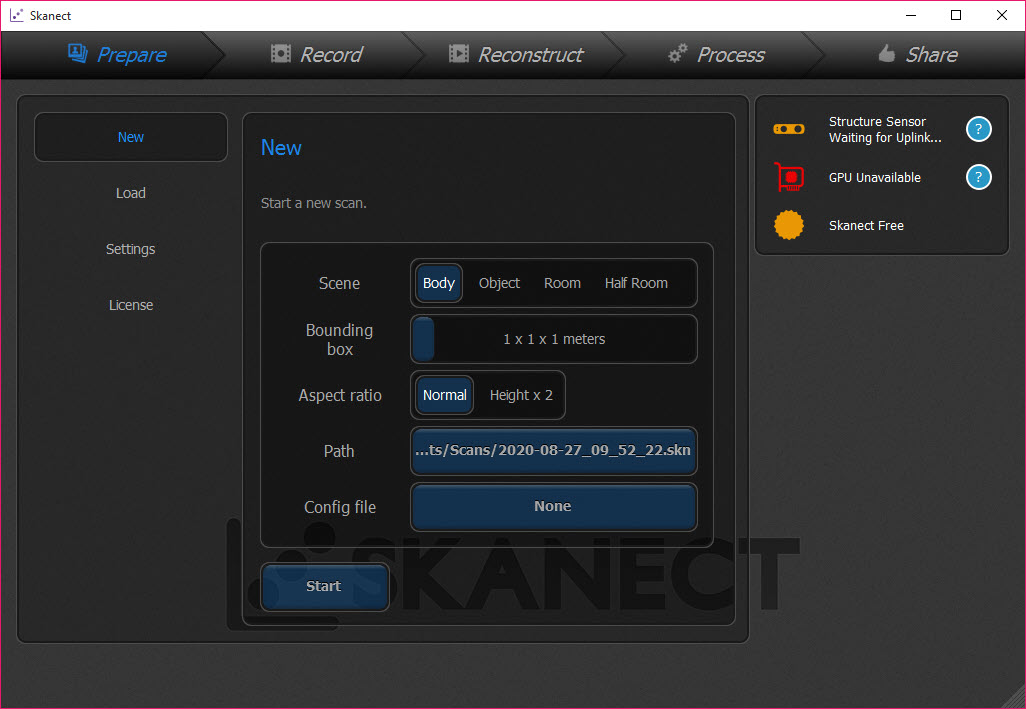
Assuming the hardware is sorted, Skanect is more forgiving than it sounds. You define a bounding box first, setting how large a volume you intend to capture and at what resolution, which constrains the work and keeps the room out of your model.
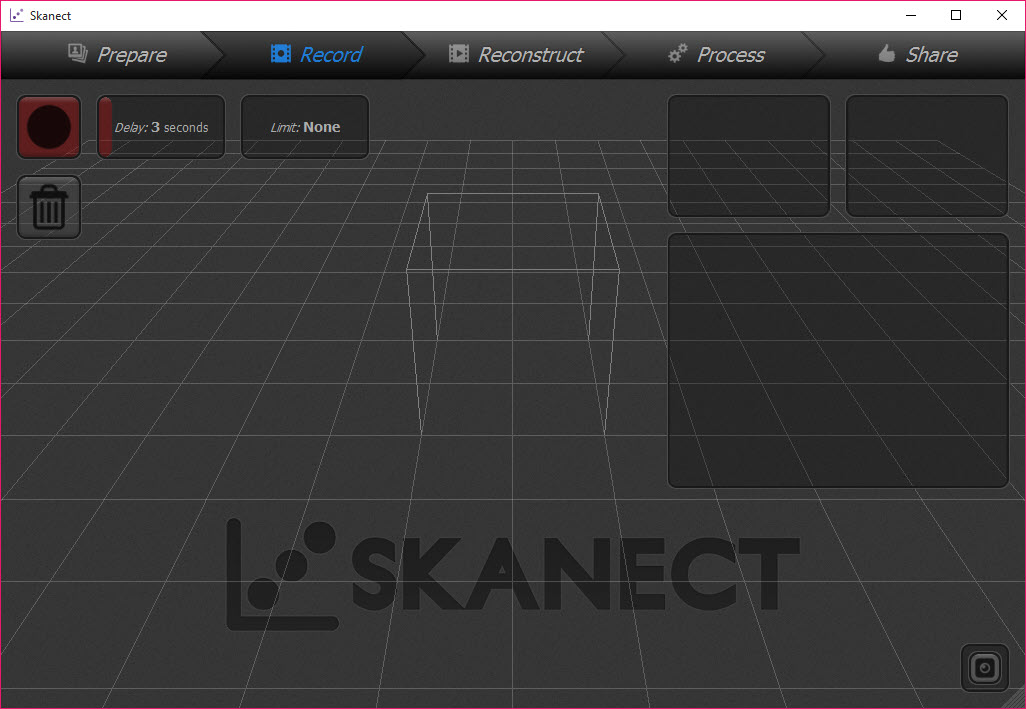
Then you move around the subject while the reconstruction builds on screen. That live feedback makes the whole thing workable, because gaps appear as you create them and you go back over the area rather than discovering the hole after processing.
People are the common subject, scanned by walking around somebody still, or by having them turn on a platform. The turntable gives steadier results because only one thing moves.
Cleaning up what you captured
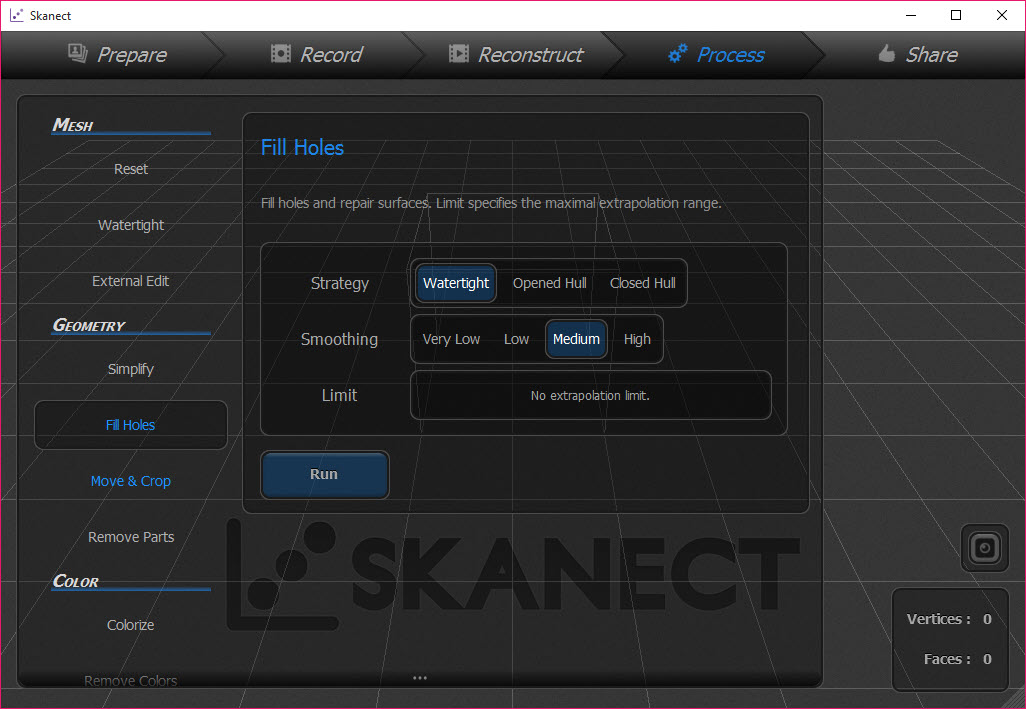
A raw scan is never finished. Skanect includes the repair tools that make the result usable, filling holes where the sensor could not see, removing the isolated fragments that appear around the edges of any capture, and simplifying the mesh down from the dense output the reconstruction produces.
Colour is applied from the camera, so the model arrives textured rather than as bare grey geometry, which matters if the scan is heading for a screen rather than a printer.
For heavier repair work, especially preparing a scan for printing where every hole matters and the mesh must be watertight, Meshmixer is the specialist and handles problems this cannot.
Export, the resolution cap, and what came after
Models leave Skanect in the common exchange formats, covering the plain mesh format, the point and mesh format used in scanning work, the printing format and an older web format.
One restriction shapes everything. The unpaid tier caps how much detail an exported model may contain, and the cap is low enough that a detailed scan arrives noticeably coarser than what you watched being built. For looking at on screen that is tolerable, and for printing something recognisable it often is not, so anybody serious about output is paying for the upgrade.
Once a model is out, Cura prepares it for a printer, and this is where the watertight requirement becomes real rather than theoretical.
The broader point is that the approach itself has been overtaken. Photogrammetry builds a model from ordinary photographs taken with any camera, covers many of the same jobs without special hardware, and is where somebody starting today would begin.
Conclusion
Skanect made 3D scanning approachable at a point when the alternative was industrial equipment, and the live reconstruction remains the right way to do it. Watching a model build as you move around an object, and filling the gaps while you are still standing there, beats capturing blindly and processing afterwards.
The obstacles are hardware and timing. The sensors it needs are no longer made, the free export cap makes serious output impractical, and photogrammetry has since made the whole approach optional. If a supported sensor is sitting in a drawer, this is still the friendliest way to use it. If you are starting from nothing, start with a camera instead.
Pros & Cons
- Live reconstruction shows gaps as they appear, so you can fill them while scanning
- The bounding box constrains the capture volume and keeps surroundings out
- Colour is captured alongside geometry, producing a textured model
- Hole filling, fragment removal and mesh simplification are built in
- Body scanning works either by walking around a subject or with a turntable
- Exports to the common mesh and printing formats
- Useless without a supported depth sensor, most of which are out of production
- The unpaid tier caps exported detail severely, well below what was captured
- Sensor resolution of that generation produces soft results rather than precise ones
- Heavier mesh repair still needs a specialist tool
- Photogrammetry now covers many of the same jobs with an ordinary camera
Frequently asked questions
No. It processes a live depth stream from attached hardware, so without a supported sensor there is nothing for it to do. That requirement is the first thing to settle before considering anything else.
The depth cameras originally sold for games consoles and the compact scanning modules made for tablets. The two console generations differ and are not interchangeable, so check the exact model rather than the family name.
Recognisable rather than precise. The sensors involved capture at a resolution suited to tracking movement rather than measuring objects, so expect a good likeness with soft detail instead of an accurate measurement of a surface.
Not from the unpaid tier, which caps exported detail well below what the reconstruction produced. That limit is the main reason anybody using it for printing ends up paying for the full version.


