

OnTopReplica
About OnTopReplica
Watching something while working means one of two compromises. Shrink the video into a corner where it covers what you are doing, or put it on a second screen you may not have. OnTopReplica offers a third option by cloning a window into a small panel that floats above everything else.
It reflects what is already being drawn
The mechanism explains why OnTopReplica works so well. The desktop compositor already draws a live thumbnail of every open window, which is how the task switcher shows you previews. This program asks for that thumbnail and displays it in a window of its own, so nothing is being captured, encoded or processed.
The consequence is that a replica of a playing video costs essentially no processor time. A capture-based approach would re-encode frames continuously and heat the machine, and ShareX does exactly that when you actually want a recording rather than a view.
Cropping to the part you care about
The feature that turns OnTopReplica from a novelty into something useful is region selection. Rather than mirroring an entire window, you select a rectangle inside it, and the replica shows only that.
The uses follow immediately. A video without the player’s controls and title bar. The progress bar of a long operation without the rest of the dialog. One panel of a chat application rather than the whole thing. A single cell of a spreadsheet that updates while you work elsewhere.
That cropping is what makes a small floating panel worth the screen space, because a shrunken copy of an entire window is usually too small to read while a cropped region of it is not.
Interacting with a reflection
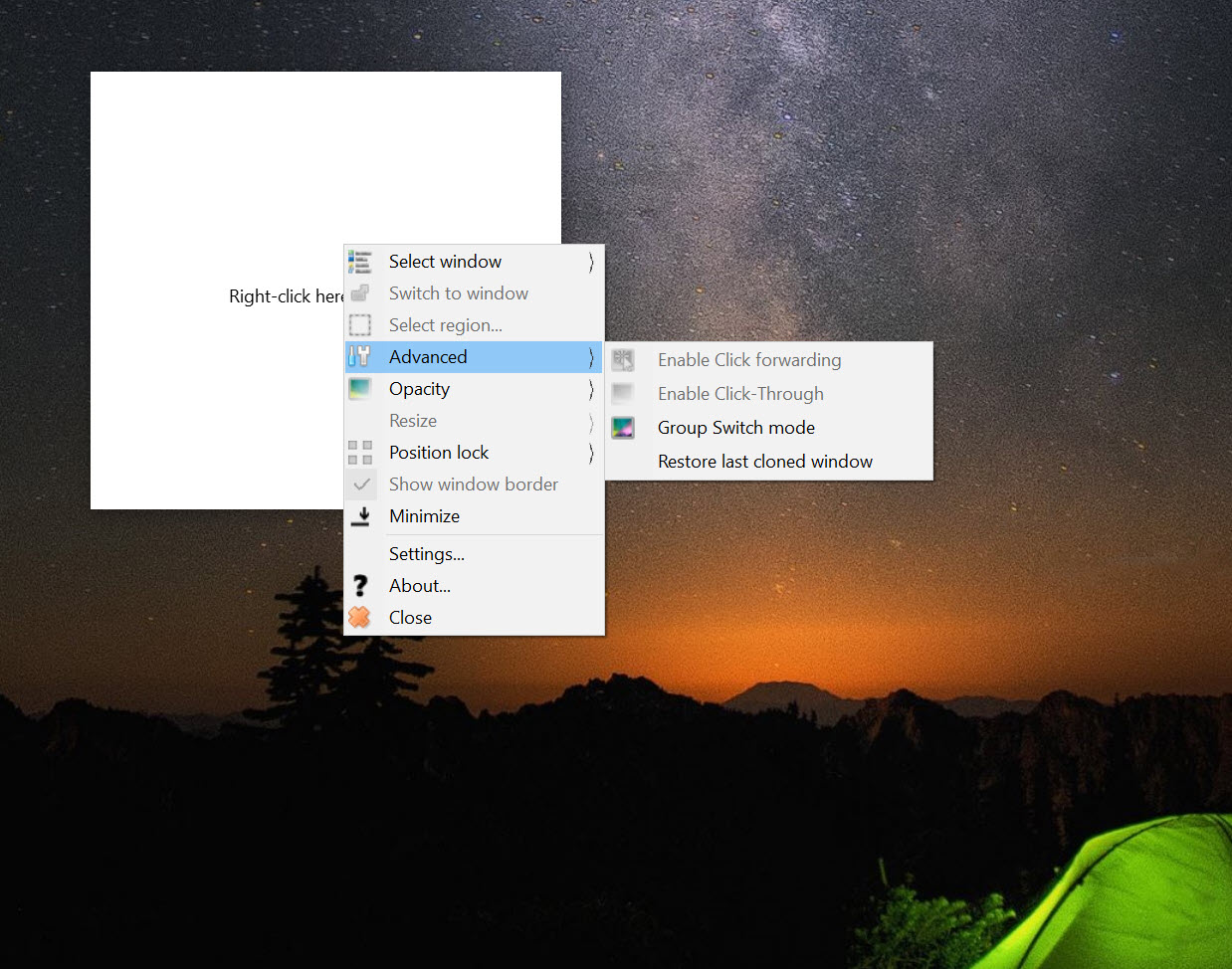
A reflection is normally something you cannot touch, and OnTopReplica solves that with click forwarding. Clicks landing on the replica are passed through to the corresponding position in the source window, so pausing a video or pressing a button works from the small panel without switching away from what you were doing.
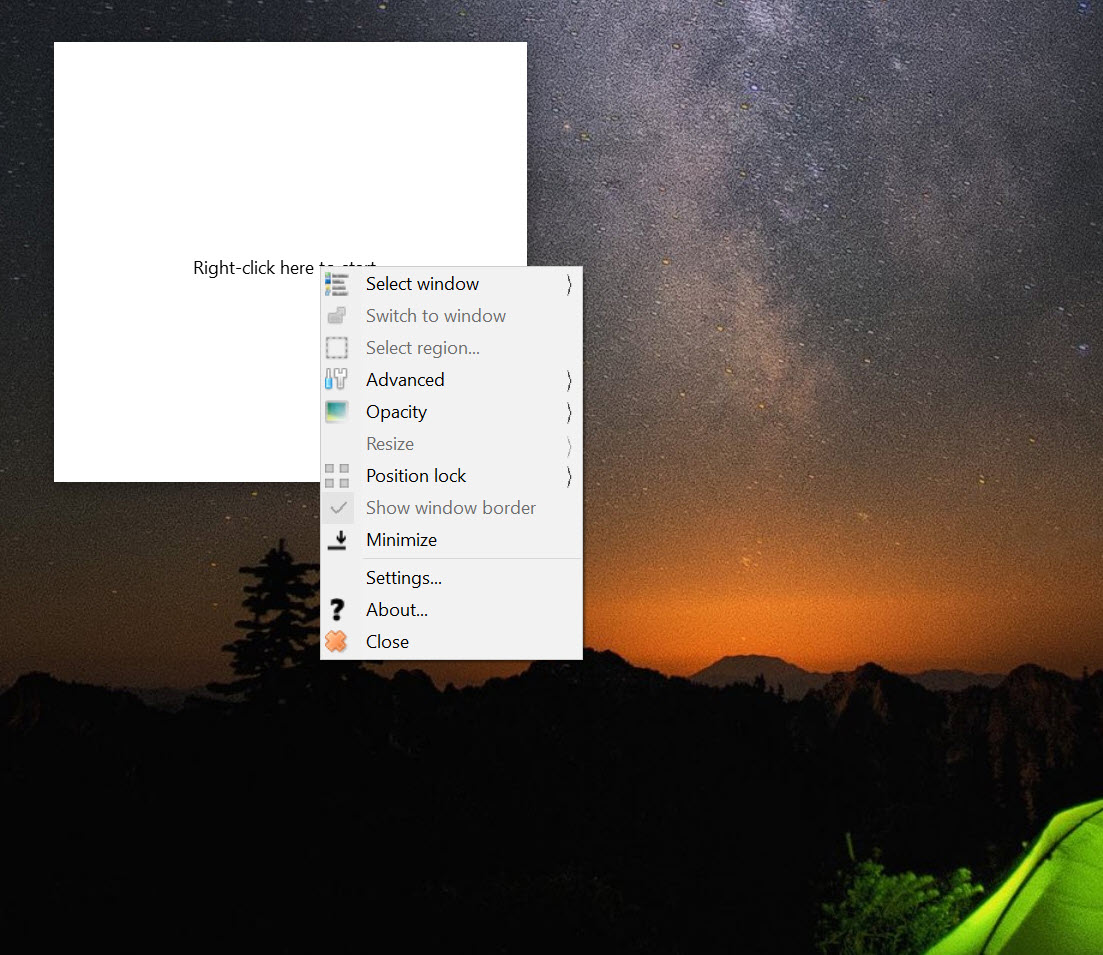
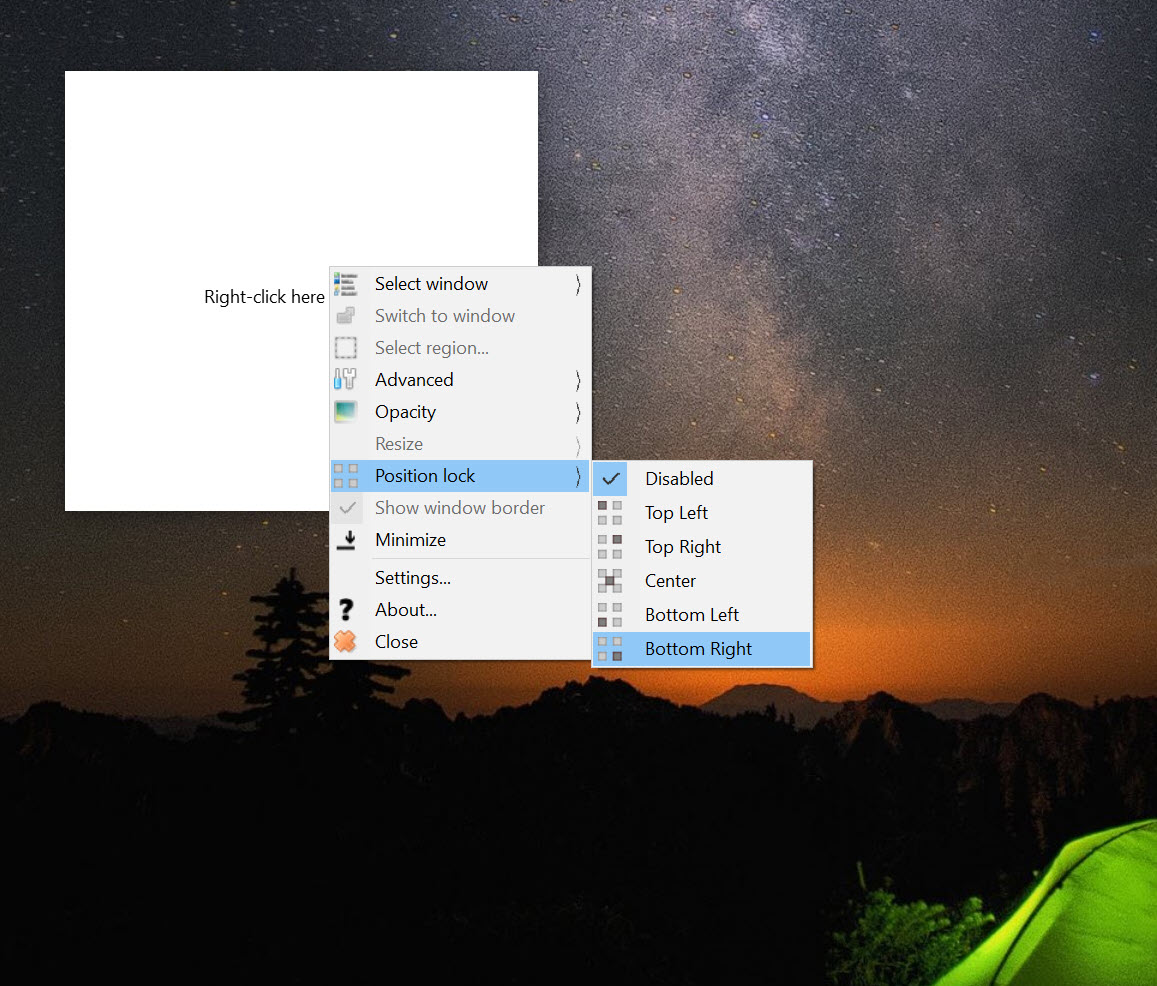
Around that sit the OnTopReplica controls you would expect. Opacity so the panel can be made semi-transparent over your work, resizing with the aspect ratio preserved, positioning in any corner, and a fullscreen mode that throws the replica onto a chosen monitor.
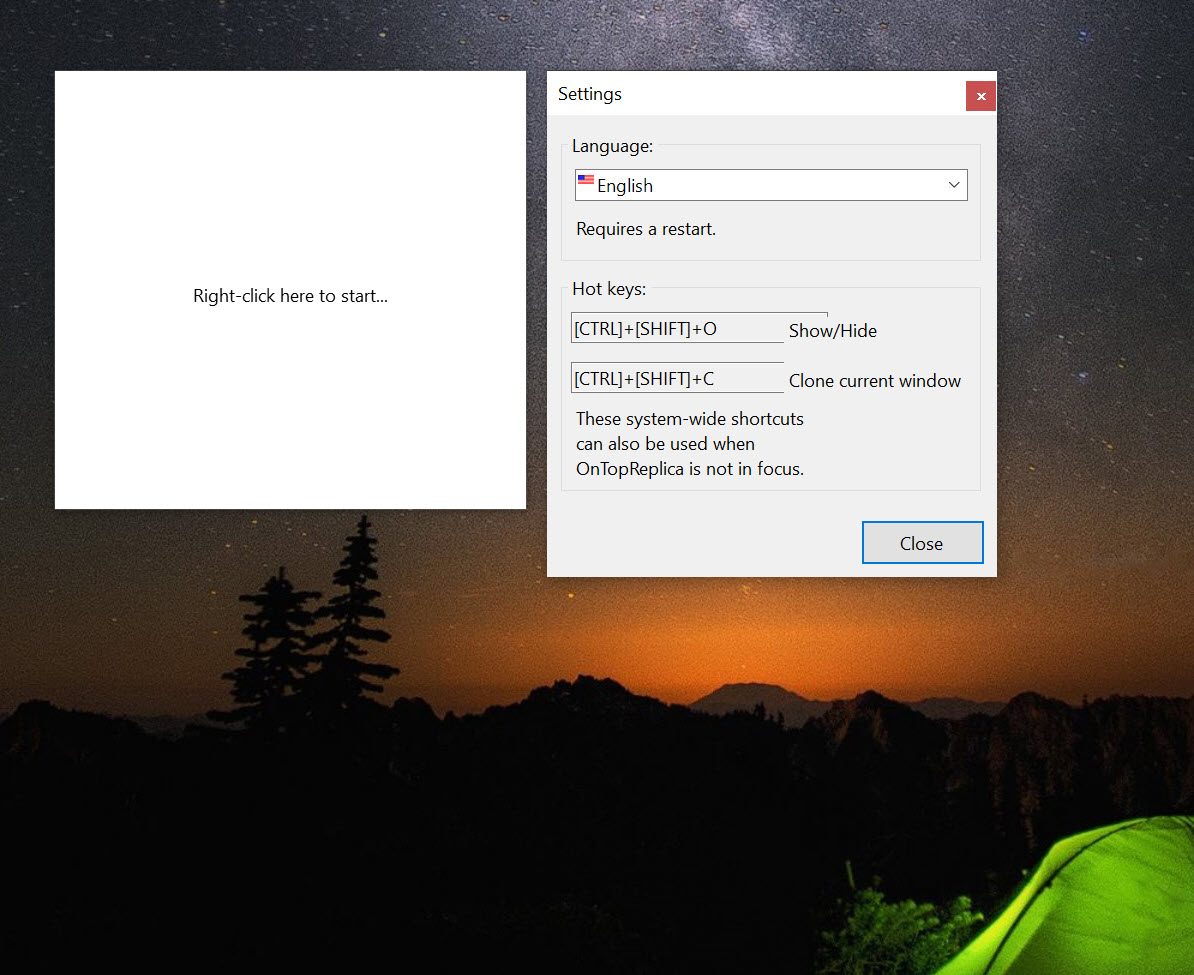
Hotkeys cover the common actions, which matters for something meant to stay out of the way. For simply pinning a real window above the others rather than cloning it, DeskPins does that with a click and is the simpler answer when the whole window is what you want visible.
The constraint that decides everything
Understand this before installing, because it catches everybody once. OnTopReplica reflects rather than copies. The replica shows what the source window is currently drawing, and it has no independent existence.
Minimise the source and the replica goes blank, because a minimised window is not being drawn. Cover the source with another window and, depending on how the system is compositing, the replica may still work or may not. Close the source and the replica has nothing to show.
The other limitation appears with certain content. Applications rendering through hardware paths that bypass normal compositing, and anything with content protection, produce a black rectangle rather than an image. Nothing in the settings changes that, and it is the reason a replica of some players works perfectly while another shows nothing at all.
Where the real need is separating work into contexts rather than watching one thing while doing another, a virtual desktop manager approaches the problem from a different direction entirely.
Conclusion
OnTopReplica solves a small problem elegantly and costs nothing to run, which is a rare combination. Cropping to a region rather than shrinking a whole window is what makes it practical, and click forwarding means the replica is usable rather than merely decorative.
Know its one rule before relying on it. The source window has to remain open and visible for the replica to show anything, so this cannot replace a second monitor and cannot free up the space the original occupies. Within that boundary it does exactly what it promises, on any screen large enough to spare a corner.
Pros & Cons
- Uses the compositor's existing thumbnail, so processor use is effectively nil
- Region selection shows only the part of a window you actually need
- Click forwarding lets you operate the source from the replica
- Opacity, resizing with correct aspect, and positioning all adjustable
- Fullscreen mode puts the replica on a chosen monitor
- Hotkeys keep it controllable without hunting for the window
- Small and portable, with nothing running in the background beyond the replica
- The source window must stay open and unminimised or the replica goes blank
- Hardware-accelerated and protected content renders as a black rectangle
- It mirrors rather than detaching, so it cannot free up the original window
- Region selection needs redoing if the source window is resized
- Little use on a single small screen, where the panel covers what you are working on
Frequently asked questions
Almost none. It displays a thumbnail the desktop compositor is already drawing rather than capturing and re-encoding anything, which is why a replica of a playing video adds no measurable load.
Yes, through click forwarding, which passes clicks to the matching position in the source window. Pausing a video or pressing a button works from the small panel without switching to the original.
Either the source window is minimised, in which case nothing is being drawn to reflect, or the content uses a hardware rendering path or protection that bypasses normal compositing. The second cannot be worked around.
Yes, and this is its most useful feature. Select a region of the source and the replica shows only that, so a video appears without its controls or a progress bar appears without the dialog around it.


