

Norton 360 Remover
About Norton 360 Remover
Norton 360 Remover exists for one frustrating situation. A Norton security product that refuses to leave. You go to the Control Panel, click uninstall, and either nothing happens, an error stops you cold, or the program appears to uninstall but leaves pieces of itself scattered across the system. Security software digs in deep by design, and that same depth is what makes it stubborn to remove. This tool is built to finish the job the normal way could not.
Norton 360 Remover scans the system for installed Norton components, then strips them out completely, including the leftover files and registry entries that a botched uninstall tends to abandon. Those leftovers are not harmless.
They are the reason a fresh antivirus install later throws a conflict error, or why the machine keeps acting like the old protection is still half-running. Clearing them out is the difference between a clean slate and a lingering mess.
Why would you reach for this rather than the built-in uninstaller? Because when the built-in route works, you do not need this at all. You reach for Norton 360 Remover specifically when the ordinary path has already failed, when an install got corrupted, when a previous removal left debris, or when you are switching to a different security product and the old one will not step aside.
Two modes for two situations
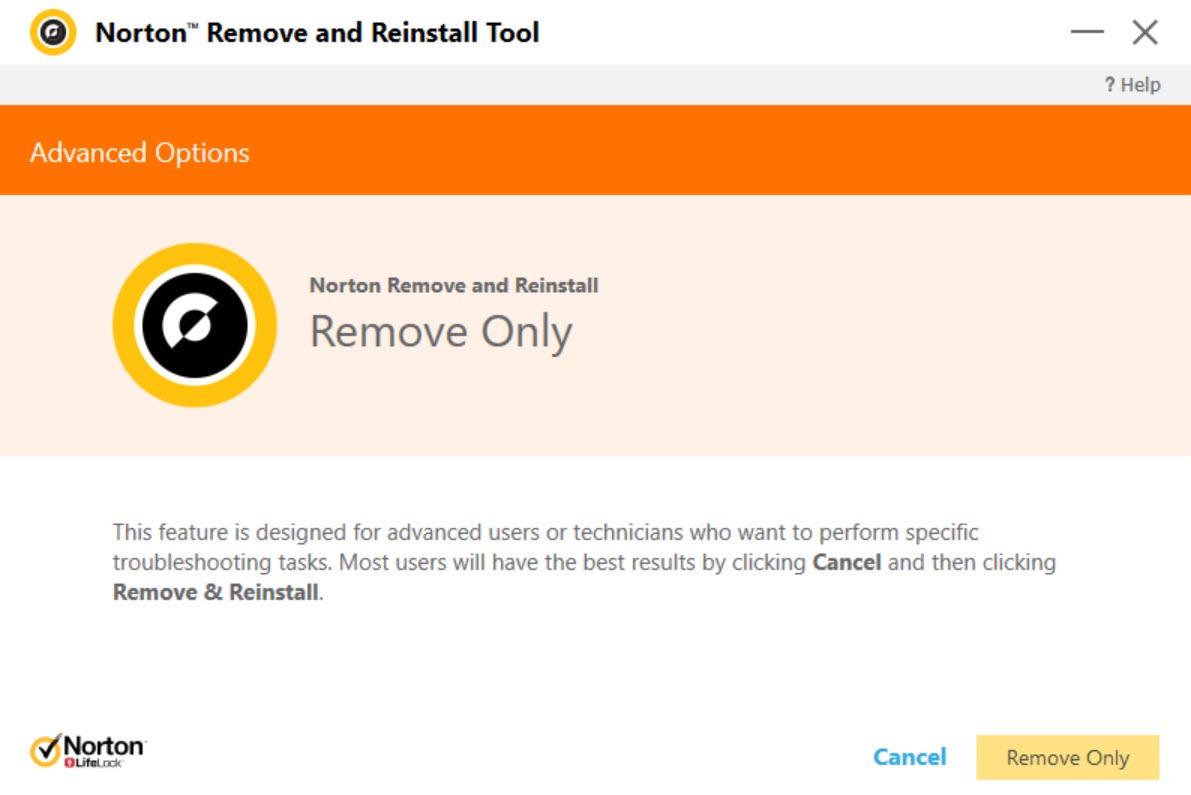
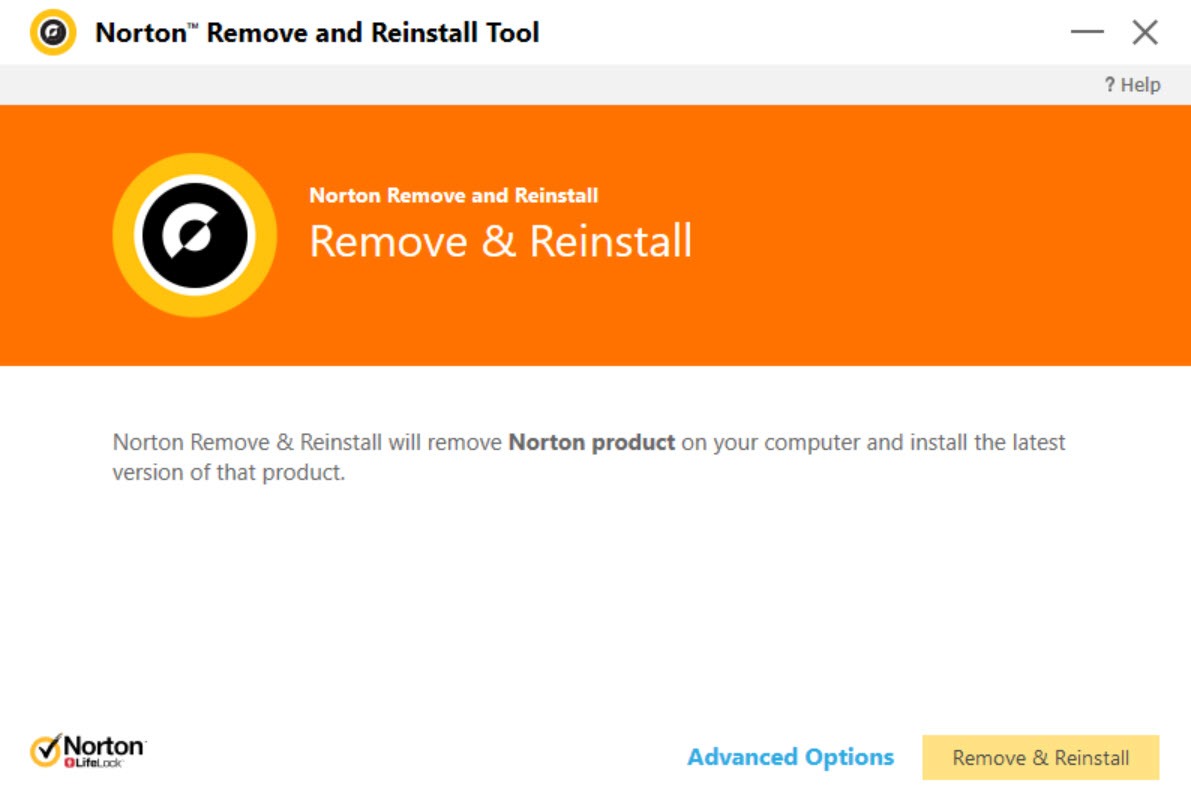
Norton 360 Remover gives you a choice between two paths, and picking the right one matters. The first wipes the existing Norton product and then reinstalls a clean copy, which is what you want when the software itself has gone wrong and you intend to keep using it. A corrupted installation that misbehaves often comes right after a full remove-and-replace.
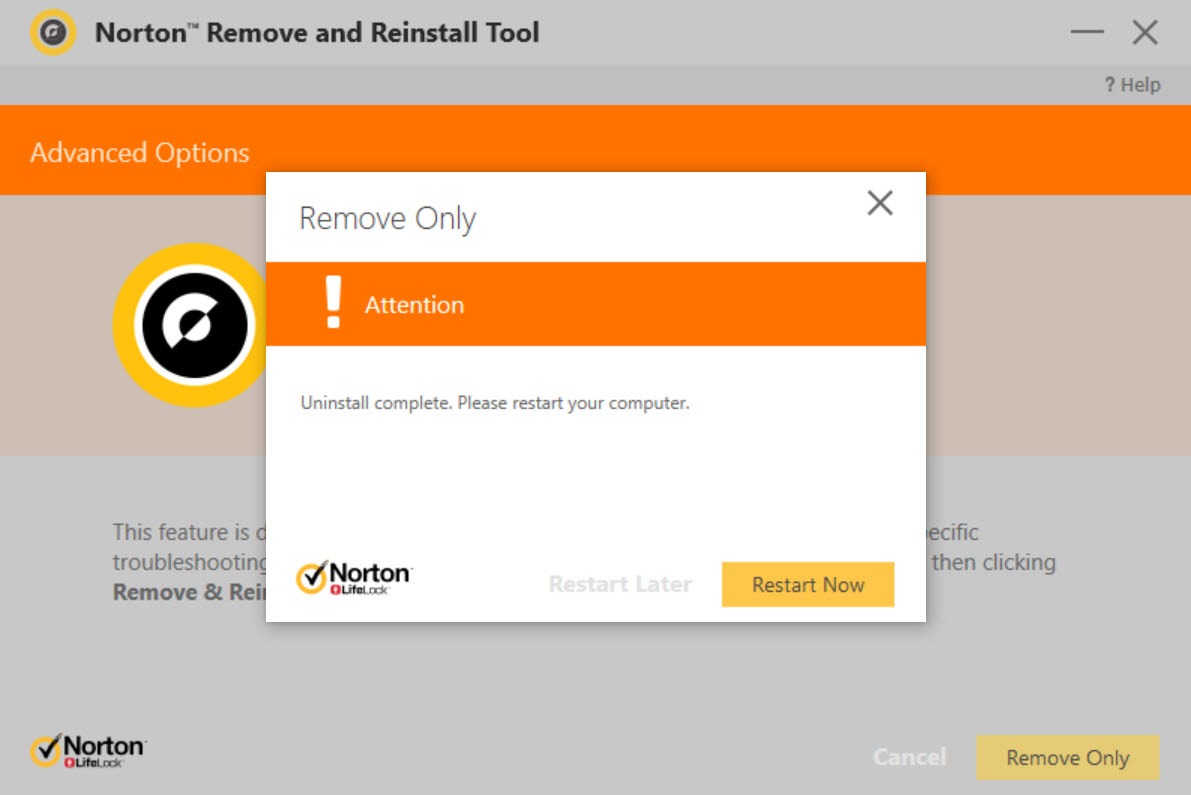
The second mode removes the product and stops there, leaving nothing behind to reinstall. This is the option for anyone leaving Norton entirely, whether to switch to a different security suite or simply to clear the machine. If your goal is to install a rival antivirus, this is the path, because two security suites cannot coexist peacefully on one system and the old one has to be gone first.
When the normal uninstall just will not work
There is a reason a tool like this needs to exist. Antivirus software runs services and drivers that load early and stay resident, and parts of it are deliberately hard to switch off so that malware cannot disable your protection. The side effect is that the same self-defense makes a clean manual removal very difficult.
For the worst cases, Norton 360 Remover can run in Safe Mode, where most of those background services are not loaded and cannot block the removal. If a standard run does not fully clear things, rebooting into Safe Mode and trying again is the standard fallback, and it usually succeeds where a normal-mode attempt stalls.
A reboot is part of the process either way, since some components can only be torn out once the system restarts.
What the process looks like
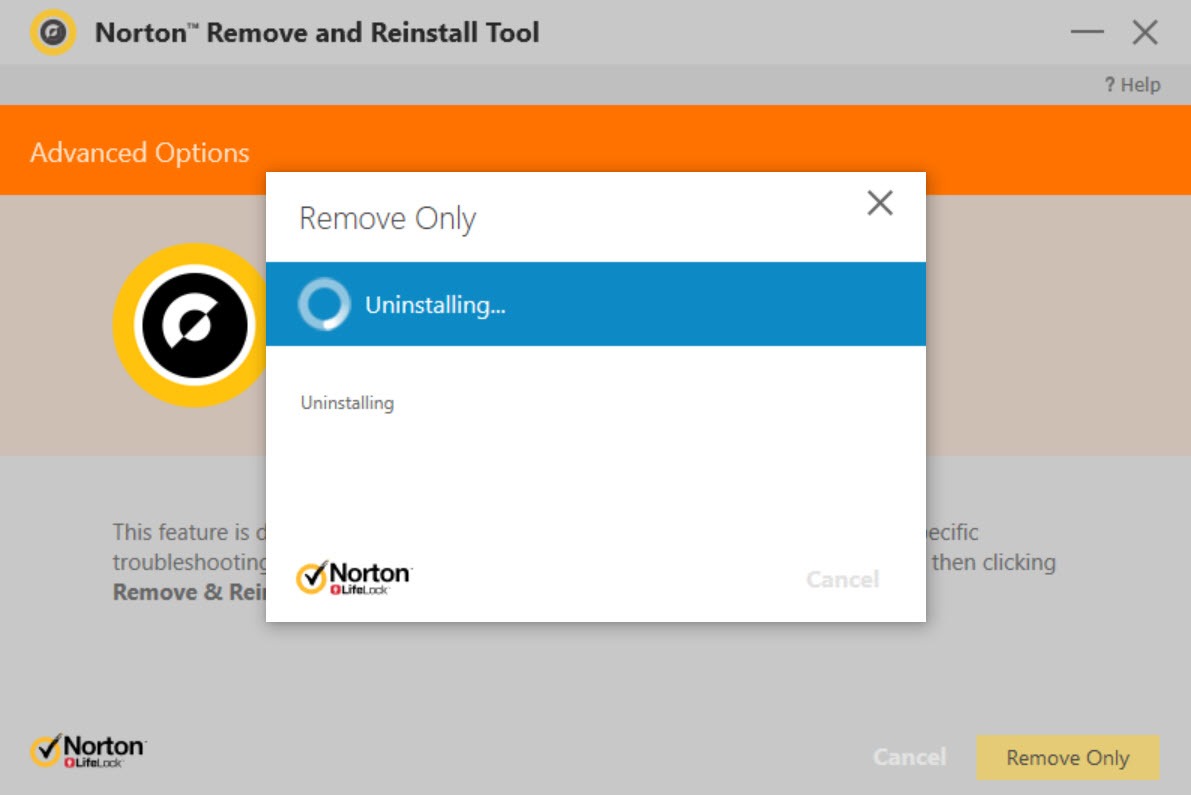
There is not much to learn here, which is the point. The whole thing runs as an on-screen wizard that walks you through each step, so you do not need to know anything about which files or registry keys belong to which product. With Norton 360 Remover you pick your mode, follow the prompts, and let it work. In a few minutes the targeted products are gone, with a restart to finalize.
One thing to understand going in is that this is not a selective uninstaller. It targets the Norton family as a whole rather than letting you cherry-pick a single component to remove while keeping others.
If you want fine-grained, pick-and-choose control over exactly what gets uninstalled, a general-purpose tool like Revo Uninstaller or Geek Uninstaller gives you that kind of granularity. This one is purpose-built for clearing Norton, and it does that narrow job thoroughly.
Where it sits among removal tools
Vendor-specific removers are a small and useful category. Each major security brand tends to have one, because each suite is too entangled for a generic uninstaller to fully clean. If you are dealing with a different brand, the equivalents are tools like KAVRemover for Kaspersky products or the McAfee Removal Tool. They all solve the same core problem in the same way, scanning for one vendor’s deeply embedded software and scrubbing it out.
Within that group, Norton 360 Remover is the right pick when Norton is what you are fighting. It knows exactly where the relevant products hide their files and keys, which a broad uninstaller can only guess at. For removing other ordinary applications, look elsewhere.
For Norton specifically, this is the tool that knows the territory.
Conclusion
Norton 360 Remover is a narrow tool with a clear purpose, and that focus is its strength. When a Norton product has dug in and will not uninstall the ordinary way, or has left wreckage behind from a failed attempt, this clears it out properly, files, registry entries, and all. The two modes cover both the person who wants a clean reinstall and the person who is done with Norton entirely.
It is not something you keep on hand for everyday uninstalling, and it will not help with any software outside the Norton line. But for the specific, maddening problem of security software that refuses to go quietly, it is exactly the right instrument. If a normal uninstall has already let you down, this is the next step that usually works.
Pros & Cons
- Removes Norton products that refuse to uninstall through the Control Panel
- Clears leftover files and registry entries that cause later install conflicts
- Offers both a remove-and-reinstall mode and a remove-only mode
- Runs in Safe Mode for the most stubborn, self-defending installations
- Simple on-screen wizard that needs no technical knowledge to follow
- Targets the whole Norton family rather than letting you pick single components
- Requires a reboot, and sometimes a Safe Mode run, to finish the job
- A leftover folder occasionally still needs a manual delete afterward
- Only useful for Norton products, not as a general uninstaller
Frequently asked questions
Use it when the standard Control Panel uninstall fails, shows errors, or leaves pieces behind, or when a corrupted install or a planned switch to another security product means the old one has to be fully cleared.
Yes. That is much of the point. It scans for the related components a normal uninstall tends to leave behind and removes them, so they do not cause conflicts when you install other software later.
One mode removes the existing product and reinstalls a clean copy, ideal when the software is corrupted but you want to keep it. The other removes the product entirely with no reinstall, which is what you want when leaving Norton for good.
Security software loads protective services and drivers that can block removal. Safe Mode starts the system without most of those running, so a removal that stalls in normal mode usually completes there.
No. It works on the Norton family as a whole and does not offer pick-and-choose removal of individual pieces. For selective uninstalls you would want a general-purpose uninstaller instead.
Yes. Some components can only be removed once the system reboots, so a restart is a normal and necessary part of finishing the process.


