

Mochi
About Mochi
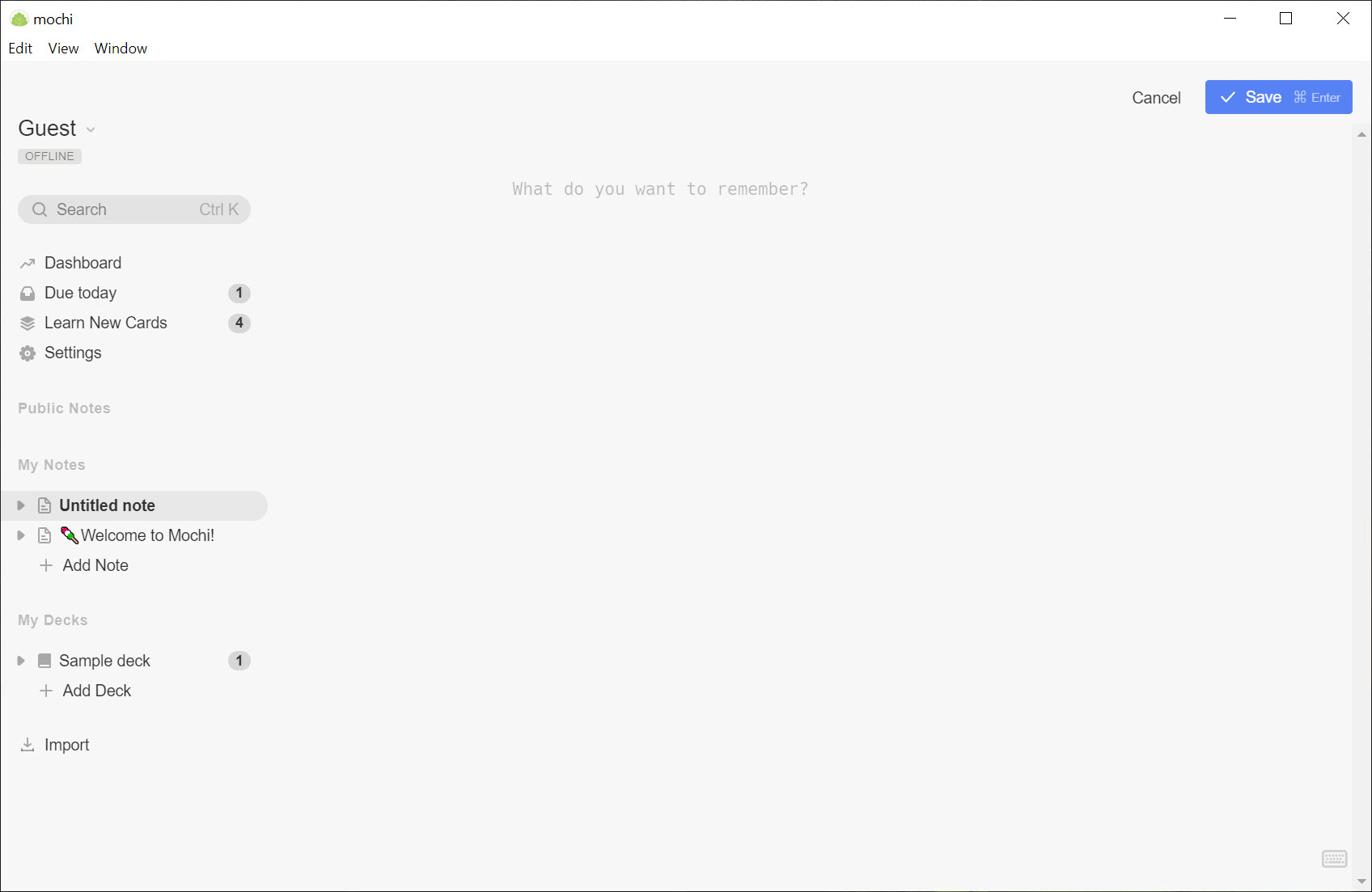
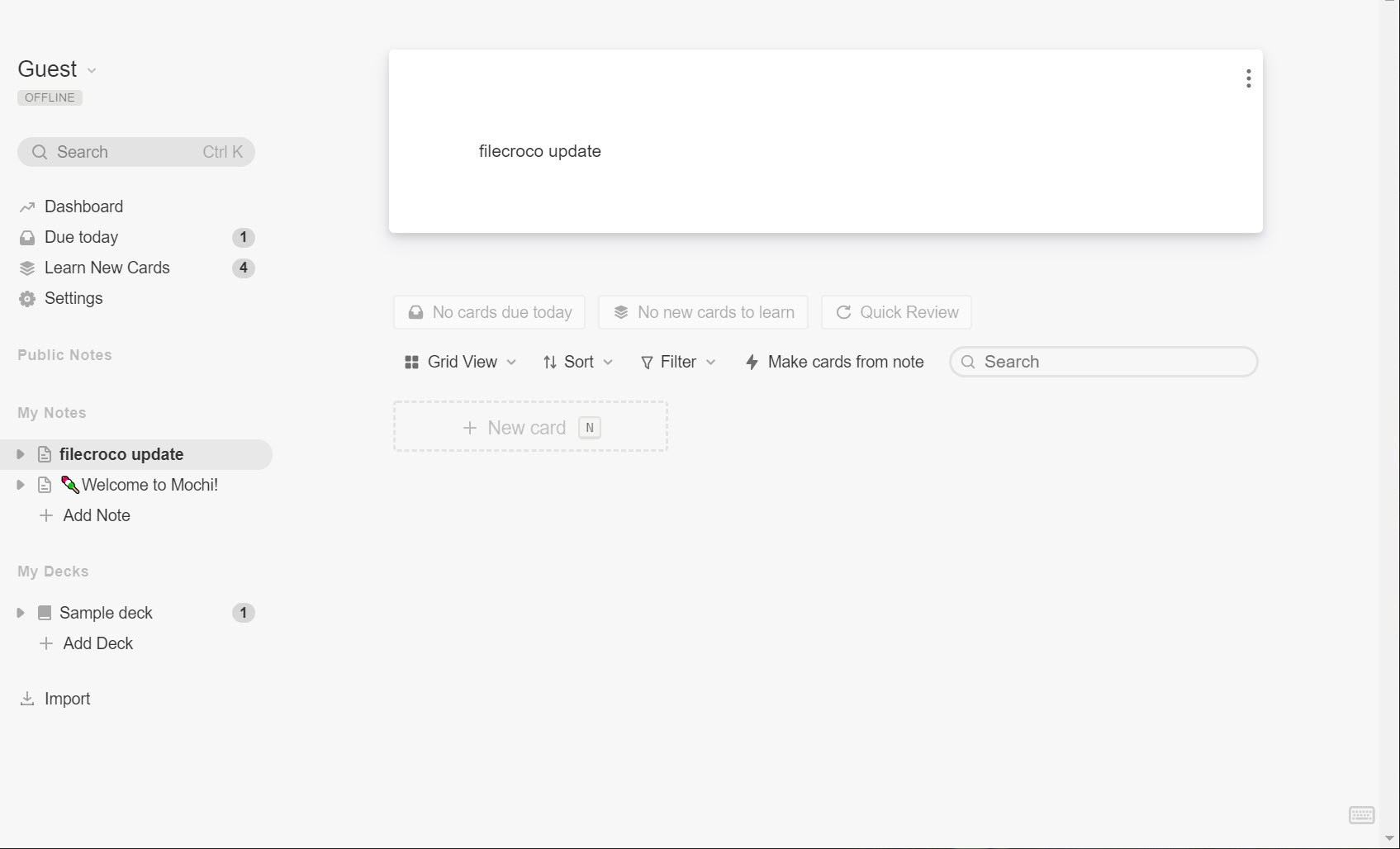
Mochi keeps your notes and your flashcards in the same application, and that single decision changes how studying works. Write a page about a topic in markdown, select the sentence that matters, and it becomes a card with one click. No copying into a separate program, no rewriting the same fact twice, no second window. The notes stay readable as notes and the cards go into a review queue.
Reviewing runs on spaced repetition, the scheduling idea that shows you a card just before you would have forgotten it and pushes the next showing further out each time you get it right. Mochi implements FSRS, the newer scheduling algorithm that fits intervals to your actual performance rather than applying fixed multipliers.
In practice that means fewer cards per day for the same retention.
Writing cards at the speed of markdown
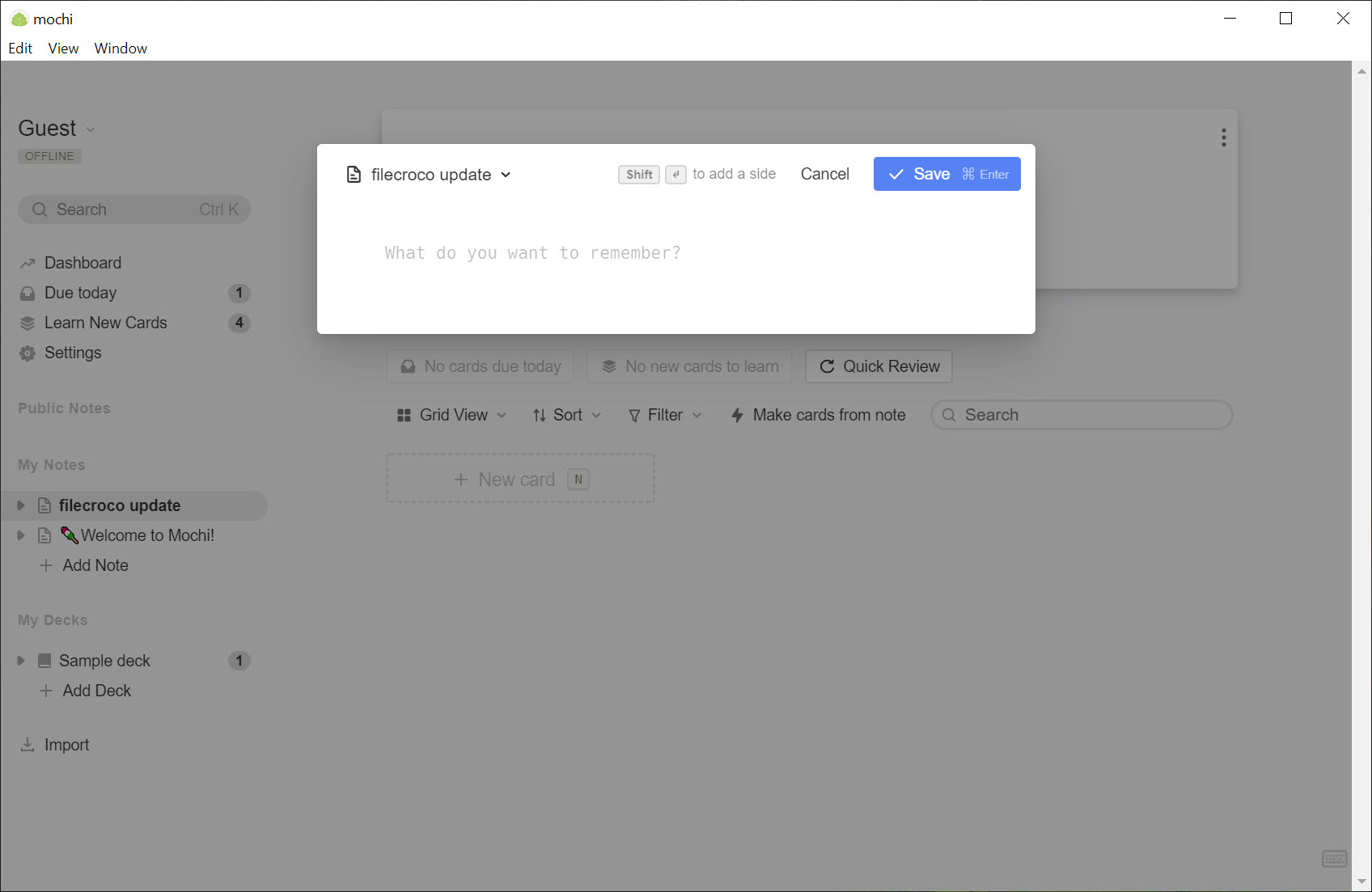
Cards in Mochi are markdown text, which means headings, lists, bold, code blocks and LaTeX maths all work without touching a formatting toolbar. Two dashes on a line split the front from the back. Type, split, done, and you have a card in about four seconds without your hands leaving the keyboard.
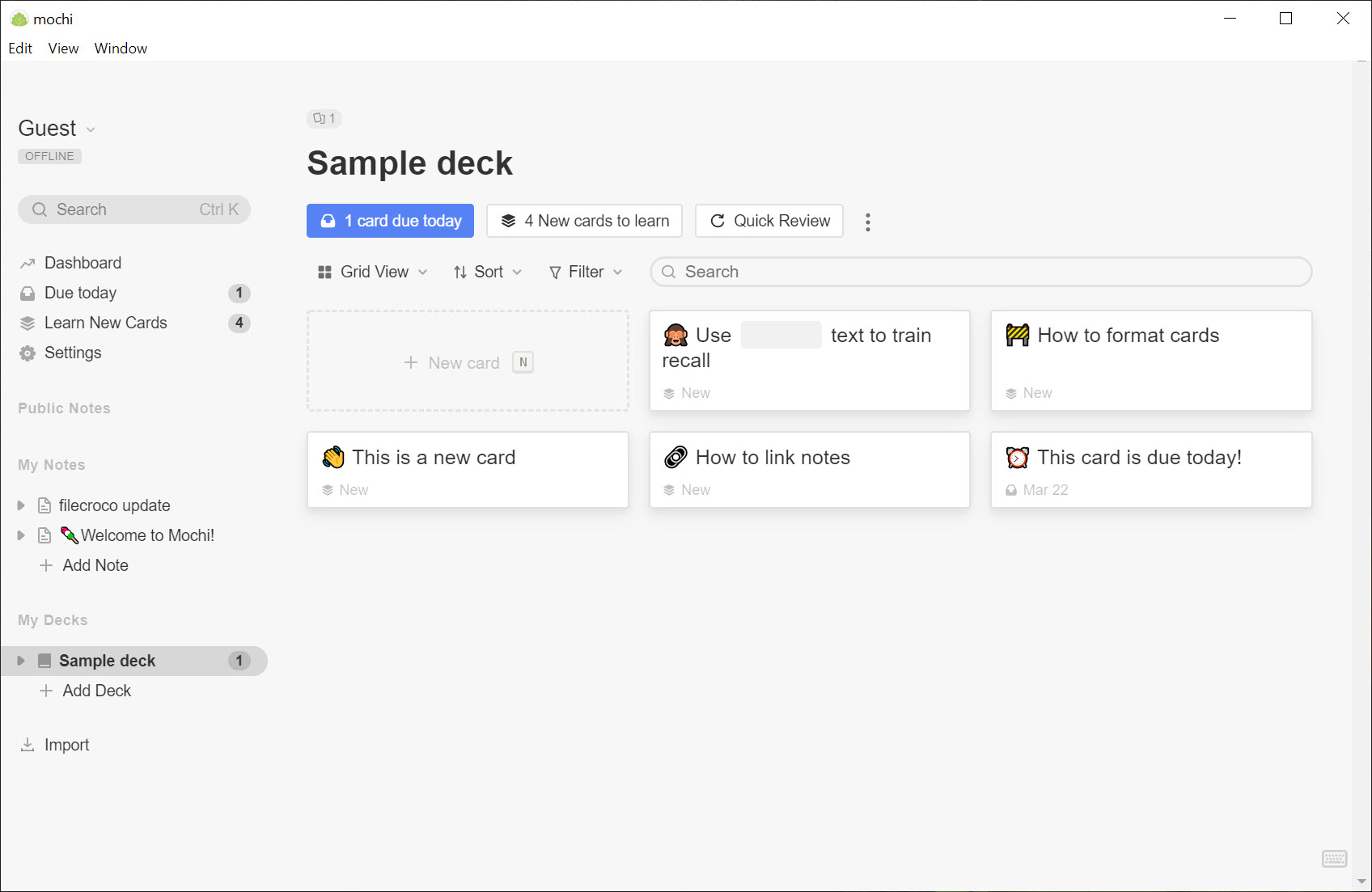
Cloze deletions hide part of a sentence instead of splitting it, so one written line becomes several questions. Images, audio and video drag straight into the editor. Templates apply a fixed structure to a whole deck, which is the feature language learners end up building their systems around, with a slot for the word, the reading, the meaning and the example sentence, filled the same way every time.
Everything is stored locally first and works with no account at all, syncing to the cloud only when you are signed in and online. The established alternative does the same job with far more configuration and a considerably uglier interface, and that comparison is the whole reason people arrive here.
Linking cards into a network
Link one card to another and the target gains a reference back automatically. Do that across a deck and you end up with a web of connected facts rather than a pile of unrelated questions, which is closer to how the material actually fits together. People running a Zettelkasten have taken to this enthusiastically, and it is the feature that makes the application feel like a notebook rather than a drill machine.
Decks nest inside decks, cards carry tags, and a global search jumps to anything by name. The organisation is simple enough to explain in a sentence and deep enough to survive a few thousand cards, which is a balance pure markdown editors never have to strike.
Language learning, and the review modes
For vocabulary work the application offers more than the description suggests. Built-in dictionaries look up words in several languages without leaving the card, translation runs in either direction, text to speech reads cards aloud, and an image search finds a picture for a word. Japanese learners get character drawing practice.
Review has modes beyond the daily queue. Cramming in Mochi ignores the schedule when an exam is tomorrow. Reverse review flips front and back, so recognising a word and producing it are trained separately. Archiving takes a card out of rotation without deleting it.
Study reminders arrive as notifications if you want the nudge, which is one more thing a plain keyboard-driven notebook will never do for you.
What the unregistered tier holds back
Being clear about this saves disappointment. The unregistered tier caps how many cards you can hold, and syncing between your computer and other devices sits in the paid tier, as do translation and several of the language tools. Everything on one machine, offline, is open.
That sync limit is the sore point in most user comments, since a flashcard system that only exists on the desk defeats half the purpose. The counter-argument is that export works, and the format is documented, so nothing traps your cards inside the application.
Conclusion
Mochi suits someone who takes notes and studies from those same notes, and who wants the writing to feel pleasant rather than administrative. Language learners, students who already think in markdown and anyone running a linked-notes system will get more from it than from a pure flashcard program, because the notes half is not an afterthought here.
Heavy users with tens of thousands of cards and a taste for tuning every scheduling parameter should stay with the established alternative, which gives away more and asks less. But if the reason you stopped using flashcards was that making them felt like a chore, this is the application most likely to change that.
Features & benefits
Pros & Cons
- Notes and cards live in one place with one-click conversion between them
- Markdown with LaTeX, code blocks and cloze deletions, all from the keyboard
- FSRS scheduling reduces daily review load for the same retention
- Backlinks between cards build a connected network rather than a flat pile
- Works fully offline with no account required
- Card limit on the unregistered tier
- Syncing between devices belongs to the paid tier
- Dictionaries and translation gated the same way
- Fewer statistics and scheduling controls than the established alternative
Frequently asked questions
Not automatically, but close. Select the text in a note and convert it to a card with one click, and the note stays intact as notes.
Yes. Everything is stored locally first and the application works with no account at all. Syncing happens only when you are signed in and online.
FSRS, which fits review intervals to your own performance rather than applying fixed multipliers, so you see fewer cards for the same retention.
Yes. Export is supported and the format is documented, so decks can be moved elsewhere rather than locked in.


