

Mixxx
About Mixxx
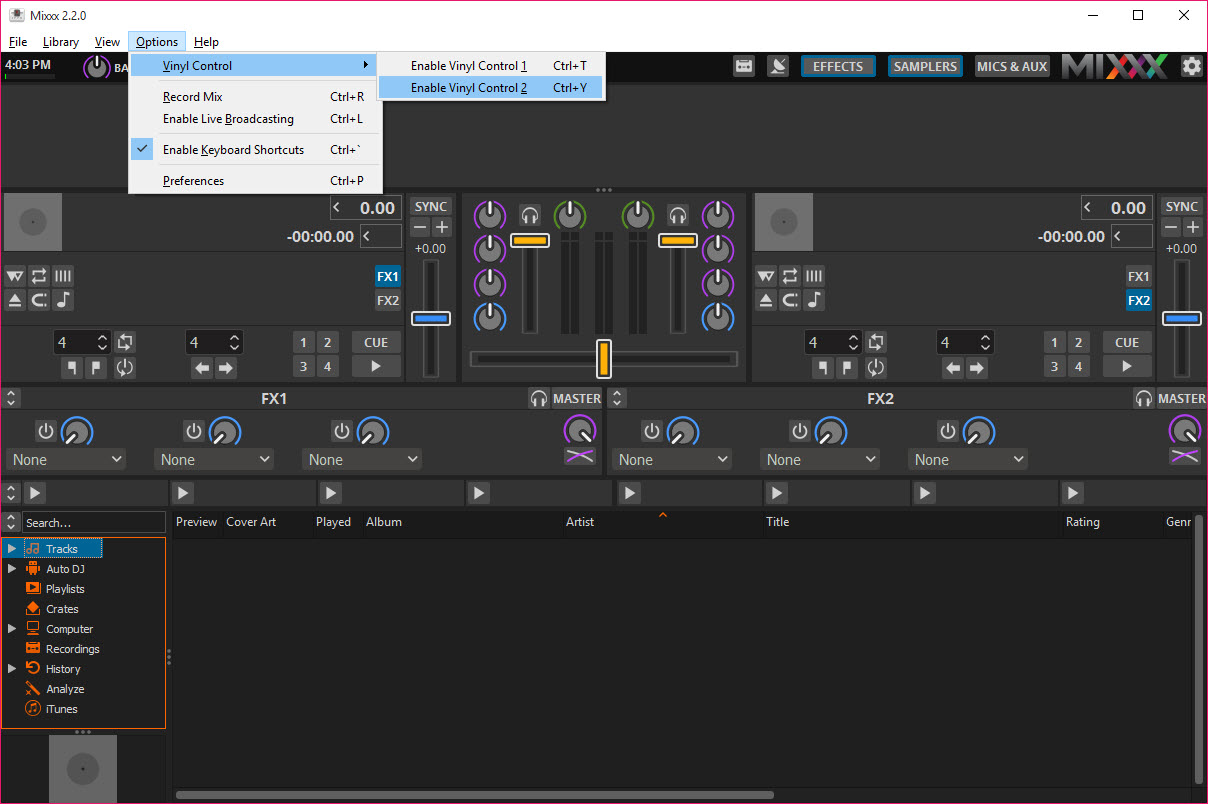
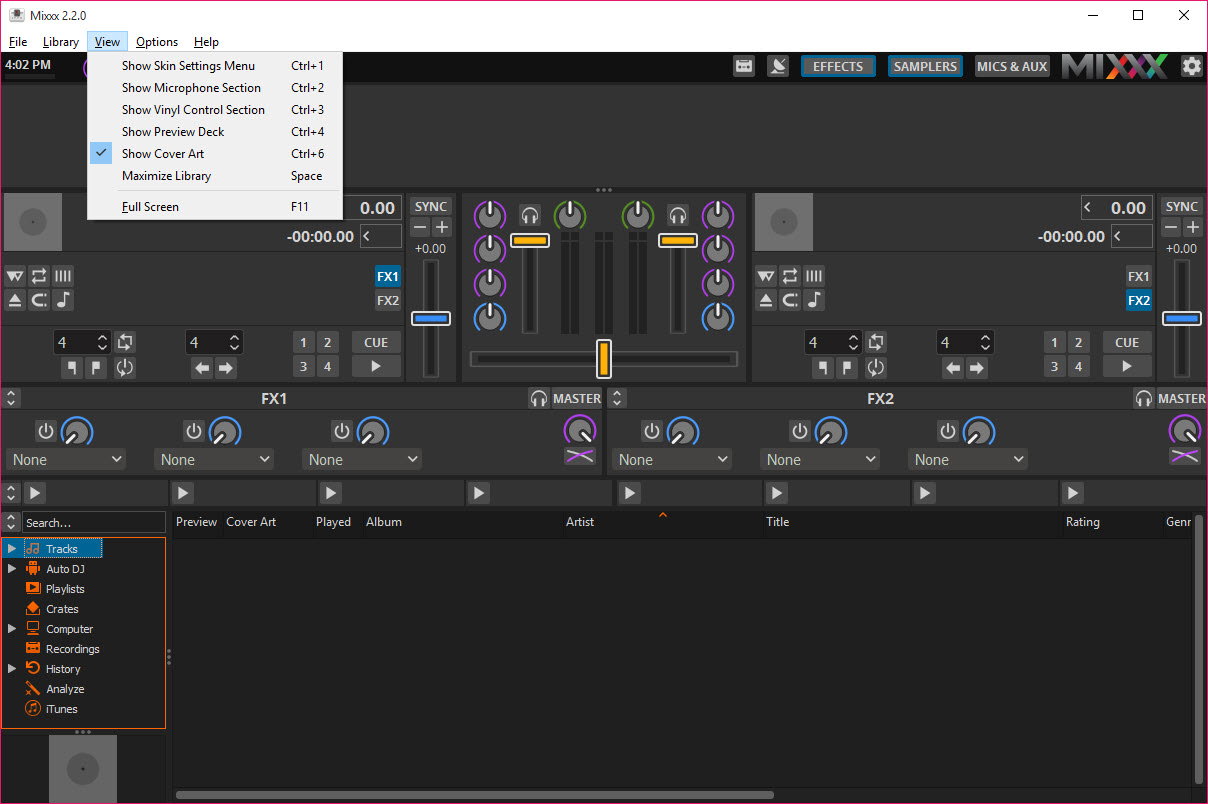
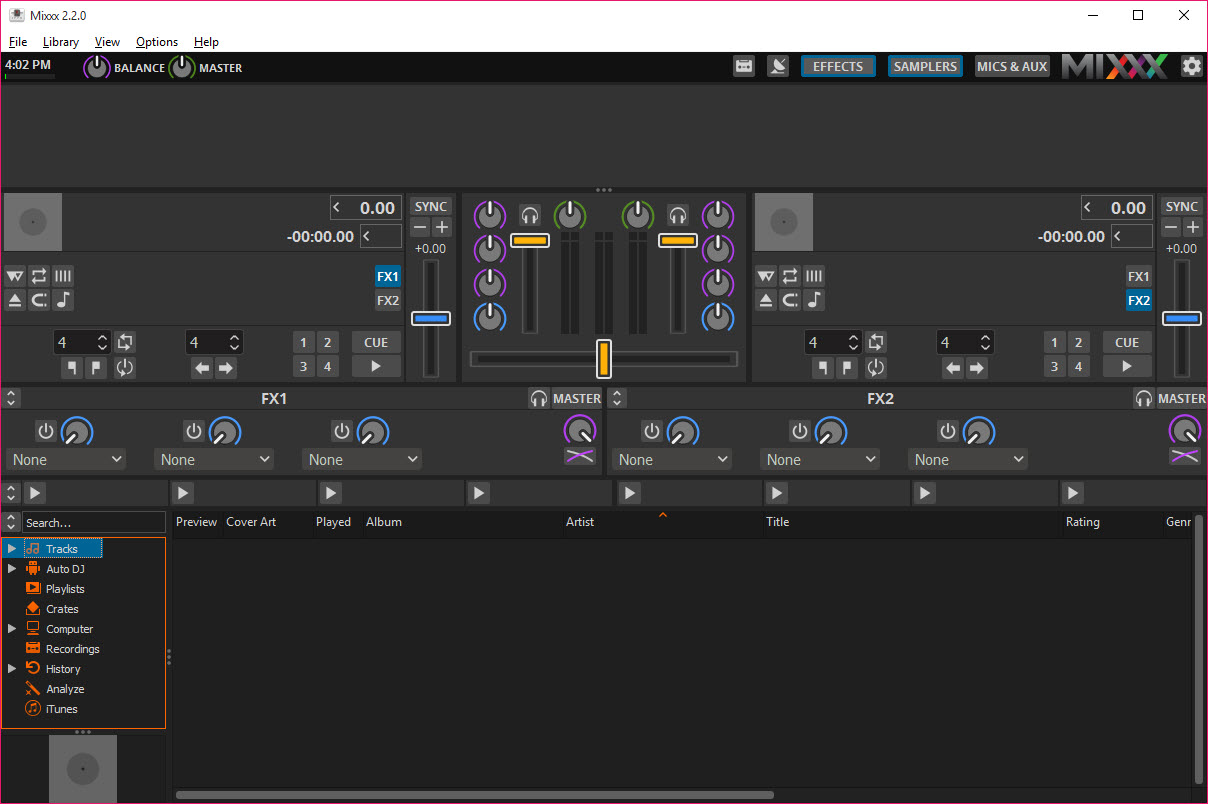
Mixxx is DJ software with four decks, a mixer, an effects rack, a sampler bank and a library, laid out the way DJ software has looked for a decade. Playlists and crates on the left, the track list below, decks across the top with wide scrolling waveforms that mark beats and cue points.
Drop a track on a deck, hit sync and the tempo matches the other deck. Set a hotcue, loop four beats, ride the crossfader. Nothing about the layout needs explaining to anyone who has stood behind a controller, and that familiarity is deliberate.
What makes it stand apart is what it does not ask for. There is no account to create and no locked hardware list. Any MIDI or HID controller works if a mapping exists, and more than 130 mappings ship in the box. Timecode vinyl from the major makers drives the decks from real turntables. The whole thing is open source, which is why it runs on machines its rivals abandoned and why a mapping for an obscure controller usually exists because somebody wrote one.
Mixxx asks to be judged as a straightforward tool for playing records well, and on that measure it holds up. Where it falls behind is at the modern edge, which the sections below get to.
Decks and the beat engine
Each Mixxx deck shows a scrolling waveform with beat markers and a whole-track overview for seeking. Tempo can be changed with key lock so pitch stays put, or without it for the classic effect, and the interpolator handles backspins and slowdowns with the right vinyl-like character. Sync matches tempo and phase between decks in one click, with a master clock that any deck can lead. Eight hotcues per deck, a beat loop that snaps to 4, 8 or 16 beats, plus roll and slip modes for stutter tricks and a beatjump that skips forward or back by a set count all live within reach.
Key detection labels every track for harmonic mixing, and the deck can shift key by semitones to make two tracks agree. Loudness is normalised on load from ReplayGain tags, analysing tracks that lack them, so a quiet recording and a hot one sit at the same level.
The beatgrid analysis is the honest weak point. On straight electronic music it lands, and on live drummers or older recordings the grid drifts and needs nudging by hand, which rivals have largely automated away.
The mixer, the effects rack and the samplers
The Mixxx mixer offers three or four band EQ per channel with adjustable shelf frequencies, a filter knob and gain, and a crossfader with configurable curve. Effects sit in units that hold up to three effects chained in order, assignable to any deck or the master, with a super knob sweeping all three at once for controller use. The list runs from filters and echo through reverb and flanger to a bitcrusher and a handful more, and they are usable rather than remarkable, closer to what an audio editor offers than to a performance suite’s signature effects. Anyone expecting studio-grade or the signature effects of the commercial suites will notice the difference.
Sampler decks number up to 64, each a small player for a stinger, a vocal or an acapella, and they sync to the master tempo. A microphone and an auxiliary input mix in with talkover ducking, so a vocalist or an announcer sits over the music without a separate mixer.
Auto DJ takes a playlist and crossfades through it unattended, with a configurable transition length, for the moments when you need to leave the booth.
Controllers and the scripting engine
More than 130 controllers work with Mixxx on first connection, from the popular entry-level decks to club-grade units, and the preferences show which is detected and lets you pick a mapping. Anything unmapped can be mapped from scratch with a learning wizard that assigns a control by touching it. The unusual part is that mappings are scripts. Complex behaviour, layered shift buttons, LED feedback and pad modes are all written in a full programming language, which is why the community mappings for some controllers do more than the maker’s own software manages.
Timecode vinyl control turns two turntables or CD decks into the source of playback position and speed, with the audio files playing under the needle, and the software is one of very few desktop options that does this at all.
Setting it up demands a sound card with enough inputs and some patience with calibration, and the reward is scratching on wax with a digital library.
Library, then recording and broadcasting
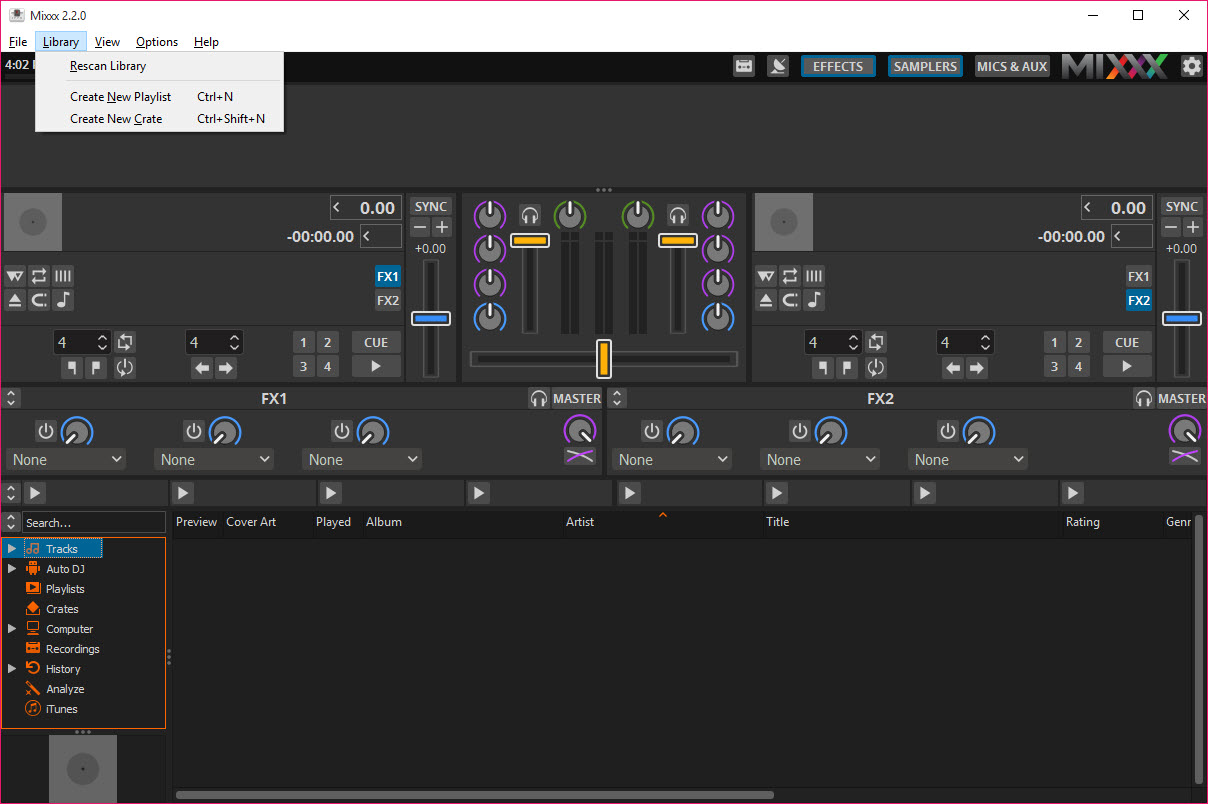
The Mixxx library reads MP3, AAC, Ogg Vorbis, FLAC and WAV, with folder browsing and crates, playlists, search, and a history of what was played and when. Track analysis for BPM, key and waveform runs in the background and can be batch-triggered on a new folder. It is a working library rather than a management suite, and the tagging and cover handling of a music player built for large collections are a level above, so many people organise there and play here.
Mixxx recording captures the master output to WAV, FLAC or Ogg Vorbis, with MP3 available once the encoder library is installed, and the result files into the library automatically. Broadcasting sends the mix to a Shoutcast or Icecast server for internet radio, with metadata updating as tracks change.
Both work without fuss, and both are the reason it turns up in so many small radio stations.
Where it falls behind
Streaming services are absent, so tracks have to be files on disk. Real-time stem separation, the feature that lets current commercial software isolate vocals or drums live, is not something to rely on here. Beatgridding needs manual correction more often than a commercial suite’s user would tolerate. The effects are functional rather than a selling point. And the four included skins look their age beside the current commercial interfaces, though each is configurable and the community has produced more.
None of that matters to a DJ playing files from a library through a mapped controller, which is the majority. It matters a great deal to someone who wants what a commercial suite advertises on its front page.
Conclusion
Mixxx suits anyone who wants to mix files from a library through a controller or turntables without signing up for anything, and it suits small radio stations and bedroom DJs particularly well because recording and broadcasting are built in and dependable. The controller support is broad, the scripting makes odd hardware work, and the fundamentals of playing two records well are all present.
It is not the choice for someone who wants streaming catalogues, live stems or effects that define a sound. Those belong to the commercial suites. For the DJ who owns their music and their controller, this does the job and asks nothing back.
Pros & Cons
- Four decks with sync, key lock, eight hotcues and beat loops per deck
- More than 130 controller mappings included, scriptable for anything else
- Timecode vinyl control from real turntables
- Recording to lossless formats and live broadcasting to Shoutcast or Icecast
- 64 sampler decks synced to the master tempo
- No account and no hardware lock
- Beatgrid analysis drifts on live or older recordings and needs manual fixing
- No streaming service integration
- No dependable real-time stem separation
- Effects are functional rather than distinctive
- Skins look dated beside current commercial interfaces
Frequently asked questions
If a mapping exists it does, and more than 130 ship with it. Anything else can be mapped with the learning wizard or by writing a script.
Yes. Timecode records from the major makers drive the decks from real turntables through a sound card with enough inputs.
Yes. Broadcasting to a Shoutcast or Icecast server is built in, with track metadata updating live.
The analysis handles steady electronic tempos well and drifts on live drumming or old recordings. Adjust the grid by hand for those tracks.


