

ImageJ


 (9 votes, average: 2.33 out of 5)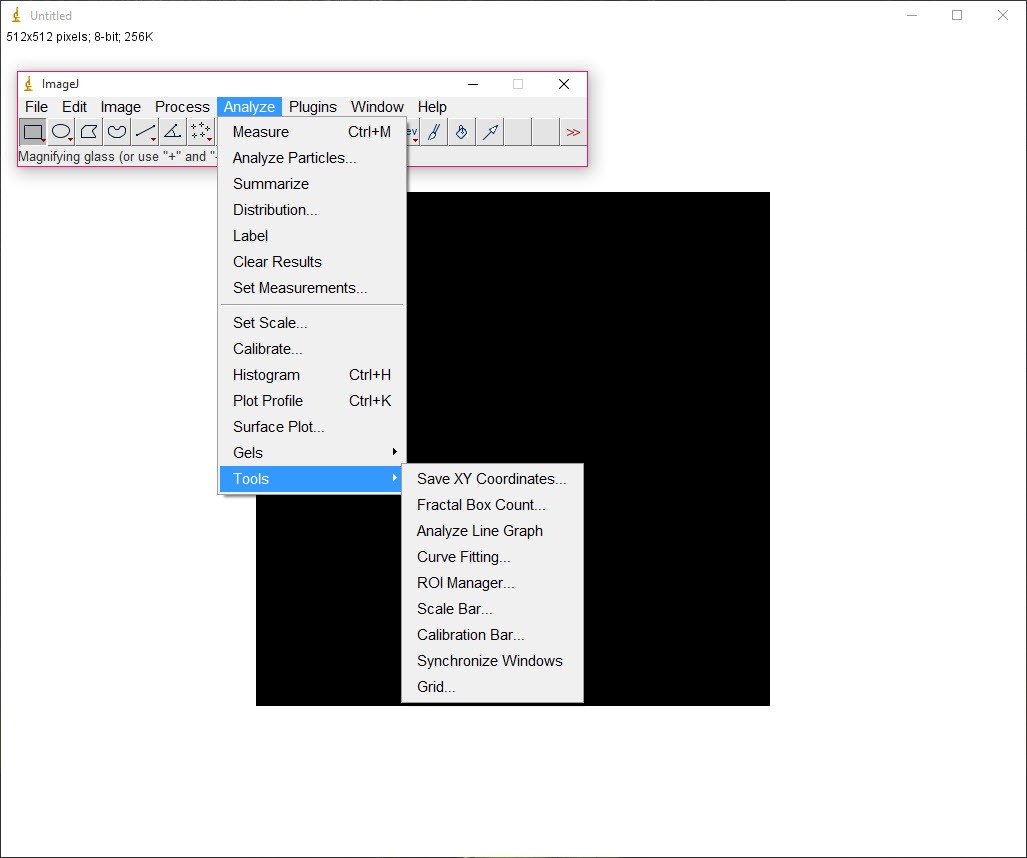
About ImageJ
ImageJ is a comprehensive Java-based image processing application that caters to professionals and experienced users who need precise control over their photos and scientific visuals. It supports a wide range of formats including JPG, GIF, and TIFF, and is built for both visual enhancement and detailed analysis.
This editor is not just about fixing pictures. It enables scientific image analysis, graphic enhancement, and macro-based automation, all from a flexible and scriptable interface.
Easy-to-Use Editing with Practical Features
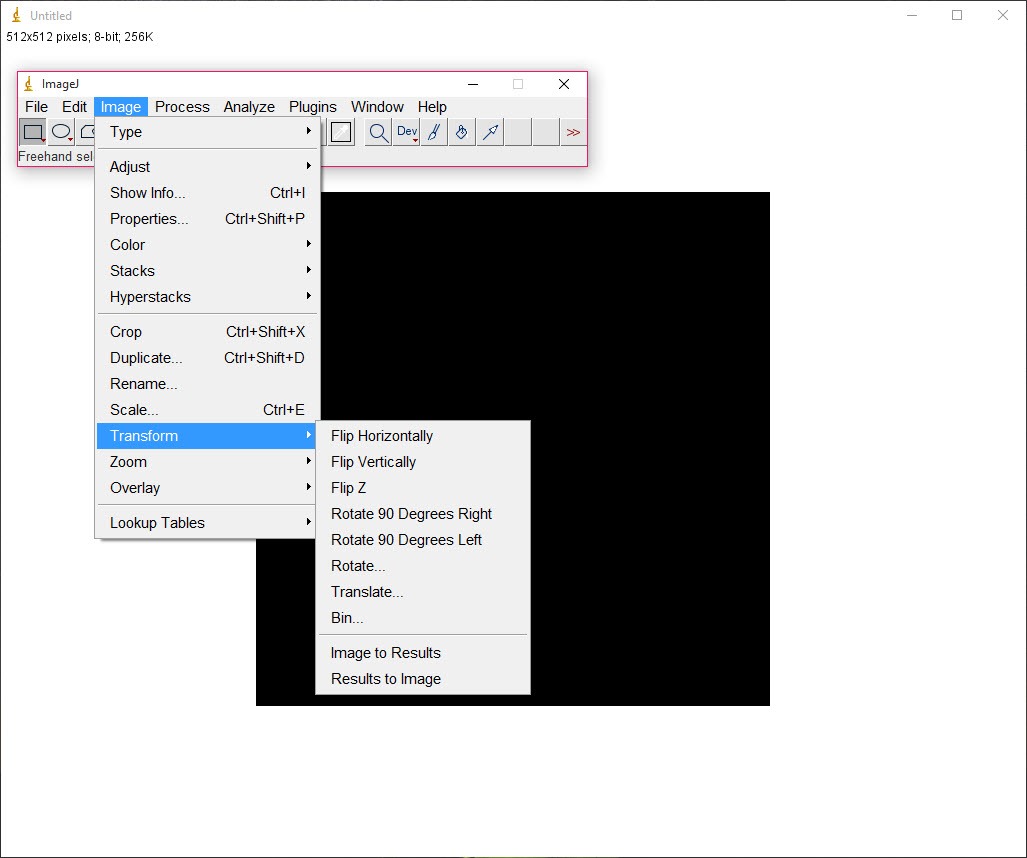
You can drag and drop files into ImageJ, making file handling smooth and intuitive. It allows you to open sample images, import data from other applications, and work on multiple files at once. Common editing actions such as cropping, rotating, enlarging, and drawing over images are included.
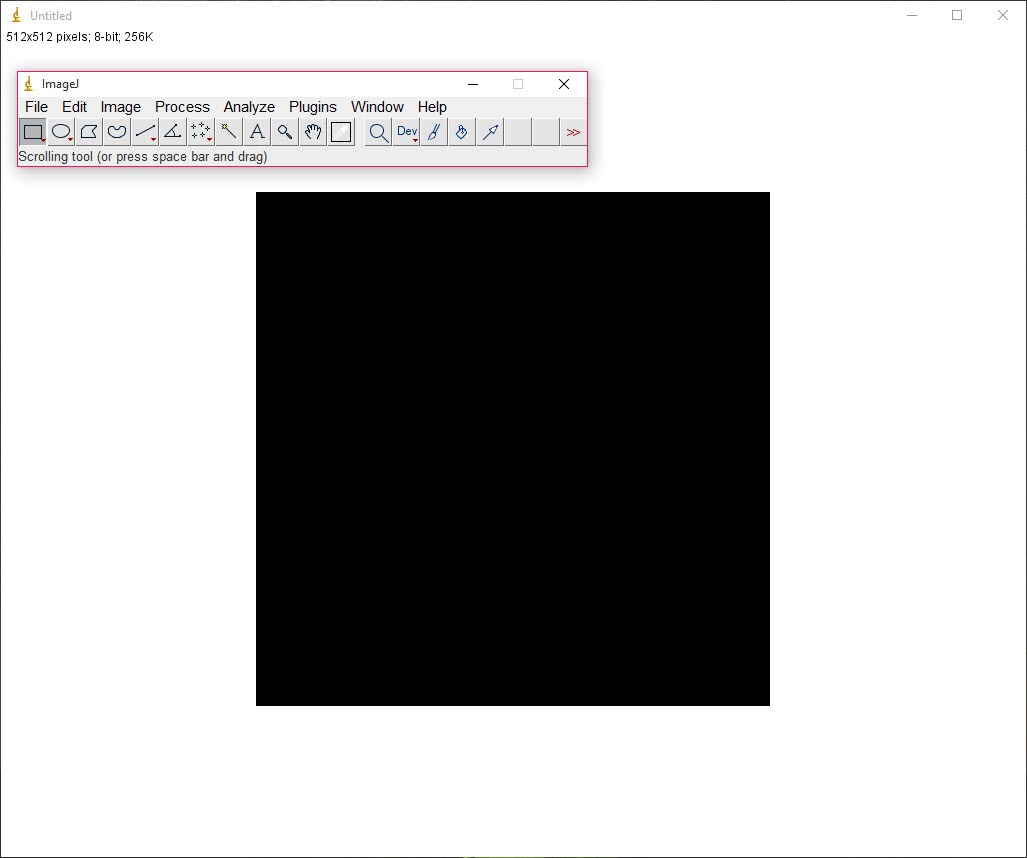
Adjusting brightness, tweaking contrast, zooming, and managing color channels are all easily accessible. You can configure arrow thickness, fonts, and annotation options, which is helpful for creating presentations or marked-up research images.
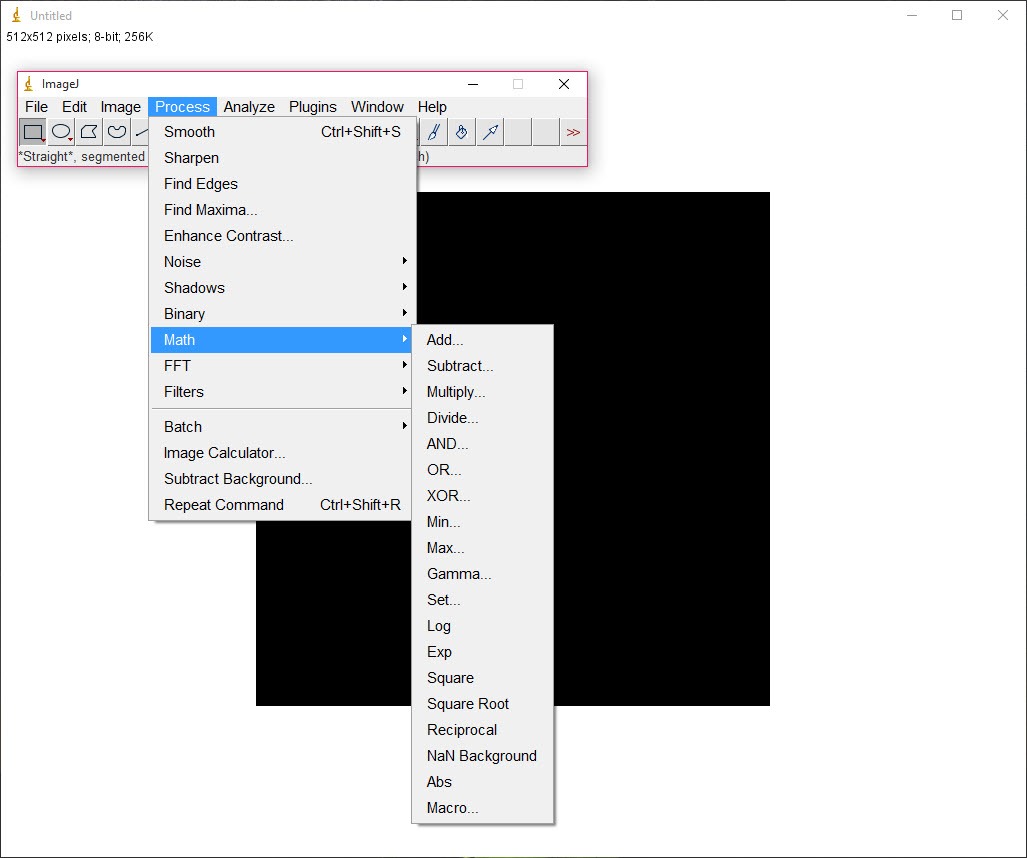
Image filters can also be applied to create specific visual effects, giving users creative freedom alongside technical accuracy. These include noise reduction, edge detection, and smoothing, among others.
Automation with Macros and Plugins
Where ImageJ truly shines is its extensibility. Macros let you automate complex or repetitive editing workflows. If you’re working with batches of images, the batch processing tool combined with macro support allows you to apply the same edits across multiple files effortlessly.
The plugin ecosystem expands its capabilities even further. You can add modules for particle analysis, 3D visualization, time-series data tracking, and more. For those involved in microscopy, materials science, or biology, the application can be adapted to fit highly specialized tasks.
Detailed Measurements and Scientific Tools
This utility includes tools for analyzing shapes, distances, angles, and densities. You can define regions of interest and extract measurements like mean intensity, area, and perimeter. These results can be displayed directly on images or exported for further analysis.
Graphs, overlays, and histogram evaluations give deeper insights, turning a simple image into a data-rich source of information. Whether you’re documenting experiments or preparing figures for publication, ImageJ provides the tools to do it precisely.
Conclusion
ImageJ offers a deep and flexible platform for advanced image editing and scientific analysis. With its powerful batch tools, plugin library, and precision measurement features, it excels in professional environments where data-rich visuals are essential.
Although beginners may find it challenging at first, experienced users will appreciate the full control and customization this application provides.
If your needs go beyond basic photo edits and into structured visual analysis, ImageJ delivers both power and versatility.
Pros & Cons
- Handles common image formats and advanced image stacks
- Drag-and-drop interface simplifies file input and testing
- Offers extensive editing features including brightness, cropping, filters, and annotations
- Macro scripting and plugins extend automation and functionality
- Accurate measurement tools for detailed scientific and visual data
- Highly customizable and adaptable for professional workflows
- Interface feels outdated and lacks modern UI design
- Advanced features require technical knowledge to use effectively
- Beginner users may find the learning curve steep
- Not suited for casual or purely aesthetic photo editing


