

Wings3D
About Wings3D
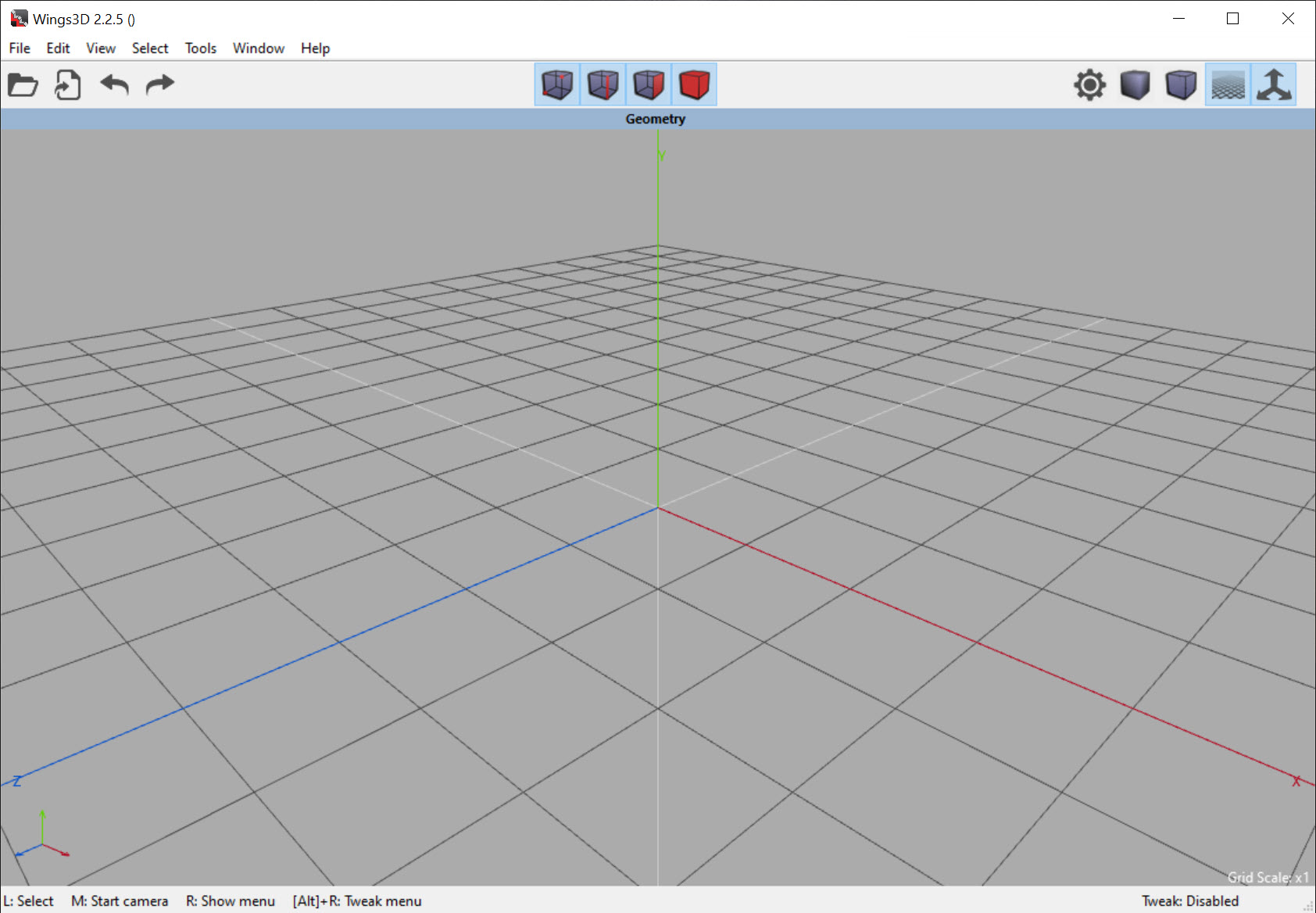
Most 3D applications surround you with panels because they do everything, and doing everything means every tool has to live somewhere. Wings3D does one thing, which is building the shape, and its interface reflects that decision more directly than any of its rivals.
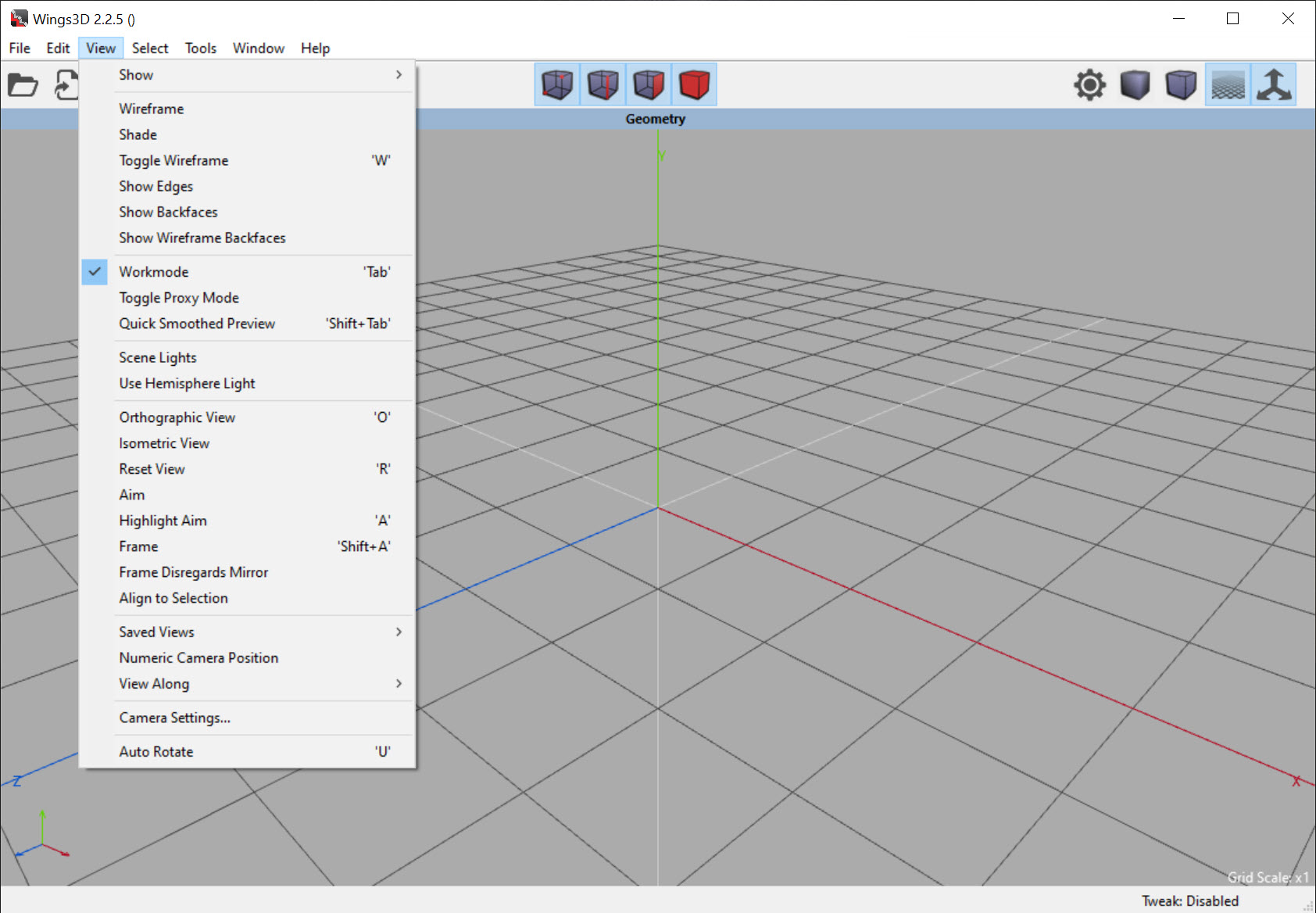
Wings3D has almost no toolbars. Operations appear when you right-click, and which operations appear depends entirely on what you have selected.
That sounds like a small thing. In practice it means you never hunt for a tool, because the menu only ever offers what makes sense for the thing under your cursor.
Four selection modes, and everything follows
Before doing anything in Wings3D you choose what you are working with. A vertex, an edge, a face, or the whole object.
That choice determines the entire vocabulary available. Selecting an edge and right-clicking offers edge operations, meaning bevel, dissolve, loop selection, bridging. Selecting a face offers extrusion, insetting, plane cutting.
Learning the application is therefore mostly learning what each mode can do, rather than memorising where fifty buttons live. Somebody who understands the four modes has understood the program, which is a considerably shorter path than most 3D software offers.
The corresponding cost is that the arrangement resembles nothing else. Skills learned here do not transfer neatly to other applications, and habits from elsewhere do not help here either.
Subdivision is the point
The Wings3D approach is building a coarse cage and letting subdivision smooth it, which is why models come out rounded from surprisingly few polygons.
That workflow suits organic shapes particularly well. A character’s head, a piece of furniture, a vehicle body all start as a handful of boxes pushed roughly into position, and smoothing does the rest.
Understanding it changes how you work. A beginner adds detail everywhere and gets a lumpy result, and somebody who has understood subdivision keeps the cage simple and controls the smoothing with a few well-placed edges instead.
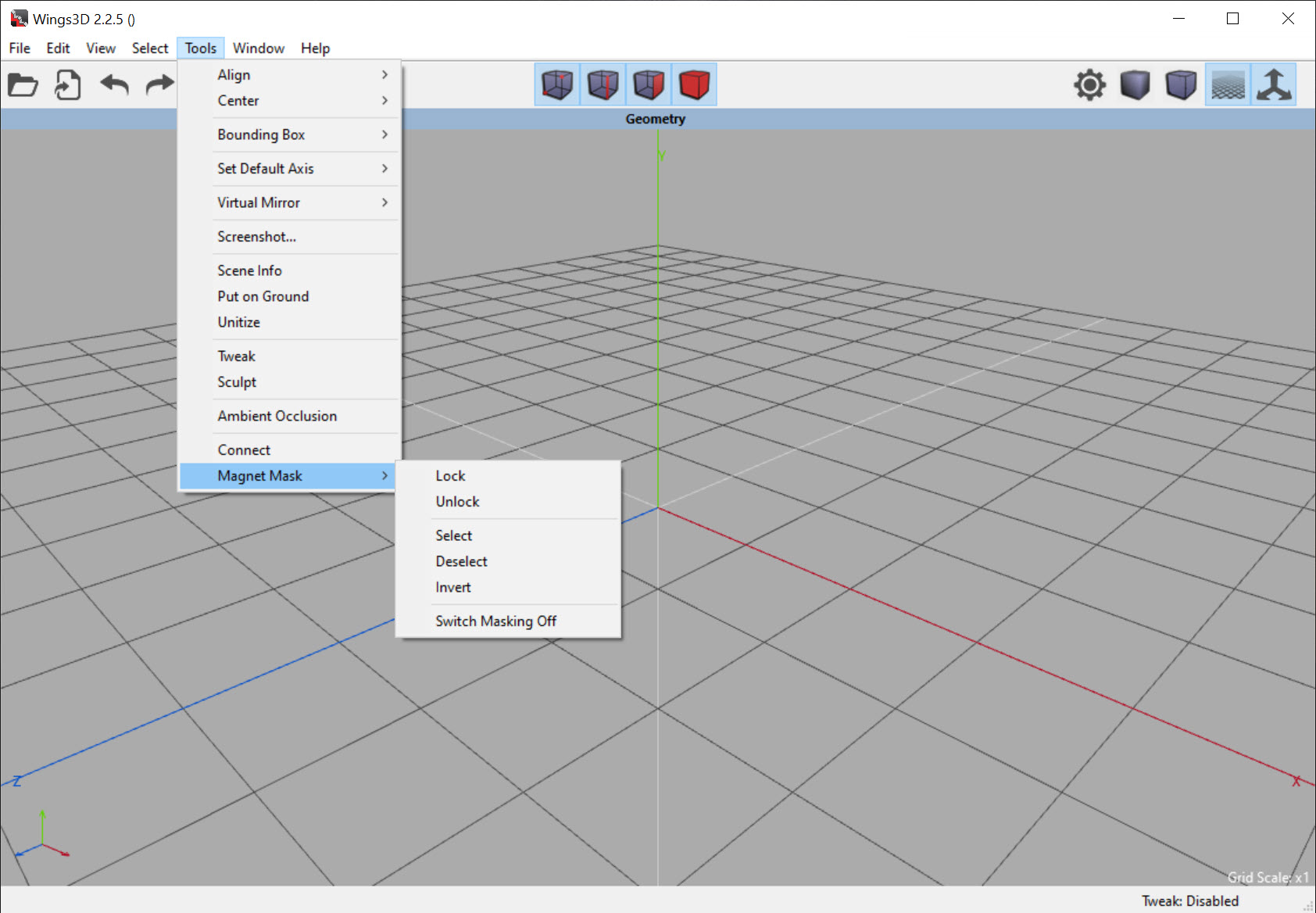
The magnet tools support the same thinking, moving a selection with a falloff so surrounding geometry follows softly rather than tearing.
Symmetry, and the reflection that is not real
A virtual reflection shows half the model live while you work on the other half.
That covers most of what gets modelled, since faces, bodies and vehicles are symmetric, and doing the work twice is both slow and impossible to keep matched.
The word virtual matters. The reflection is a preview rather than geometry, so it is committed at the point you choose, which means you can work asymmetrically afterwards without fighting a constraint.
Texture coordinates, handled in-house
Unwrapping a model so a flat image maps onto it is the least enjoyable part, and Wings3D includes a system for it, and there is a built-in system for it.
Automatic unwrapping produces a usable layout without manual seam placement for straightforward shapes, and a painting mode lets textures be generated directly against that layout rather than exported, painted elsewhere and reimported.
The results are adequate rather than excellent. Anybody doing serious texture work will unwrap here and paint elsewhere, which is the normal arrangement anyway.
What it deliberately does not do
Being clear about the Wings3D scope prevents the obvious disappointment.
There is no animation, no rigging, no keyframes, no character setup of any kind. There is no rendering pipeline beyond previewing, no particle system, no physics simulation and no sculpting in the digital clay sense.
The application models. Anything you build leaves through a common exchange format and gets animated, rendered or assembled somewhere else, which is a workflow rather than a limitation, though it becomes a limitation if you expected one application to cover everything.
Blender is that one application, covering modelling, animation, rendering, simulation, video editing, at the cost of a considerably steeper start and an interface with a great deal more in it.
For sculpting rather than constructing, meaning pushing and pulling a surface as though it were clay, Sculptris is the gentler introduction to that different approach.
And where the shape needs precise dimensions rather than an artistic form, FreeCAD works from measurements and constraints, which is the engineering side of the same problem.
Who it actually suits
Wings3D has two audiences, and they are quite different.
Somebody learning how polygon modelling works will find this the clearest teacher available, because the concepts are not buried under everything else an application might do. The four modes and the subdivision workflow are the fundamentals, and they transfer as understanding even when the keystrokes do not.
Somebody who already models and wants a fast, quiet tool for building shapes will appreciate the same qualities for the opposite reason, having no interest in the panels they are not using.
Anybody who knows they will eventually need animation and rendering should weigh learning the larger application directly, since the time spent adapting to this interface is time not spent on the one that will do everything.
Conclusion
Wings3D is the clearest polygon modeller available and it is clear precisely because of what it refuses to include. Four selection modes, a menu that offers only what applies, and a subdivision workflow that rewards simplicity add up to software where the concepts are visible rather than buried.
Choose it knowing it models and stops. Anything you build leaves for animation or rendering elsewhere, and the interface teaches ideas rather than transferable habits. For learning how this kind of modelling actually works, or for building shapes quickly without a hundred panels in the way, very little else is this direct.
Pros & Cons
- Context menu offers only what applies to the current selection, so nothing is hunted for
- Four selection modes contain the entire vocabulary, which shortens learning considerably
- Subdivision workflow produces smooth results from simple cages
- Magnet tools move geometry with a falloff rather than tearing it
- Live reflection handles symmetric modelling without committing the geometry
- Built-in unwrapping and texture painting, so the whole model is finished in one place
- Exports through the common exchange formats
- Models only, with no animation, rigging, rendering or simulation
- The interface resembles nothing else, so skills do not transfer in either direction
- No sculpting, which is how much organic modelling is now done
- Texture tools are adequate rather than a substitute for dedicated software
- Development moves slowly
Frequently asked questions
Operations appear on a right-click and only the ones applying to your current selection are offered. That removes the search for tools entirely, and it also means the arrangement resembles no other 3D application.
No. It models and nothing else, so anything built here is exported and animated, rendered or assembled in another application.
Building a coarse shape and letting the software smooth it into a rounded surface. It suits organic forms particularly well and rewards keeping the underlying shape simple rather than adding detail everywhere.
Yes, arguably the best, because the fundamentals are not buried under animation, rendering and simulation. The understanding transfers even though the specific controls do not.
It unwraps models and includes a painting mode, at a quality that is workable rather than professional. Serious texture work is normally unwrapped here and painted elsewhere.


