

DAEMON Tools Lite
About DAEMON Tools Lite
Mounting a disc image used to require software, and for the most common image format it no longer does. The system handles that one itself, with a right-click, which removes the reason most people ever installed anything. DAEMON Tools Lite matters now for the cases the built-in handling does not cover, and that is a considerably narrower set than it once was.
Those DAEMON Tools Lite cases are real though. Image formats the system does not recognise, discs whose contents depend on being read as a disc rather than as files, and the audio and mixed-mode images that ordinary mounting refuses.
Deciding whether you are in that set, before installing anything, is the whole decision.
What the built-in handling will not do
The system mounts one image format and treats everything else, including what DAEMON Tools Lite opens, as an unknown file.
That leaves out a long list. The formats produced by burning software, the descriptor-and-data pairs used by disc copying tools, the container formats from various imaging applications and the compressed image formats all sit outside what a right-click can open.
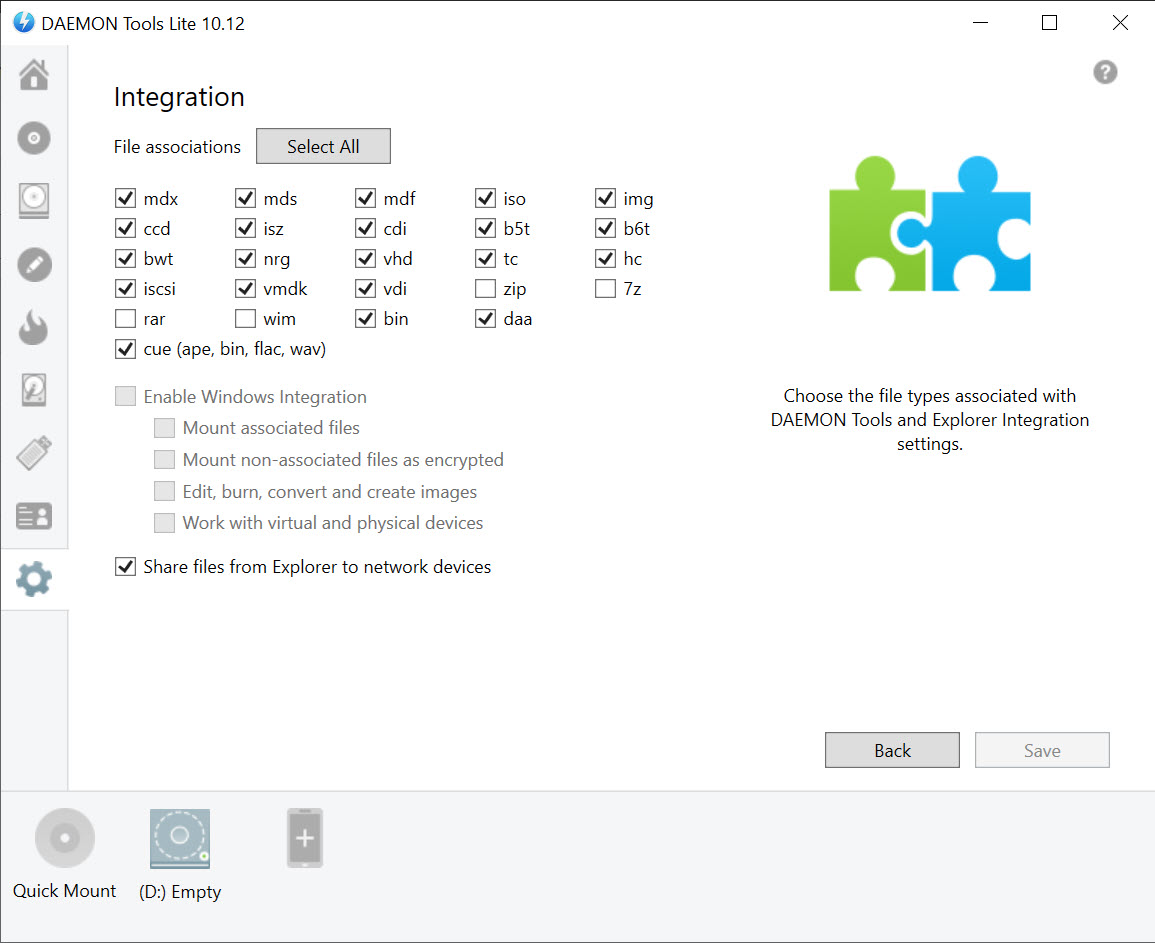
More importantly, it leaves out audio. A disc image containing music tracks rather than files cannot be mounted by the built-in handling at all, and this is one of the few tools that reads those properly. Anybody who archived a music collection as image files rather than as audio files will find that gap immediately.
Creating images from discs in those formats is the other half, and ImgBurn is what most people used to produce them in the first place.
Emulation is not the same as mounting
Here is the distinction that explains why simpler alternatives sometimes fail where DAEMON Tools Lite succeeds, and it is worth understanding rather than treating as marketing.
Mounting presents the contents of an image as a drive containing files. Emulation presents a virtual optical drive that behaves like the hardware, including how it reports itself, how it handles the disc structure and how it responds to being interrogated.
Software written for physical discs sometimes checks more than whether the files are present. It may examine the drive, read the disc layout, or expect responses that a simple file-level mount does not produce.
The practical result is a class of older programs and games that work here and not with simpler mounting tools. People report exactly this, meaning a title that runs but stays silent because it cannot find its audio tracks, or one that refuses to start because the drive does not look like a drive.
Where the requirement is only extracting files from an image, an archiver that opens image files directly does that without mounting anything.
The virtual drive is a driver, and that has consequences
The DAEMON Tools Lite mechanism producing that emulation is a low-level storage driver, and installing one is a more invasive act than installing an application.
That driver sits in the storage stack, which is why the emulation is convincing and also why conflicts occur. Reports of problems after installing tools of this kind have followed the software for years, meaning games refusing to start, storage-related errors and occasional crashes.
The pattern in those reports is inconsistency rather than universality. The same version works perfectly for most people and breaks something specific for others, which makes it difficult to predict and difficult to diagnose, since the symptom appears in the affected program rather than in the tool that caused it.
The practical guidance follows from that. If something starts misbehaving after installing this, particularly anything touching storage or optical drives, the driver is a reasonable first suspect, and removing the software properly rather than deleting its folder is the way to test.
Will it get me banned
This DAEMON Tools Lite question comes up constantly and deserves a plain answer, because the worry is understandable and misplaced.
A virtual drive presents a disc to the system. It does not modify a game, read a game’s memory, or interfere with how a game runs, so it sits in a different category from the software that anti-cheat systems are designed to detect.
What can happen is a game refusing to launch while a virtual drive is present, because some publishers treat drive emulation as a signal worth blocking regardless of what it is used for. That is a refusal to run rather than a penalty, and it is a decision made by whoever publishes that game.
So the answer is that a virtual drive does not produce a ban, and it can produce a game that will not start until you disable the drive.
The reputation problem, and the question everybody asks
Being direct about this, because it is the single most repeated thing said about DAEMON Tools Lite and readers will have encountered it.
For years the installer bundled additional software, and the complaint in community discussions was specific rather than vague. People reported that carefully declining the usual offers was not always enough, which is what turned a widely recommended tool into one that regular users started warning each other away from.
The question that follows appears in thread after thread, unanswered. People ask whether the situation has improved and report being unable to find a clear answer either way.
The honest response is that installers change over time and reputations do not, so the sensible approach is the one that applies to any installer of this kind. Read every screen, choose the custom or advanced path where one is offered, and treat a large highlighted button with suspicion.
For the same job from a tool with none of that history, MagicDisc mounts the older formats and is considerably simpler, in exchange for being unmaintained.
Making images, not just reading them
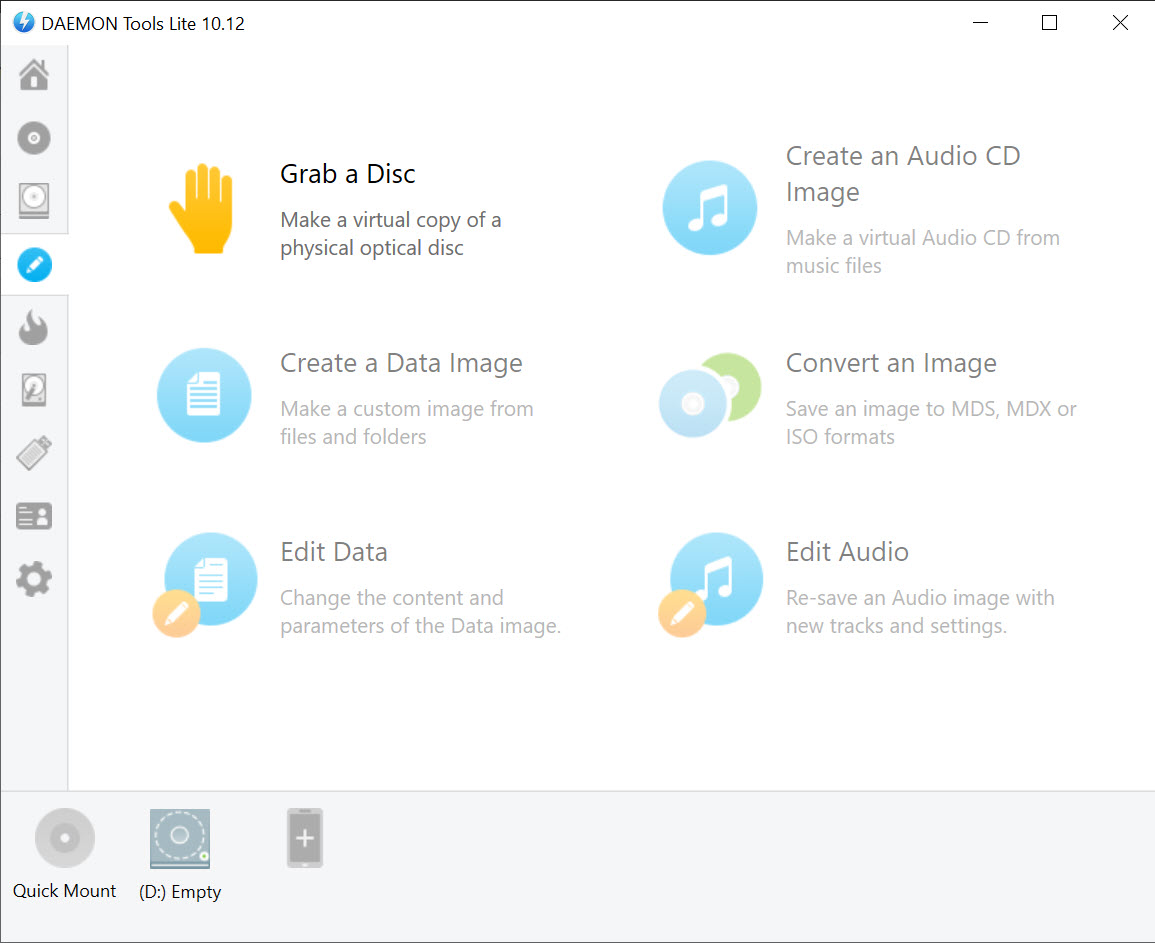
Beyond mounting, DAEMON Tools Lite creates images from physical discs, which is the other reason the software exists.
That matters for anything you own on a disc and want to keep. Optical drives are vanishing, discs degrade, and an image on a hard drive outlives both.
The formats offered include the plain standard one and the maker’s own, which compresses and can be split across several files. The proprietary format is smaller and only this software reads it, which is a trade worth thinking about for anything you intend to keep for years.
For converting between image formats afterwards, a tool built for converting and extracting images handles that side.
What the free tier holds back
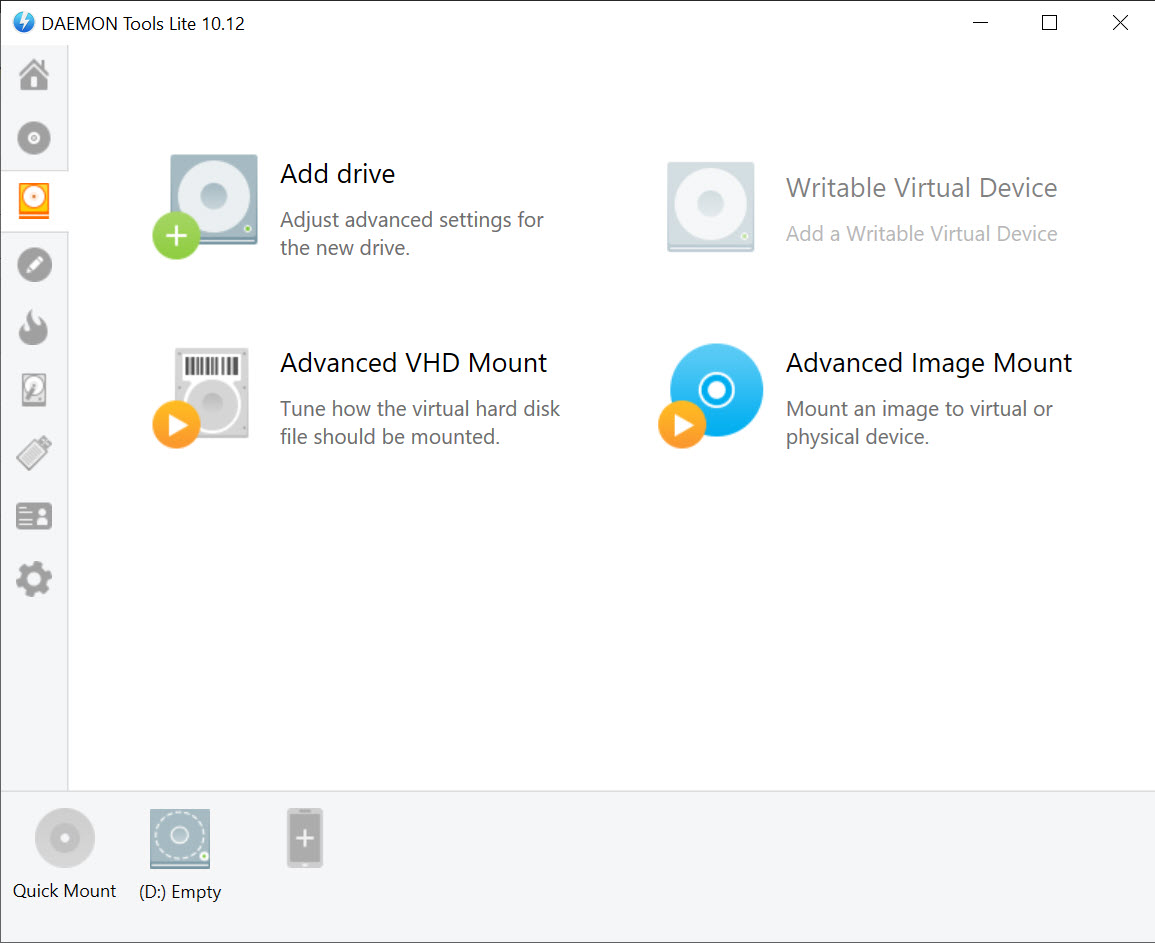
The unpaid DAEMON Tools Lite covers a limited number of virtual drives simultaneously and withholds the more elaborate capabilities.
The drive count rarely matters, since almost nobody mounts several images at once. Advanced emulation options, writing to physical media and the specialised container handling belong to the paid versions.
Advertising appears in the free version, which people either ignore or treat as reason enough to look elsewhere.
Where it fits now
The DAEMON Tools Lite audience has narrowed to something specific, and it is a real audience.
Somebody with a collection of images in older formats, somebody running software that expects a genuine optical drive, or somebody archiving discs before the drive fails all get something here that the built-in handling does not provide.
Everybody else is installing a storage driver to do a job the system already does with a right-click, and that is a poor trade whatever the software’s history.
For writing an image to a physical stick rather than mounting it, Rufus prepares bootable media properly, which is a different operation with its own decisions.
Conclusion
DAEMON Tools Lite solved a problem that the system has since absorbed, and what remains is the part the system never covered. Audio images, the older container formats and software that wants a drive rather than a folder are all genuine gaps, and this fills them more thoroughly than the simpler alternatives.
Weigh the two costs honestly. It installs a low-level storage driver with a documented history of conflicting with specific software, and its installer carries a reputation that community discussions have not resolved in its favour. If your images open with a right-click, you do not need any of that. If they do not, this is the tool that reads them, and installing it carefully is the way to do it.
Pros & Cons
- Handles image formats the system does not recognise, including audio images
- Emulates a drive rather than exposing files, which older software sometimes requires
- Creates images from physical discs before the disc or the drive fails
- Its own format compresses and can be split across multiple files
- Mounts several images at once, within the free tier's limit
- Long-established, so answers to most problems already exist in public discussion
- The system already mounts the common format with no software at all
- Installs a low-level storage driver, which has a history of conflicts
- Some games refuse to launch while a virtual drive is present
- The installer's bundling history is the software's most repeated criticism
- Advertising in the free version, with capabilities held back for the paid ones
- The proprietary image format is readable only by this software
Frequently asked questions
Not for the common format, which the system mounts on its own through a right-click. It is needed for the other formats, for audio images the built-in handling refuses, and for software that expects a real optical drive rather than files.
Because it emulates a drive rather than presenting files. Software written for physical discs sometimes examines the drive itself or the disc layout, and a file-level mount does not satisfy those checks.
No. A virtual drive presents a disc and does not touch how a game runs, so it is not what anti-cheat systems look for. Some games do refuse to start while drive emulation is present, which is a refusal rather than a penalty.
That question is asked repeatedly in community discussions and rarely answered clearly. Installers change and reputations persist, so read every screen, take the custom installation path, and decline anything unrelated to what you came for.
Most likely the storage driver it installs, which sits at a low level and has a long history of conflicting with specific software. Removing the program properly rather than deleting its folder is how to test that theory.
Only for images you do not need to read elsewhere. It compresses and splits usefully, and nothing else opens it, which matters for anything you intend to keep for years.


