

CCProxy
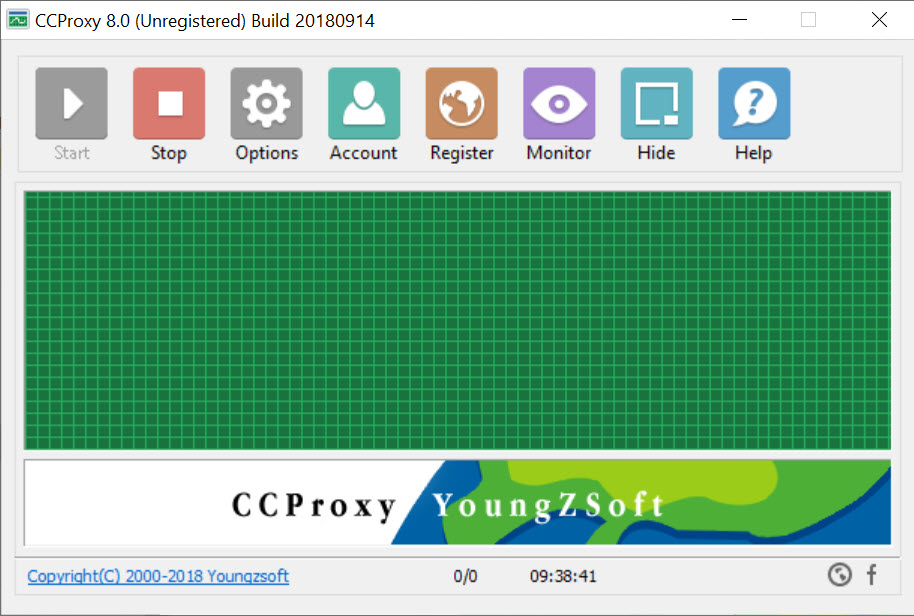
About CCProxy
Sharing one internet connection across several machines used to require software, and CCProxy was built for exactly that. A router now does the same job the moment you plug it in, which means the original reason to install this has largely gone.
What has not gone is everything CCProxy wrapped around the sharing. Deciding which machine may reach which sites, when each one is allowed to connect at all, how much bandwidth any of them may take, and keeping a record of what each one did.
A home router handles those badly or not at all, and that gap is where this still earns its place.
Control per user rather than per network
The CCProxy distinction that matters is granularity. A router applies rules to the network, and this applies them to individual accounts.
Accounts are identified by address, by hardware address, by username and password, or by combinations of those, which means a rule can follow a person rather than a socket.
From there the controls are specific. One machine gets unrestricted access, another is limited to a list of permitted sites, a third may connect only between certain hours, and a fourth is capped at a bandwidth that stops it consuming the line.
Time restrictions are the feature people actually install it for. Deciding that a particular machine cannot reach the internet after ten in the evening is trivial here and awkward on most consumer routers.
For deciding which programs on a single machine may reach the network at all, rather than which machines may reach which sites, simplewall answers that with a firewall instead.
Every device has to be told to use it
Here is the practical CCProxy obstacle, and it is larger now than when the software was designed.
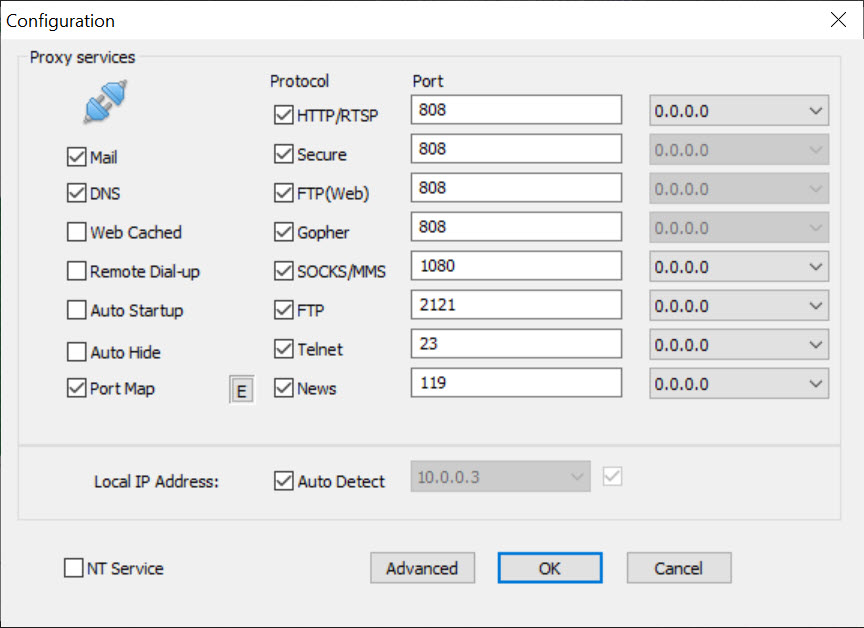
A proxy only sees traffic that was sent to it. Each device needs configuring to route through the proxy, which was straightforward when devices were desktop computers with a settings dialog.
Modern devices complicate that considerably. Phones and tablets honour proxy settings inconsistently, and a great many applications ignore the system proxy entirely and connect directly, which means they escape both the controls and the logging without anyone noticing.
The consequence is that a proxy is no longer a chokepoint unless the network forces traffic through it. Anybody expecting complete control from proxy settings alone will find gaps, and the gaps are precisely where the applications people worry about tend to live.
Encryption limits what it can filter
The second CCProxy limitation is the one every proxy of this kind meets.
Almost all traffic is now encrypted. The proxy can see which host a device is contacting and can allow or block on that basis, and it cannot see or filter what travels inside the connection.
So blocking a site works, and filtering content within a permitted site does not. That covers most of what people want, and knowing which half you are getting saves an argument later.
Filtering the content itself requires decrypting it, which is a different arrangement with its own consequences, and Privoxy is where that trade is normally made deliberately.
The logging is monitoring, and that needs saying
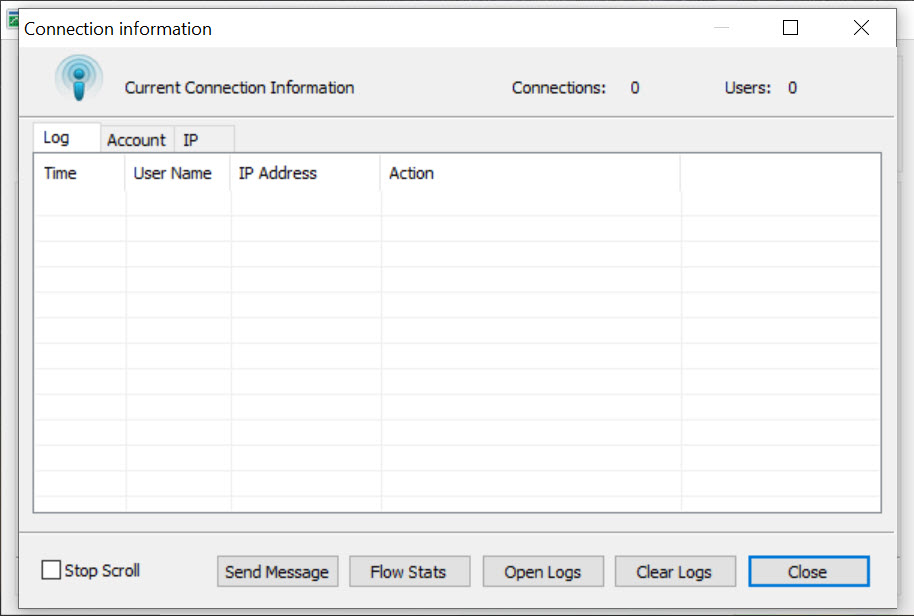
CCProxy logs record what each account reached and when, which is unremarkable in one setting and something else in another.
In a small office, logging network use is ordinary administration and generally expected. In a household, the same feature is a record of what family members did online, and installing it quietly is a different act from installing it openly.
That is not an argument against the feature, which has genuine uses including working out which machine is consuming the connection. It is an argument for the people on the network knowing the logging exists, particularly where they are adults.
Where the question is simply which program is using the connection on your own machine, a monitor that attributes traffic to individual programs answers that without involving anybody else.
Caching, and whether it still helps
CCProxy caches what has been fetched, so a second request for the same thing is served locally.
That mattered enormously when connections were slow and content was static. It matters far less now, since most pages are assembled per request and encrypted content cannot be cached by an intermediary at all.
Expect modest benefit on a network where several machines fetch the same large unencrypted files, and nothing noticeable otherwise.
Who it suits now
CCProxy suits a small office or a workshop with a handful of machines, one person responsible for them, and a genuine need to control access per machine rather than per network.
That situation is real and the software fits it well. What it no longer suits is the original case of sharing a connection, which the router already did before you finished reading this.
Establishing what is actually on the network is the first step either way, and Angry IP Scanner lists everything that answers.
Conclusion
CCProxy has outlived its original purpose and kept a narrower one. Connection sharing belongs to routers now, and per-account control over who may reach what, when, and at what bandwidth remains properly awkward without something like this.
Weigh the two structural limits before relying on it. Devices and applications that ignore proxy settings escape everything it does, and encrypted traffic can be blocked by destination but not filtered by content. Where you control the machines and want rules that follow people rather than sockets, it does that job well.
Pros & Cons
- Rules apply per account rather than to the whole network
- Accounts identified by address, hardware address or credentials
- Time restrictions per machine, which most consumer routers handle poorly
- Bandwidth caps per user, so one machine cannot take the whole line
- Connection logging per account, useful for finding what consumes the connection
- Handles several protocols rather than web traffic alone
- Each device must be configured to use it, and many applications ignore proxy settings
- Encrypted traffic can be blocked by destination but not filtered by content
- Caching delivers far less benefit than it did when connections were slow
- The connection sharing it was built for is now a router's default behaviour
- Logging network use in a household is monitoring the people in it
- Free for only a small number of users
Frequently asked questions
No. Any router does that by default, so the original purpose has been absorbed by hardware. What remains useful is the per-account access control and logging around it.
Because a proxy only handles traffic sent to it, and many applications ignore the system proxy setting and connect directly. That leaves gaps in both the controls and the logs unless the network itself forces traffic through the proxy.
Not on encrypted connections, which is nearly all of them. It sees which host is being contacted and can block on that, and the content inside the connection is not visible without decrypting it.
For devices configured to use the proxy, yes, and it is one of the clearer reasons to install it. A device that bypasses the proxy is unaffected, so it works best where you control the machines.
It records which destinations each account reached and when. In an office that is ordinary administration, and in a household it is a record of what the people living there did, which they should know about.


