

AirDroid
About AirDroid
Getting a file from a phone to a computer should not require a cable, an email to yourself or a cloud account you barely remember joining. AirDroid removes all three, putting the phone’s contents in a browser window or a desktop application and letting you work with it from a keyboard.
AirDroid moves files both ways, messages can be read and written, notifications from the phone appear on the computer, and the screen can be mirrored and controlled.
The thing that decides whether it suits you is not any of those features. It is which of two connection modes you will be using, because they are governed completely differently.
Same network or different network changes everything
Here is the AirDroid distinction that explains every complaint and every recommendation, and almost nothing states it plainly.
When the phone and the computer are on the same network, the connection is direct between them. In that mode the unpaid account has no data limit and no file size limit, and the features work as described.
When they are on different networks, traffic routes through the maker’s servers instead, and that is where the restrictions live. The unpaid account gets a small monthly data allowance, a small ceiling on individual file sizes, and the remote camera is unavailable entirely.
The maker states this openly, which is that everything is available without paying while both devices sit on the same network.
So the honest framing is that this is a capable local tool that is free, with a paid tier for reaching your phone from elsewhere. Somebody transferring files at home hits none of the limits, and somebody using it from an office to reach a phone at home hits all of them.
For the same local job without any account or cloud component whatsoever, MyPhoneExplorer synchronises directly between the two devices.
What the account actually means
The AirDroid account is required, and what that entails deserves stating.
Signing in ties both devices to an identity held by the maker, which is what allows them to find each other across networks. That is the mechanism, not an afterthought.
Community discussion returns repeatedly to what that implies. The permissions the phone application requests are broad, since reading messages, browsing files and controlling the screen all need them, and the routing means remote-mode traffic passes through infrastructure you do not control.
Nothing here is hidden and none of it is unusual for the category. It is simply a different trade from the account-free tools, and knowing which trade you are making is the point.
The remote camera deserves stating plainly
One AirDroid feature changes what the software is, and it should be described rather than listed.
The phone’s camera can be switched on remotely and viewed from the computer, turning the device into a monitor for whatever room it sits in. The legitimate uses are real, meaning checking on a home while away, watching a pet, or seeing where a lost phone has ended up.
The same capability on somebody else’s phone is surveillance. The application is visible on the device and requires an account signed in on it, so this is not something installed covertly, and the responsibility sits with whoever sets it up.
Installing it on a phone belonging to another adult without their knowledge is not a grey area. If the arrangement is for a family member, they should know it exists and what it can do.
Messages and notifications on the keyboard
The AirDroid part people use daily turns out to be the least dramatic one.
Messages arrive on the computer and can be answered from a proper keyboard, which for anybody who types long replies justifies the whole arrangement on its own. Notifications from the phone appear alongside them, so it can stay in a bag.
Contacts and call logs are reachable, and the file browser reaches what the phone permits, with the camera roll available for pulling photographs across without hunting through folders.
The screen mirroring works and it is not the reason to choose this, since tools built specifically for that do it better. Vysor mirrors and controls a phone over a cable with no account involved.
The web client is the underused half
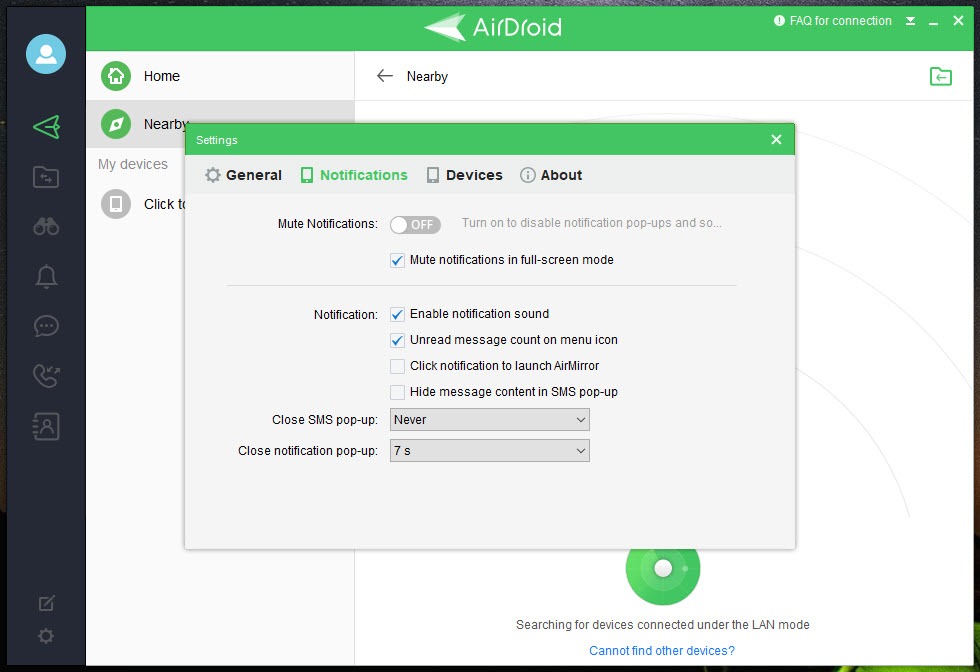
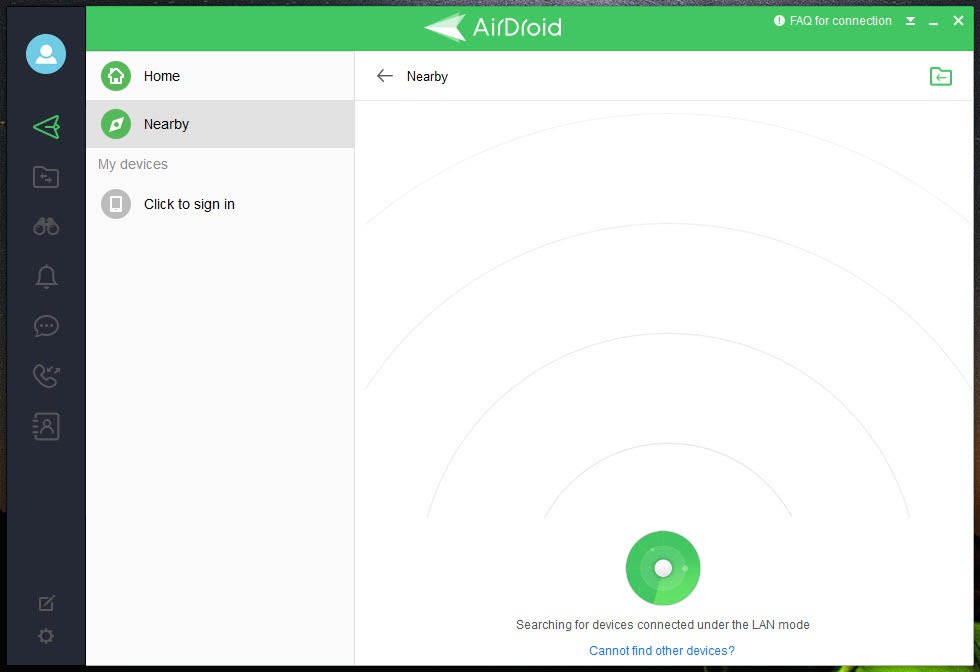
AirDroid works through a browser as well as through the desktop application.
That matters on a machine where you cannot install anything, meaning a work computer, somebody else’s machine or a public one. Signing in through a browser gives the same file access and messaging without leaving anything behind.
The obvious caution applies. Signing into an account that reaches your phone, on a machine you do not control, is a decision to think about rather than a convenience to enjoy, and signing out properly afterwards matters more than usual.
For simply moving a file between two machines with no account and no persistent access, Send Anywhere uses a one-time key instead.
Conclusion
AirDroid is two products sharing a name. On your own network it is a capable, unrestricted tool for moving files, answering messages from a keyboard and reaching a phone that is charging in another room, and it costs nothing. Away from that network it becomes a subscription for remote access, and the free limits are tight enough that nobody uses it seriously that way without paying.
Decide which of those you actually need before installing anything. If the answer is the local one, this does the job well and the account is the price. If it is the remote one, weigh what routing through somebody else’s servers means to you, and if the remote camera is part of the plan, make sure everyone whose phone is involved knows about it.
Pros & Cons
- No data or file size limits while both devices are on the same network
- Messages readable and writable from a proper keyboard
- Notifications from the phone mirrored onto the computer
- Works through a browser as well as an installed application
- Camera roll and file browser reachable without hunting through folders
- Screen mirroring and control included
- An account is required, tying both devices to an identity held by the maker
- Remote mode routes through infrastructure you do not control
- Free remote use is capped tightly on data and file size
- The remote camera makes covert use possible if installed on somebody else's phone
- Broad permissions on the phone, since the features require them
- Screen mirroring is bettered by tools built for that alone
Frequently asked questions
Everything, while the phone and computer are on the same network, with no data or file size limits. Across different networks the unpaid account gets a small monthly allowance, a low file size ceiling, and no remote camera.
Yes. Signing in is what lets the devices find each other across networks, so it is the mechanism rather than a formality, and it means the maker holds the identity linking your devices.
It depends entirely on whose phone it is on. On your own device it watches a room you chose. On somebody else's, installed without their knowledge, it is surveillance, and the application being visible on the phone does not change whose decision that was.
Almost certainly because you are in remote mode rather than on the same network. Local transfers have no size limit, and remote ones are capped for unpaid accounts.


