

Mirroid


 (154 votes, average: 3.84 out of 5)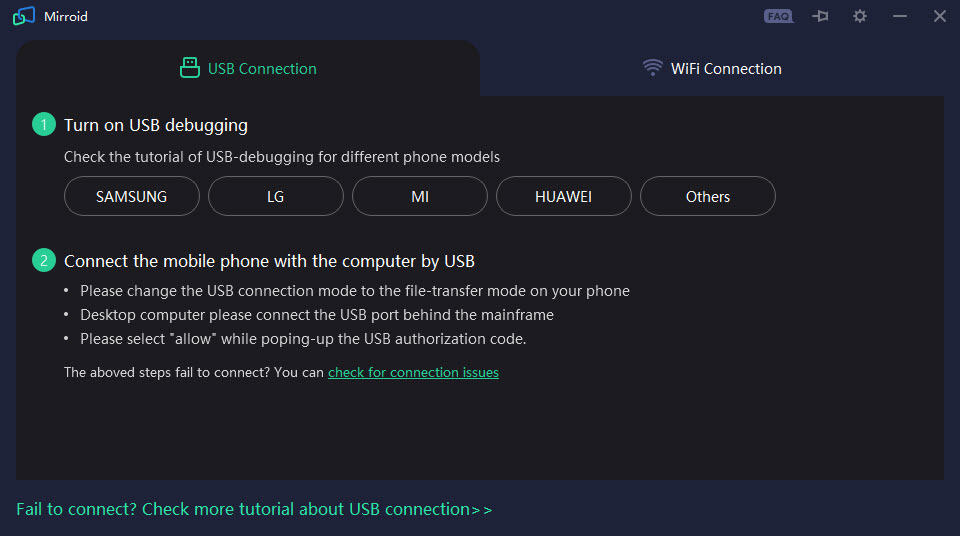
About Mirroid
Connect to your Android device and use the keyboard and mouse with it by using Mirroid, a tool that will enable you to do just that and act in the background.
Android is one of the most popular operating systems for mobile devices, and for good reasons. It has some of the best capabilities in terms of customizability, and it’s also easy to use.
Users can choose from thousands of apps in the store and create an environment completely suited to their taste.
However, some might want to try it on a larger screen and use it with the keyboard and mouse. To do that, users can use an app like Mirroid, which will enable them to connect their Android devices to their screens and use them with the mouse and keyboard.
Connect your computer to the phone via the USB and get started.
Use Your Phone with a Mouse and Keyboard
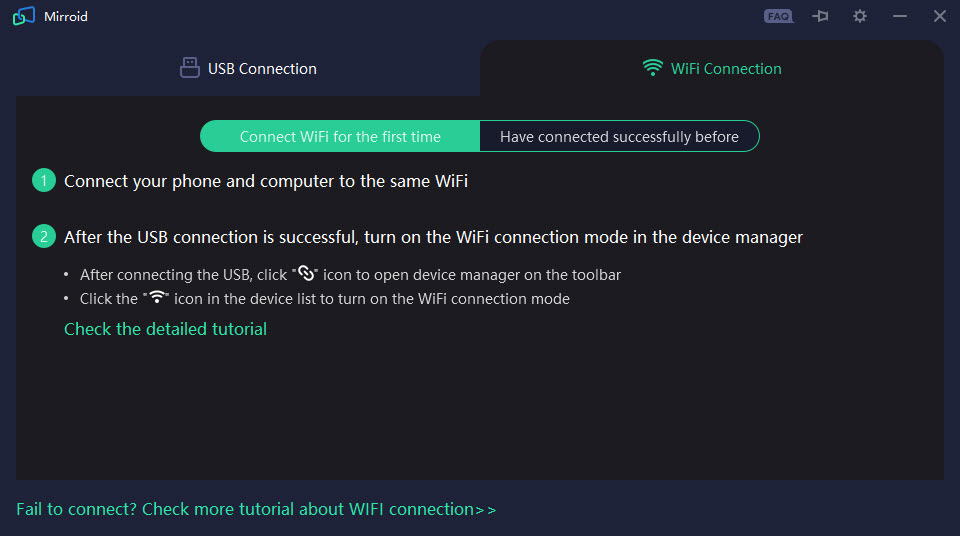
Android is already great to use with your phone. But before you start using this application, you’ll need to ensure your phone is connected to your computer.
You can use the USB connection to enable that and start. Use the USB cable to connect your phone to your computer.
See the Device’s Screen and Configure It
With Mirroid, you’ll be able to see your phone screen on a much larger screen, on the screen you’re using with your computer. It might seem weird at first. But you’ll get used to the larger screen after some time, and you might find it nice.
Of course, having a bigger screen is useful for some people who need it, and it can come in handy for developers or gamers.
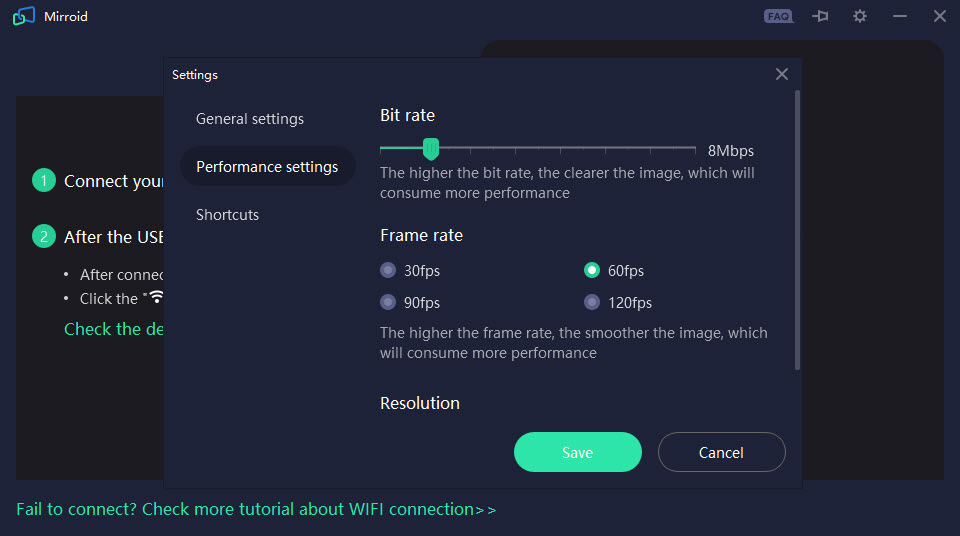
You can also adjust how your mouse and keyboard behave. With the presets inside the app, you can completely customize each button by clicking on your mouse.
Conclusion
Mirroid is a great app to connect your phone to your computer and use it with your mouse and keyboard.


