

KakaoTalk
About KakaoTalk
KakaoTalk is South Korea’s dominant messaging app, used by something close to the entire population of the country and exported worldwide as the way to keep in touch with anyone living, working, or studying in Korea. The desktop client is the Windows version of an experience that started on mobile in 2010 and has grown into one of those regional super-apps that does messaging, voice and video calls, mobile gifting, public channels, and a sticker culture all its own.
For users outside Korea, this is rarely the primary messenger. It earns a spot on the desktop because someone you talk to (a friend in Seoul, a Korean colleague, a K-pop or K-drama community you’re part of, family on the other side of the planet) uses it as their default.
Once it’s installed, the experience is dense, fast, and tightly integrated with the mobile app you’ll also be running on your phone.
Why this matters outside Korea
The Korean market context is hard to grasp without seeing it. KakaoTalk has near-universal adoption inside South Korea, with the app embedded in banking, transportation, government services, and digital identity. People don’t really exchange phone numbers there anymore, they exchange Kakao IDs.
The desktop client carries this mental model with it, so the assumption baked into the design is that everyone you’d want to talk to is already on the platform.
For the non-Korean user, that translates into a specific use case. You install this because someone important to you uses it, and switching them to Telegram Desktop or Signal Desktop isn’t an option since their entire social graph lives inside Kakao. This is the same dynamic that pulls Western users into WeChat for China contacts or LINE for Japan, and the experience of using KakaoTalk as a secondary messenger is similar.
Account setup and the mobile pairing requirement
Setup is where international users hit their first hurdle. The desktop client assumes you already have an account, which means setting it up on your phone first using a Korean or international phone number. The mobile app sends an SMS verification code that needs to match a real number you control, and Kakao has gotten progressively stricter about verifying phones, especially numbers from regions with high fraud risk.
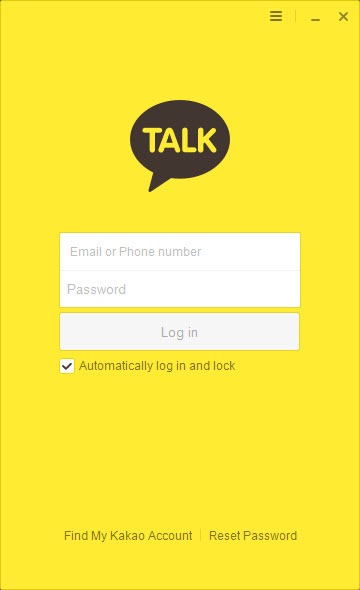
Once your mobile account is active, the desktop client logs in either with your email and password or with a QR code scan from the mobile app. The QR method is faster and the one most users settle on. Your phone stays paired to the desktop session, message history syncs across both, and you can use the PC as the primary typing interface while keeping the phone for quick replies on the move.
Messaging core and what makes it different
The base messaging experience is what you’d expect. One-to-one chats, group chats up to several hundred people, text with rich formatting, photos, videos, files, voice messages, and message replies that quote the original. Read receipts work differently than in WhatsApp or Telegram Desktop. The unread count shows the number of group members who haven’t read your message yet, counting down as people see it. This is one of those small details that feels foreign at first and then becomes normal.
Message search across history works on the desktop and is faster than on mobile, which is one of the practical reasons to bother with the PC client at all. Long conversations with years of history can be searched by keyword, by date range, or by sender, and the results jump you to the exact message in context.
The interface is information-dense in a way that’s typical of East Asian messaging apps. Lots of small icons, sub-menus, contextual options on right-click. Users coming from minimalist Western apps will spend the first few weeks not realizing how many features exist.
The Kakao Friends sticker culture
Stickers and animated emoticons are central to how people communicate on this platform. The Kakao Friends characters (Ryan the lion, Apeach the peach, Muzi the rabbit-in-yellow-suit, Frodo the dog, Neo the cat, Tube the duck) are a national franchise in Korea with their own retail stores, branded products, and cultural recognition.
The basic free sticker packs cover most situations, but the paid sticker store is where the platform actually monetizes the messaging side. Sticker packs run a few dollars each, get released by Korean illustrators and brands constantly, and tend to be high-quality animated sets rather than the static images you’d find on lower-end stickers elsewhere. Gifting sticker packs to friends is a thing people actually do, similar to how Viber handled stickers in its earlier years but with a much bigger creative ecosystem behind it.
The desktop client renders stickers cleanly, with animated ones playing inline rather than as static thumbnails. The sticker picker is one of the better-designed parts of the UI.
Voice and video calling
Free voice and video calls work over the internet between KakaoTalk users, and they’re free regardless of where you and the other person are physically located. Audio quality is decent, video quality scales with bandwidth, and group voice calls work for several participants without dropping into chaos.
The calling layer has its limits. Screen sharing is more recent and less polished than what dedicated tools offer. Call recording isn’t built in and using third-party tools like Amolto Call Recorder for similar messengers doesn’t extend here. Background blur and noise cancellation work but aren’t as refined as in business-focused video tools.
For most users, the calling features are a nice extra rather than the main reason to install. The messaging side carries the experience.
Open chats, channels, and the social layer
OpenChat is the anonymous group chat feature that lets you join interest-based rooms without revealing your account name or profile. K-pop fandoms, expat communities, language exchange groups, hobby circles all run on OpenChat. The desktop client handles these well, and search-based discovery of public open chats is one of the genuinely interesting features that don’t have direct parallels in Western messengers.
Channels (the broadcast layer where businesses, celebrities, and creators post one-way updates) function more like a social feed than a chat. You follow channels you care about and see posts, promotions, and announcements in a separate tab.
This is where the platform’s super-app nature comes through, with shopping integration, customer service bots, and brand engagement all happening inside the same app.
The friends list, photo profiles, status messages, and the small social interactions around them are also more developed than in most Western messengers. A friend’s profile photo changing, their status message updating, or them posting a new background image are all signals the app surfaces in subtle ways.
Desktop interface quirks
Two things stand out about the Windows client. First, the default language is Korean, and switching to English is a settings option that’s not obvious to find. Once switched, some UI elements remain in Korean because they pull from server-side data that’s locale-dependent. You’ll learn to recognize a few Hangul characters by sight for menu navigation.
Second, the desktop client doesn’t have full feature parity with mobile. Some functions (KakaoPay payments, certain channel interactions, some sticker store features) work only on the phone. The desktop is positioned as the typing-and-reading interface, with the phone as the full experience. Users who expect full feature parity, the way you’d get with Facebook Messenger desktop, will find the split annoying.
Notifications behave well. The system tray icon shows a badge for unread counts across all chats, and you can mute specific conversations without affecting others. Do-not-disturb scheduling is built in.
Privacy and the regional question
This is worth addressing directly. KakaoTalk is a Korean platform operated by a Korean company under Korean data law. End-to-end encryption is available through the Secret Chat feature, but it’s not the default for regular messages. Standard chats are encrypted in transit but accessible to Kakao on their servers, which has been the subject of various privacy discussions over the years.
For sensitive communications, Secret Chat is the option to use, but it’s a separate mode that has to be enabled per-conversation. For most everyday chatting with friends and family, the privacy posture is comparable to Facebook Messenger and weaker than Signal or fully encrypted Telegram conversations.
Users who care primarily about encryption-by-default will keep this as a secondary messenger rather than as a primary one.
Conclusion
KakaoTalk is the right install for one specific reason, which is that someone you need to talk to uses it as their primary messenger. If that’s not your situation, there’s no general case for adopting it over the messenger you already use. If it is, the desktop client is the better way to keep up with conversations than typing on a phone all day, and the search-across-history feature alone makes it worth the install.
For Western users picking up the app to stay in touch with Korea, expect a learning curve around the interface and the cultural conventions baked into how the platform works.
The sticker ecosystem is a small joy, the OpenChat feature opens doors to communities you can’t find elsewhere, and the voice and video calling works well enough for the international family-and-friends use case it tends to serve. As a secondary messenger sitting alongside your primary one, it earns the system tray space without much fuss.
Pros & Cons
- Essential if anyone in your contact list uses Kakao as their primary messenger
- Sticker and emoticon ecosystem is among the most developed of any messaging platform
- Desktop search across years of message history is fast and useful
- OpenChat anonymous group rooms enable interest-based communities not found elsewhere
- Voice and video calls are free between users regardless of location
- QR code pairing with mobile makes desktop setup quick once your account exists
- Free and active development with regular updates
- Account setup requires a working mobile phone number and the mobile app first
- Default interface is in Korean and switching to English doesn't fully translate everything
- Feature parity between desktop and mobile is incomplete, with some functions phone-only
- Standard chats aren't end-to-end encrypted by default
- International phone number verification can be inconsistent or fail entirely for some regions
- The information-dense interface has a learning curve for users coming from minimalist Western apps
Frequently asked questions
The platform is a Korean instant messaging and super-app developed by Kakao Corporation. It has near-universal adoption in South Korea and is the standard way people there exchange messages, make calls, send mobile payments, and follow brands.
No. Account creation requires a working mobile phone number for SMS verification, and the desktop client logs into an account that already exists on the mobile app. The phone is required to set up the account in the first place.
Regular chats are encrypted in transit but stored on Kakao servers in a form the company can access. Secret Chat is an end-to-end encrypted mode that has to be enabled per conversation and keeps message content readable only to the participants.
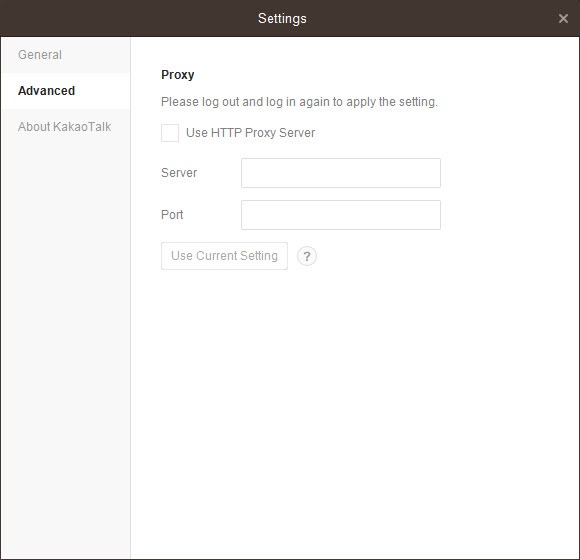
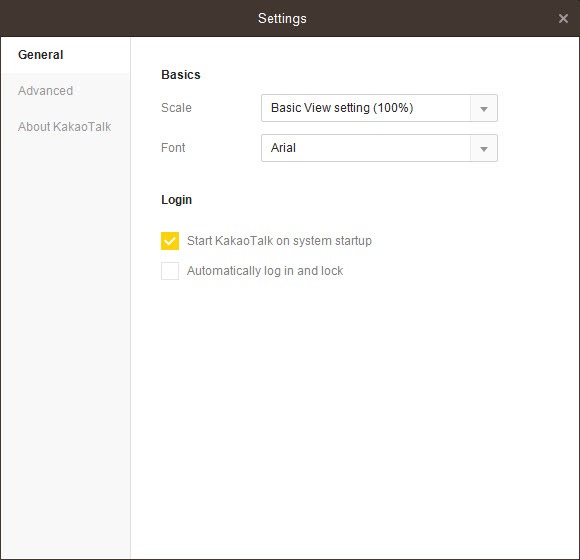
Open Settings and look for the Language option. Some UI elements stay in Korean because they pull from locale-dependent server data, but most menus and navigation switch cleanly.
Some basic sticker packs are included free with the app. The full sticker store is paid, with packs typically costing a few dollars each. Free promotional packs from brand channels are also available periodically.
Yes. Voice and video calls between users are free regardless of where the participants are located, as long as both have an internet connection. International rates only apply if you're using paid features to call non-Kakao numbers.
The mobile app has a chat backup feature that exports history to Kakao's servers or to a local file. The desktop client mirrors history through the synced account rather than maintaining a separate local backup.


