

TeamTalk
About TeamTalk
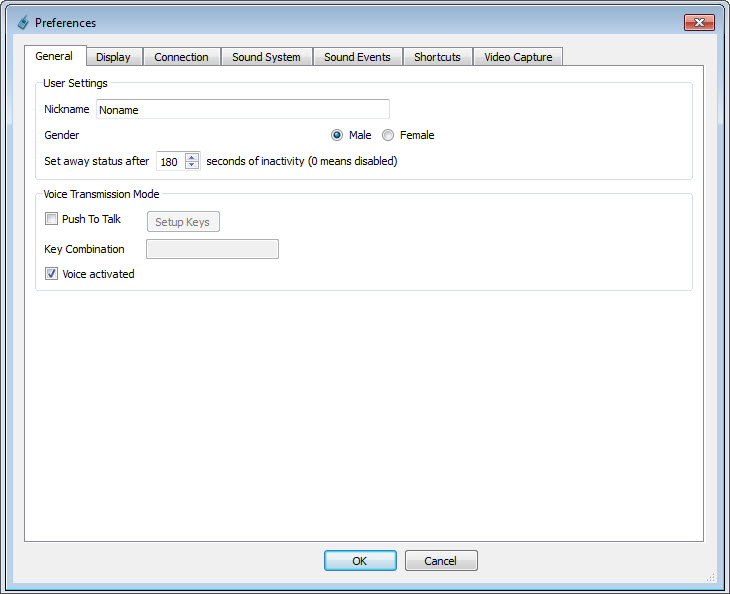
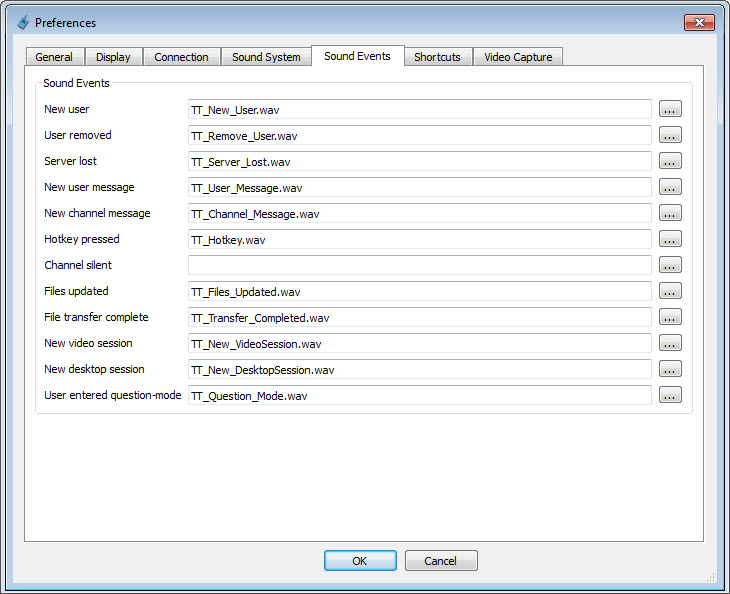
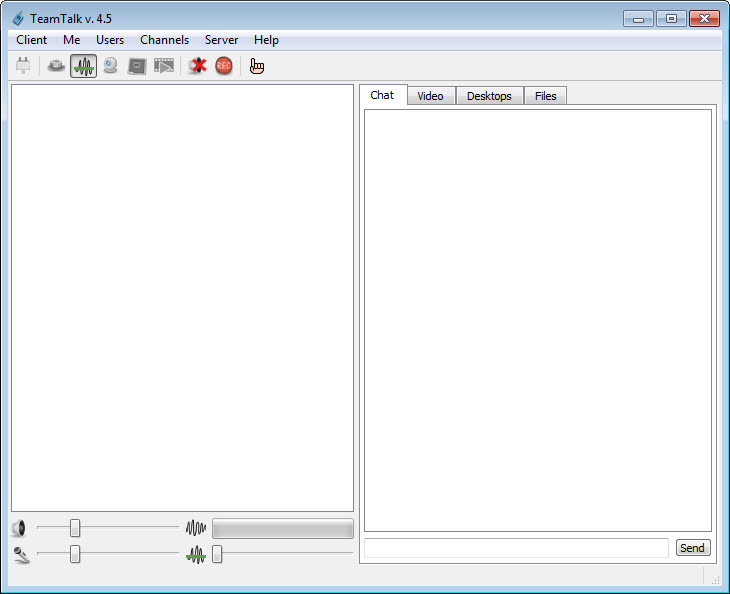
TeamTalk is a conferencing platform designed to enable clear, real-time communication through voice, video, text, and file sharing, making it ideal for group collaboration and community interaction. It allows multiple users to participate in a group conversation over the internet, combining high-quality voice and video conferencing with text chat and file sharing in one platform.
By organizing conversations into dedicated channels, the software creates a structured environment that keeps discussions focused and easy to follow.
Whether you are coordinating a project, hosting a virtual meeting, or staying in touch with friends, it delivers all the essential tools in a single, cohesive interface.
Voice and video conferencing
This platform is built for clear, natural-sounding communication. Low-latency audio ensures conversations flow smoothly, while noise suppression and echo cancellation maintain clarity even in less-than-ideal conditions.
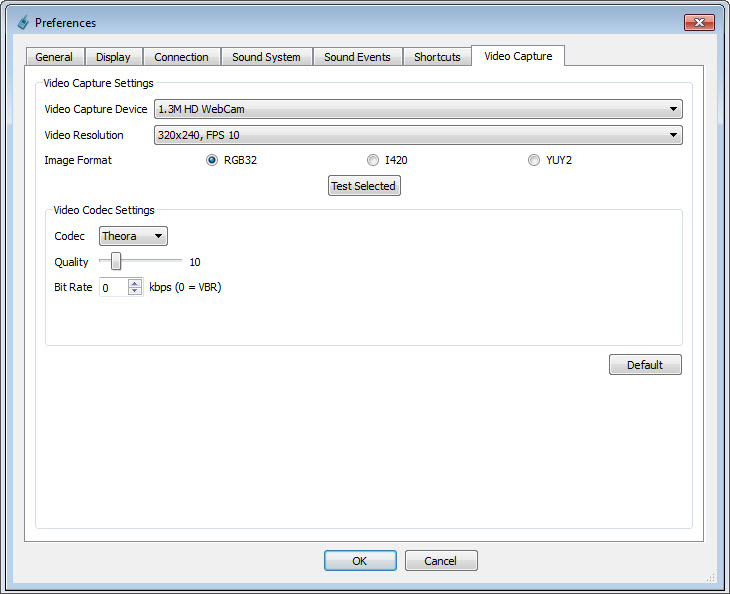
Video streaming adds a visual dimension to your discussions, making it suitable for presentations, training, and remote collaboration. Sessions can also be recorded, providing a valuable reference for interviews, lectures, or meeting recaps.
Text chat and file sharing
Integrated text messaging allows participants to exchange updates, links, or instructions without disrupting an ongoing conversation. The built-in file transfer feature makes it easy to share documents, images, and other media instantly, keeping all communication and resources in one place.
The platform supports both group and private messaging, giving you flexibility in how you share information and collaborate.
This seamless integration of tools reduces the need for multiple separate applications.
Channel management and permissions
Conversations are organized into channels, each with its own settings and permissions. Administrators can control who can speak, stream video, or share files, making it easy to manage both small groups and large communities.
User roles and access rights can be tailored to the needs of each channel, ensuring that discussions remain relevant, organized, and free of unnecessary interruptions.
Self-hosted server option
A key strength of this software is its ability to run on a self-hosted server. This gives you full control over data, performance, and privacy while eliminating dependence on third-party hosting.
For those who prefer not to manage their own infrastructure, publicly available servers are also accessible at no cost, offering flexibility in how you connect and collaborate.
Conclusion
TeamTalk delivers a complete and secure communication solution that blends voice, video, text, and file sharing into a single, well-organized platform. Its channel-based structure, flexibility between public and private servers, and support for conversation recording make it a strong choice for both casual groups and professional teams.
While its interface may not be the most modern, the performance, reliability, and feature depth ensure it remains a capable and dependable tool for online collaboration.
Pros & Cons
- High-quality voice communication with minimal latency
- Integrated voice, video, text, and file sharing in one platform
- Channel-based organization for focused, structured discussions
- Self-hosted server option for maximum privacy and control
- Access to public servers for free use
- Conversation recording for future reference
- Optimized performance even on slower internet connections
- Interface design may feel dated compared to modern collaboration tools
- Self-hosting requires some technical knowledge to configure and maintain
- Video quality is adequate but less advanced than specialized conferencing platforms
Frequently asked questions
Yes, the software supports a fully self-hosted server setup, giving you complete control over your communication environment.
Yes, it is optimized for efficient audio transmission and remains stable even with lower bandwidth.
Yes, you can send documents, images, and other media directly within a session.
Yes, encrypted connections are available to keep conversations and file transfers secure.
Yes, there are publicly accessible servers you can join for free without setting up your own.


